
 Sign in to Mod The Sims
 The beachy hideaway.
 The beachy hideaway.
SCREENSHOTS


Screenshot-66.jpg - width=1024 height=768
Bird eye
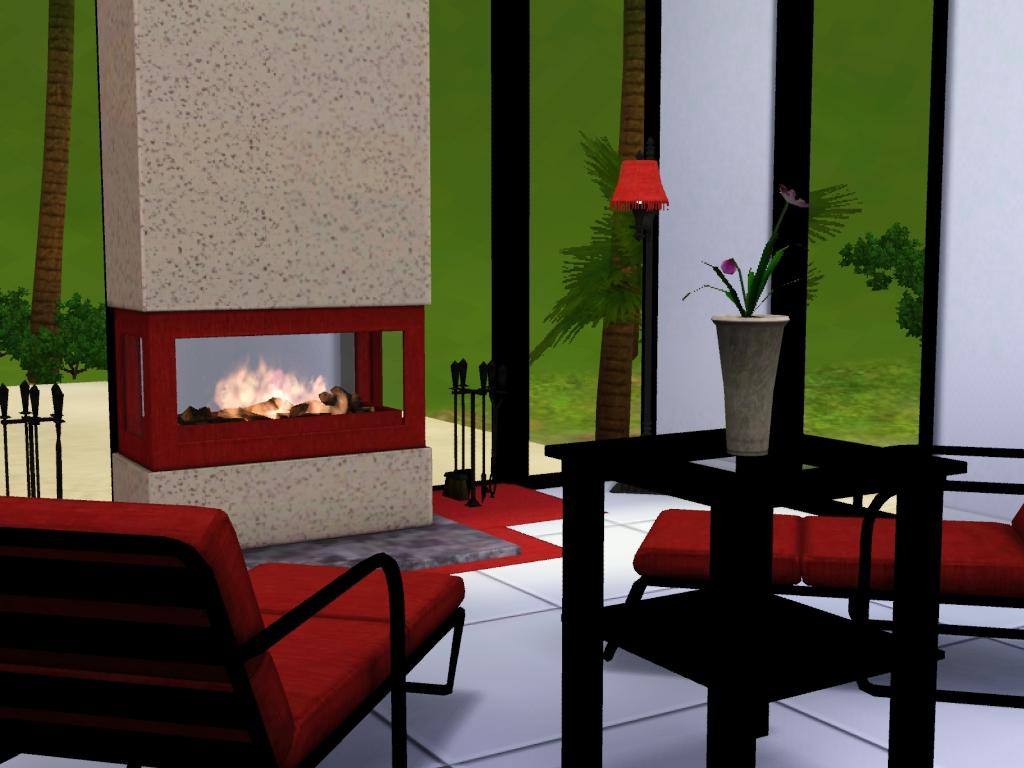
Screenshot-68.jpg - width=1024 height=768
Lounge
Mixxxx.jpg - width=932 height=760
Screenshot-69.jpg - width=1024 height=768
Dinning
Screenshot-72.jpg - width=1024 height=768
Other lounge
Screenshot-78.jpg - width=1024 height=768
Ground floor
Screenshot-79.jpg - width=1024 height=768
1st floor
Downloaded 190 times
98 Thanks
1 Favourited
9,987 Views
Say Thanks!
Thanked!
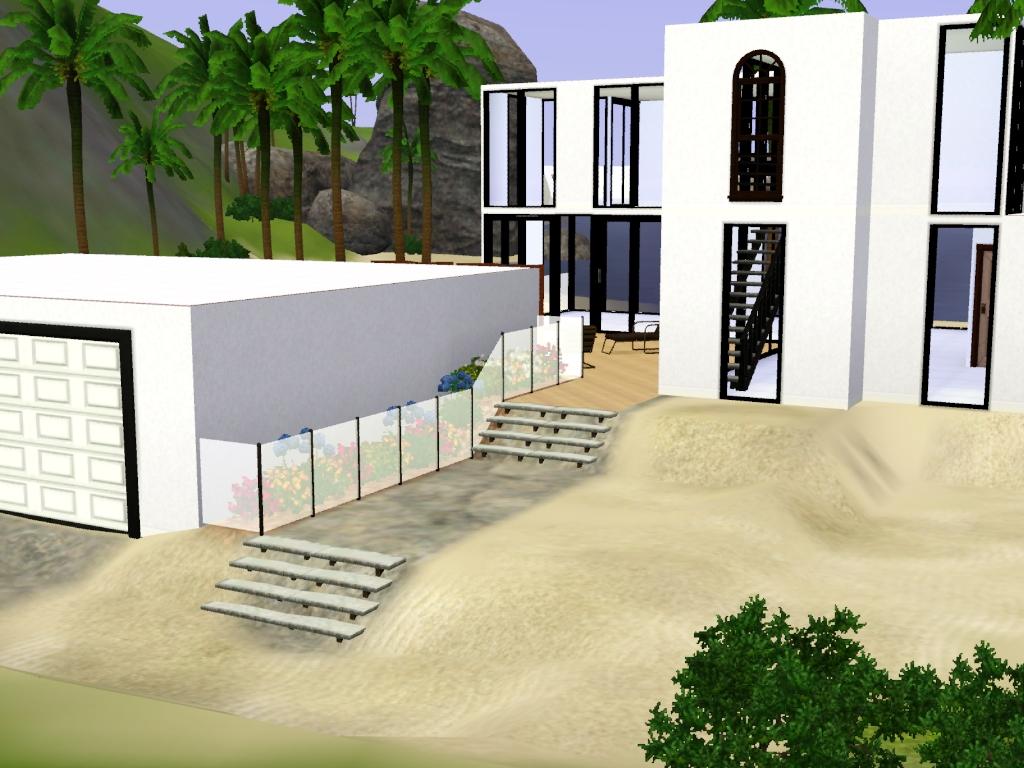
This so far is my favourite home i have made, i built it on the beach near where the landgraabs live, It doesnt actually have a road but a little path so its rather cute, okay this is what this beauty features...
1 Large bedroom
2 Bathrooms
An exercise room, but that can be converted into another bedroom or nursery.
Study
Dinning
A large outdoor entertainment area, and pool.
Easy access to the beach, if based on a beach lot
2 car garage
Although in the main picture you can't see the furniture i asure you its there. Just i was having issues with all the walls up ;l
But oh well, I hope you enjoy it. And press the thanks button if you download it

Furnished its:
$216, 897
And
Unfurnished its:
$73, 363
Its only such a big diff because of the two cars in the garage
Lot Size: 3x3
Lot Price: $216, 897
Advertisement:
|
Off the track Modern.zip
Download
Uploaded: 26th Jul 2009, 1.90 MB.
1,318 downloads.
|
||||||||
| For a detailed look at individual files, see the Information tab. | ||||||||
Install Instructions
Quick Guide:
1. Click the filename or the download button to download the file to your computer.
2. Extract the zip, rar, or 7z file.
2. Select the .sims3pack file you got from extracting.
3. Cut and paste it into your Documents\Electronic Arts\The Sims 3\Downloads folder. If you do not have this folder yet, it is recommended that you open the game and then close it again so that this folder will be automatically created. Then you can place the .sims3pack into your Downloads folder.
5. Load the game's Launcher, and click on the Downloads tab. Select the house icon, find the lot in the list, and tick the box next to it. Then press the Install button below the list.
6. Wait for the installer to load, and it will install the lot to the game. You will get a message letting you know when it's done.
7. Run the game, and find your lot in Edit Town, in the premade lots bin.
Extracting from RAR, ZIP, or 7z: You will need a special program for this. For Windows, we recommend 7-Zip and for Mac OSX, we recommend Keka. Both are free and safe to use.
Need more help?
If you need more info, see Game Help:Installing TS3 Packswiki for a full, detailed step-by-step guide!
1. Click the filename or the download button to download the file to your computer.
2. Extract the zip, rar, or 7z file.
2. Select the .sims3pack file you got from extracting.
3. Cut and paste it into your Documents\Electronic Arts\The Sims 3\Downloads folder. If you do not have this folder yet, it is recommended that you open the game and then close it again so that this folder will be automatically created. Then you can place the .sims3pack into your Downloads folder.
5. Load the game's Launcher, and click on the Downloads tab. Select the house icon, find the lot in the list, and tick the box next to it. Then press the Install button below the list.
6. Wait for the installer to load, and it will install the lot to the game. You will get a message letting you know when it's done.
7. Run the game, and find your lot in Edit Town, in the premade lots bin.
Extracting from RAR, ZIP, or 7z: You will need a special program for this. For Windows, we recommend 7-Zip and for Mac OSX, we recommend Keka. Both are free and safe to use.
Need more help?
If you need more info, see Game Help:Installing TS3 Packswiki for a full, detailed step-by-step guide!
Advertisement:
Loading comments, please wait...
Author

Download Details
Packs:
None, this is Sims 3 base game compatible!
Uploaded: 26th Jul 2009 at 1:45 AM
Uploaded: 26th Jul 2009 at 1:45 AM
Number of bedrooms:
– 1 Bedroom
Custom Content Included:
– None
: No Custom Content included
Furnishings:
– Fully Furnished
: Lot is completely decked out in furnishings
Special Flags:
– Beach Lot
Tags
Other Download Recommendations:







More downloads by alanabroo:
See more
-
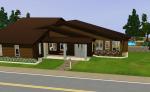
Modern inspired Hillside Home.
by alanabroo 19th Jul 2009 at 4:27am
Okay this is my first upload so i hope you enjoy :) This modern inspired hillside home is just more...
 1
9.5k
3
1
9.5k
3
