Sign in to Mod The Sims
 Edelweiss
 Edelweiss


Screenshot-4.jpg - width=960 height=768
Screenshot-2.jpg - width=960 height=768
Screenshot-57.jpg - width=960 height=768
Screenshot-25.jpg - width=960 height=768
Screenshot-34.jpg - width=960 height=768
Screenshot-44.jpg - width=960 height=768
Screenshot-47.jpg - width=960 height=768
Screenshot-48.jpg - width=960 height=768
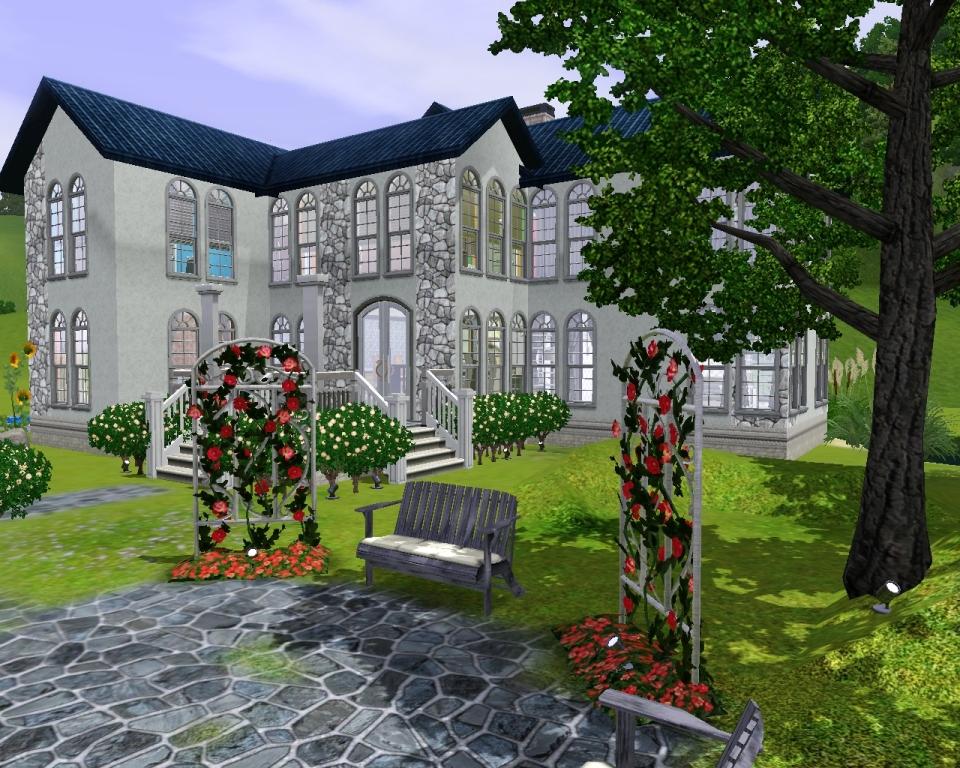
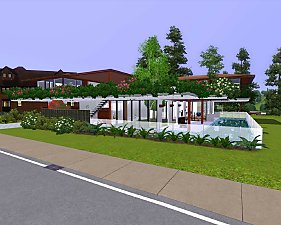
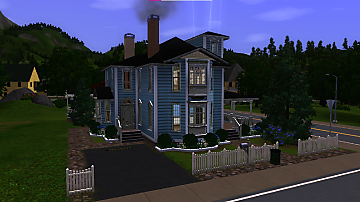
2 stories, 2 bedrooms, 2 bathrooms. 2 living rooms, 2 balconies.

There are many white and pink flowers outdoor. Also swimming pool, pond and the place for your car.
Lot size 40 * 30. Price -
- furnished - 166.539 $
- unfurnished - 83.790 $
I speak Russian and don`t know English very good, please understand.
I used HugeLunatic_LimboWindowShort – short windows for kitchen.
http://www.modthesims.info/download.php?t=362506
Lot Size: 4x3
Lot Price: 166539
|
Edelweiss.rar
Download
Uploaded: 31st Aug 2009, 2.07 MB.
640 downloads.
|
||||||||
| For a detailed look at individual files, see the Information tab. | ||||||||
Install Instructions
1. Click the filename or the download button to download the file to your computer.
2. Extract the zip, rar, or 7z file.
2. Select the .sims3pack file you got from extracting.
3. Cut and paste it into your Documents\Electronic Arts\The Sims 3\Downloads folder. If you do not have this folder yet, it is recommended that you open the game and then close it again so that this folder will be automatically created. Then you can place the .sims3pack into your Downloads folder.
5. Load the game's Launcher, and click on the Downloads tab. Select the house icon, find the lot in the list, and tick the box next to it. Then press the Install button below the list.
6. Wait for the installer to load, and it will install the lot to the game. You will get a message letting you know when it's done.
7. Run the game, and find your lot in Edit Town, in the premade lots bin.
Extracting from RAR, ZIP, or 7z: You will need a special program for this. For Windows, we recommend 7-Zip and for Mac OSX, we recommend Keka. Both are free and safe to use.
Need more help?
If you need more info, see Game Help:Installing TS3 Packswiki for a full, detailed step-by-step guide!
Loading comments, please wait...

Uploaded: 31st Aug 2009 at 8:33 PM
Updated: 1st Sep 2009 at 4:00 PM
-
by neoneo94 updated 24th Jul 2009 at 9:01am
 7
8.3k
1
7
8.3k
1
-
-
-
-
-
by The Shoveler 22nd Nov 2010 at 11:45pm
+3 packs
11 27.6k 7 World Adventures
 Ambitions
 Late Night
-
-
-
by RocketJane 10th Jan 2020 at 8:35am
5.2k
19
-
by Random2491 14th Mar 2025 at 3:31pm
+2 packs
2 3.4k 8 Ambitions
 Supernatural


-
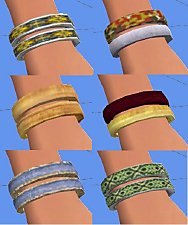
12 recolors of NataliS_Good luck bracelet
by Sauris 23rd Jul 2015 at 8:42pm
12 recolors/retextures of the Good luck bracelet by Natalis more...
 3
12.1k
35
3
12.1k
35
-

Atlantis - underwater nightclub - no CC
by Sauris 15th Jul 2015 at 3:22am
Atlantis - underwater nightclub, park, swimming pool more...
21
33.8k
84
-
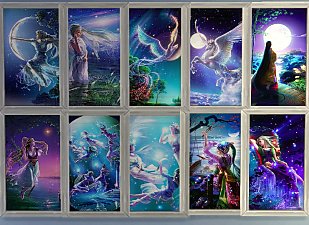
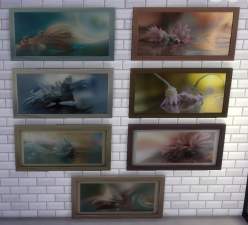
Kagaya`s Starry Tales paintings
by Sauris 29th Jul 2016 at 1:51am
Starry Tales series - 10 paintings by japanese digital fine artist Kagaya more...
14
25.6k
111
-
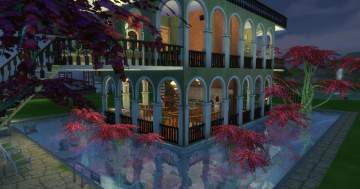
.jpg)
-
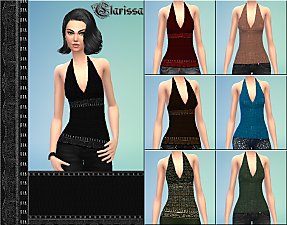
-
-
-
-
-