
 Sign in to Mod The Sims
 Open Shirt for Males


plain.jpg - width=600 height=650
Plain
woman.jpg - width=600 height=650
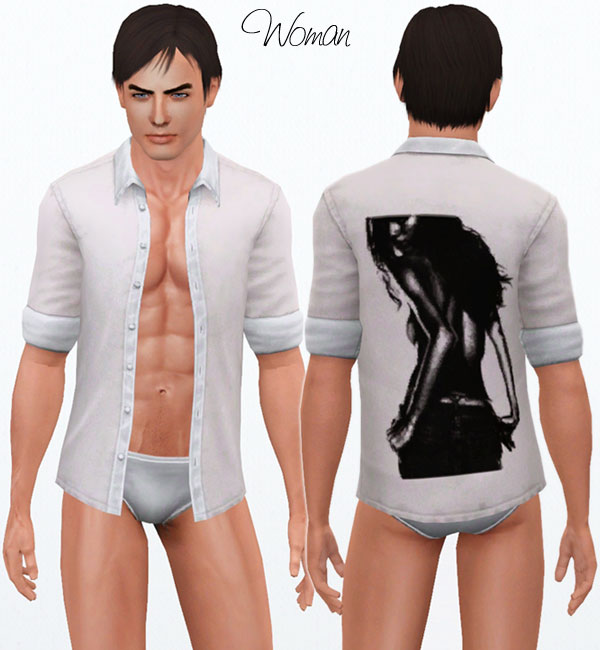
Woman
skull.jpg - width=600 height=650
Grunge Skull
bullets.jpg - width=600 height=650
Bullets
demoness.jpg - width=600 height=650
Demoness
stars.jpg - width=600 height=650
Stars
fattie.jpg - width=600 height=650
Large Sim
plain.png - width=256 height=256
Thumbnail
Thankfully he has some mad skillz that he was kind enough to lend to the cause so today I am able to share them with you!
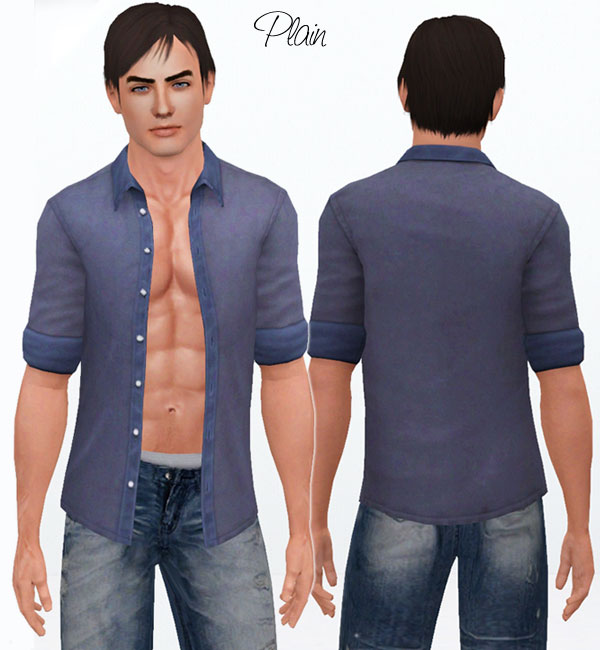
They come in 6 designs and are recolourable - some with 2 palettes, others with 3. They are for young adult through elder and for Everyday, Sleepwear, Swimwear and Athletic.
As usual they come with custom thumbs for ease of use.
Plain shirt - 1 recolourable palette
Grunge, Woman, Demoness - 2 palettes (the shirt and the design)
Bullets - 3 palettes (shirt, bullet hole and section surrounding the hole)
Stars - 3 palettes (the shirt, half the stars, half the stars)
Polycount: 3304
I hope you like them!
<3

Additional Credits:
Base1980 for his meshing, morph and uv mapping skillz
Woman brush by ~adiberlin
Bullet, Stars, Grunge brushes by Obsidian Dawn
I can’t remember who did the Demoness vector image. Will update this as soon as I locate the link.
Jeans seen in screenshots are from RUSTYNAil
|
LadyFrontbum_am_Open_Shirt.rar
| Open Shirt package file
Download
Uploaded: 21st Mar 2010, 1.40 MB.
78,811 downloads.
|
||||||||
| For a detailed look at individual files, see the Information tab. | ||||||||
Install Instructions
1. Click the file listed on the Files tab to download the file to your computer.
2. Extract the zip, rar, or 7z file. Now you will have either a .package or a .sims3pack file.
For Package files:
1. Cut and paste the file into your Documents\Electronic Arts\The Sims 3\Mods\Packages folder. If you do not already have this folder, you should read the full guide to Package files first: Sims 3:Installing Package Fileswiki, so you can make sure your game is fully patched and you have the correct Resource.cfg file.
2. Run the game, and find your content where the creator said it would be (build mode, buy mode, Create-a-Sim, etc.).
For Sims3Pack files:
1. Cut and paste it into your Documents\Electronic Arts\The Sims 3\Downloads folder. If you do not have this folder yet, it is recommended that you open the game and then close it again so that this folder will be automatically created. Then you can place the .sims3pack into your Downloads folder.
2. Load the game's Launcher, and click on the Downloads tab. Find the item in the list and tick the box beside it. Then press the Install button below the list.
3. Wait for the installer to load, and it will install the content to the game. You will get a message letting you know when it's done.
4. Run the game, and find your content where the creator said it would be (build mode, buy mode, Create-a-Sim, etc.).
Extracting from RAR, ZIP, or 7z: You will need a special program for this. For Windows, we recommend 7-Zip and for Mac OSX, we recommend Keka. Both are free and safe to use.
Need more help?
If you need more info, see:
- For package files: Sims 3:Installing Package Fileswiki
- For Sims3pack files: Game Help:Installing TS3 Packswiki
Loading comments, please wait...
Uploaded: 21st Mar 2010 at 8:08 PM
#sexy, #open shirt, #casual
-
-
-
by newone08 4th Sep 2009 at 1:45am
 24
76.5k
86
24
76.5k
86
Male » Mixed Sets » Adult
-
-
by Arisuka 18th Mar 2010 at 3:01am
13
29.9k
44
Male » Everyday » Young Adult
-
-
-
Muscle Shirt - UPDATED 08.18.2012
by omegastarr82 updated 19th Aug 2012 at 5:53am
-
-
by Wojtek 20th Aug 2023 at 12:55pm
4
3.3k
14
Male » Everyday » Young Adult

-
by LadyFrontbum 6th Jul 2010 at 5:14pm
Hey guys, I felt like making something quick and simple so I whipped up a few blushes for you. more...
-
by LadyFrontbum 7th Jan 2010 at 8:22pm
I decided to make a non-celeb sim and figured I'd make a Greek one, since I am half Greek myself more...
-
by LadyFrontbum 9th May 2010 at 3:37am
DaVinci Dusk I'd been wanting to make more eyeshadow for a while but had no motivation to do so more...
-
by LadyFrontbum 26th Feb 2010 at 4:54am
Edit 1st July: Updated hair link, thanks newone08 :) Here is the model I used for my mankini. more...
-
by LadyFrontbum updated 25th Feb 2010 at 1:35am
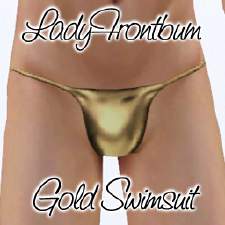
FIXED: Removed Teen from the file as it wasn't working properly. more...
60
110.2k
131
Male » Swimwear » Young Adult
-
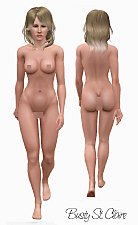
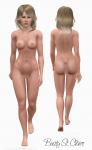
Busty St. Claire - more voluptuous version of my skins.
by LadyFrontbum 2nd May 2010 at 2:58am
Busty St. more...
-
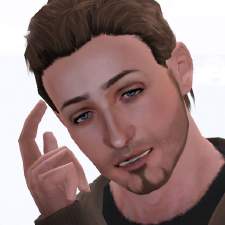
by LadyFrontbum 19th Mar 2010 at 8:22pm
Here is Josh Ryan. He's a talented musician (Secrets in Stereo ) who was a requested sim. more...
17
41.5k
45
-
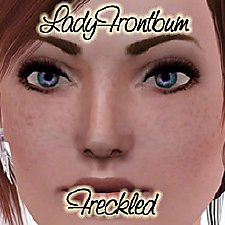
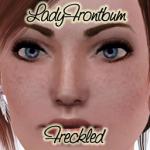
by LadyFrontbum 3rd Jan 2010 at 1:30pm
I decided to make some freckles for my sims faces and came up with a trio to share. more...
38
114.2k
322
-
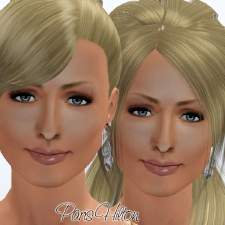
by LadyFrontbum 10th Feb 2010 at 2:54pm
This is actually my second Paris Hilton. more...
34
56.9k
49
-
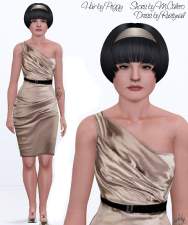
by LadyFrontbum updated 5th Feb 2010 at 8:29am
Here is my second version of Kelly Osbourne. Hope you like her! more...
33
32.4k
20
About Me
If uploading sims to freesites - you may package my makeup / clothing with the sim. Just credit and link back where possible.
If uploading sims to paysites - don't package the makeup / clothing with the sim, instead take your screenshots then remove the makeup before uploading. Be sure to credit and link back.
You may share all of my creations on free sites. Again, just remember to credit me and link back where possible.
SIMS
You may use my sims as models for your custom content or in movies etc. But only on freesites and just be sure to credit me. :)
REQUESTS
While I don't usually take requests because of the time frame involved in making sims etc, I am happy to take suggestions. This just means I will add the celebrity/character/item to my list and will try creating them at some stage. Could be tomorrow, could be 6 months from now. Sometimes I make them, sometimes I fail miserably... just keep that in mind. :D