
 Sign in to Mod The Sims
 8 Create A Sim Screens! (Only Choose 1)
 8 Create A Sim Screens! (Only Choose 1)


ChocolateKiss.jpg - width=1280 height=800
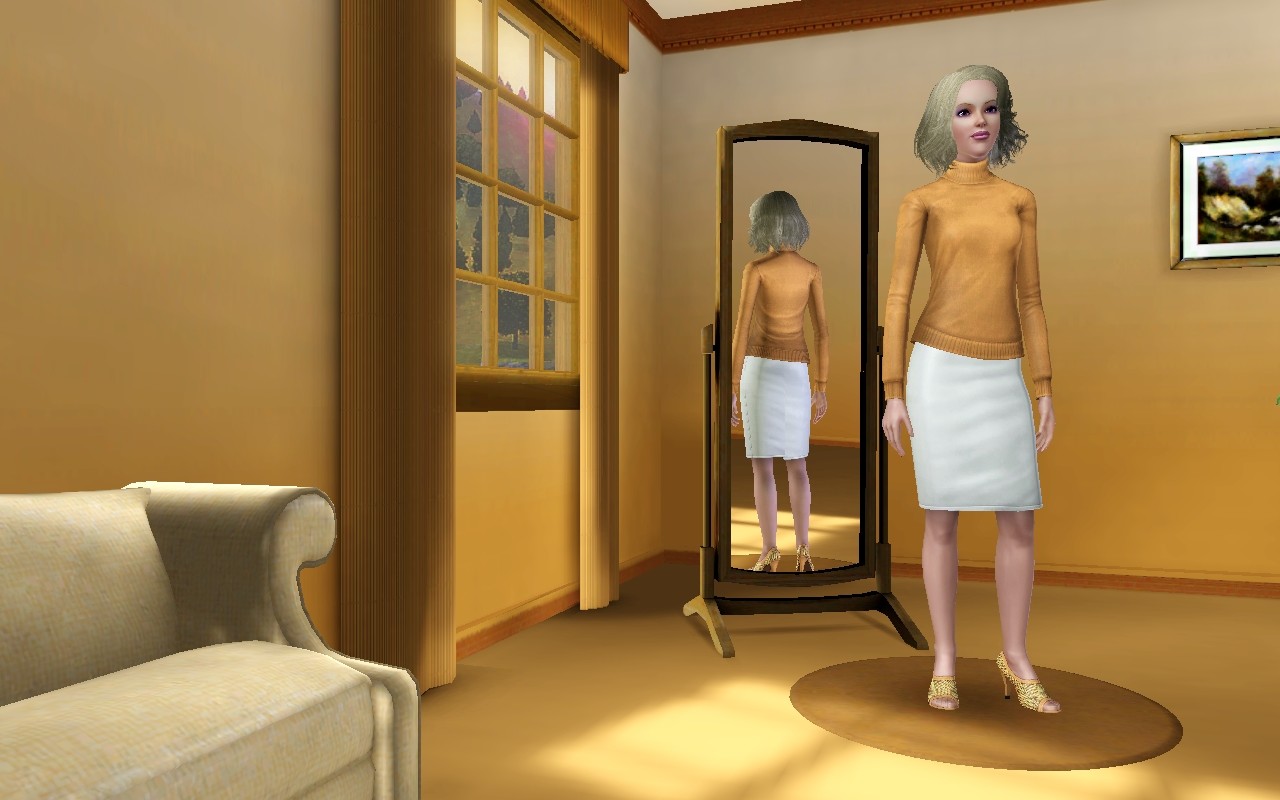
CopperPalace.jpg - width=1280 height=800
LilacDreams.jpg - width=1280 height=800
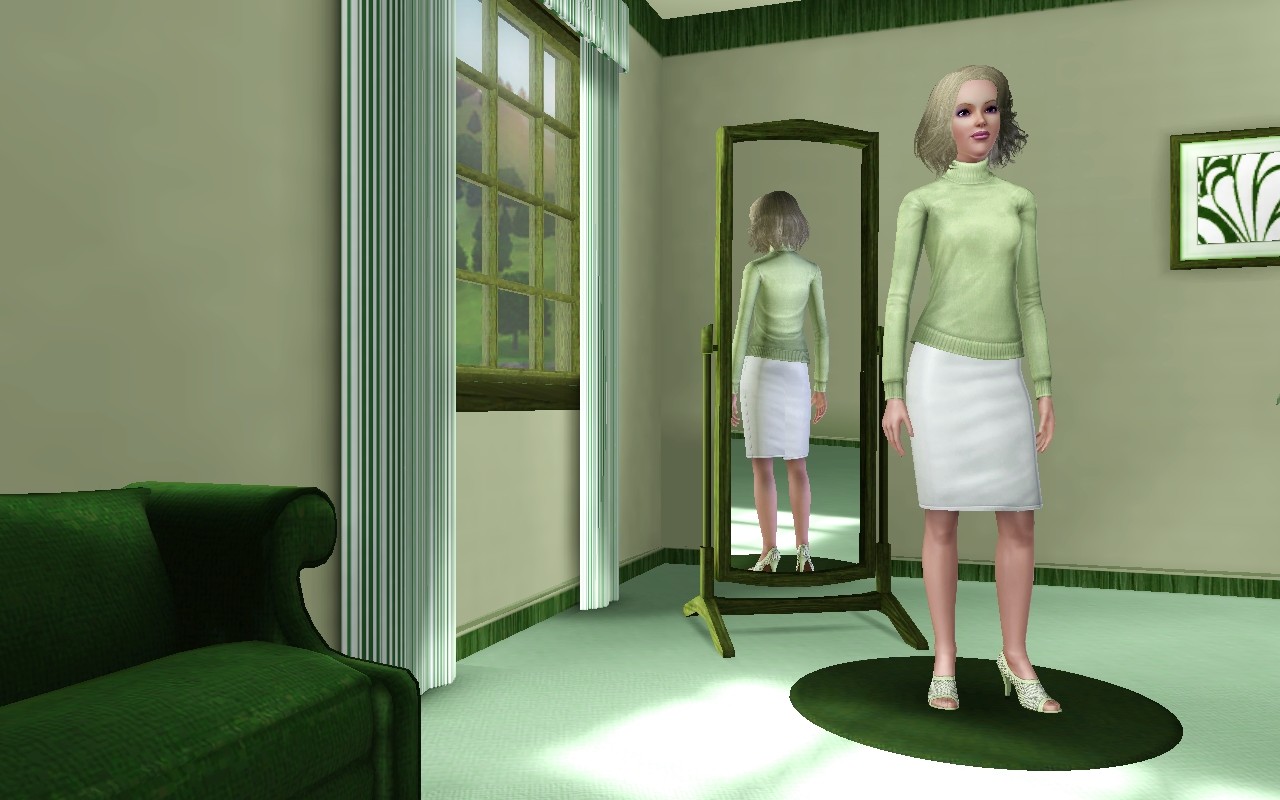
MintJulep.jpg - width=1280 height=800
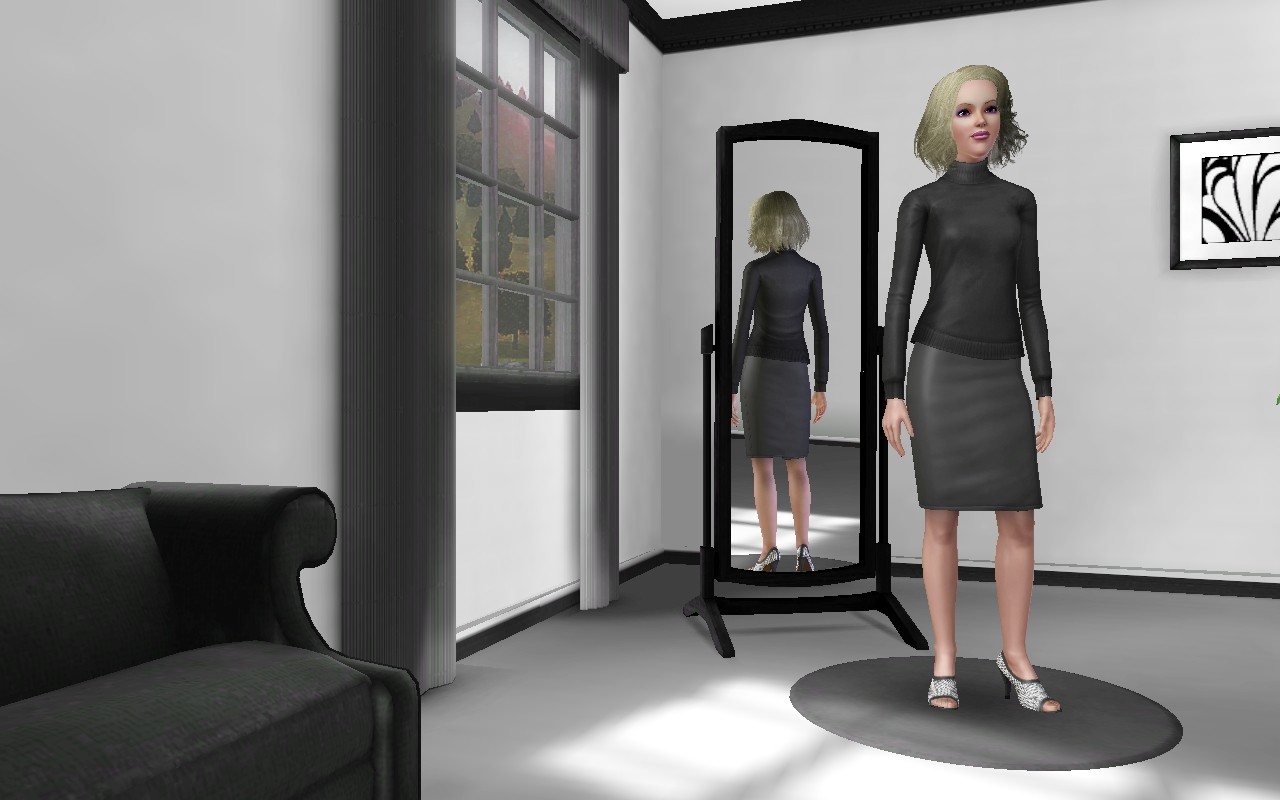
Monotone.jpg - width=1280 height=800
MoonOverMiami.jpg - width=1280 height=800
PrettyInPink.jpg - width=1280 height=800
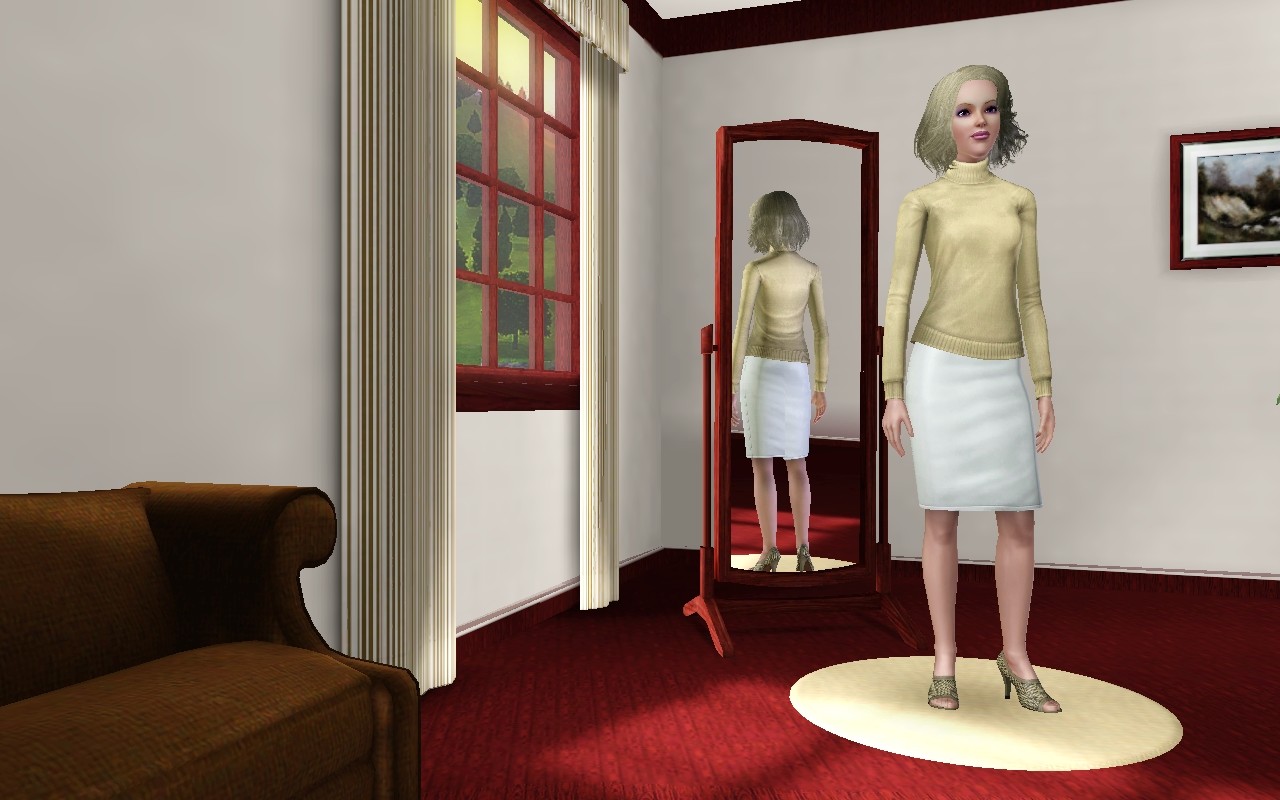
WarmTonesAtDusk.jpg - width=1280 height=800
Included Files:
Chocolate Kiss: The Brown CAS screen
Warm Tones At Dusk: The Burgundy, Brown, and Cream CAS screen
Pretty In Pink: The Pink and White CAS screen
Moon Over Miami: The Light Blue and White CAS screen
Monotone: The Black, Grey, and White CAS screen
Mint Julep: The Green CAS screen
Lilac Dreams: The Purple CAS screen
Copper Palace: The Orange toned CAS screen
Some things you should know about CAS screens:
You can't have more than one in your Mods/Packages at any given time. If you would ever like to change your CAS screen you can though, because you can just delete the old one from your Mods/Packages, and then replace it with another one. But always make sure you do not have more than one in there!
Also, if you would like to make your own Create A Sim screens, it's very easy, I've written a tutorial which can be found Here
I hope you enjoy these lovely new CAS screens, I really did have a lot of fun making them, even though it took me so long to make.
See the Creator Recommendation area under Related Pages for more cool CAS screen goodies!
Additional Credits:
Everyone who gave advice in #create channel.
|
Warm_Tones_At_Dusk_CAS_Screen.zip
Download
Uploaded: 2nd Apr 2010, 765.6 KB.
10,992 downloads.
|
||||||||
|
Pretty_In_Pink_CAS_Screen_jimTNW.zip
Download
Uploaded: 2nd Apr 2010, 956.6 KB.
26,717 downloads.
|
||||||||
|
Moon_Over_Miami_CAS_Screen_jimTNW.zip
Download
Uploaded: 2nd Apr 2010, 806.6 KB.
13,139 downloads.
|
||||||||
|
Monotone_CAS_Screen_jimTNW.zip
Download
Uploaded: 2nd Apr 2010, 641.2 KB.
24,989 downloads.
|
||||||||
|
Mint_Julep_CAS_Screen.zip
Download
Uploaded: 2nd Apr 2010, 700.8 KB.
6,166 downloads.
|
||||||||
|
Lilac_Dreams_CAS_Screen_jimTNW.zip
Download
Uploaded: 2nd Apr 2010, 721.5 KB.
9,289 downloads.
|
||||||||
|
Copper_Palace_CAS_Screen_jimTNW.zip
Download
Uploaded: 2nd Apr 2010, 766.8 KB.
5,253 downloads.
|
||||||||
|
Chocolate_Kiss_CAS_Screen.zip
Download
Uploaded: 2nd Apr 2010, 755.5 KB.
7,455 downloads.
|
||||||||
| For a detailed look at individual files, see the Information tab. | ||||||||
Install Instructions
1. Click the download button, or the filename, to download the file to your computer.
2. Extract the zip, rar, or 7z file. Now you will have either a .package or a .sims3pack file.
For Package files:
1. Cut and paste the file into your Documents\Electronic Arts\The Sims 3\Mods\Packages folder. If you do not already have this folder, you should read the full guide to Package files first: Sims 3:Installing Package Fileswiki, so you can make sure your game is fully patched and you have the correct Resource.cfg file.
2. Run the game, and find your content where the creator said it would be (build mode, buy mode, Create-a-Sim, etc.).
For Sims3Pack files:
1. Cut and paste it into your Documents\Electronic Arts\The Sims 3\Downloads folder. If you do not have this folder yet, it is recommended that you open the game and then close it again so that this folder will be automatically created. Then you can place the .sims3pack into your Downloads folder.
2. Load the game's Launcher, and click on the Downloads tab. Find the item in the list and tick the box beside it. Then press the Install button below the list.
3. Wait for the installer to load, and it will install the content to the game. You will get a message letting you know when it's done.
4. Run the game, and find your content where the creator said it would be (build mode, buy mode, Create-a-Sim, etc.).
Extracting from RAR, ZIP, or 7z: You will need a special program for this. For Windows, we recommend 7-Zip and for Mac OSX, we recommend Keka. Both are free and safe to use.
Need more help?
If you need more info, see:
- For package files: Sims 3:Installing Package Fileswiki
- For Sims3pack files: Game Help:Installing TS3 Packswiki
Loading comments, please wait...
Uploaded: 2nd Apr 2010 at 7:39 PM
Updated: 29th Jun 2010 at 3:20 AM
http://www.modthesims.info/download.php?t=376788
http://www.modthesims.info/download.php?t=376420
http://www.modthesims.info/download.php?t=386128
http://www.modthesims.info/download.php?t=385241
http://www.modthesims.info/download.php?t=359972
http://www.modthesims.info/download.php?t=362254
-

More Money for CAS Families (Four Flavors) [Updated 6/21]
by Six_by_Nine updated 21st Jun 2010 at 9:18pm
 106
138.9k
257
-
by Kolakanin 9th Jan 2012 at 2:13am
47
157.8k
272
-
by Bast 9th Dec 2020 at 11:56am
+2 packs
20 14.1k 28 World Adventures
 University Life
Miscellaneous » Neighborhoods & CAS Screens » Neighbourhoods and Worlds
-
by Bast 8th Feb 2021 at 10:46am
+18 packs
18 33.9k 40 World Adventures
 High-End Loft Stuff
 Ambitions
 Fast Lane Stuff
 Late Night
 Outdoor Living Stuff
 Generations
 Town Life Stuff
 Master Suite Stuff
 Pets
 Showtime
 Diesel Stuff
 Supernatural
 70s, 80s and 90s Stuff
 Seasons
 Movie Stuff
University Life
 Island Paradise
Miscellaneous » Neighborhoods & CAS Screens » Neighbourhoods and Worlds
-
by ChérieDawn67 updated 24th Apr 2021 at 11:28pm
8
6.4k
13
-
by AdiSims 23rd Jun 2023 at 3:38am
2
2.5k
2
-
by AdiSims 4th Jul 2023 at 12:15pm
3
7.3k
5
-
by CupidLovesss 10th Aug 2024 at 3:26am
7
8.5k
17
-
by mskitti3x 8th Mar 2025 at 9:15pm
5
4.1k
14
-
Victoria's Secret CAS Background
by AdiSims 29th Aug 2025 at 8:04pm


-
Binned, Salt and Pepper Hair Recolor of Rod Humble hairdo
by joninmobile 15th Jul 2010 at 12:28am
Not quite grey, not quite black, but totally sexy! more...
-
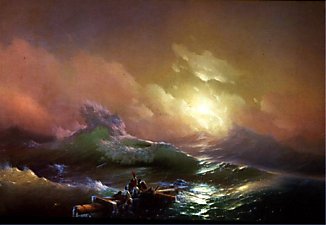

"The Ninth Wave" recolor of "That place over there"
by joninmobile 4th Mar 2008 at 7:39pm
Here is a recolor of the maxis painting "that place over there", from the nightlife expansion pack.It is a painting more...
 +1 packs
5 15.9k 18
 Nightlife
-
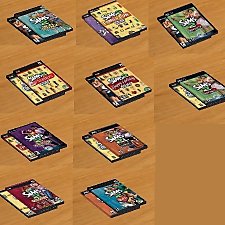
Sims who play the sims (Sims games as clutter) Mix and Match Combinations!
by joninmobile 2nd Oct 2009 at 9:40pm
This is something that I had been requesting for quite a while before I learned how to mesh, but no more...
+1 packs
36 43.2k 76 Apartment Life
-


Abstract Art Murals in two designs
by joninmobile 11th Feb 2008 at 9:29pm
Here are two pieces of Abstract art.They come in two designs, a green and yellow one and an orange and more...
+1 packs
14 16.8k 26 Nightlife
-
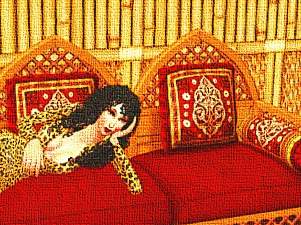
Cher sim painting original artwork by me "At Home with Cher"
by joninmobile 28th Oct 2007 at 8:22pm
Here is a painting of a Cher sim created by me using the gimp.It is a recolor of Oil "Fantasy more...
4
4.3k
3
-

Victorian Floral Carpet in 50 shades
by joninmobile 22nd Feb 2008 at 11:23pm
Here is a large set of Victorian floral carpets in 50 shades.They are numbered in the screenshot so you know more...
3
9.4k
8
-
Original Art by me: Circular Light Enhancement
by joninmobile 7th Feb 2008 at 6:44pm
Here is an original painting created by me using the gimp.It's called "Circular Light Enhancement".This is a recolor of the more...
+1 packs
3 6k 5 Nightlife
-
Baby's First Motives - Plumb Bob Hanging Mobile in Unisex, Boy's, and Girl's colors
by joninmobile 30th Oct 2009 at 1:16am
I made this lovely new mesh of a baby mobile for your nursery it has plumb bobs as the little more...
28
56.2k
141
-
by joninmobile 16th Dec 2008 at 9:06pm
After a year of honing my skills, I now return to modthesims2.com with this set of lipsticks more...
-
NPC maid outfit unlocked (custom install instructions)
by joninmobile updated 19th Apr 2009 at 11:32pm
Here is the NPC maid outfit, normally only for NPC maid, now for your playable characters as well! more...
22
55.7k
42


About Me
I hope you enjoy all the downloads I've brought to you over the years. It's been fun. Being a part of The Sims community has had it's ups and downs for me, but I keep on truckin' nonetheless. Lots and lots of drama, lots of pain and sorrow, but lots of laughs, and good times too. Made so many new friends over the years, and it all started by uploading to MTS way back in 2006. Have fun with my creations, that's what they're here for!
~ Jon