Sign in to Mod The Sims
 Villa Malibu
 Villa Malibu


00.jpg - width=800 height=600
01.jpg - width=800 height=600
02.jpg - width=800 height=600
03.jpg - width=800 height=600
04.jpg - width=800 height=600
05.jpg - width=800 height=600
06.jpg - width=800 height=600
07.jpg - width=800 height=600
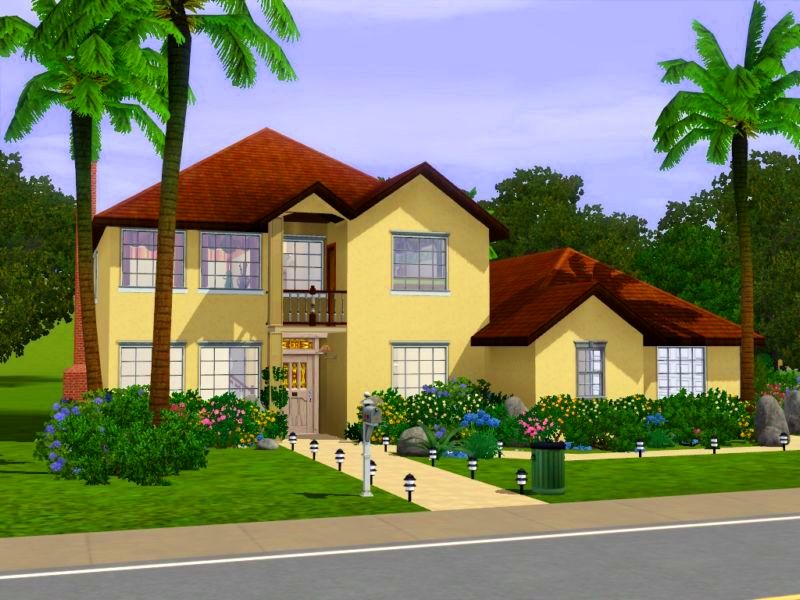
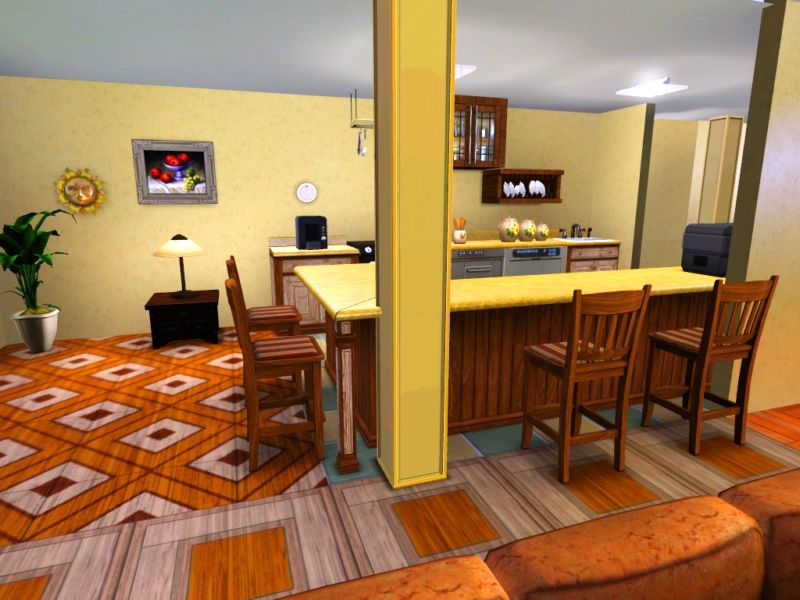
The ground floor is divided into a large living room, a useful kitchen, a beautiful double-height living room with fireplace, double bedroom, a dressing , a bathroom, a toilet and a large garage for two cars.
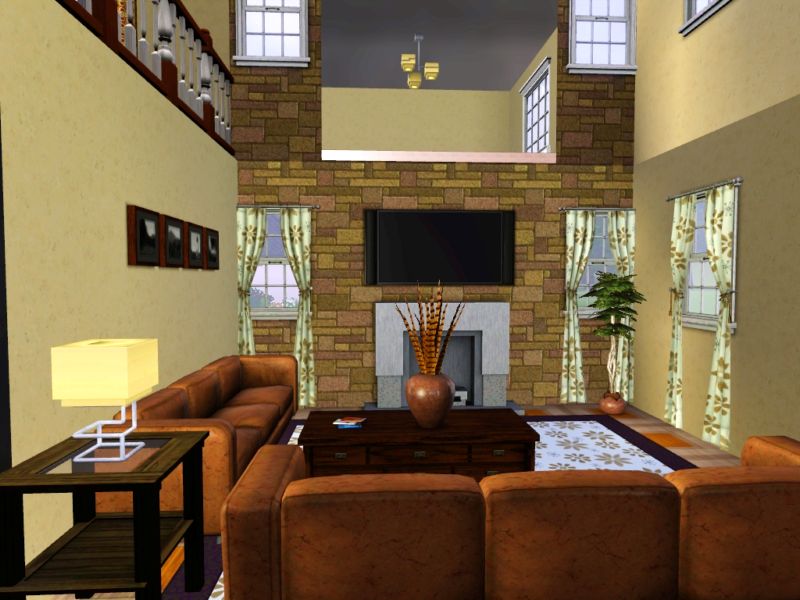
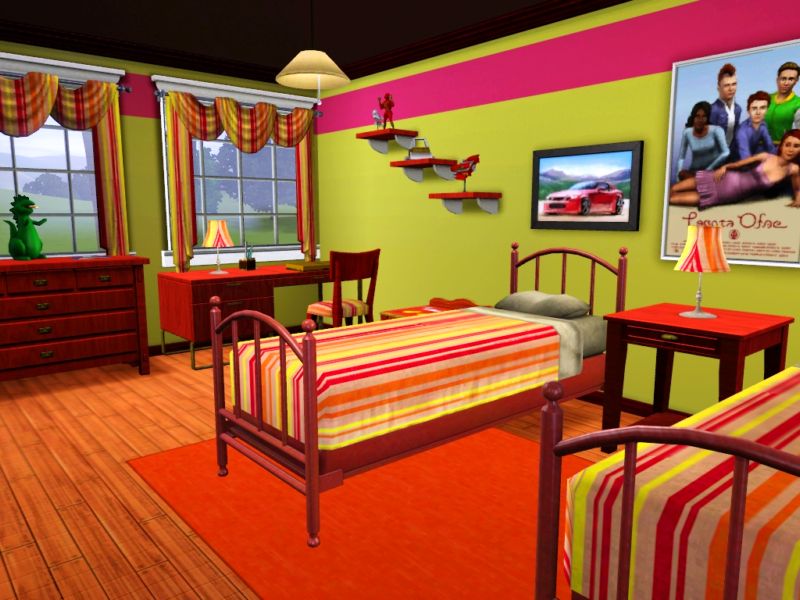
On the second floor are two double bedrooms, single bedroom with two beds and two bathrooms. The second floor overlooks the living room with fireplace downstairs.
Outside the house you will find a variety of shrubs and flowers along with tall palm trees. We can not forget the refreshing pool beside the house.
Don't forget, if you want to live in a house that has everything for a pleasant life here is your home.
This house cost: $ 143,644 $ 74,761 furnished and unfurnished.
The plot size is 30x30.
Hope you like the house!
Lot Size: 3x3
Lot Price: $ 143,644
Additional Credits:
Paintings by:
http://www.simpossible.net
http://simsartgallery.net/
Shelves and cabinets by:
http://es.store.thesims3.com/produc...male&startAt=60
http://es.store.thesims3.com/produc...emale&startAt=0
|
Villa Malibu.rar
Download
Uploaded: 21st May 2010, 1.89 MB.
5,587 downloads.
|
||||||||
| For a detailed look at individual files, see the Information tab. | ||||||||
Install Instructions
1. Click the filename or the download button to download the file to your computer.
2. Extract the zip, rar, or 7z file.
2. Select the .sims3pack file you got from extracting.
3. Cut and paste it into your Documents\Electronic Arts\The Sims 3\Downloads folder. If you do not have this folder yet, it is recommended that you open the game and then close it again so that this folder will be automatically created. Then you can place the .sims3pack into your Downloads folder.
5. Load the game's Launcher, and click on the Downloads tab. Select the house icon, find the lot in the list, and tick the box next to it. Then press the Install button below the list.
6. Wait for the installer to load, and it will install the lot to the game. You will get a message letting you know when it's done.
7. Run the game, and find your lot in Edit Town, in the premade lots bin.
Extracting from RAR, ZIP, or 7z: You will need a special program for this. For Windows, we recommend 7-Zip and for Mac OSX, we recommend Keka. Both are free and safe to use.
Need more help?
If you need more info, see Game Help:Installing TS3 Packswiki for a full, detailed step-by-step guide!
Loading comments, please wait...

Uploaded: 21st May 2010 at 2:49 PM
-
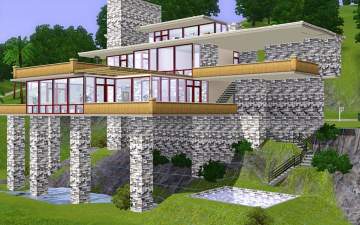
by angievi 28th Jul 2009 at 3:42am
 8
12.1k
2
8
12.1k
2
-
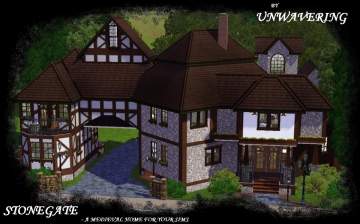
by Unwavering 25th Sep 2009 at 8:51pm
5
19.2k
30
-
-
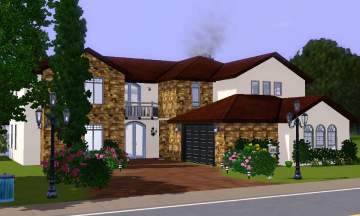
by omegastarr82 20th Feb 2010 at 10:04pm
+1 packs
2 12.8k 9 World Adventures
-
by DaveyDaVinci 27th Feb 2010 at 10:33pm
+1 packs
10 26.1k 17 World Adventures
-
-
by Johnny_Bravo 24th Jul 2010 at 1:52am
8
24.3k
22
-
-

-
by PhenomIIFX 13th Sep 2017 at 5:19pm
+10 packs
7 18.6k 30 World Adventures
 High-End Loft Stuff
 Fast Lane Stuff
 Late Night
 Generations
 Showtime
 Seasons
 University Life
 Island Paradise
 Into the Future