
 Sign in to Mod The Sims
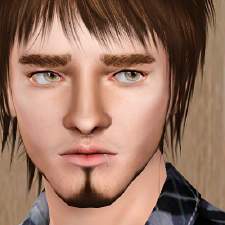
 Adam Brandon
 Adam Brandon


2.jpg - width=1263 height=800
3.jpg - width=579 height=756
4.jpg - width=764 height=795
5.jpg - width=664 height=218
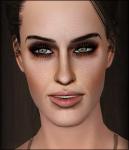
1.jpg - width=566 height=708


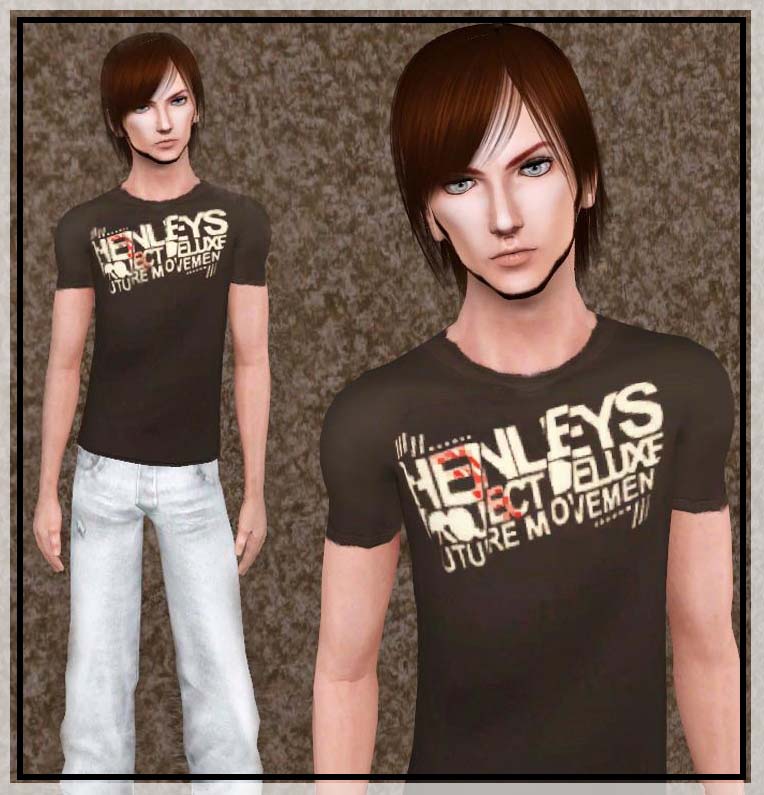
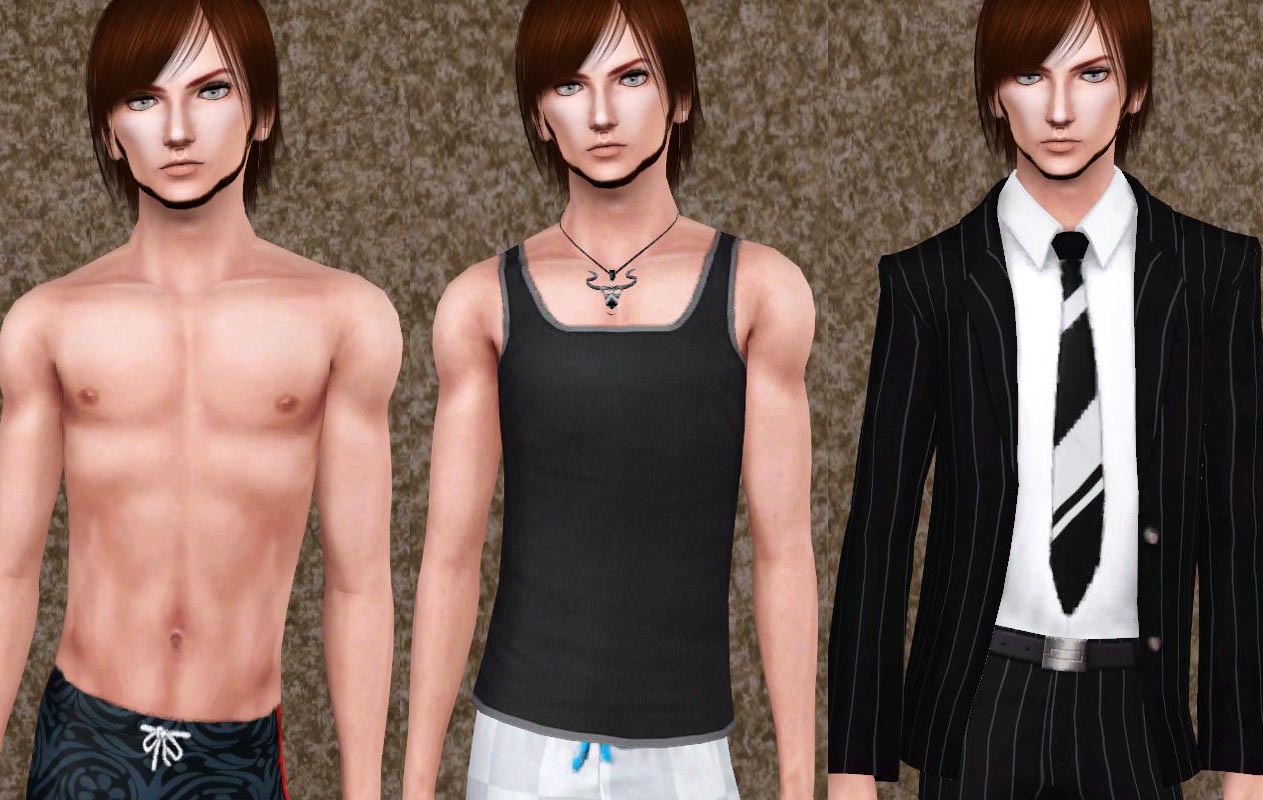
Note : You will have to get CAS Sliders by Drakah to make the sim appear good.Otherwise, his face will snap to normal ranges (most likely his face shape) and he won't look sexy anymore.
CAS Sliders by Drakah :http://www.modthesims.info/download.php?t=380051
Traits:
* Loves the outdoors
* Savvy Sculptor
* Vegetarian
* Ambitious
* Angler
Likes:
* Classical
* Stir-Fry
* Brown
Custom Content :
* Skin tone and face by XM sims : http://www.xmsims.com/sims3/ehtm/SV...SVgenic003.html
* Eye Contacts by Lemon leaf : http://blog.sina.com.cn/s/blog_63e832e00100jpoq.html
* Hair by cazy : http://mysims3blog.blogspot.com/200...yx-preview.html
* t-shirt from liana sims 3 : http://www.lianasims3.net/fashion.p...ction=Everyday#
* Face Make up by robo Kitty (I'm using softGLO ) : http://robokitty.dreamwidth.org/8433.html
* Necklace in Adam wear in sport clothes ( found under accessories - Page 4 ):http://www.rosesims2.net/
How to install:
Extract the sim. file from the zip.
Place in My Documents/Electronic Arts/The Sims 3/SavedSims.
In the game, go to the Premade Sims Bin in Create A Sim (CAS).
|
Adam_Brandon.rar
Download
Uploaded: 26th Jul 2010, 182.4 KB.
2,631 downloads.
|
||||||||
| For a detailed look at individual files, see the Information tab. | ||||||||
Install Instructions
1. Click the filename or the download button to download the sim to your computer.
2. Extract the zip, rar, or 7z file.
2. Select the .sim file you got from extracting.
3. Cut and paste it into your Documents\Electronic Arts\The Sims 3\SavedSims folder. If you do not have this folder yet, it is recommended that you open the game, enter Create-a-Sim, and save a sim to the sim bin to create this folder, rather than doing so manually. After that you can close the game and put the .sim file in SavedSims
4. Once the .sim file is in SavedSims, you can load the game, and look for your sim in the premade sims bin in Create-a-Sim.
Extracting from RAR, ZIP, or 7z: You will need a special program for this. For Windows, we recommend 7-Zip and for Mac OSX, we recommend Keka. Both are free and safe to use.
Need more help?
If you need more info, see Game Help:Installing TS3 Simswiki for a full, detailed step-by-step guide! Special Installation Instructions
- If you get an error that says "This content requires expansion pack data that is not installed", please use Clean Installer to install this sim.
Loading comments, please wait...



-

-
-
-
-
by Jasumi 23rd Nov 2009 at 12:08am
 48
56.7k
40
48
56.7k
40
-
-

-
-
-


-
-
-
-
-
Royal Medieval Patterns / Medieval Challenge
by Lunararc 12th Apr 2010 at 4:25pm
Hey guys ! Here's my first entry into the medieval challenge ! more...
14
48k
123
-
-
-
-
Sweet dreams dress - 2 different styles for YA/A
by Lunararc 7th Jul 2013 at 3:38pm
Hey ladies, today i have a simple everyday dress with a circle skirt for adults and young adults. more...
30
90.7k
503
-



Packs Needed
| Expansion Pack | |
|---|---|
 | World Adventures |
 | Ambitions |