
 Sign in to Mod The Sims
 'Warmth of The Cliffside'
 'Warmth of The Cliffside'


Screenshot.jpg - width=1280 height=768
Screenshot-2.jpg - width=1280 height=768
Screenshot-3.jpg - width=1280 height=768
Screenshot-4.jpg - width=1280 height=768
Screenshot-5.jpg - width=1280 height=768
Screenshot-6.jpg - width=1280 height=768
Screenshot-7.jpg - width=1280 height=768
Screenshot-8.jpg - width=1280 height=768
PLACEHERE.jpg - width=1110 height=674
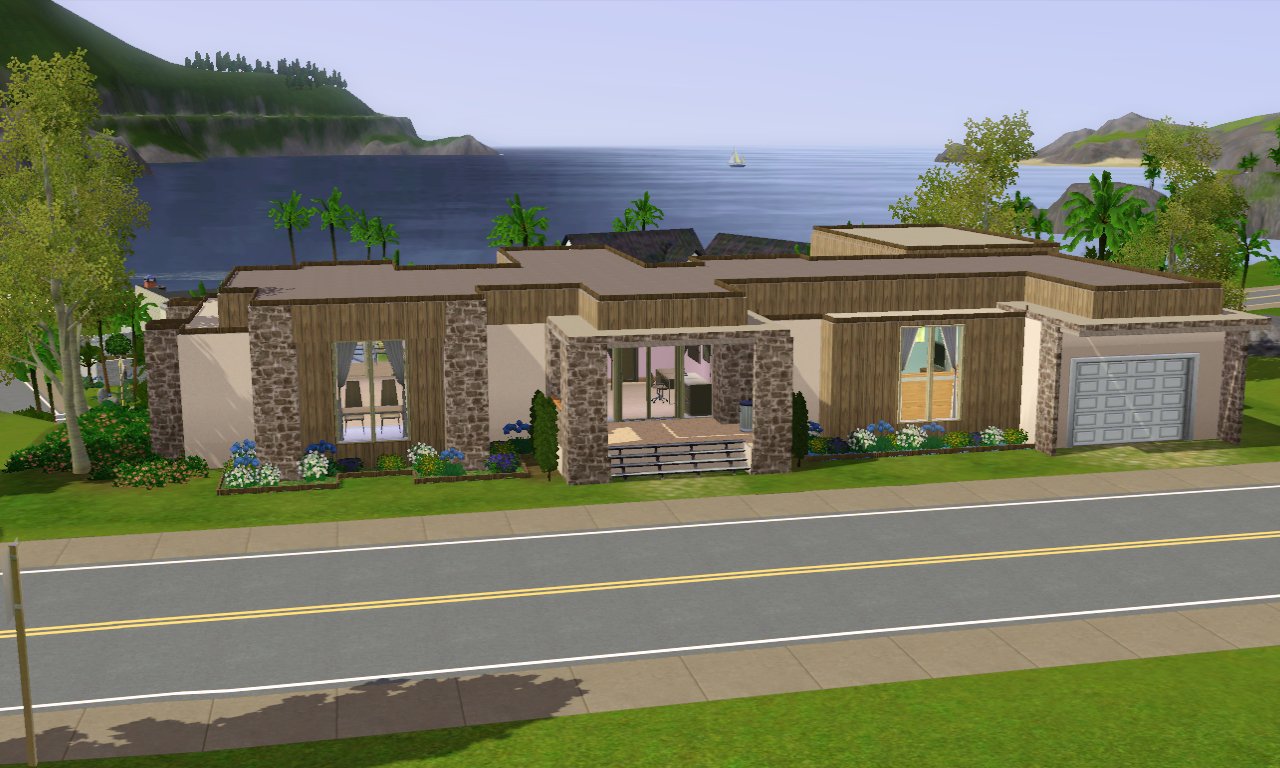
Front:
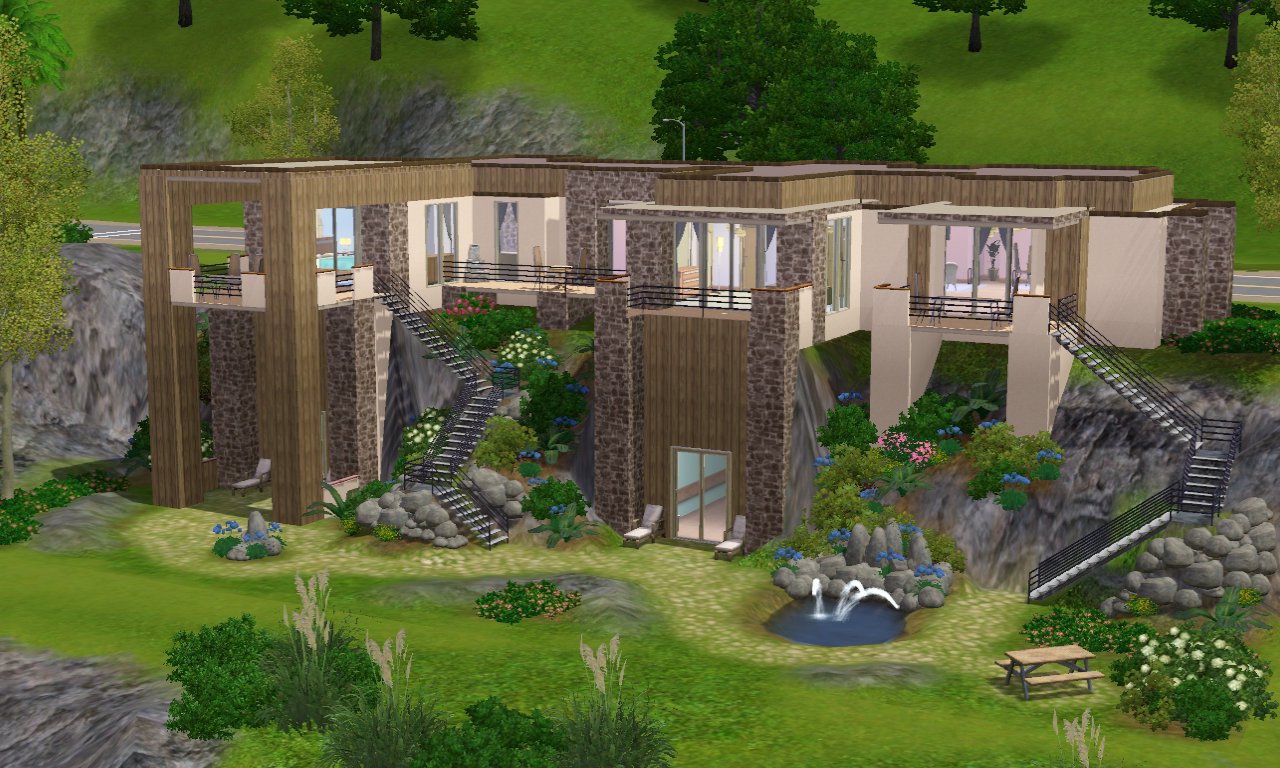
Back:
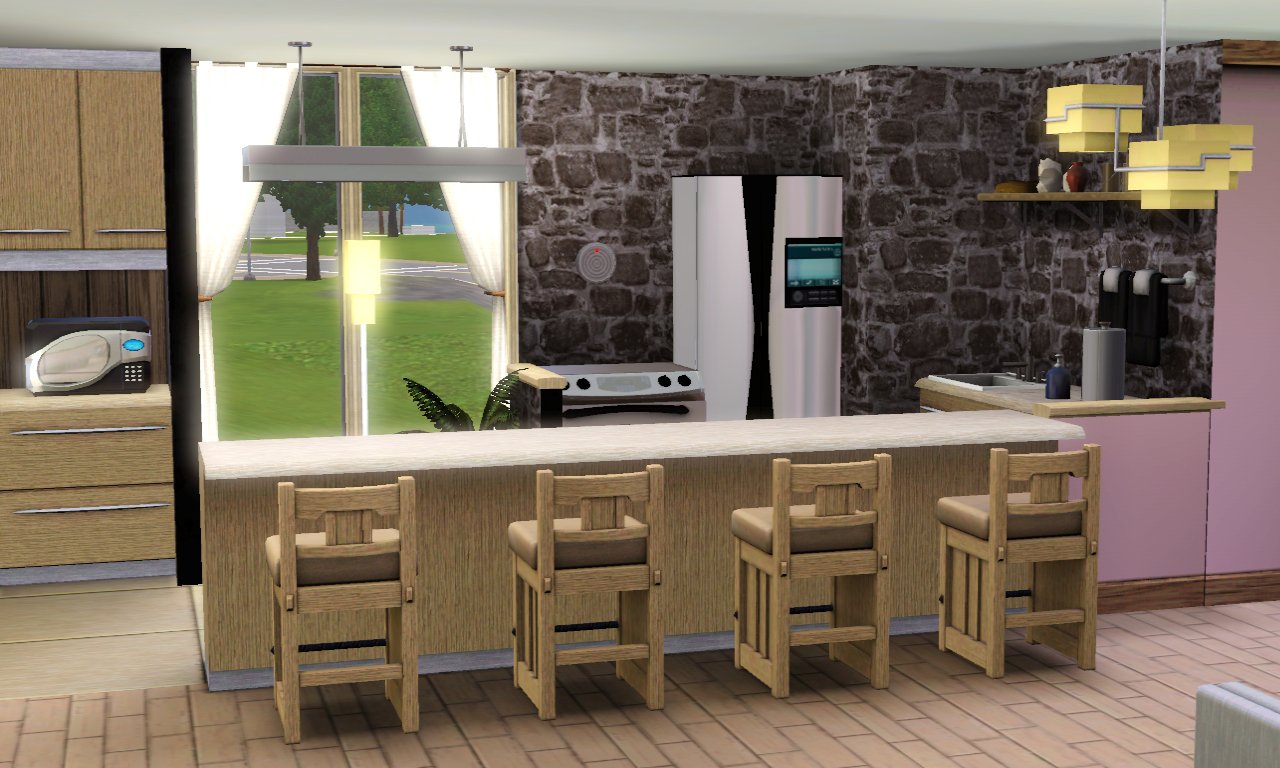
Kitchen:
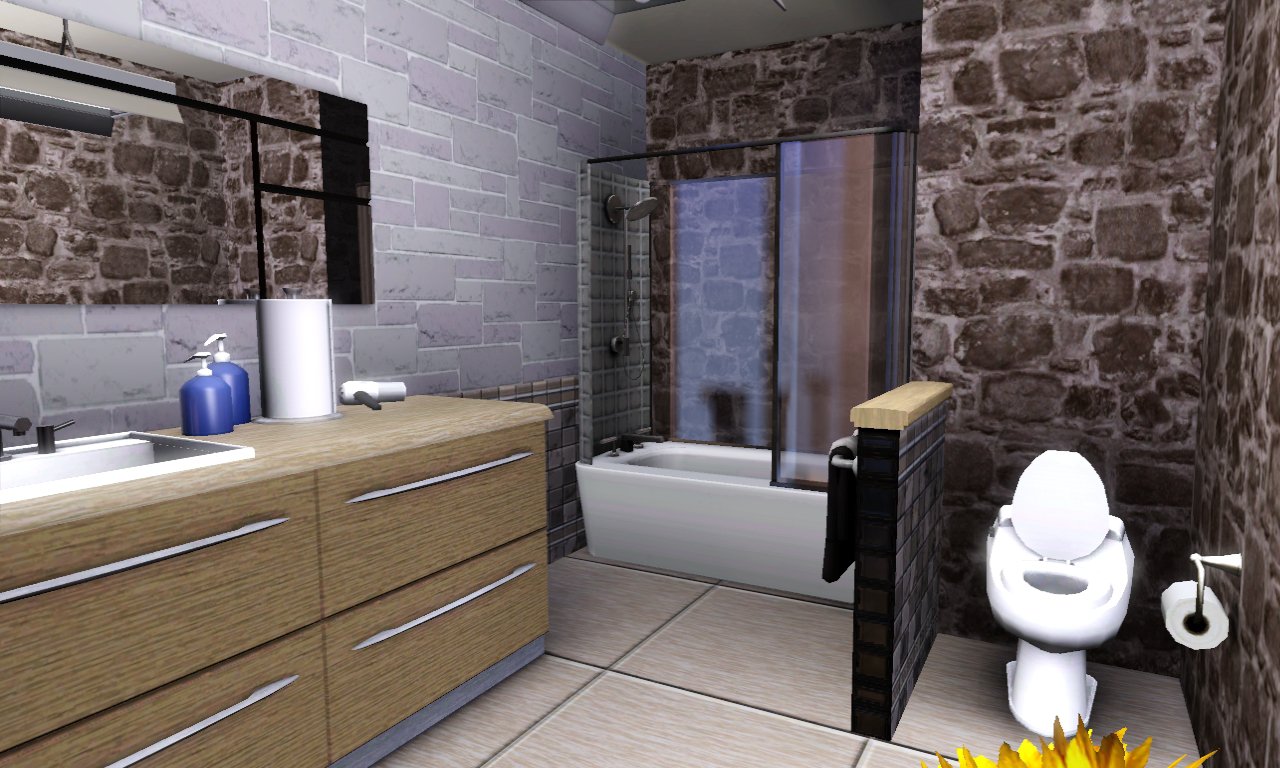
Bathroom:
Attached to this upload page is also an interior pic of one of the 2 master bedrooms. I chose the green bedroom becasue for me, that is my favourite of all the three bedrooms in the house.
This house has 3 bedrooms, 1 bathroom, Kitchen and Dining, a study, and a garage. Inside the cliffside (which can be accessed by going down the exterior stairs at the back) is also a small personal gym, and a small dance hall.
Well I really, really hope that you enjoy this house, because it was tremendous fun building it, I can tell you that! So enjoy, and happy simming!
Click the link below to see where best to place this lot!
https://thumbs2.modthesims2.com/img/...5-PLACEHERE.jpg
Lot Size: 4x3
Lot Price: 183,908... 112,377
Additional Credits:
#Creation
Armiel for Builder's Island
|
Warmth Of The Cliffside.rar
Download
Uploaded: 14th Jul 2012, 1.89 MB.
5,977 downloads.
|
||||||||
| For a detailed look at individual files, see the Information tab. | ||||||||
Install Instructions
1. Click the file listed on the Files tab to download the file to your computer.
2. Extract the zip, rar, or 7z file.
2. Select the .sims3pack file you got from extracting.
3. Cut and paste it into your Documents\Electronic Arts\The Sims 3\Downloads folder. If you do not have this folder yet, it is recommended that you open the game and then close it again so that this folder will be automatically created. Then you can place the .sims3pack into your Downloads folder.
5. Load the game's Launcher, and click on the Downloads tab. Select the house icon, find the lot in the list, and tick the box next to it. Then press the Install button below the list.
6. Wait for the installer to load, and it will install the lot to the game. You will get a message letting you know when it's done.
7. Run the game, and find your lot in Edit Town, in the premade lots bin.
Extracting from RAR, ZIP, or 7z: You will need a special program for this. For Windows, we recommend 7-Zip and for Mac OSX, we recommend Keka. Both are free and safe to use.
Need more help?
If you need more info, see Game Help:Installing TS3 Packswiki for a full, detailed step-by-step guide!
Loading comments, please wait...

 View with Names
Uploaded: 14th Jul 2012 at 4:18 PM
Updated: 26th Jan 2013 at 5:59 PM
-
by Jcasjr 12th Jun 2009 at 9:46pm
 20
44.5k
47
20
44.5k
47
-
-
by Townieforsims 14th Aug 2009 at 8:28pm
5
14.1k
2
-
-
by Nataruma 13th Nov 2009 at 5:06am
5
12.3k
4
-
-
-
-
-


-
14 CrumbleTop Lane, -Starter Lot- (Base Game, No CC)
by lewjen 26th Apr 2011 at 3:25pm
The 14th installment of the CrumbleTop Lane Series - get your hands on it whilst it's still hot! :D more...
 11
27.5k
42
11
27.5k
42
-

-
-
#18 CrumbleTop Lane, -Starter Lot- (Base Game, No CC)
by lewjen 26th Aug 2011 at 11:53pm
This is the 18th instalment of the CrumbleTop Lane series - enjoy. :) more...
7
23.5k
32
-
-
#23 CrumbleTop Lane, -OFB Starter- (No CC)
by lewjen 24th Jan 2012 at 3:39pm
The 23rd CrumbleTop Lane lot, starter and OFB home business. more...
+1 packs
10 22.6k 18 Open for Business
-
-
-
#3 CrumpleTop Lane -Starter lot- (Base Game, No CC)
by lewjen 11th Aug 2010 at 5:13pm
The 3rd installment of my CrumpleTop Lane series more...
5
22k
17
-


Packs Needed
| Base Game | |
|---|---|
| Sims 3 |
| Expansion Pack | |
|---|---|
| Ambitions |