
 Sign in to Mod The Sims
 Amber House
 Amber House


Amber housenew.jpg - width=1360 height=768
Front house
birdseye.jpg - width=1360 height=768
Layout
pool.jpg - width=1360 height=768
pool area
Screenshot-9.jpg - width=1360 height=768
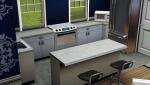
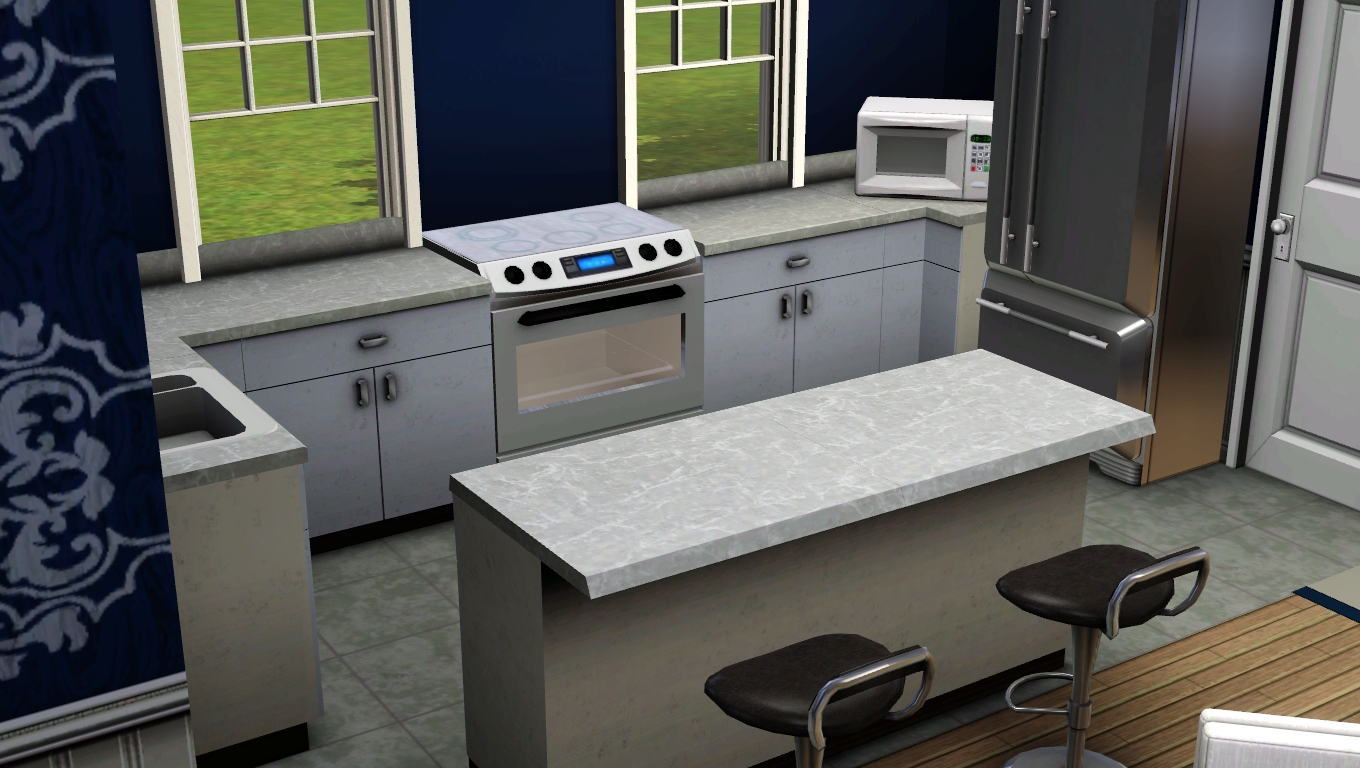
Kitchen
Screenshot-10.jpg - width=1360 height=768
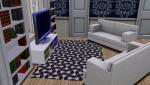
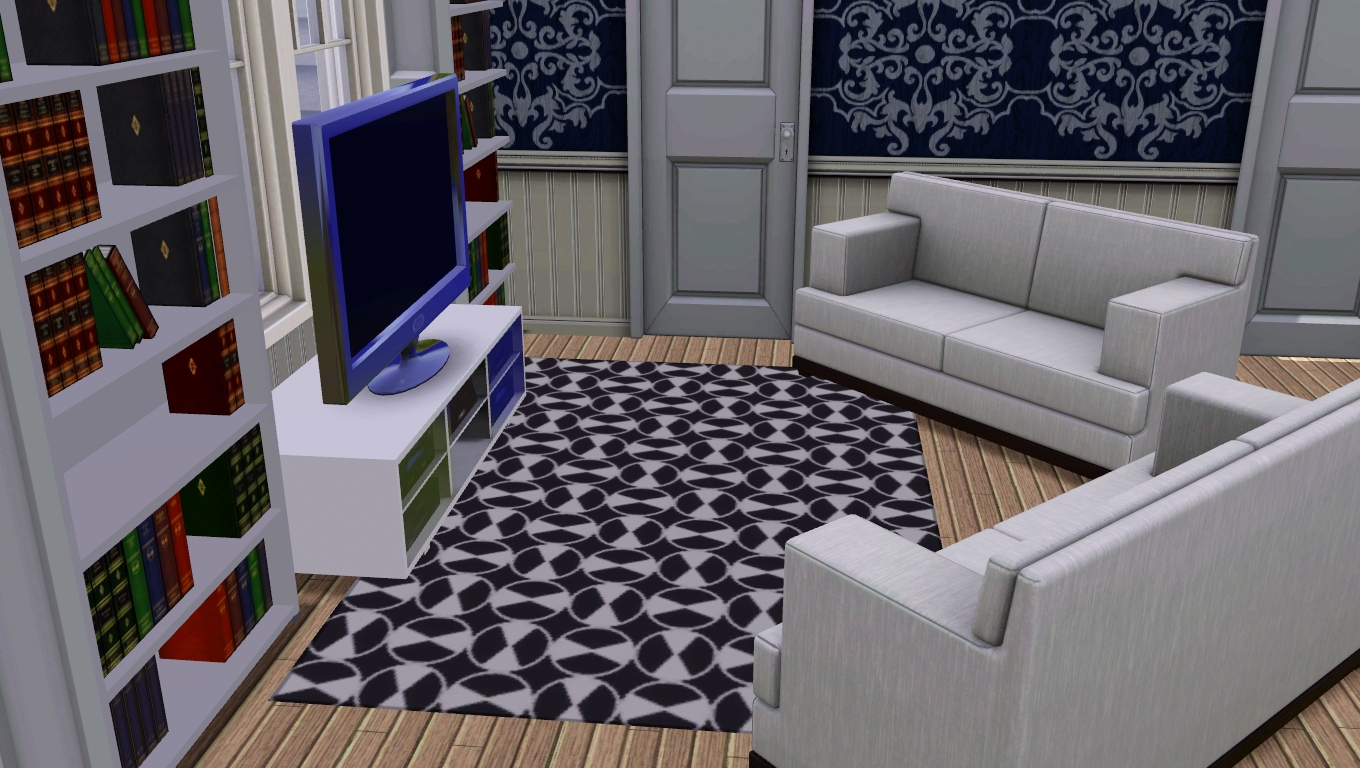
Living Room
Screenshot-12.jpg - width=1360 height=768
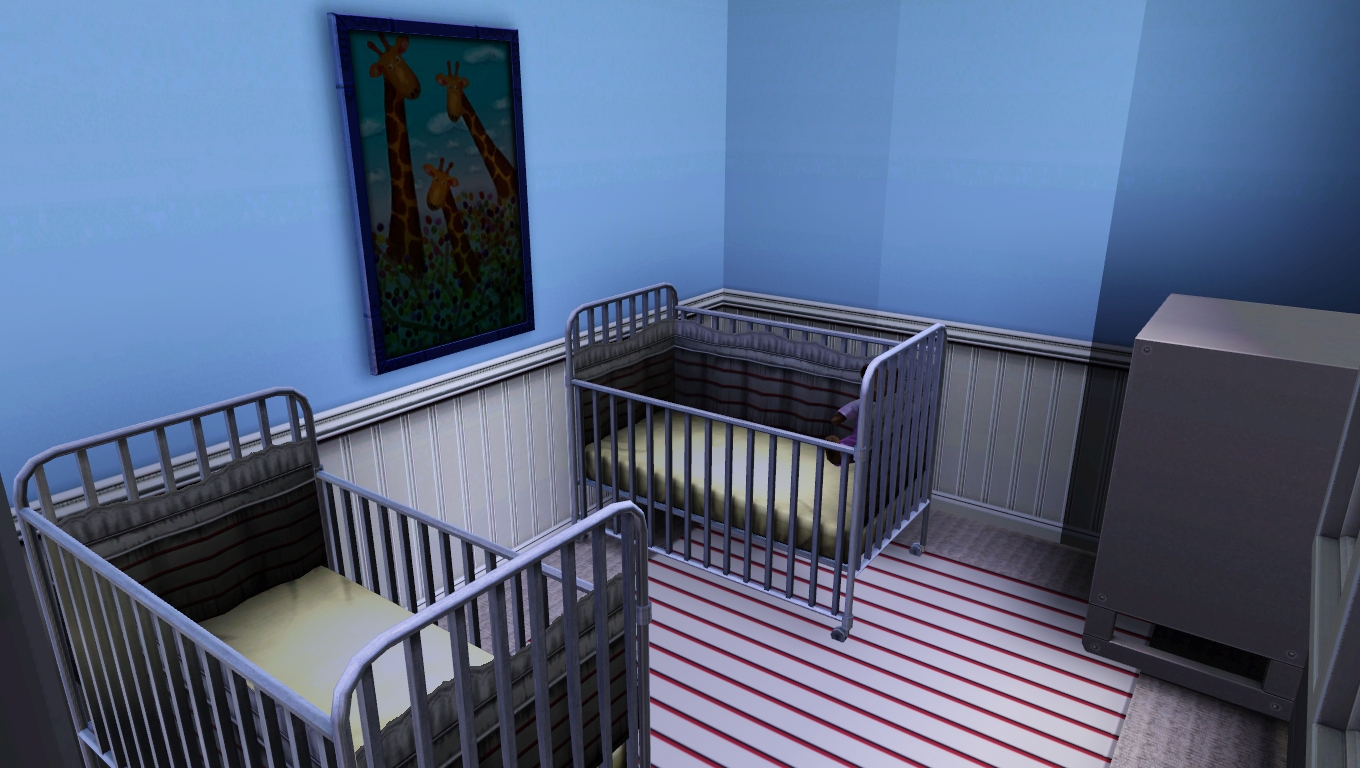
Nursery
Screenshot-15.jpg - width=1360 height=768
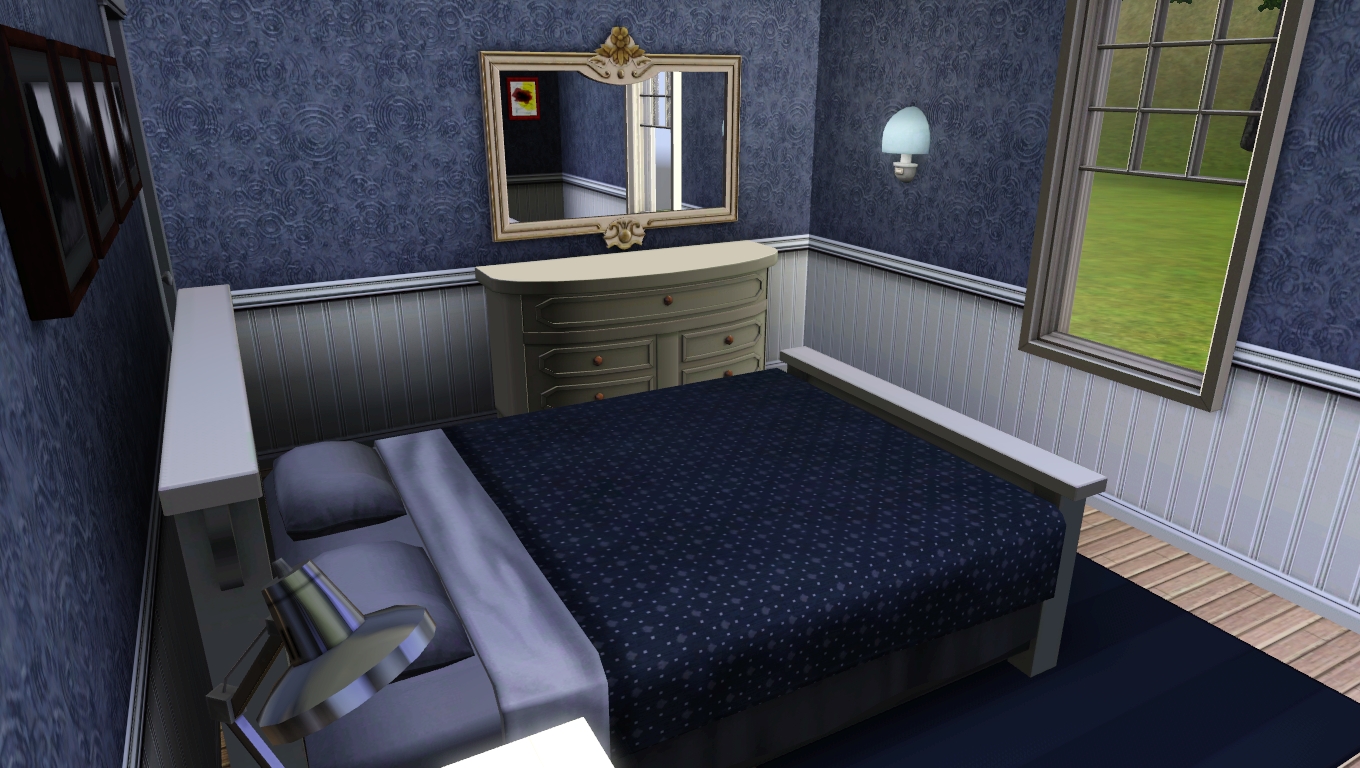
Master bedroom
Screenshot-14.jpg - width=1360 height=768
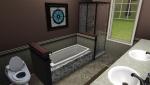
Bathroom
Screenshot-18.jpg - width=1360 height=768
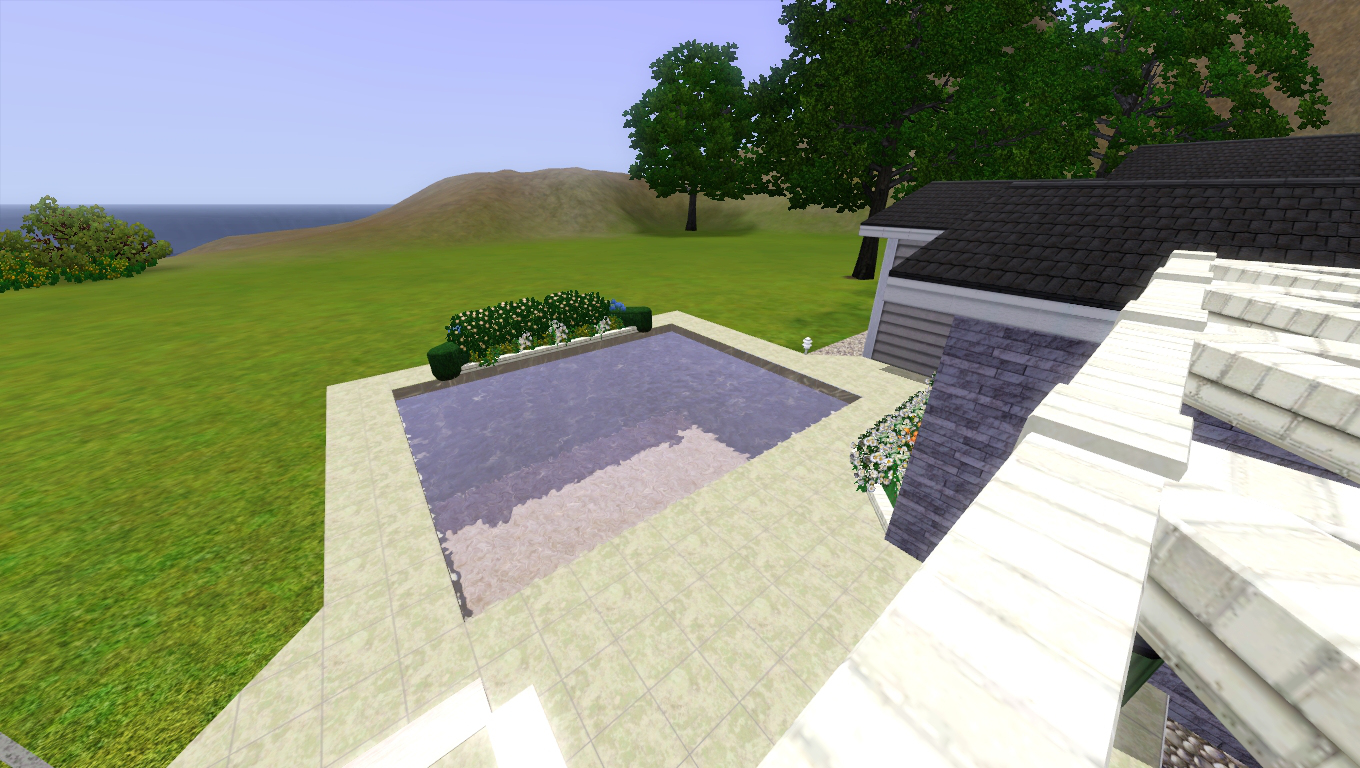
Pool
Screenshot-23.jpg - width=1360 height=768
Front of house


Hey everyone! This is my first proper upload to MTS
 And so I now present you with... Amber House!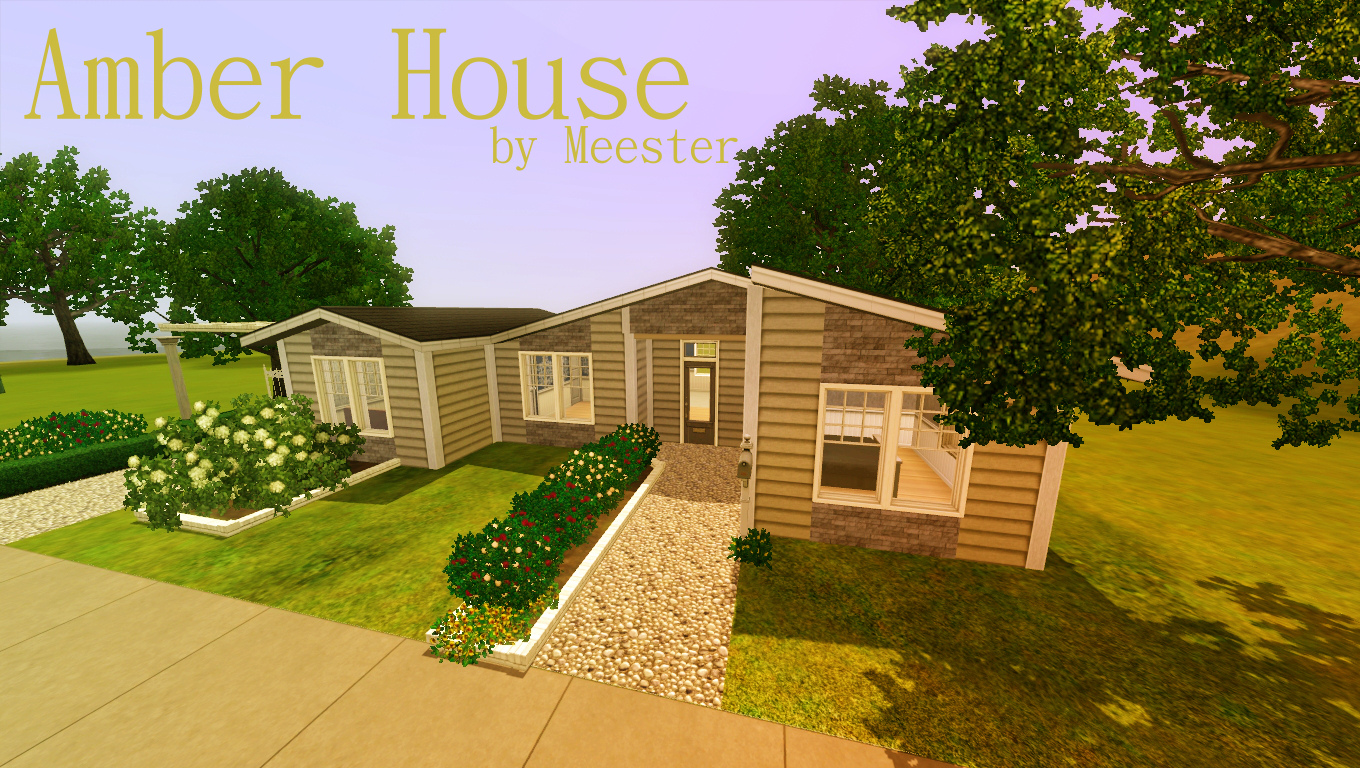
This house includes:
- A car port area
- A swimming pool and outdoor seating/eating area
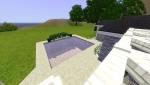
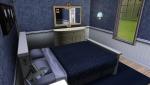
- 2 large bedrooms
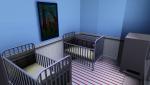
- 1 nursery/ single bedroom (could be converted into study/ dining room etc.)
- A generous bathroom
- An open plan kitchen/ living area

Layout:
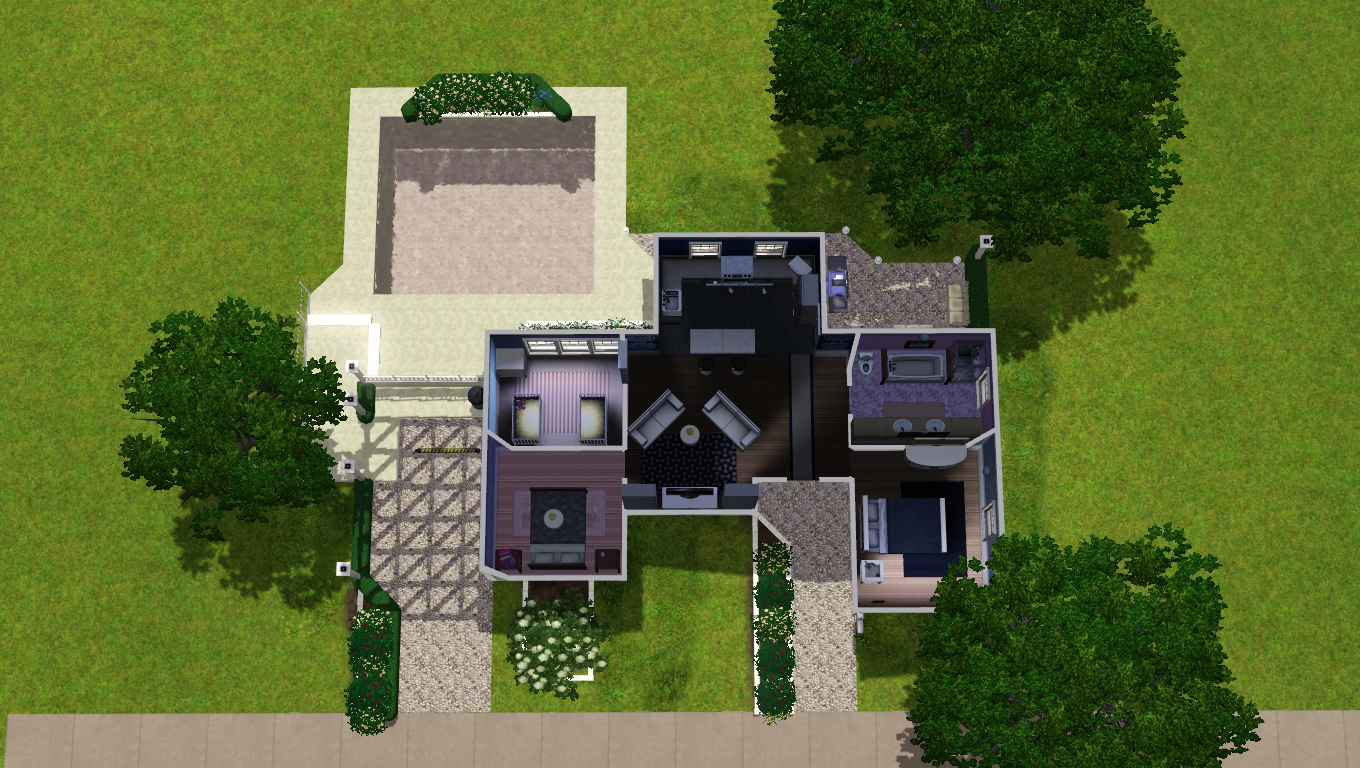
 I have included 2 versions, mainly because I know I'm not the worlds best interior designer! There is an unfurnished version, and a furnished version. You can have both in your game, so it's up to you!
- The unfurnished version costs $21,102
- The furnished version costs $43,978
Lot Size: 25x20
Lot Price: $43,978
|
Amber House- Unfurnished.zip
| Unfurnished version of 'Amber House'
Download
Uploaded: 31st Dec 2013, 1.39 MB.
249 downloads.
|
||||||||
|
Amber House- Furnished.zip
| Furnished version of 'Amber House'
Download
Uploaded: 31st Dec 2013, 1.50 MB.
519 downloads.
|
||||||||
| For a detailed look at individual files, see the Information tab. | ||||||||
Install Instructions
1. Click the filename or the download button to download the file to your computer.
2. Extract the zip, rar, or 7z file.
2. Select the .sims3pack file you got from extracting.
3. Cut and paste it into your Documents\Electronic Arts\The Sims 3\Downloads folder. If you do not have this folder yet, it is recommended that you open the game and then close it again so that this folder will be automatically created. Then you can place the .sims3pack into your Downloads folder.
5. Load the game's Launcher, and click on the Downloads tab. Select the house icon, find the lot in the list, and tick the box next to it. Then press the Install button below the list.
6. Wait for the installer to load, and it will install the lot to the game. You will get a message letting you know when it's done.
7. Run the game, and find your lot in Edit Town, in the premade lots bin.
Extracting from RAR, ZIP, or 7z: You will need a special program for this. For Windows, we recommend 7-Zip and for Mac OSX, we recommend Keka. Both are free and safe to use.
Need more help?
If you need more info, see Game Help:Installing TS3 Packswiki for a full, detailed step-by-step guide!
Loading comments, please wait...


 View with Names
Uploaded: 31st Dec 2013 at 4:02 PM
-
by Masaharu777 31st Jul 2009 at 1:23am
 7
14.9k
19
7
14.9k
19
-
by Masaharu777 3rd Aug 2009 at 4:05am
7
17.4k
26
-
by Masaharu777 28th Aug 2010 at 2:03pm
+2 packs
3 10.2k 15 World Adventures
 Ambitions
-
by athenashavoc 22nd Sep 2010 at 4:57pm
+1 packs
3 14.1k 13 World Adventures
-
-
-
-
-
-
Suburban Town House - 3br, 3ba
by OIHighRollerIO 10th Jul 2019 at 1:43pm
+1 packs
4.5k 4 Island Paradise


Packs Needed
| Expansion Pack | |
|---|---|
| Ambitions |
| University Life |