Sign in to Mod The Sims
 Stop PC Obsession by Modnest (Beta)
 Stop PC Obsession by Modnest (Beta)


PC3.png - width=614 height=702
PC1.png - width=504 height=578
PC2.png - width=837 height=469
Stop PC Obsession by Modnest 🎉
If you've ever looked away from your Sim for five seconds only to find them glued to a computer again, this mod is for you.
Whether they're gaming, browsing the web, chatting, or your house guests immediately steal your PC, this mod gives you control over your Sims' computer autonomy while keeping player-directed gameplay completely untouched.
✨ Features
🖥️ New "PC Obsession" pie menu
Click on any Sim to access a new PC Obsession menu with three options:
✅ EA Default
Uses the game's normal computer autonomy.
✅ Use Less
Sims choose computers on their own far less often thanks to randomized quiet windows after each autonomous computer session.
✅ Never Use Unless Prompted
Sims will never autonomously use a computer.
Your own commands always work normally.
At any time, clicking the active option again will disable the mod's rule and return that Sim (or everyone) to normal behavior.
🌍 Apply it your way
After choosing a setting, simply decide who it affects:
✔️ This Sim
✔️ All Sims
Apply your preferences to one specific Sim or everyone in your save, including visitors, guests, and NPCs.
No more strangers running straight to your computer!
⚙️ Designed to be lightweight
✅ Base Game compatible
✅ Works with every computer, including laptops and CC computers
✅ Supports future EA computer objects
✅ No EA objects replaced
✅ Player-directed interactions always work
✅ Settings are saved through game saves and restarts
| Filename | Type | Size |
|---|---|---|
| Stop_PC_Obsession_by_Modnest-v1.0.3.zip | zip | |
| Stop PC Obsession by Modnest.package | package | 31468 |
| Stop_PC_Obsession_by_Modnest.ts4script | ts4script | 28108 |
|
Stop_PC_Obsession_by_Modnest-v1.0.3.zip
Download
Uploaded: 10th Jul 2026, 58.5 KB.
37 downloads.
|
||||||||
| For a detailed look at individual files, see the Information tab. | ||||||||
Install Instructions
1. Download: Click the File tab to see the download link. Click the link to save the .rar or .zip file(s) to your computer.
Read the upload description for installation instructions. If nothing else is specified, do the following:
2. Extract: Use WinRAR (Windows) to extract the .package file(s) (if included, ts4script as well) from the .rar or .zip file(s).
3. Cut and paste the .package file(s) (if included, ts4script as well) into your Mods folder
- Windows XP: Documents and Settings\(Current User Account)\My Documents\Electronic Arts\The Sims 4\Mods\
- Windows Vista/7/8/8.1: Users\(Current User Account)\Documents\Electronic Arts\The Sims 4\Mods\
Need more information?
- Anyone can use both .rar and .zip files easily! On Windows, use WinRAR.
- If you don't have a Mods folder, just make one.
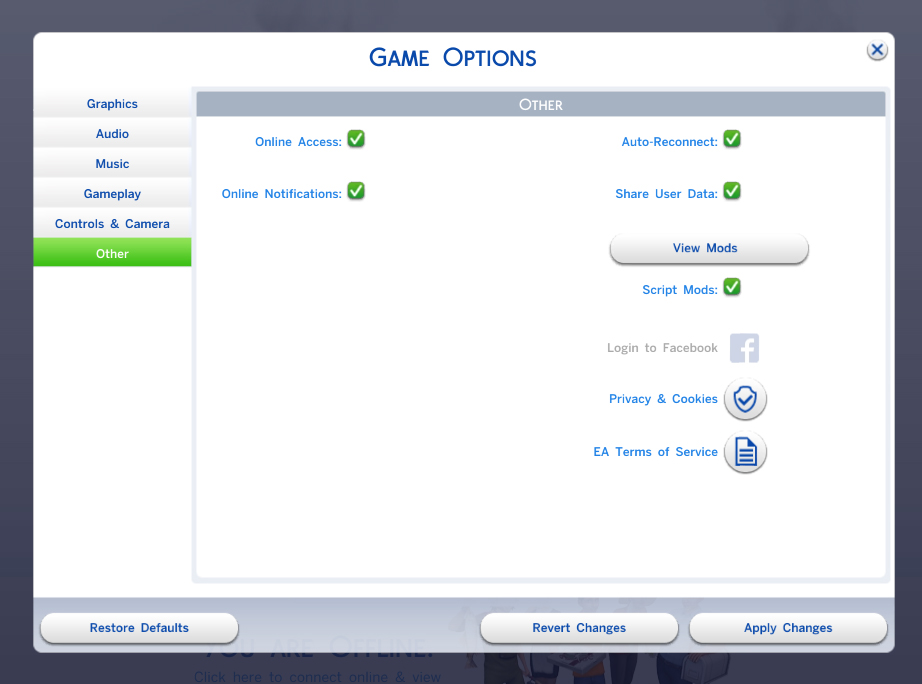
- Mod still not working? Make sure you have script mods enabled
Loading comments, please wait...
Uploaded: 10th Jul 2026 at 12:46 PM
-
-
-
by TURBODRIVER updated 21st Nov 2022 at 12:56pm
 30
192.1k
236
30
192.1k
236
-
-
Radiophobe's Zodiac Signs 2.3 - Adopted
by Tralfaz482 updated 29th Oct 2024 at 9:53pm
109
102.1k
122
-
-
by laurelie updated 24th Apr 2024 at 12:23pm
4
14.6k
24
-
by Scipio Garling 26th Nov 2024 at 10:18pm
8
13.6k
22
-
ArtemSims Police & Burglar Overhaul
by ArtemSims 20th Jun 2025 at 10:07pm
+3 packs
18 24.7k 56 Get to Work
 Parenthood
 Strangerville
-

by Meep62 11th May 2026 at 7:29pm
2.2k
9