
 Sign in to Mod The Sims


#51
 5th Nov 2011 at 11:51 AM
5th Nov 2011 at 11:51 AM


#52
6th Nov 2011 at 2:36 AM
6th Nov 2011 at 2:36 AM
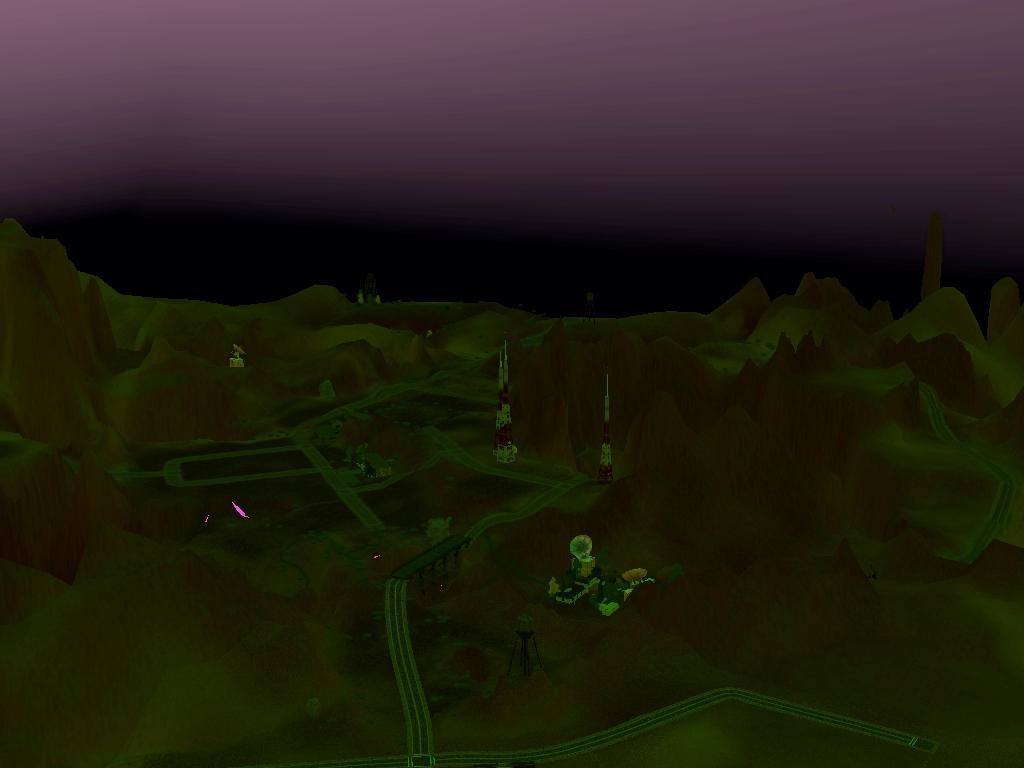
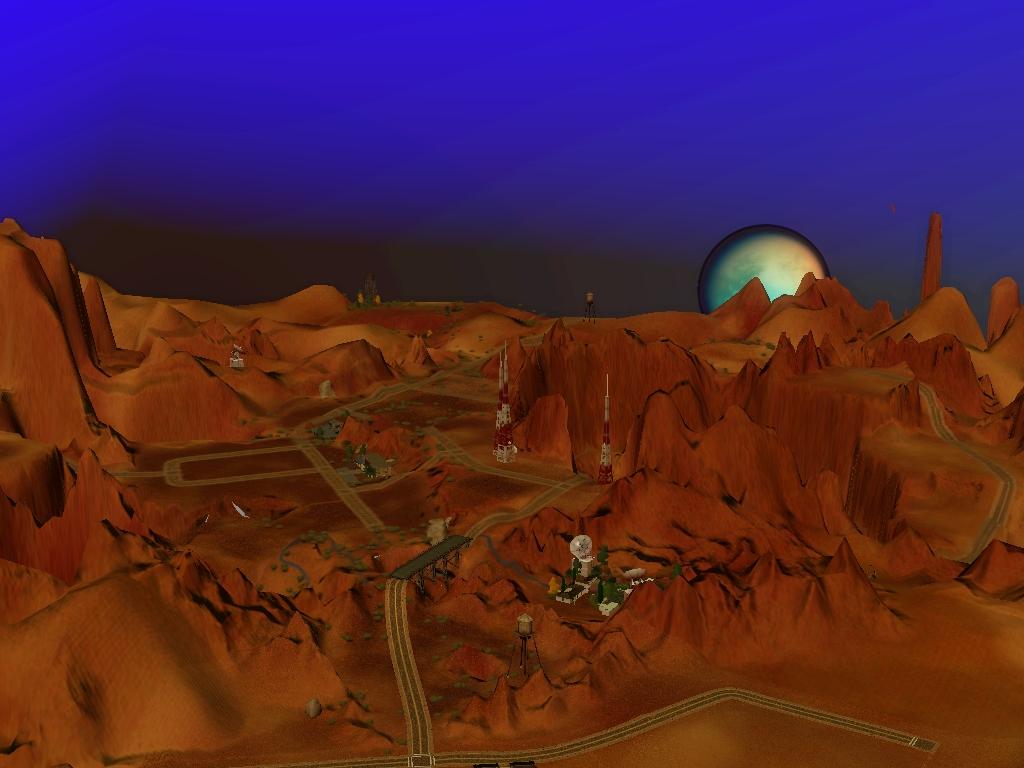
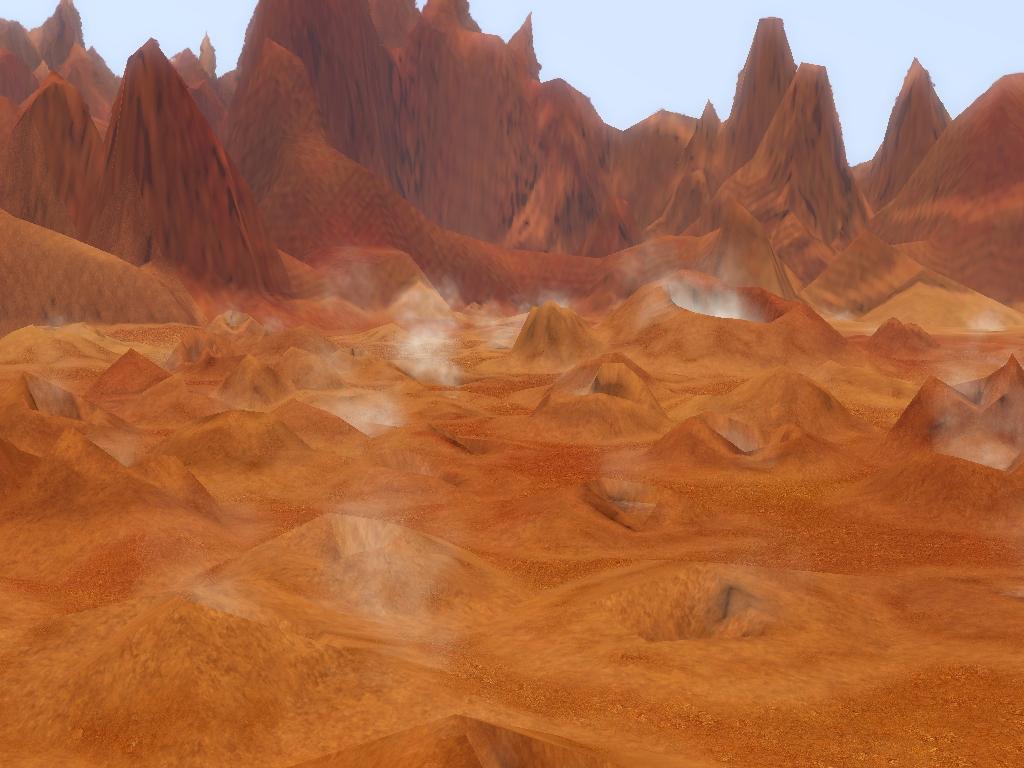 is the base-egypt look for this world around 7 or 8am. The colors progress as a normal day's would.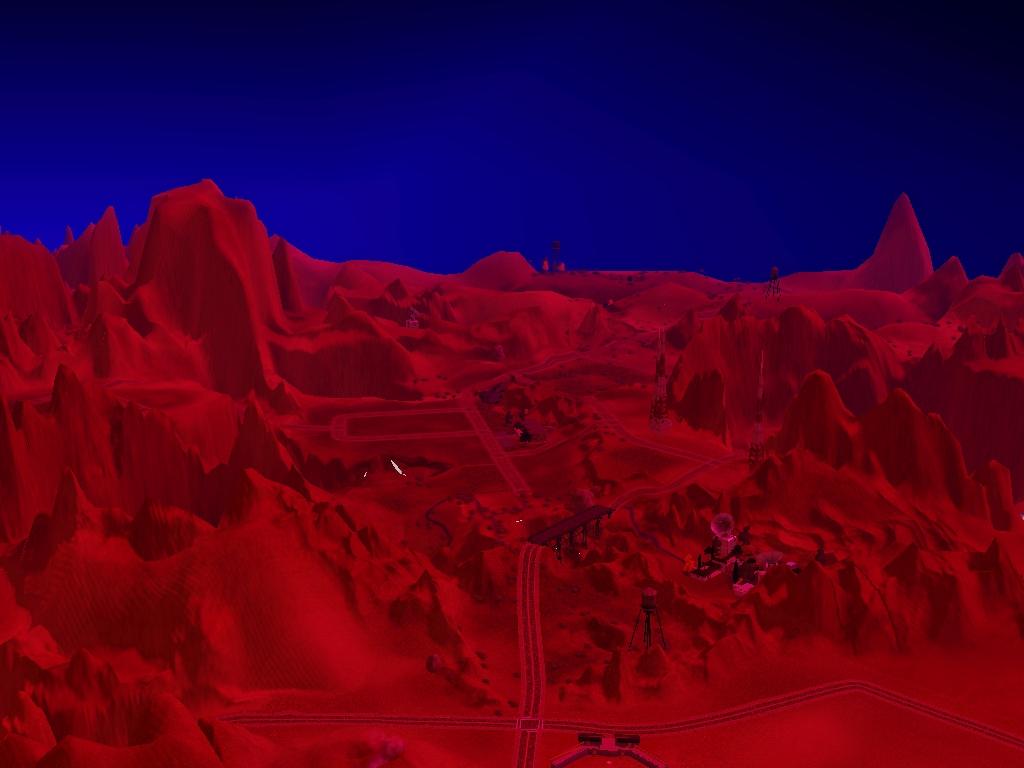


#53
6th Nov 2011 at 11:02 AM
6th Nov 2011 at 11:02 AM

 Try: Editing the colour ramp files to change the sea and sky colour.
  I hope this helps!
 How ironic that no-one read my post about me complaining how no-one reads my posts!
#54
6th Nov 2011 at 3:09 PM
6th Nov 2011 at 3:09 PM

#55
6th Nov 2011 at 3:11 PM
6th Nov 2011 at 3:11 PM
 It made me laugh! You know I'm only kidding, I don't really mind, I do tend to write a lot at once, so probably people fall asleep by the end of the post.
#56
6th Nov 2011 at 3:46 PM
Last edited by bakafox : 6th Nov 2011 at 4:17 PM.
6th Nov 2011 at 3:46 PM
Last edited by bakafox : 6th Nov 2011 at 4:17 PM.
#57
6th Nov 2011 at 3:47 PM
Last edited by simsample : 6th Nov 2011 at 3:59 PM.
6th Nov 2011 at 3:47 PM
Last edited by simsample : 6th Nov 2011 at 3:59 PM.
#58
6th Nov 2011 at 6:03 PM
6th Nov 2011 at 6:03 PM
#59
6th Nov 2011 at 6:15 PM
6th Nov 2011 at 6:15 PM
#60
6th Nov 2011 at 6:35 PM
6th Nov 2011 at 6:35 PM
#61
6th Nov 2011 at 10:27 PM
6th Nov 2011 at 10:27 PM
#62
6th Nov 2011 at 10:31 PM
6th Nov 2011 at 10:31 PM
#63
6th Nov 2011 at 10:34 PM
6th Nov 2011 at 10:34 PM
#64
6th Nov 2011 at 10:59 PM
6th Nov 2011 at 10:59 PM
#65
7th Nov 2011 at 12:50 AM
7th Nov 2011 at 12:50 AM

#66
12th Nov 2011 at 3:18 AM
12th Nov 2011 at 3:18 AM
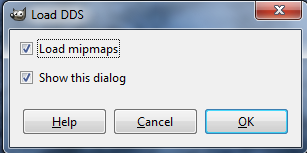 Should I be unchecking 'load mipmaps'? This is in Gimp, when loading a DDS.
#67
12th Nov 2011 at 4:33 AM
12th Nov 2011 at 4:33 AM
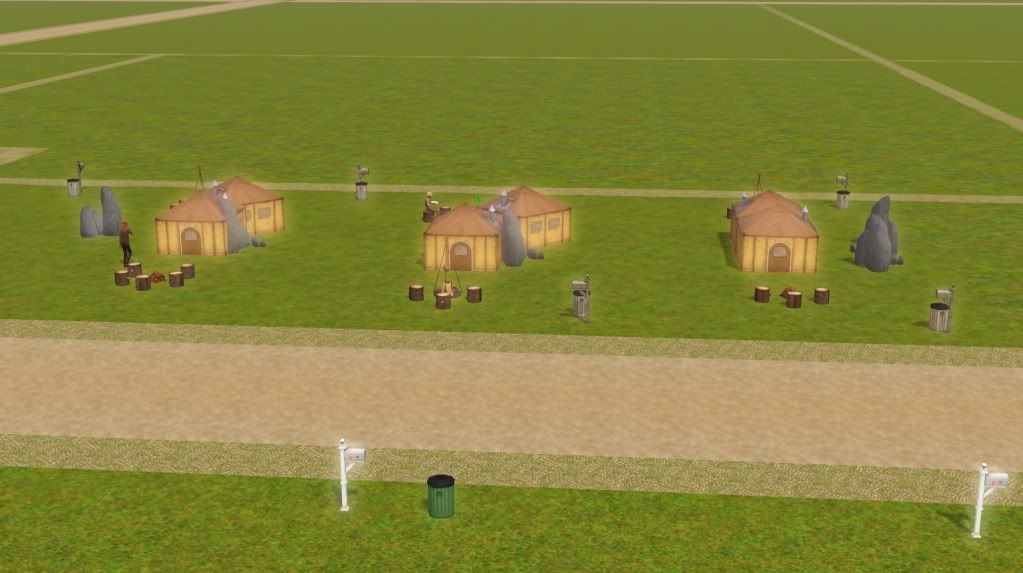 There is a glow, for lack of a better word, around many objects in my game. I thought reducing daytime bloom would help, but nada. Any suggestions?

#68
12th Nov 2011 at 9:30 AM
12th Nov 2011 at 9:30 AM
#69
13th Nov 2011 at 1:41 AM
Last edited by Margaret Pendragon : 13th Nov 2011 at 3:11 AM.
13th Nov 2011 at 1:41 AM
Last edited by Margaret Pendragon : 13th Nov 2011 at 3:11 AM.
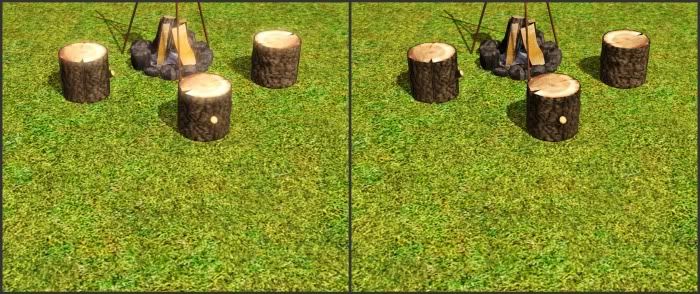 On the left is with the unedited Appaloosa files, quite bright and glowy, on the right is with the basegame INIs.
#70
13th Nov 2011 at 2:40 PM
13th Nov 2011 at 2:40 PM
#71
13th Nov 2011 at 3:02 PM
13th Nov 2011 at 3:02 PM
#72
13th Nov 2011 at 4:19 PM
Last edited by Margaret Pendragon : 13th Nov 2011 at 7:03 PM.
13th Nov 2011 at 4:19 PM
Last edited by Margaret Pendragon : 13th Nov 2011 at 7:03 PM.
#73
13th Nov 2011 at 11:22 PM
13th Nov 2011 at 11:22 PM

#74
14th Nov 2011 at 2:16 AM
14th Nov 2011 at 2:16 AM
#75
14th Nov 2011 at 1:40 PM
14th Nov 2011 at 1:40 PM
|
|