
 Sign in to Mod The Sims
 Realistic Blushing Skins
 Realistic Blushing Skins


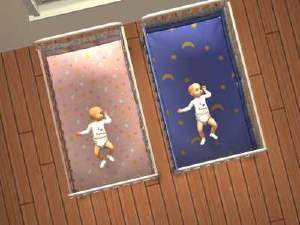
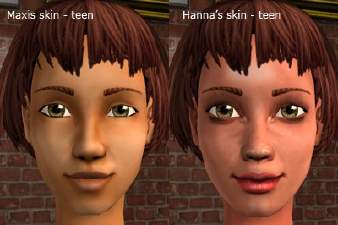
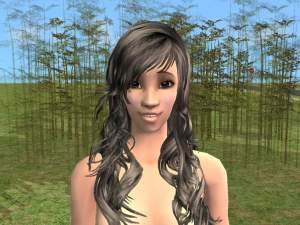
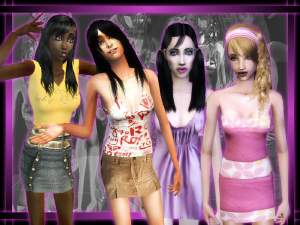
Blush FF.jpg - width=1024 height=768
Blush FM.jpg - width=1024 height=768
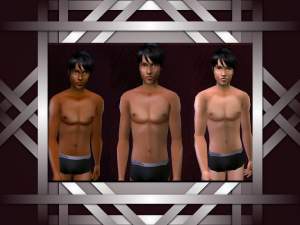
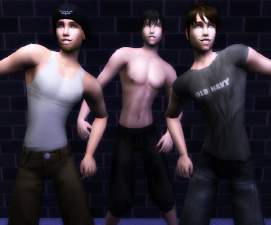
Blush T01.jpg - width=1024 height=768
Blush T02.jpg - width=1024 height=768
Blush T03.jpg - width=1024 height=768
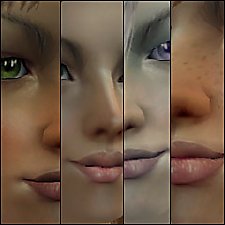
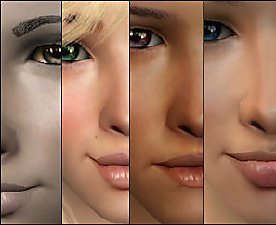
Blush Face Closeups.jpg - width=1024 height=768
Hair is from Raonsims and Rosesims.
Eyes by REZ and Helaene.
Brows by Helaene.
Permissions:
You can make alternate faces, give me credit, a link back here, and only post on MTS2.
Do not mix my skin with any other creator's skin. If we wanted our skins mixed, we would do it.
Do not edit my body textures, only use them for alternate faces.
I hope you enjoy it. Send me a PM for requests. Thanx. -SJ


|
Blush_Pale.zip
Download
Uploaded: 1st Jul 2007, 3.14 MB.
3,160 downloads.
|
||||||||
|
Blush_Normal.zip
Download
Uploaded: 1st Jul 2007, 3.93 MB.
2,822 downloads.
|
||||||||
|
Blush_Dark.zip
Download
Uploaded: 1st Jul 2007, 3.43 MB.
2,160 downloads.
|
||||||||
| For a detailed look at individual files, see the Information tab. | ||||||||
Install Instructions
1. Download: Click the download link to save the .rar or .zip file(s) to your computer.
2. Extract the zip, rar, or 7z file.
3. Place in Downloads Folder: Cut and paste the .package file(s) into your Downloads folder:
- Origin (Ultimate Collection): Users\(Current User Account)\Documents\EA Games\The Sims™ 2 Ultimate Collection\Downloads\
- Non-Origin, Windows Vista/7/8/10: Users\(Current User Account)\Documents\EA Games\The Sims 2\Downloads\
- Non-Origin, Windows XP: Documents and Settings\(Current User Account)\My Documents\EA Games\The Sims 2\Downloads\
- Mac: Users\(Current User Account)\Documents\EA Games\The Sims 2\Downloads
- Mac x64: /Library/Containers/com.aspyr.sims2.appstore/Data/Library/Application Support/Aspyr/The Sims 2/Downloads
- For a full, complete guide to downloading complete with pictures and more information, see: Game Help: Downloading for Fracking Idiots.
- Custom content not showing up in the game? See: Game Help: Getting Custom Content to Show Up.
- If you don't have a Downloads folder, just make one. See instructions at: Game Help: No Downloads Folder.
Loading comments, please wait...

Uploaded: 1st Jul 2007 at 11:05 AM
Updated: 2nd Jul 2007 at 8:14 PM
-
-
-
-
-
-
-
-
-
Recolors of LyHoly New Skintones - Dark - Pale -
by Liurika 17th Aug 2007 at 6:54pm
-


-
-
-
-
-
-
-
-
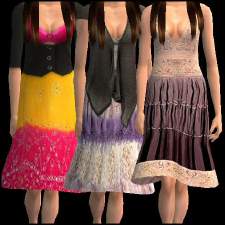
11 Flare Dresses for Adult Ladies *New Mesh*
by Sheyza 20th Nov 2007 at 8:02pm
There are 11 flare dresses of all styles, and one new mesh. more...
 6
16.8k
14
6
16.8k
14
Female » Mixed Sets » Adult
-
-
About Me
Policies
Updated 12/07/07
Ok, everything is pretty much a free for all, but if you have a question or something, just ask. I occasionally do requests, but please don't be mad if I'm too busy. Thanx.