
 Sign in to Mod The Sims
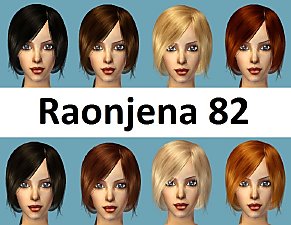
 XM Hair project Part #05 *binned*
 XM Hair project Part #05 *binned*


.jpg?cb=1239367590)


.jpg?cb=1239367590)
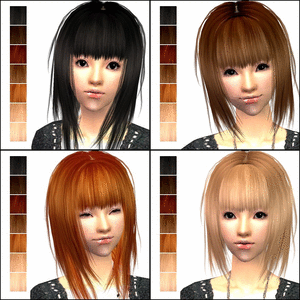
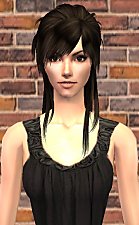
Black.jpg - width=473 height=600
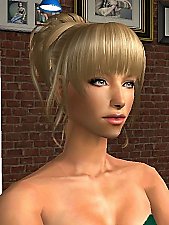
Blond.jpg - width=505 height=600
Blond (02).jpg - width=503 height=600
Brown.jpg - width=524 height=600
Dark Brown.jpg - width=552 height=600
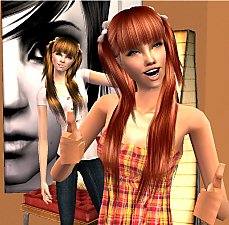
Red.jpg - width=485 height=600
Red (02).jpg - width=469 height=600
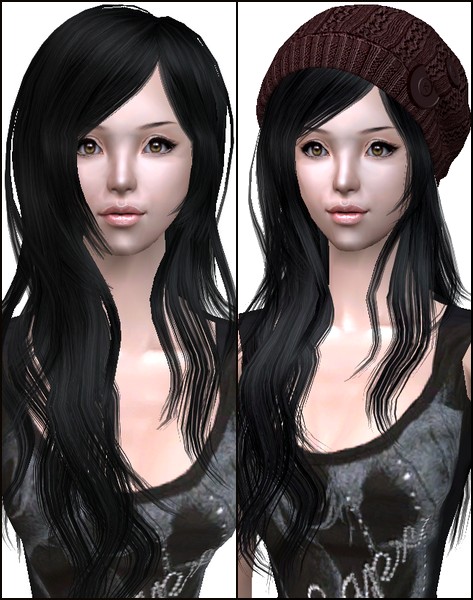
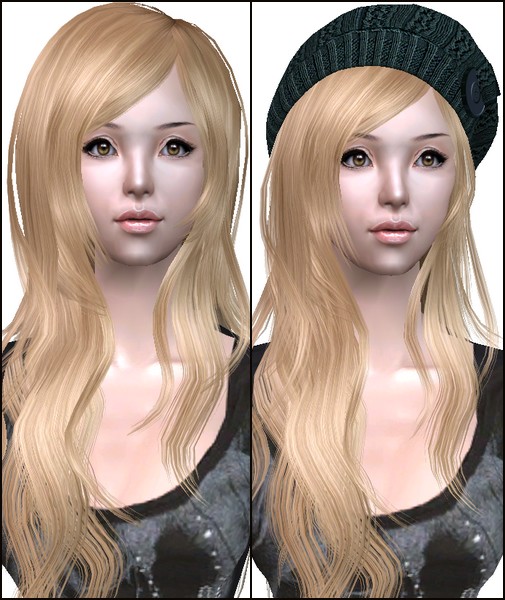
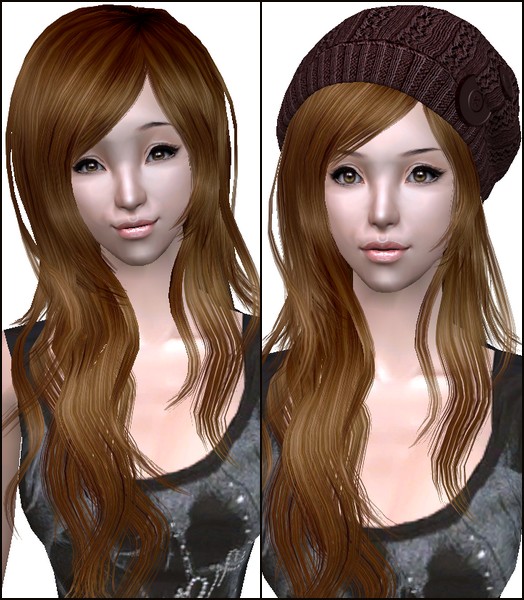
.jpg)
|
XM Hair Recolor without hat by Sango_91.rar
Download
Uploaded: 11th Apr 2009, 5.02 MB.
81,101 downloads.
|
||||||||
|
XM Hair Recolor with hat by Sango_91.rar
Download
Uploaded: 11th Apr 2009, 4.45 MB.
70,209 downloads.
|
||||||||
| For a detailed look at individual files, see the Information tab. | ||||||||
Install Instructions
1. Download: Click the download link to save the .rar or .zip file(s) to your computer.
2. Extract the zip, rar, or 7z file.
3. Place in Downloads Folder: Cut and paste the .package file(s) into your Downloads folder:
- Origin (Ultimate Collection): Users\(Current User Account)\Documents\EA Games\The Sims™ 2 Ultimate Collection\Downloads\
- Non-Origin, Windows Vista/7/8/10: Users\(Current User Account)\Documents\EA Games\The Sims 2\Downloads\
- Non-Origin, Windows XP: Documents and Settings\(Current User Account)\My Documents\EA Games\The Sims 2\Downloads\
- Mac: Users\(Current User Account)\Documents\EA Games\The Sims 2\Downloads
- Mac x64: /Library/Containers/com.aspyr.sims2.appstore/Data/Library/Application Support/Aspyr/The Sims 2/Downloads
- For a full, complete guide to downloading complete with pictures and more information, see: Game Help: Downloading for Fracking Idiots.
- Custom content not showing up in the game? See: Game Help: Getting Custom Content to Show Up.
- If you don't have a Downloads folder, just make one. See instructions at: Game Help: No Downloads Folder.
Meshes needed
This download requires one or more meshes to work properly. Please check the Description tab for information about the meshes needed, then download them below:| MTS cannot guarantee any off-site links will be available |
| xmsims.com/sims2/ehtm/hair/hair68.htm (non-MTS link) |
| xmsims.com/sims2/ehtm/hair/hair71.htm (non-MTS link) |
Loading comments, please wait...

Uploaded: 11th Apr 2009 at 7:33 PM
-
Raonjena #19 for males, binned recolors
by fairywasteland 12th Dec 2007 at 6:54am
-
-
-
-
-
-
XMSims With Nouk Textures + Alpha Edits!
by StaleMuffin 15th Aug 2009 at 9:28pm
-
-
-

-
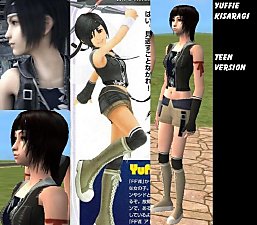
Yuffie Kisaragi from Final Fantasy VII Advent Children (Teen and Adult ver.)
by Sango_91 21st Jan 2007 at 10:39am
So, I worked very hard on this Sim the last week and I think it turned out very well. more...
 36
124.9k
86
36
124.9k
86
-
Hinata Hyuuga: Original Character and Shippuuden Version
by Sango_91 updated 20th Feb 2009 at 9:05am
I fixed the "Fixed clothing file" now (finally!). more...
80
282.6k
148
-
-
-
Temari from Naruto in her second outfit
by Sango_91 updated 20th Feb 2009 at 9:14am
*UPDATE* Clothing mesh added because Blue's site is down. more...
35
114k
70
-
Utada Hikaru (My second version)
by Sango_91 26th Mar 2008 at 9:43am
Hey, I looked back at my old Utada Hikaru Sim and I noticed that the likeness was not as I more...
29
80.6k
64
-
Lightning from Final Fantasy XIII (Update !!!)
by Sango_91 9th Dec 2006 at 1:00pm
UPDATE !!! more...
27
143.9k
75
-
.jpg)
-
-
About Me
I have no time for creating any more, as I am studying right now. I have got so much to do that I can barely meet my friends and they are much mor important to me than creating custom content. Please bear with me! I am going to update as soon as I can!
YOU MAY:
- Use my content for your own uploads (w/o my permission if you do not change it. Give credit please)
- Upload my content to MTS2 only
- In any case, please link back to my original post
YOU MAY NOT:
- Claim my work as your own
- Recolor, change, or use my textures w/o my permission
- upload my content to other sites than MTS2
Please note that I do NOT take requests. I still have a life besides the Sims 2, you know. Either way, you CAN make suggestions.