
 Sign in to Mod The Sims
 Fluid Eyes - New Eyes in Seven Shades + Defaults by Zombie Jill
 Fluid Eyes - New Eyes in Seven Shades + Defaults by Zombie Jill


zj_fluideyes_001_victoria.jpg - width=600 height=385
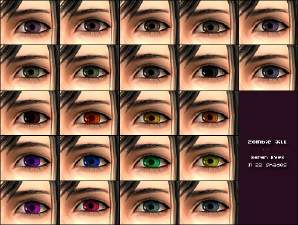
zj_fluideyes_allcolors.jpg - width=454 height=320
zj_fluideyes_002_alyssa.jpg - width=600 height=385
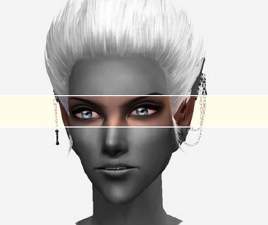
zj_fluideyes_002_fantasy.jpg - width=600 height=385
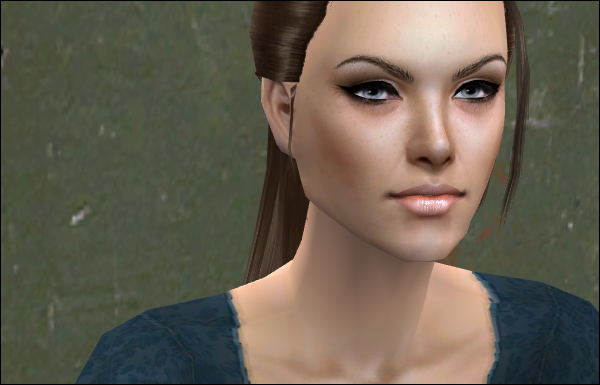
Hey guys! Been a while~!
Today I bring you a new set of eyes I'm calling 'Fluid Eyes'.
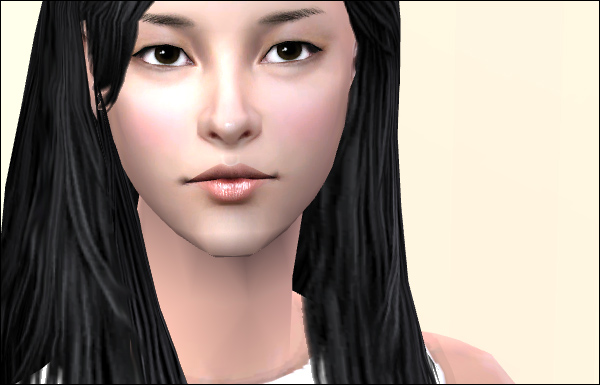
These are based on the same sclera as my Show Me Passion eyes.
Which is a blend of my own sclera and IcedMango's.
Which is a lot of description for a sclera~! XD
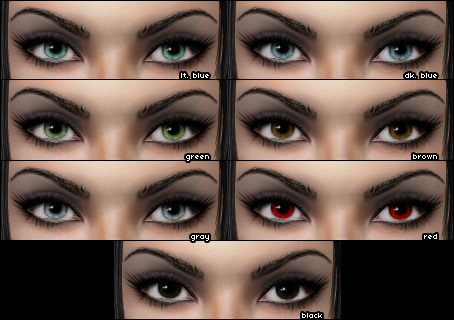
They come in the 5 'default' shades, as well as a bonus black, and a bonus red.
Each file is labeled clearly so you can know what you're getting, and can delete what you don't want.
I've also made a defaults package, corresponding to the filenames noted above~
Remember that you can only have ONE defaults package in your game at a time!
So delete any other eye defaults you may have prior to download the defaults.
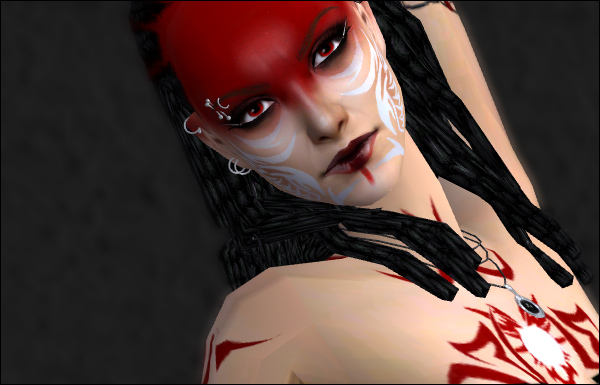
I think that's it...
^_^ I'll answer any WCIF's and such in the thread.
Feel free to do whatever~!
And.. enjoy!
|
DEFAULTS_zj_fluideyes.rar
Download
Uploaded: 12th Jun 2009, 127.0 KB.
3,886 downloads.
|
||||||||
|
zj_fluideyes.rar
Download
Uploaded: 12th Jun 2009, 294.0 KB.
6,917 downloads.
|
||||||||
| For a detailed look at individual files, see the Information tab. | ||||||||
Install Instructions
1. Download: Click the download link to save the .rar or .zip file(s) to your computer.
2. Extract the zip, rar, or 7z file.
3. Place in Downloads Folder: Cut and paste the .package file(s) into your Downloads folder:
- Origin (Ultimate Collection): Users\(Current User Account)\Documents\EA Games\The Sims™ 2 Ultimate Collection\Downloads\
- Non-Origin, Windows Vista/7/8/10: Users\(Current User Account)\Documents\EA Games\The Sims 2\Downloads\
- Non-Origin, Windows XP: Documents and Settings\(Current User Account)\My Documents\EA Games\The Sims 2\Downloads\
- Mac: Users\(Current User Account)\Documents\EA Games\The Sims 2\Downloads
- Mac x64: /Library/Containers/com.aspyr.sims2.appstore/Data/Library/Application Support/Aspyr/The Sims 2/Downloads
- For a full, complete guide to downloading complete with pictures and more information, see: Game Help: Downloading for Fracking Idiots.
- Custom content not showing up in the game? See: Game Help: Getting Custom Content to Show Up.
- If you don't have a Downloads folder, just make one. See instructions at: Game Help: No Downloads Folder.
Loading comments, please wait...
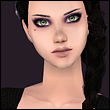
Uploaded: 12th Jun 2009 at 1:51 AM
-
-
-
by ZombieJill 26th Oct 2006 at 4:51am
-
-
-
-
Twelve Shades of Blue - New Eyes by Zombie Jill
by ZombieJill 6th Jan 2007 at 9:32pm
-
Zombie Jill - Sarah Eyes in 22 Shades
by ZombieJill 10th Apr 2007 at 3:44am
-
-

-
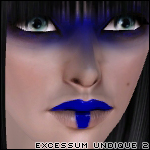
Excessum Undique Part 2 - Make Up set by Zombie Jill
by ZombieJill 26th Nov 2007 at 6:04pm
Wow! more...
-
by ZombieJill 28th Oct 2006 at 3:55am
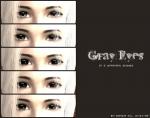
^^ As requested by troubledrose94, here are some gray eyes. more...
-
-
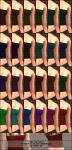
Zombie Jill - 24 Cute, Simple Tube Tops
by ZombieJill 6th Jul 2007 at 8:58am
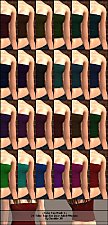
^^ Whoot, back again. XD Been a while, huh? Anyways, today, I bring you 24 cute tube tops. more...
-
Twelve Shades of Blue - New Eyes by Zombie Jill
by ZombieJill 6th Jan 2007 at 9:32pm
^_^;; I finally got off my lazy butt and decided to upload the newest collection of eyes I've made. more...
-
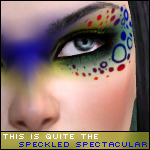
Speckled Spectacular - 6 Eyeshadows by Zombie Jill
by ZombieJill 28th Apr 2008 at 6:19pm
^_^ This is the most recent evolution of my Excessum Undique make-up: A whacky, borderlining tacky set more...
-
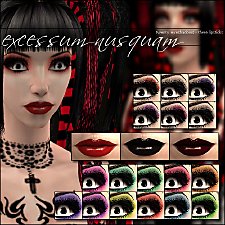
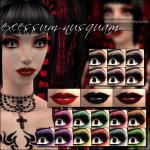
Excessum Nusquam - New Make Up by Zombie Jill
by ZombieJill 15th Mar 2007 at 7:09am
Boredom struck me today. XD I decided to make a scary, gothy family. more...
-
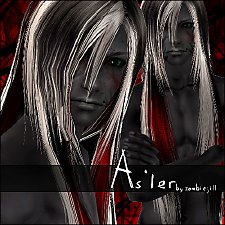
As'ler, an adult-male custom sim by Zombie Jill
by ZombieJill 11th Apr 2007 at 5:34pm
^^ My first sim upload... XD Aah, how long I've been waiting to do this. more...
 15
77.3k
90
15
77.3k
90
Sims » Horror / Gothic » Male
-
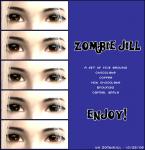
by ZombieJill 26th Oct 2006 at 4:51am
^^ I got a request-ish-thing for some brown eyes. So, I went ahead and made them. more...
-
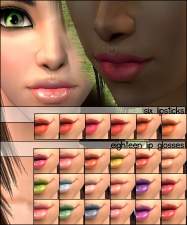
Zombie Jill - Six Lipsticks and Eighteen Lip Glosses
by ZombieJill 25th Dec 2006 at 2:09am
XD Boredom struck today as I'm bouncing around waiting for Christmas to come (HAPPY HOLIDAYS EVERYONE! more...
About Me
Slice 'em up, recolor them, rip them apart, base your new sims on them, whatever!
Just credit me, and never upload to pay sites!
All derivative work should be 100% free, 100% of the time.
You absolutely may convert my items to The Sims 3/The Sims 4 and I encourage you to do so!
Just share the link with me, and I will add it to the downloads so people can find your work.