
 Sign in to Mod The Sims
 Damask Pattern
 Damask Pattern


damaskpink.jpg - width=918 height=864
damaskthumb.jpg - width=950 height=864
damaskblack1.jpg - width=800 height=600
damaskmain1.jpg - width=800 height=600
Appears under the fabric category.
Original colour:
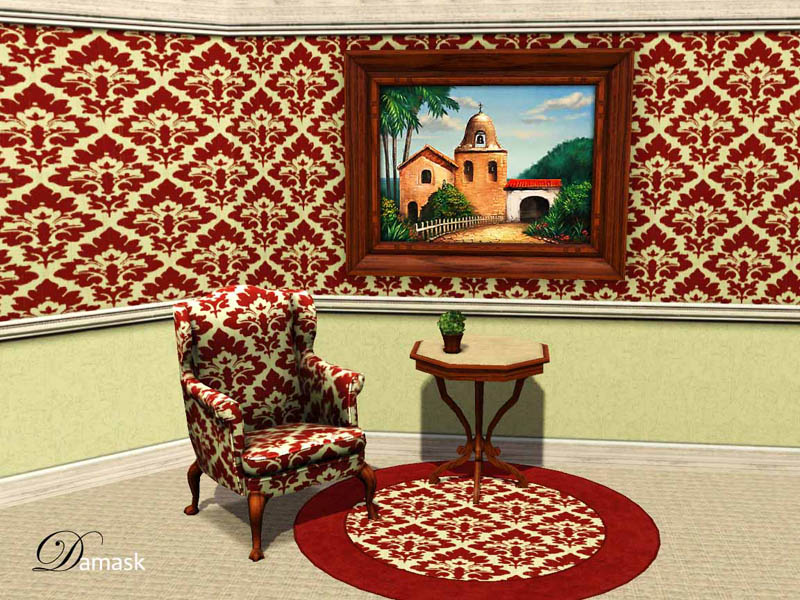
Recolour example:
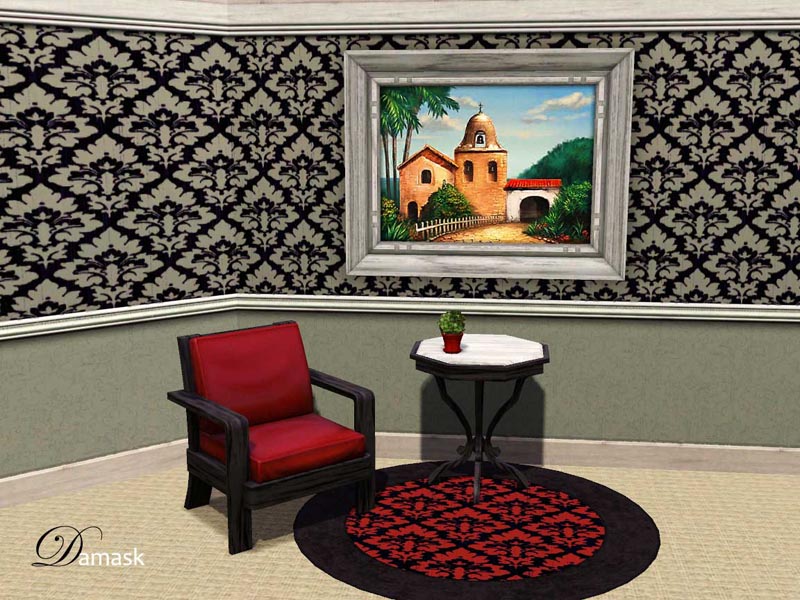
|
damask.rar
Download
Uploaded: 1st Jul 2009, 306.7 KB.
2,212 downloads.
|
||||||||
| For a detailed look at individual files, see the Information tab. | ||||||||
Install Instructions
1. Click the download button, or the filename, to download the file to your computer.
2. Extract the zip, rar, or 7z file. Now you will have either a .package or a .sims3pack file.
For Package files:
1. Cut and paste the file into your Documents\Electronic Arts\The Sims 3\Mods\Packages folder. If you do not already have this folder, you should read the full guide to Package files first: Sims 3:Installing Package Fileswiki, so you can make sure your game is fully patched and you have the correct Resource.cfg file.
2. Run the game, and find your content where the creator said it would be (build mode, buy mode, Create-a-Sim, etc.).
For Sims3Pack files:
1. Cut and paste it into your Documents\Electronic Arts\The Sims 3\Downloads folder. If you do not have this folder yet, it is recommended that you open the game and then close it again so that this folder will be automatically created. Then you can place the .sims3pack into your Downloads folder.
2. Load the game's Launcher, and click on the Downloads tab. Find the item in the list and tick the box beside it. Then press the Install button below the list.
3. Wait for the installer to load, and it will install the content to the game. You will get a message letting you know when it's done.
4. Run the game, and find your content where the creator said it would be (build mode, buy mode, Create-a-Sim, etc.).
Extracting from RAR, ZIP, or 7z: You will need a special program for this. For Windows, we recommend 7-Zip and for Mac OSX, we recommend Keka. Both are free and safe to use.
Need more help?
If you need more info, see:
- For package files: Sims 3:Installing Package Fileswiki
- For Sims3pack files: Game Help:Installing TS3 Packswiki
Loading comments, please wait...

Uploaded: 1st Jul 2009 at 8:37 PM






-
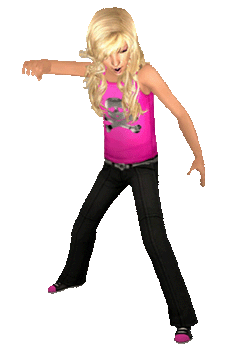
by lemonbutter 8th Aug 2007 at 7:21pm
Do your sim girls have the feisty attitude of a pirate? Then maybe they need an outfit to match! more...
-


H&M Outfit - Gold and White Recolour
by lemonbutter 24th Jun 2007 at 8:00pm
Here is yet another H&M outfit I like. more...
-
by lemonbutter 4th Jul 2007 at 1:02pm
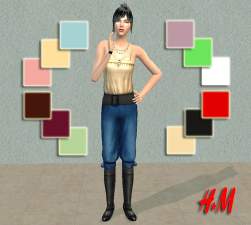
Here are twelve recolours of another H&M outfit for women. more...
-
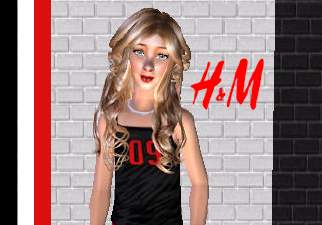
Black, White & Red - H&M recolours for Girls
by lemonbutter 28th Jun 2007 at 10:19pm
This is the 'Black, White & Red Collection' exclusive for sim girls. Recolours of the H&M girls outfit. more...
-
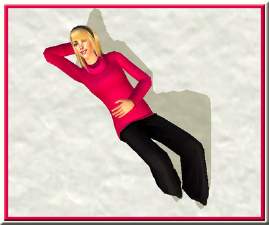

Pink 'n' White Outerwear Collection
by lemonbutter 25th Jul 2007 at 1:06am
I was looking around for some inspiration, and I came across a nice outfit with a pink top and black more...
-
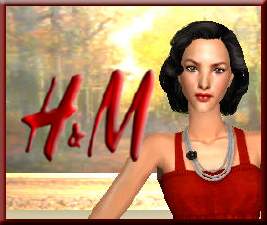

by lemonbutter 25th Jul 2007 at 12:16am
There is a sim lady called Scarlett, who is married to a rather rich gentlemen. more...
-
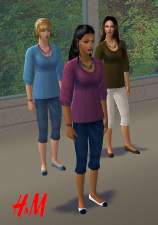
by lemonbutter 22nd Jun 2007 at 2:28pm
This is my second upload, and this time I decided to do some H&M recolours, especially as I have some more...
-

by lemonbutter 1st Aug 2007 at 12:49am
I have a sim called Arma Bourton who is really fond of the stripy outfit. more...
-

by lemonbutter 2nd Jul 2007 at 12:46am
I thought it was time to give the sim men some attention, so here are eight recolours for them to more...
-

by lemonbutter 30th Jul 2007 at 4:19pm
Here is another H&M outfit recoloured and available for simmies everywhere! more...


