
 Sign in to Mod The Sims
 FSAS 18 Male Tee's
 FSAS 18 Male Tee's


col2.jpg - width=549 height=677
col3.jpg - width=529 height=674
Thumbnail.jpg - width=520 height=466
col1edit.jpg - width=480 height=565
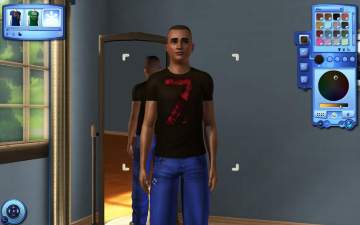
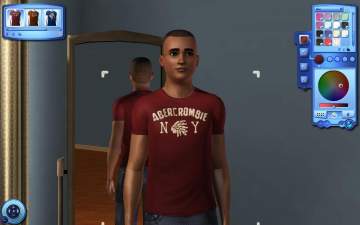
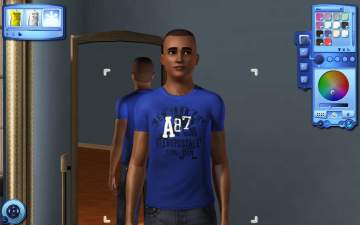
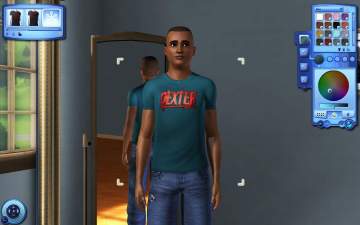
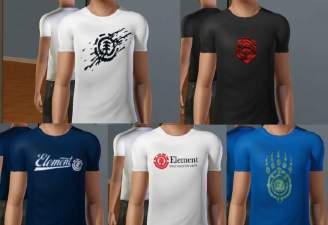
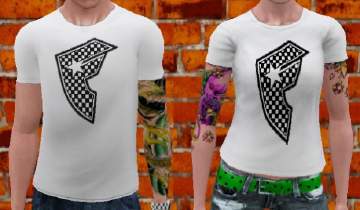
They come in 3 groups, each group has 6 tee's so each group will be in one row in CAS so they won't take up much space, because if you're like me I hate scrolling through loads of CC.
Anyway...here they are. Enjoy


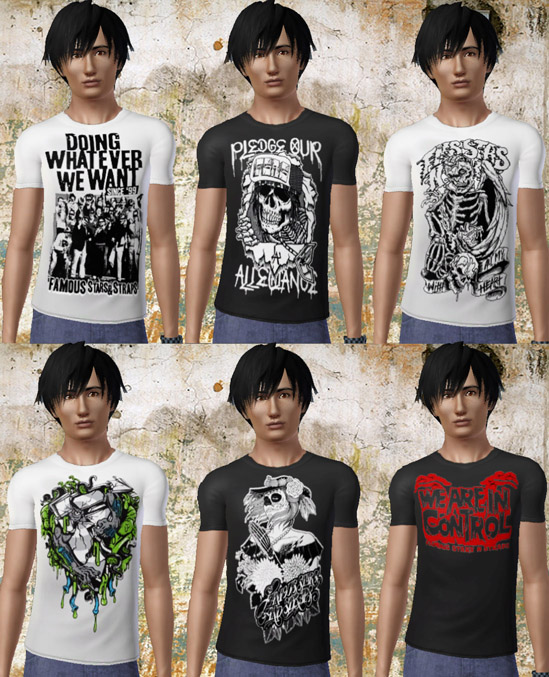
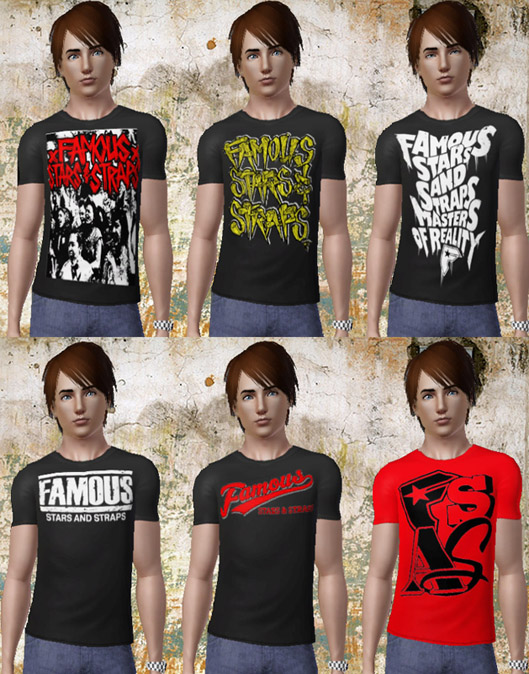
Avaliabe in Male YA/A, Everyday/Sleepwear/Athletic
The overall colour of the shirt is recolourable.
Models
Model 1 hair from V-Ware
Model 2 hair from http://mia.xrea.jp/
Model 3 hair from XM-Sims
You can use these in uploads but only to free sites and please credit/link me and don't claim to be your own!
Additional Credits:
Delphy's CTU!
Famous Stars and Straps http://www.famoussas.com/index_02.h...eve%20t%20shirt
|
sammann89_am_fsas_fall09_3.rar
| Third group of 6 tee's
Download
Uploaded: 19th Sep 2009, 122.6 KB.
8,270 downloads.
|
||||||||
|
sammann89_am_fsas_fall09_2.rar
| Second group of 6 tee's
Download
Uploaded: 19th Sep 2009, 145.0 KB.
8,880 downloads.
|
||||||||
|
sammann89_am_fsas_fall09_1.rar
| First group of 6 tee's
Download
Uploaded: 19th Sep 2009, 144.6 KB.
9,036 downloads.
|
||||||||
| For a detailed look at individual files, see the Information tab. | ||||||||
Install Instructions
1. Click the download button, or the filename, to download the file to your computer.
2. Extract the zip, rar, or 7z file. Now you will have either a .package or a .sims3pack file.
For Package files:
1. Cut and paste the file into your Documents\Electronic Arts\The Sims 3\Mods\Packages folder. If you do not already have this folder, you should read the full guide to Package files first: Sims 3:Installing Package Fileswiki, so you can make sure your game is fully patched and you have the correct Resource.cfg file.
2. Run the game, and find your content where the creator said it would be (build mode, buy mode, Create-a-Sim, etc.).
For Sims3Pack files:
1. Cut and paste it into your Documents\Electronic Arts\The Sims 3\Downloads folder. If you do not have this folder yet, it is recommended that you open the game and then close it again so that this folder will be automatically created. Then you can place the .sims3pack into your Downloads folder.
2. Load the game's Launcher, and click on the Downloads tab. Find the item in the list and tick the box beside it. Then press the Install button below the list.
3. Wait for the installer to load, and it will install the content to the game. You will get a message letting you know when it's done.
4. Run the game, and find your content where the creator said it would be (build mode, buy mode, Create-a-Sim, etc.).
Extracting from RAR, ZIP, or 7z: You will need a special program for this. For Windows, we recommend 7-Zip and for Mac OSX, we recommend Keka. Both are free and safe to use.
Need more help?
If you need more info, see:
- For package files: Sims 3:Installing Package Fileswiki
- For Sims3pack files: Game Help:Installing TS3 Packswiki
Loading comments, please wait...
Uploaded: 19th Sep 2009 at 7:19 PM
Updated: 29th Sep 2009 at 3:29 PM
-
-
-
-
-
-
-
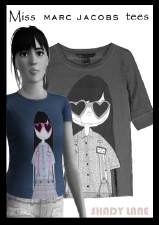
"Miss Marc" - 5 female t-shirts
by Shady Lane updated 6th Oct 2009 at 1:18am
-
-
by tommytiger 14th May 2013 at 8:23pm
-
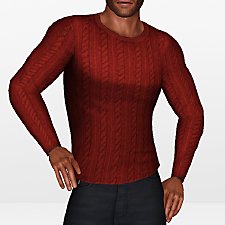
by HystericalParoxysm 28th Jul 2014 at 9:33pm
 16
43.5k
181
16
43.5k
181
Male » Everyday » Young Adult

-
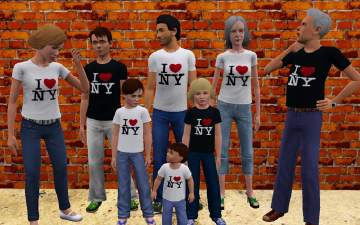
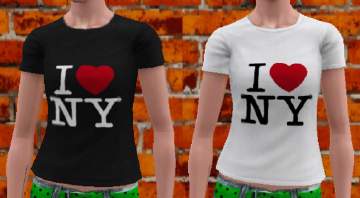
I <3 Ny All Ages Both Genders!
by sammann89 21st Sep 2009 at 2:29am
After uploading this design for YA/A females, I got asked by seliniasmenos to do it for males of all ages more...
9
21.3k
24
-
-

-
-
Famous Stars and Straps Tee MALES AND FEMALES
by sammann89 10th Sep 2009 at 2:40pm
In my quest to make my sims more stylish I made these. more...
6
16.3k
5
