
 Sign in to Mod The Sims
 Versailles parquet patterns
 Versailles parquet patterns


preview.jpg - width=362 height=362
Screenshot.jpg - width=1000 height=625
Screenshot-2.jpg - width=1000 height=625
Screenshot-3.jpg - width=1000 height=625
Screenshot-4.jpg - width=1000 height=625
Screenshot3.jpg - width=1000 height=625
Screenshot4.jpg - width=1000 height=625
Hi
 ,
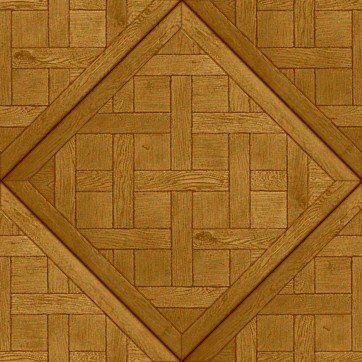
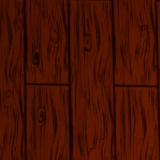
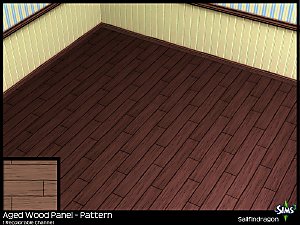
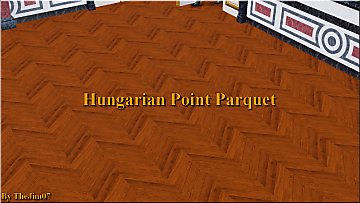
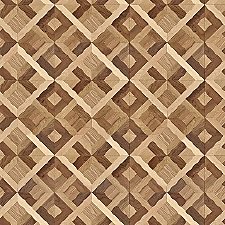
,Here are two wood patterns. The goal was to make the Versailles' parquet. In order to do that you have to choose two simple floors and use them like this :
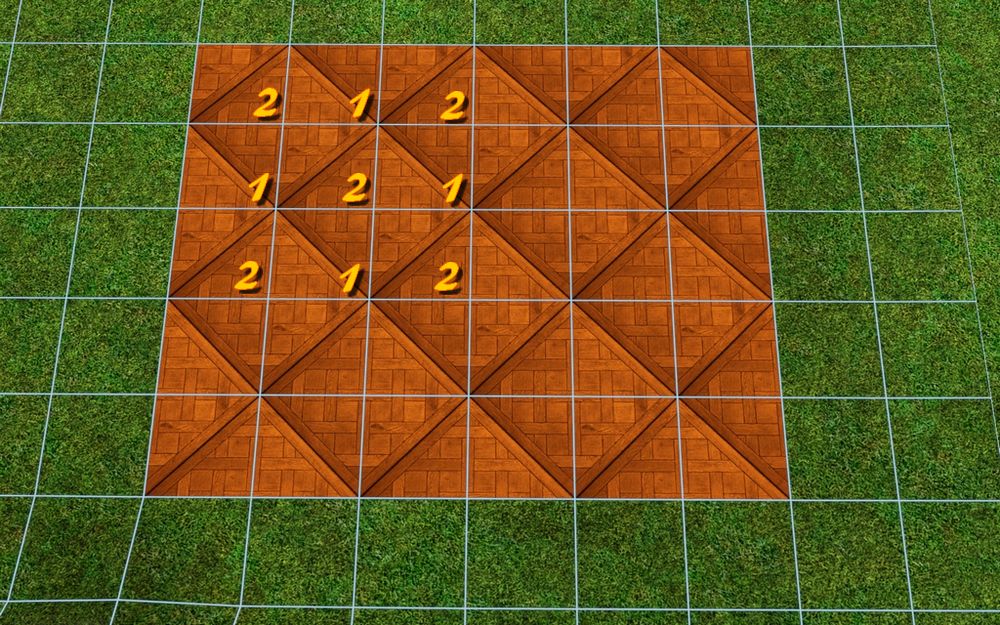
1 : pattern 1
2 : pattern 2
The patterns can be found in the wood category. They were made especially for floors : don't use them for something else, it would not be nice.
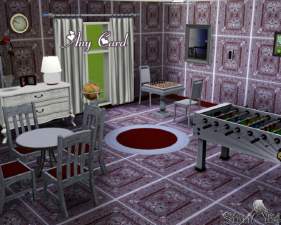
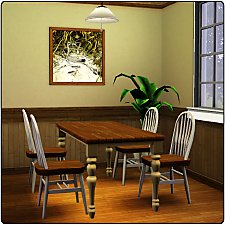
As you can see in some screenshots, the result is beautyful
 .
.Jim.
 Update 04/01/2010 :
 I added a new version of the pattern number 2 without the little "flaw" in the wood (see the screens). You can only download one version.
|
TheJim07_Floor_VersaillesParquetVERSION-TWO.rar
Download
Uploaded: 4th Jan 2010, 160.2 KB.
7,481 downloads.
|
||||||||
|
TheJim07_Floor_VersaillesParquet.rar
Download
Uploaded: 31st Dec 2009, 160.3 KB.
6,889 downloads.
|
||||||||
| For a detailed look at individual files, see the Information tab. | ||||||||
Install Instructions
1. Click the download button, or the filename, to download the file to your computer.
2. Extract the zip, rar, or 7z file. Now you will have either a .package or a .sims3pack file.
For Package files:
1. Cut and paste the file into your Documents\Electronic Arts\The Sims 3\Mods\Packages folder. If you do not already have this folder, you should read the full guide to Package files first: Sims 3:Installing Package Fileswiki, so you can make sure your game is fully patched and you have the correct Resource.cfg file.
2. Run the game, and find your content where the creator said it would be (build mode, buy mode, Create-a-Sim, etc.).
For Sims3Pack files:
1. Cut and paste it into your Documents\Electronic Arts\The Sims 3\Downloads folder. If you do not have this folder yet, it is recommended that you open the game and then close it again so that this folder will be automatically created. Then you can place the .sims3pack into your Downloads folder.
2. Load the game's Launcher, and click on the Downloads tab. Find the item in the list and tick the box beside it. Then press the Install button below the list.
3. Wait for the installer to load, and it will install the content to the game. You will get a message letting you know when it's done.
4. Run the game, and find your content where the creator said it would be (build mode, buy mode, Create-a-Sim, etc.).
Extracting from RAR, ZIP, or 7z: You will need a special program for this. For Windows, we recommend 7-Zip and for Mac OSX, we recommend Keka. Both are free and safe to use.
Need more help?
If you need more info, see:
- For package files: Sims 3:Installing Package Fileswiki
- For Sims3pack files: Game Help:Installing TS3 Packswiki
Loading comments, please wait...

Uploaded: 31st Dec 2009 at 6:56 PM
Updated: 4th Jan 2010 at 12:42 PM - adding a new version
#wood, #parquet, #floor, #Versailles, #thejim07


-
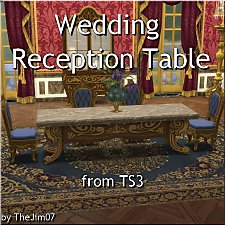
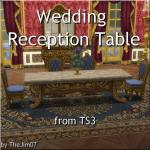
Wedding Reception Table from TS3
by TheJim07 17th Mar 2018 at 3:16pm
Hi eveyrone :), A beautiful dining table I converted from TS3 : Wedding Reception Table (1099§) more...
 10
28.1k
67
10
28.1k
67
-
-
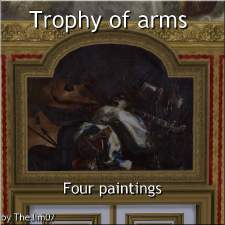
Trophy of Arms - Four Paintings
by TheJim07 3rd Oct 2018 at 9:48pm
Hi everyone :), Realized by the French painter Madeleine Boullogne, around 1673, these four overdoors decorate more...
1
24.6k
37
-

-

-

The Royales Window - Deluxe Edition
by TheJim07 updated 6th Sep 2020 at 5:08pm
Hi there :), Originally, this window was smaller and from TS3. more...
9
48.6k
102
-
-
-

-

Dual-Edged Wall with Rectangular Wainscot
by TheJim07 19th May 2019 at 6:42pm
Hi everyone :), This is a wall covering set made with TS3 textures. more...
5
16.2k
54


About Me
I'm a French guy, born in february 1988.
As a lot of creators, I will ask you to respect a few points.
You can recolor my items, modify the meshes, etc. But if you want to share your modifications I would like you send me a PM about that and add credits in the thread concerned. A link to the original item can be appreciated.
You can too make lots with my custom content. Again, I would like you send me a PM and add credits and links in the thread.
Of course, I don't want you redistribute my work.
You can also follow me on my tumblr : https://thejim07.tumblr.com. There is exclusive content there :).
If you appreciate my work and want to support me, you can make a donation in my ko-fi page : https://ko-fi.com/thejim07
Well I think all is said. If you have any questions, or suggestions, you can send me a PM :).
Thanks for your consideration and your support.
Jim