
 Sign in to Mod The Sims
 Antics Pose Pack for Cats
 Antics Pose Pack for Cats


antic0new.jpg - width=1009 height=1000
antic1.jpg - width=1280 height=1024
antic2.jpg - width=1280 height=1024
antic3.jpg - width=1280 height=1024
antic4.jpg - width=1058 height=922
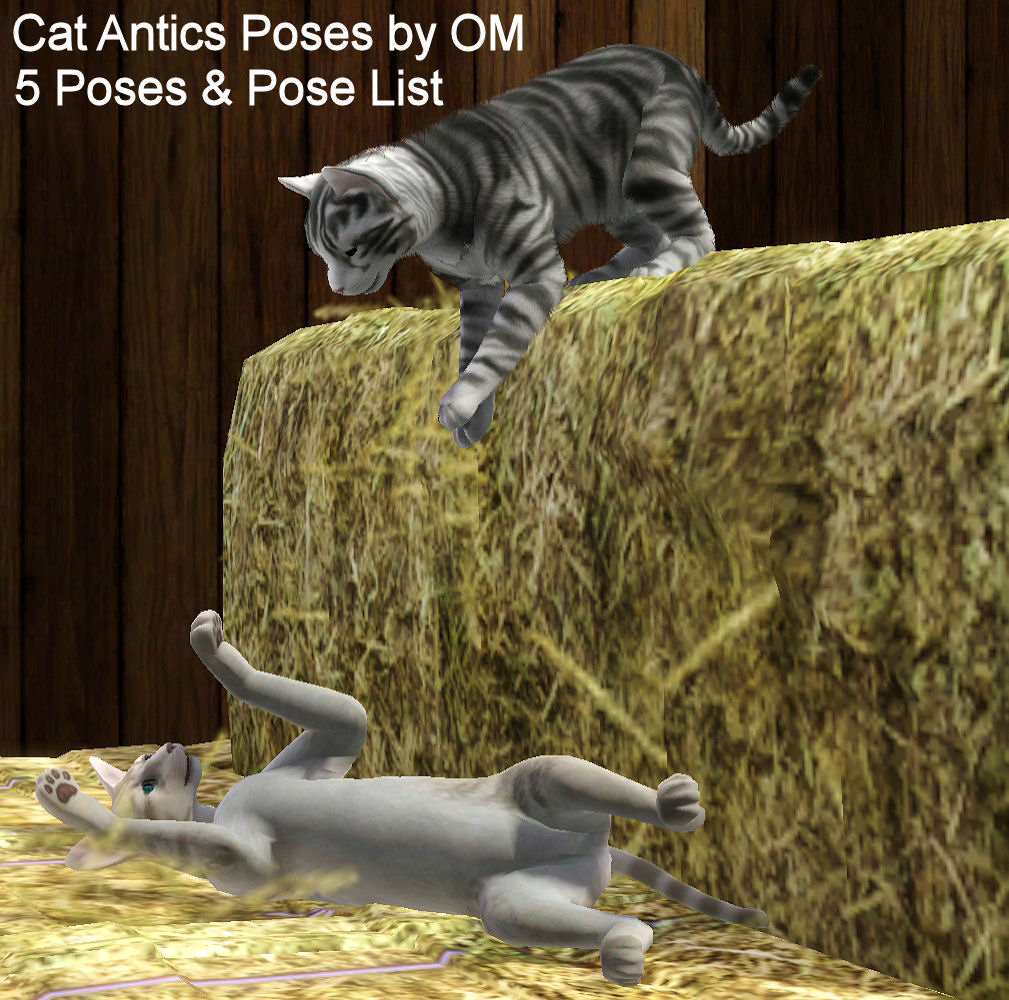
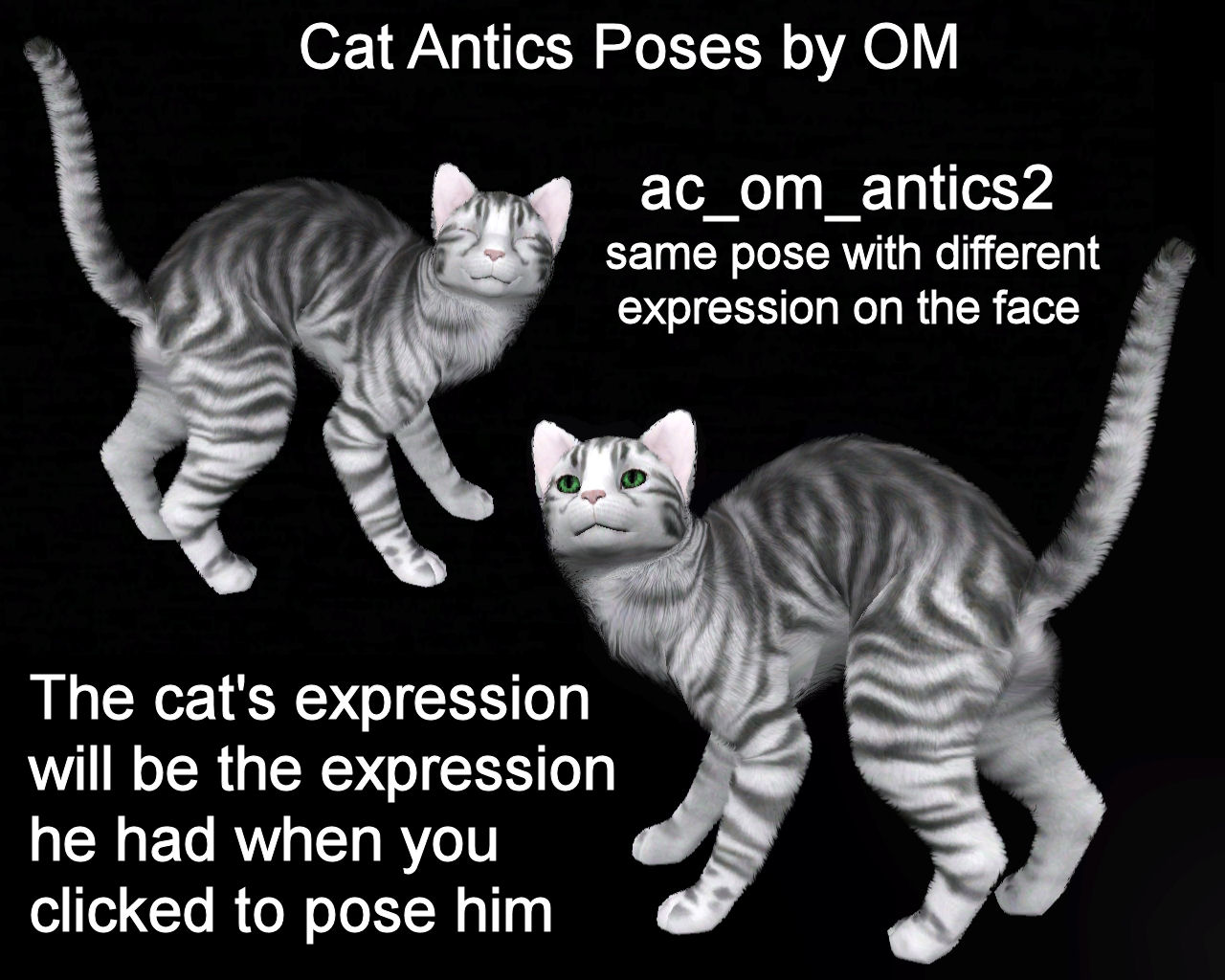
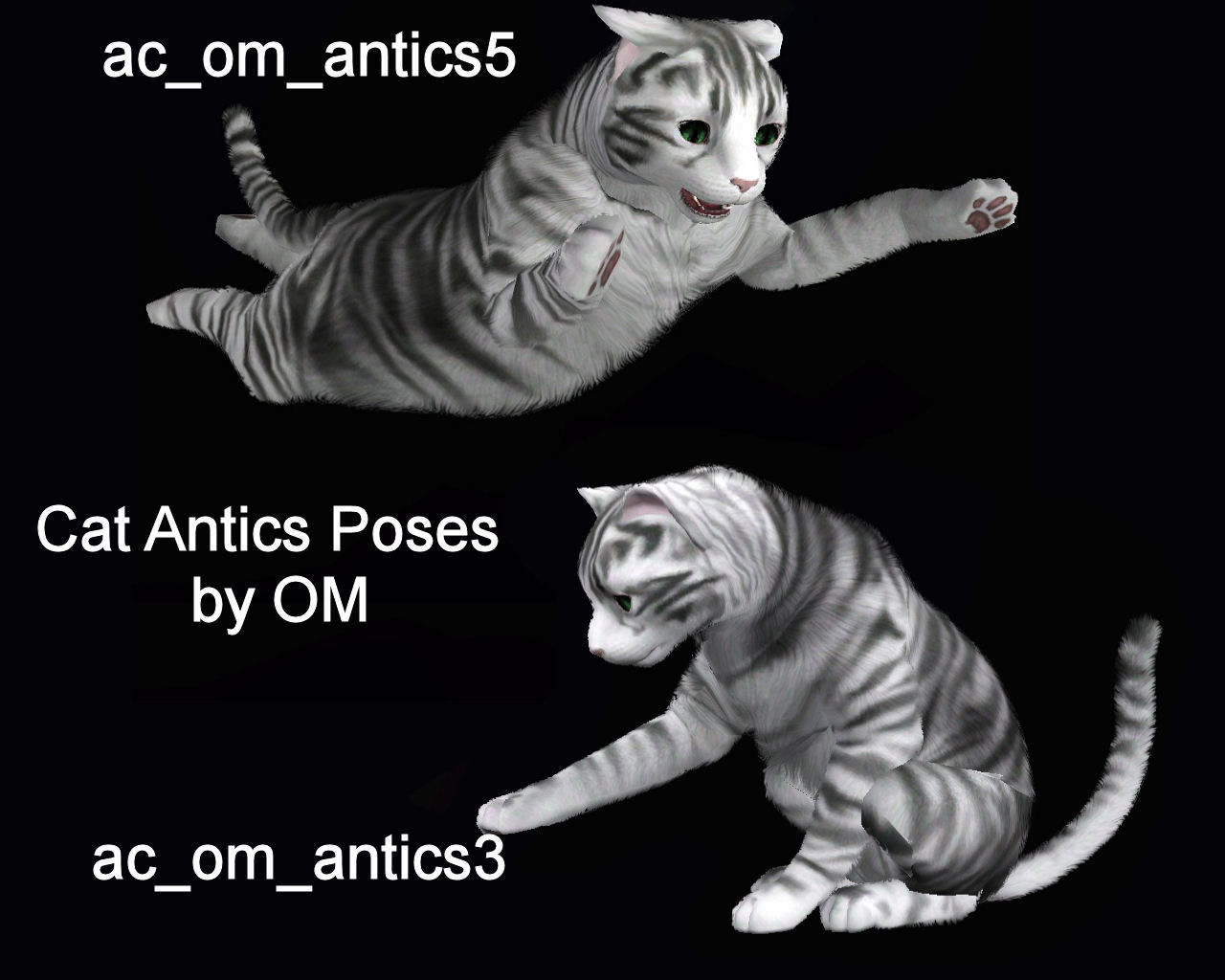
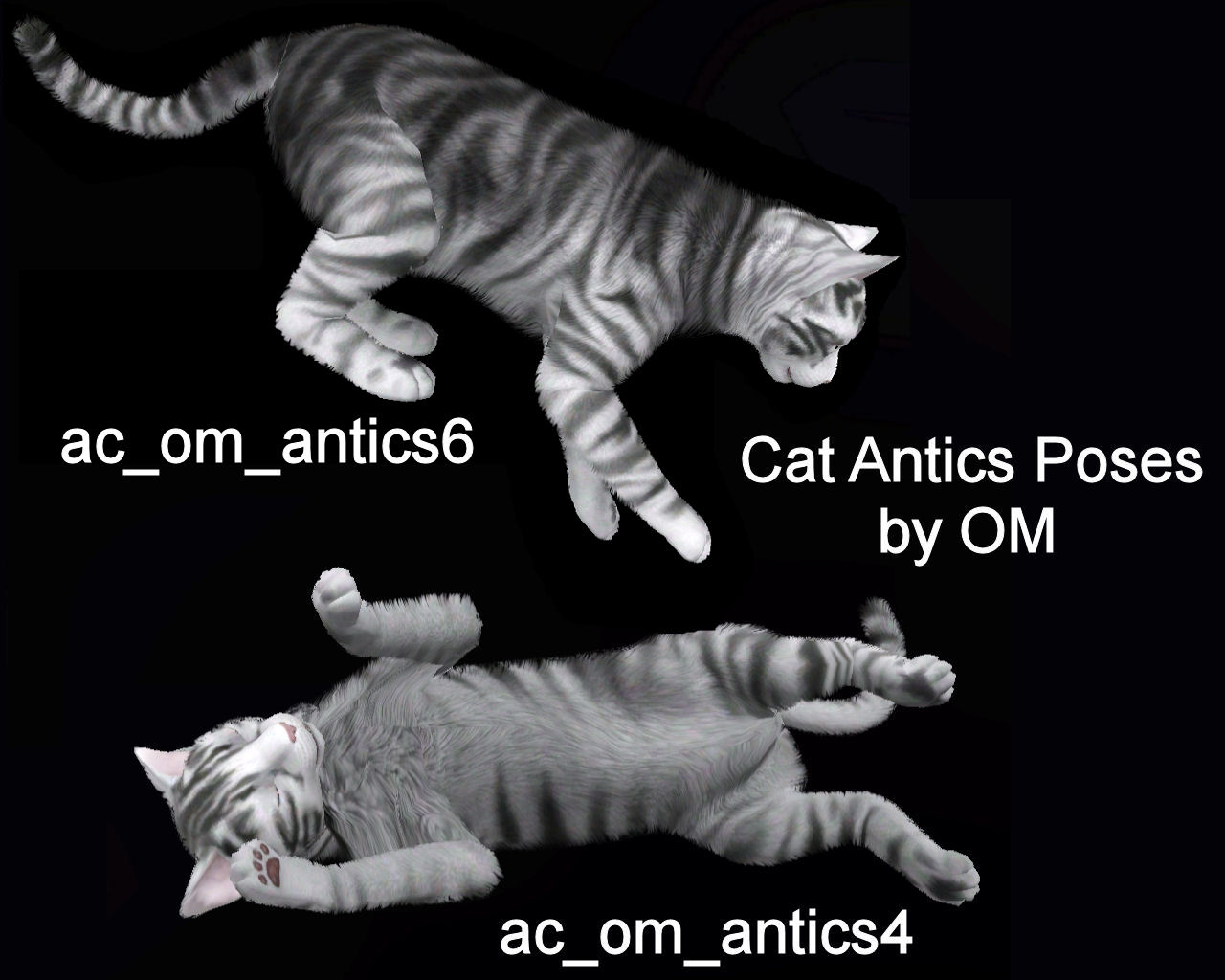
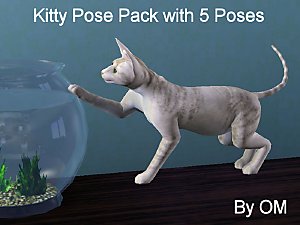
The download includes 5 poses and a pose list. The facial expression of the pose is determined by the facial expression the cat had when you clicked the Pose Player. So, for example, in the screenshot showing the cats playing on hay, the cat on his back has his eyes open as if he is playing. The picture showing a close up of this pose shows the same pose but the cat has his eyes closed as if he is sleeping. This affects the expression of most of the cat's face but leaves the lower jaw position in place. An in-game close-up of each pose along with its name is shown below.
To use them just install into your mods folder, purchase the Pose Player, and have your cat use it the same way your Sims do.
I hope you will enjoy these.
Additional Credits:
Cmomoney - Pose Player and Cat's Eyes
A - CLIPTool
Inge & Peter Jones - S3PE Buzzler - PoseList package and tutorial
|
om_acposes_Antics.rar
Download
Uploaded: 4th May 2012, 44.4 KB.
6,294 downloads.
|
||||||||
| For a detailed look at individual files, see the Information tab. | ||||||||
Install Instructions
1. Click the download button, or the filename, to download the file to your computer.
2. Extract the zip, rar, or 7z file. Now you will have either a .package or a .sims3pack file.
For Package files:
1. Cut and paste the file into your Documents\Electronic Arts\The Sims 3\Mods\Packages folder. If you do not already have this folder, you should read the full guide to Package files first: Sims 3:Installing Package Fileswiki, so you can make sure your game is fully patched and you have the correct Resource.cfg file.
2. Run the game, and find your content where the creator said it would be (build mode, buy mode, Create-a-Sim, etc.).
For Sims3Pack files:
1. Cut and paste it into your Documents\Electronic Arts\The Sims 3\Downloads folder. If you do not have this folder yet, it is recommended that you open the game and then close it again so that this folder will be automatically created. Then you can place the .sims3pack into your Downloads folder.
2. Load the game's Launcher, and click on the Downloads tab. Find the item in the list and tick the box beside it. Then press the Install button below the list.
3. Wait for the installer to load, and it will install the content to the game. You will get a message letting you know when it's done.
4. Run the game, and find your content where the creator said it would be (build mode, buy mode, Create-a-Sim, etc.).
Extracting from RAR, ZIP, or 7z: You will need a special program for this. For Windows, we recommend 7-Zip and for Mac OSX, we recommend Keka. Both are free and safe to use.
Need more help?
If you need more info, see:
- For package files: Sims 3:Installing Package Fileswiki
- For Sims3pack files: Game Help:Installing TS3 Packswiki
Loading comments, please wait...
-
by orangemittens 2nd May 2012 at 12:10am
 +1 packs
12 27.6k 63
+1 packs
12 27.6k 63 Pets
Pets
-
-
Horseplay Pose Pack with 5 Poses & Pose List
by orangemittens 7th May 2012 at 11:46am
+1 packs
9 48.1k 51 Pets
-
by JuBa_0oº 14th Jul 2012 at 7:29pm
38
48.3k
52
-
by Alice_of_Hearts 11th Aug 2012 at 9:20am
22
77.3k
134
-
by Alice_of_Hearts 3rd Oct 2012 at 7:35am
8
68k
62
-
by Vertigo 1st May 2013 at 1:02am
25
81.4k
188
-
-
by cottoncandy1 18th Feb 2014 at 8:01am
8
20.2k
31
-
by cottoncandy1 24th Feb 2014 at 10:17am
2
12.9k
17


-
One More Slot Package for Beds & Dressers-FIXED FOR LN PATCH
by orangemittens updated 5th Nov 2010 at 12:38am
Disappearing surfaces which have one slot and no footprint. They are at EA bed height, EA bed pillow height, and two of EA's dresser heights. They use Buzzler's VanishingObjects Scripts & reappear in more...
35
57.3k
102
-
-
Best Friend Pose Pack For Dogs
by orangemittens 2nd May 2012 at 1:34am
4 poses for large breed dogs. more...
+1 packs
13 46.3k 58 Pets
-
by orangemittens 18th Oct 2009 at 10:57pm
This is my first (hopefully) share-worthy try at using the new glass texture technique described by WesHowe. more...
26
37.5k
48
-
Moveable Solid & Glass Shelves with Upright Pieces for LN patched games
by orangemittens 2nd Dec 2010 at 5:35pm
Moveable shelving which can be freestanding or go on walls. Slide shelves to the position you want. more...
13
39.3k
56
-
Three Glass-top Bistro Dining Tables
by orangemittens 6th Jan 2010 at 5:26pm
Here are three versions of the EA Bistro Dining Table redone to have a glass top. more...
17
30.7k
56
-
by orangemittens 25th Jan 2010 at 9:10pm
Here are two glass walls for decorating with. more...
47
135k
226
-
Versatile Shelving: Half Shelves & In-between Uprights
by orangemittens 6th Jul 2010 at 6:08pm
This is an addition to my (recently updated) Versatile Shelving. It includes a half-shelf at each level as well uprights designed to go between each level. more...
16
41.3k
70
-
by orangemittens 15th Dec 2009 at 6:06pm
A set of three basic candles each cloned from a lamp. more...
22
49.1k
148
-
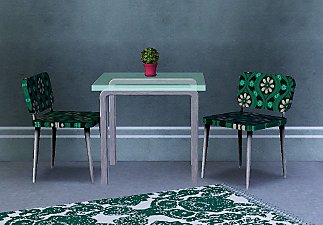
by orangemittens 12th Jan 2010 at 6:32pm
This set consists of a single tile glass-top dining table with one recolorable channel and a dining chair more...
Packs Needed
| Expansion Pack | |
|---|---|
 | Pets |
About Me
http://jaue.com/indigo/indigo-home.html