Sign in to Mod The Sims
 More Slots!: Base Game Bookshelves
 More Slots!: Base Game Bookshelves


Untitled-4.jpg - width=1000 height=600
Untitled-5.jpg - width=1000 height=600
Untitled-6.jpg - width=1000 height=600
Untitled-7.jpg - width=1000 height=600
Untitled-8.jpg - width=1000 height=600
Untitled-9.jpg - width=1000 height=600
Untitled-10.jpg - width=1000 height=600
Untitled-11.jpg - width=1000 height=600
Untitled-12.jpg - width=1000 height=600
Untitled-13.jpg - width=1000 height=600
Untitled-14.jpg - width=1000 height=600
Untitled-17.jpg - width=256 height=256


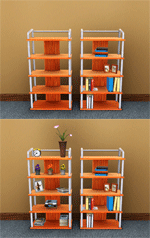
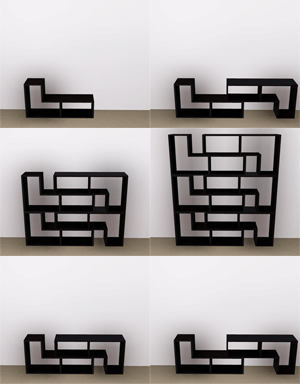
 These bookshelves no longer have those useless books on their shelves.. instead, they will have whatever you put on them! Whether small, medium, or large. These bookshelves also seem to complement the area around them a lot better without all of those books stacked up on them.
  Reminder: This is not a mod; they are new objects. They are not default replacements, which leaves the originals still available. (They cannot be defaults because their poly counts have been altered, just if you were wondering.)
  You may be wondering, but the slots on every bookshelf allow full rotation of objects! You can place any item that is small, medium, or large.
 Record Scratch waaaittt.. what about the other two base game shelves? A: You can find those here and here

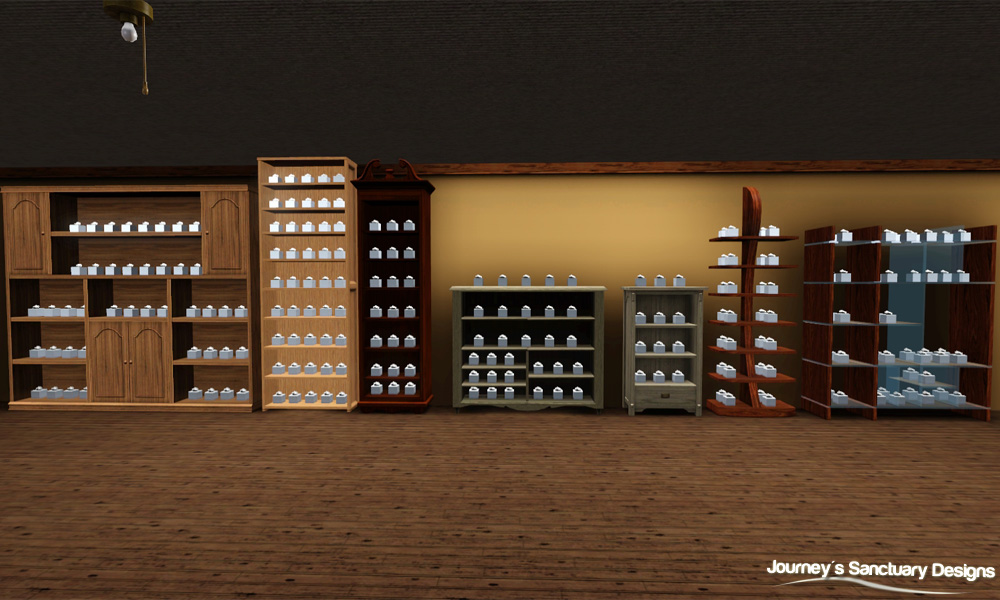
Fun note: These are still usable bookshelves. You can add any books you like and the form of the bookshelf will not be altered!
Don't worry about the geostates, they have been adjusted to where no matter how many books you add, your objects and bookshelf will not be altered. Helpful Hint: If you find it hard to place the objects on the bookshelves; zoom in to the spot that you want to object and try placing it again. It seems to get a little less frustrating when you do that 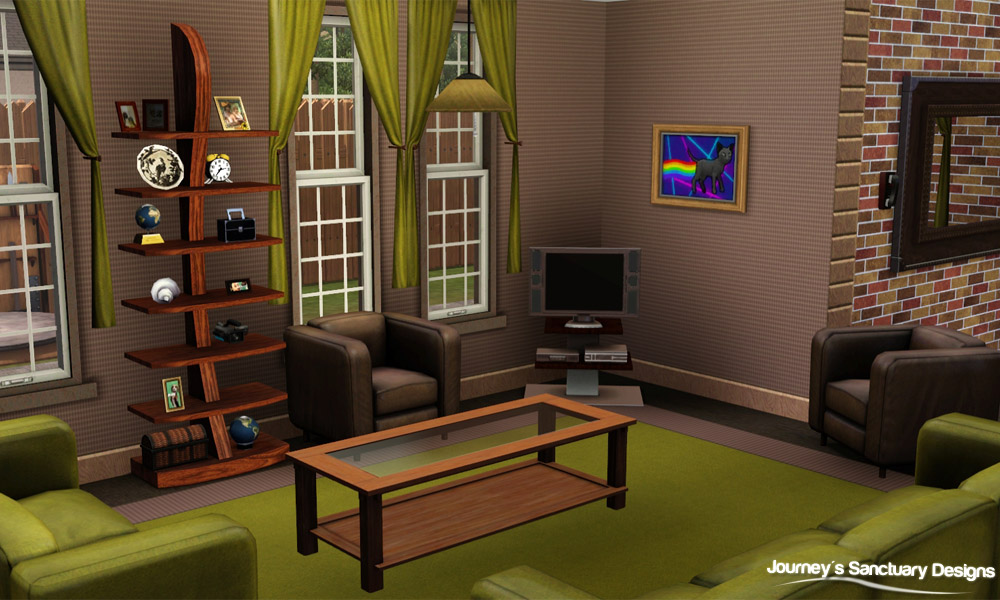
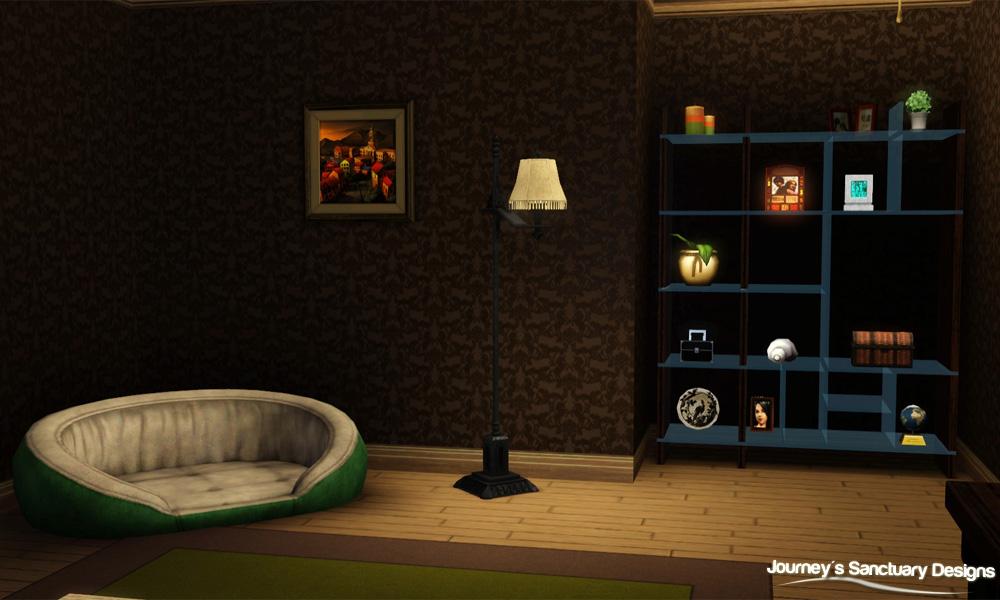 Update *6/27/12*: Poly counts were incorrect; they have been updated to the correct amount.
 | Name | Pricing | Recolorable Channels | Slots | Polygons (High~Low) |
|---|---|---|---|---|
| Colonial Bookshelf | $980 | 1 | 22 | 532~498 |
| Country Bookshelf | $430 | 2 | 29 | 241~218 |
| Country Medium Bookshelf | $175 | 1 | 31 | 488~466 |
| Mission Bookshelf | $350 | 2 | 12 | 583~557 |
| Modular Bookshelf | $710 | 1 | 44 | 500~428 |
| Library Bookshelf | $325 | 1 | 45 | 180~162 |
| Traditional Bookshelf | $1650 | 1 | 45 | 700~682 |

For all objects, navigate to Shelves>Displays and then filter custom content.
Photo Credits
Shelf Clutter Pack (20 Items!) by cmomoney. I recommend this if you want to spice up the shelves even more!
Polygon Counts:
*Polys are listed in table.*
Additional Credits:
TSR Workshop and your fancy geostate editor!, S3PE, Adobe Photoshop CS5, Milkshape 1.8.5
This is a new mesh, and means that it's a brand new self contained object that usually does not require a specific Pack (although this is possible depending on the type). It may have Recolours hosted on MTS - check below for more information.
|
SIMul8rReviews_MoreSlotsBaseGameBookshelves.rar
Download
Uploaded: 20th Jun 2012, 426.3 KB.
17,573 downloads.
|
||||||||
| For a detailed look at individual files, see the Information tab. | ||||||||
Install Instructions
1. Click the download button, or the filename, to download the file to your computer.
2. Extract the zip, rar, or 7z file. Now you will have either a .package or a .sims3pack file.
For Package files:
1. Cut and paste the file into your Documents\Electronic Arts\The Sims 3\Mods\Packages folder. If you do not already have this folder, you should read the full guide to Package files first: Sims 3:Installing Package Fileswiki, so you can make sure your game is fully patched and you have the correct Resource.cfg file.
2. Run the game, and find your content where the creator said it would be (build mode, buy mode, Create-a-Sim, etc.).
For Sims3Pack files:
1. Cut and paste it into your Documents\Electronic Arts\The Sims 3\Downloads folder. If you do not have this folder yet, it is recommended that you open the game and then close it again so that this folder will be automatically created. Then you can place the .sims3pack into your Downloads folder.
2. Load the game's Launcher, and click on the Downloads tab. Find the item in the list and tick the box beside it. Then press the Install button below the list.
3. Wait for the installer to load, and it will install the content to the game. You will get a message letting you know when it's done.
4. Run the game, and find your content where the creator said it would be (build mode, buy mode, Create-a-Sim, etc.).
Extracting from RAR, ZIP, or 7z: You will need a special program for this. For Windows, we recommend 7-Zip and for Mac OSX, we recommend Keka. Both are free and safe to use.
Need more help?
If you need more info, see:
- For package files: Sims 3:Installing Package Fileswiki
- For Sims3pack files: Game Help:Installing TS3 Packswiki
Loading comments, please wait...
Uploaded: 20th Jun 2012 at 1:57 PM
Updated: 30th Jun 2012 at 6:01 PM by SIMul8rReviews
#bookshelf, #bookshelves, #emptied, #more slots, #bookshelf set
-
Back2School Bookshelf: Emptied with 15 slots *Updated 7-8-12
by cmomoney 21st Apr 2010 at 1:01am
 82
154k
271
82
154k
271
-
Bookshelf Revisited: Emptied with 21 Slots *Updated 7-8-12
by cmomoney 22nd Apr 2010 at 7:23pm
38
72.8k
219
-
-
-
by alianpe 2nd Jun 2010 at 8:16pm
56
65.5k
129
-
High End Loft Desk with More Slots
by mikey 6th Mar 2011 at 10:00am
+1 packs
6 27.3k 104 High-End Loft Stuff
-
-
by chasmchronicle 4th Jul 2012 at 3:04pm
19
37k
117
-
by TheJim07 27th Mar 2015 at 10:51am
5
20.2k
101
-
by TheJim07 15th Apr 2016 at 9:01pm
6
21.8k
92


-
by chasmchronicle 22nd Oct 2013 at 7:30pm
A drummer full of more than a thousand words. more...
-
by chasmchronicle 1st Jul 2011 at 6:26am
Remove that ugly and in-the-way blanket! more...
19
35.9k
86
-
by chasmchronicle updated 6th Jun 2012 at 3:14pm
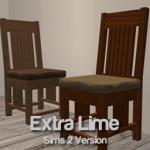
Add some "citrus" to your environment..IN THE SIMS 2! more...
 4
10.4k
7
4
10.4k
7
-
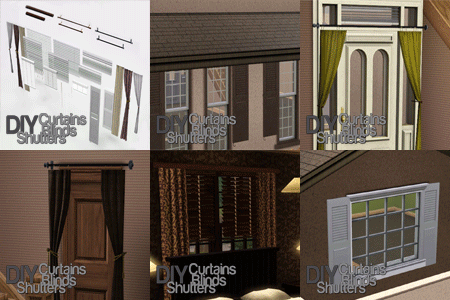
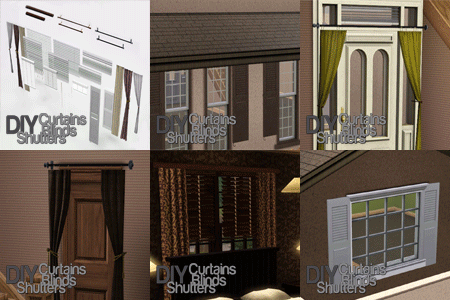
DIY Curtains, Blinds, & Shutters
by chasmchronicle 14th Jul 2012 at 3:19pm
27 New Objects for you to Build Yourself A Curtain and more; allowing infinite creativity. *Updated 8/7/12* more...
68
156k
558
-
by chasmchronicle 18th Aug 2013 at 9:32am
A socially awkward man hiding behind the curtains. more...
-
by chasmchronicle 27th Aug 2013 at 5:25pm
A man practically risen from the dead of the city limits. more...
-

-
TS2 -> TS3 Neighborhood Themes
by chasmchronicle 1st Jul 2012 at 10:20pm
4 TS2 Themes for your TS3 Neighborhood! more...
-
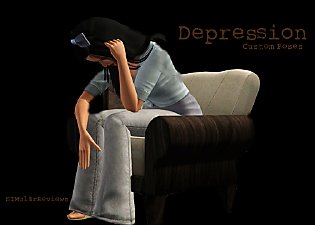
'Depression' Sims 3 Custom Animations/Poses - Sims 2 Recreation
by chasmchronicle 8th Apr 2011 at 1:44am
Depression - A Sims 3 Custom Animation/Pose.. choose from 10 unique custom poses more...
85
189.3k
239
-
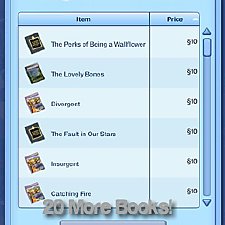
by chasmchronicle 16th Jun 2012 at 9:16am
20 new books for your sims! *Localizing Update 6/21/12* more...
45
62.8k
138