
 Sign in to Mod The Sims
 Ninja Man
 Ninja Man


Ninja1.jpg - width=1024 height=768
Ninja3.jpg - width=1024 height=768
Ninja4.jpg - width=1024 height=768
Ninja5.jpg - width=1024 height=768
Ninja7.jpg - width=1024 height=768
Ninja2.jpg - width=1024 height=768
Ninja6.jpg - width=1024 height=768
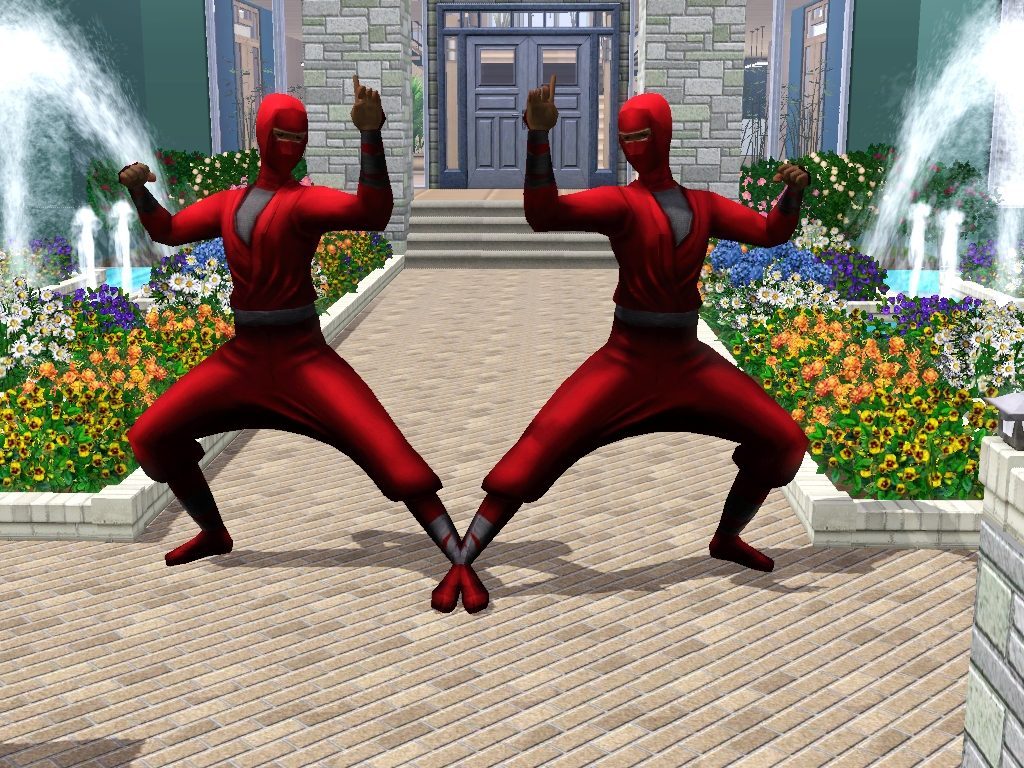
The zip file contains two package files (Ninja man 1 and Ninja man 2) which are mirror objects of each other. In other words one for the right and the other for the left
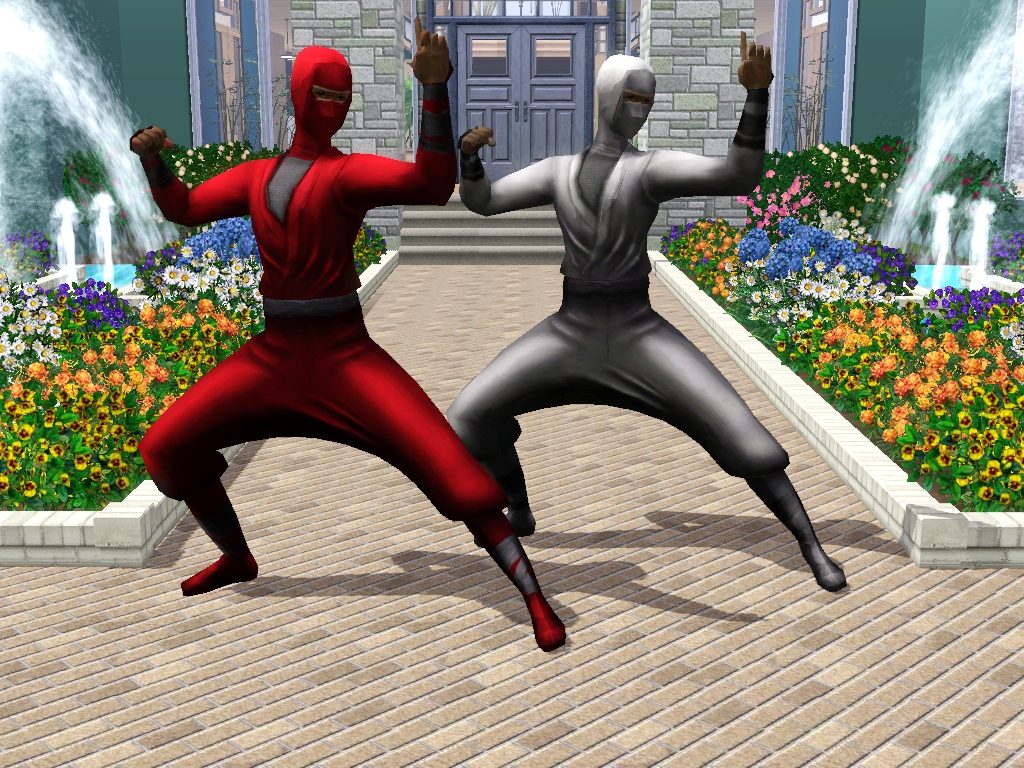
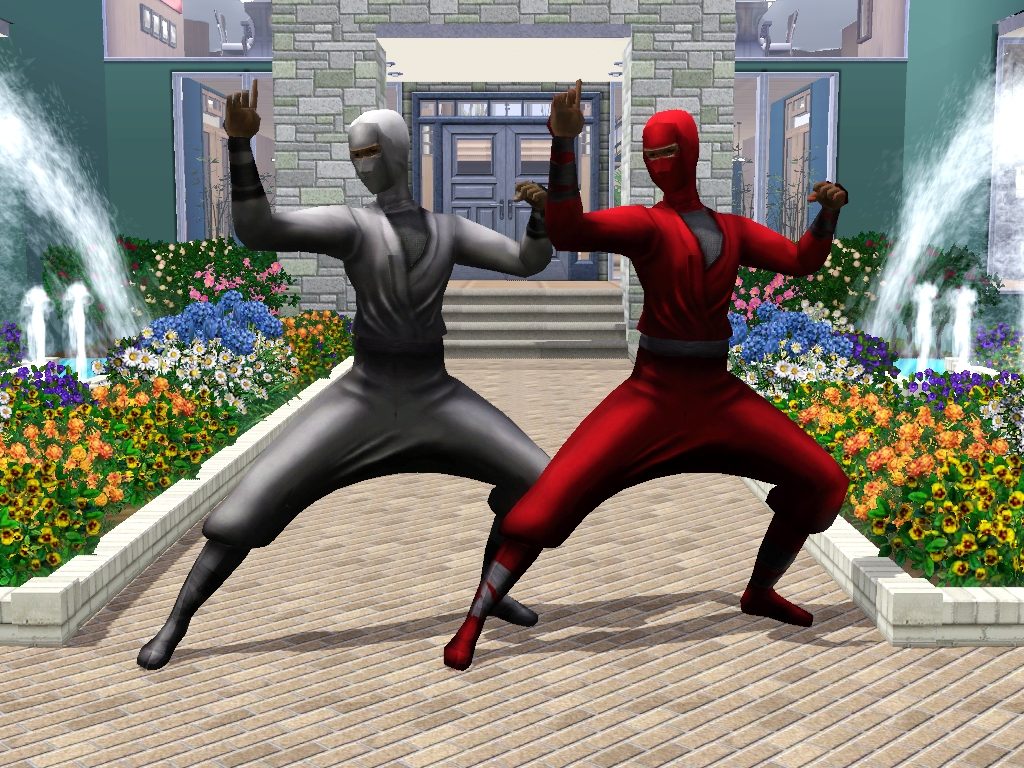
This should mainly be used in community parks for decoration or in front of Gym and fitness areas or in a Martial art centres to indicate the purpose of the place it is at. Of cause one can always use it as one thinks
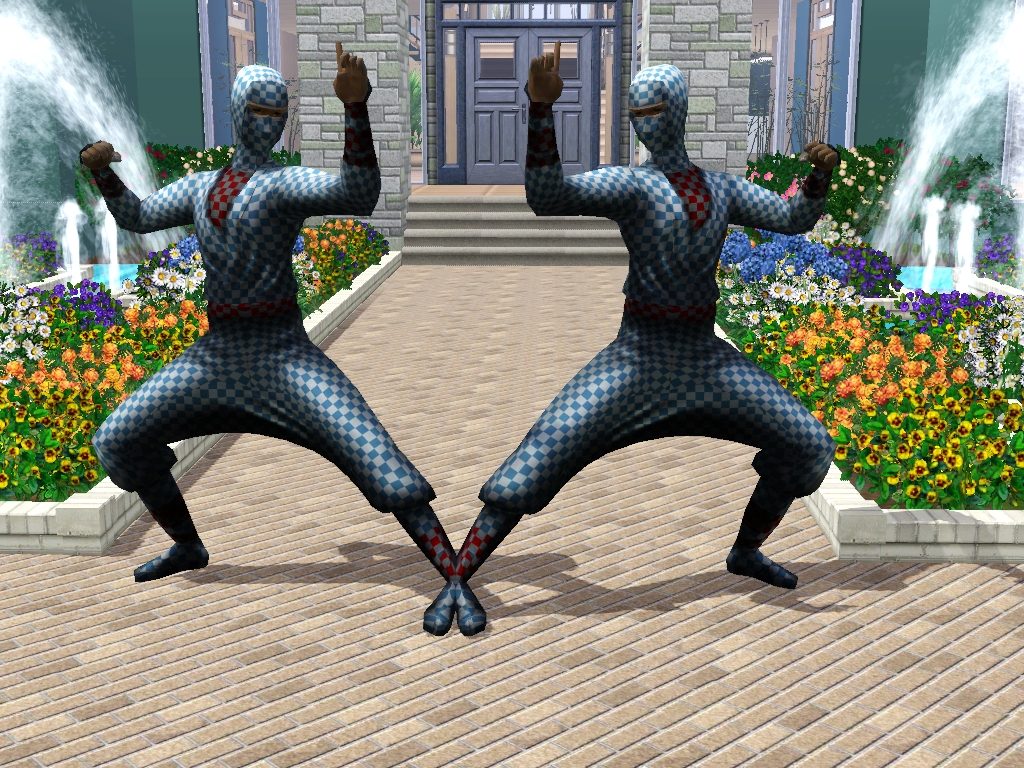
It can be found in sculptures under buy mode and it costs §4,000
Polygon Counts:
The high detail poly is 2054 (occupies two tile squares making it 1027poly per tile)
The low detail poly is 1594
Additional Credits:
Thanks to Whiterider for pointing out a problem with the seams and to D3N1ZFTW for putting me through on how to fix it rather than sarting all over again. Much appriciation to ea for the original object in TS2
Tools used: Milkshape, Uvmapper, Paint.net,Photoshop and TSRW
This is a new mesh, and means that it's a brand new self contained object that usually does not require a specific Pack (although this is possible depending on the type). It may have Recolours hosted on MTS - check below for more information.
|
Ninja Man.zip
Download
Uploaded: 6th Jul 2012, 1.83 MB.
3,249 downloads.
|
||||||||
| For a detailed look at individual files, see the Information tab. | ||||||||
Install Instructions
1. Click the download button, or the filename, to download the file to your computer.
2. Extract the zip, rar, or 7z file. Now you will have either a .package or a .sims3pack file.
For Package files:
1. Cut and paste the file into your Documents\Electronic Arts\The Sims 3\Mods\Packages folder. If you do not already have this folder, you should read the full guide to Package files first: Sims 3:Installing Package Fileswiki, so you can make sure your game is fully patched and you have the correct Resource.cfg file.
2. Run the game, and find your content where the creator said it would be (build mode, buy mode, Create-a-Sim, etc.).
For Sims3Pack files:
1. Cut and paste it into your Documents\Electronic Arts\The Sims 3\Downloads folder. If you do not have this folder yet, it is recommended that you open the game and then close it again so that this folder will be automatically created. Then you can place the .sims3pack into your Downloads folder.
2. Load the game's Launcher, and click on the Downloads tab. Find the item in the list and tick the box beside it. Then press the Install button below the list.
3. Wait for the installer to load, and it will install the content to the game. You will get a message letting you know when it's done.
4. Run the game, and find your content where the creator said it would be (build mode, buy mode, Create-a-Sim, etc.).
Extracting from RAR, ZIP, or 7z: You will need a special program for this. For Windows, we recommend 7-Zip and for Mac OSX, we recommend Keka. Both are free and safe to use.
Need more help?
If you need more info, see:
- For package files: Sims 3:Installing Package Fileswiki
- For Sims3pack files: Game Help:Installing TS3 Packswiki
Loading comments, please wait...

Uploaded: 6th Jul 2012 at 3:42 PM
#Ninja, #conversion, #Fitness, #Gym, #Community
-
-
Thin Round Column in Fractional Heights
by The Shoveler updated 18th Sep 2010 at 10:15pm
 14
50.6k
63
14
50.6k
63
-
-
-
The Tathlion Personal Fitness Center
by RylandHomes 20th Jun 2011 at 8:22pm
+4 packs
7 23.8k 23 Ambitions
 Late Night
 Outdoor Living Stuff
 Generations
-
-
Community Signs For Sims - Edition 2 (CAST)
by RomerJon17 updated 17th Jul 2013 at 1:54pm
+1 packs
20 29k 46 Late Night
-
by Jezi Bomb 16th Mar 2014 at 12:14am
30
32k
124
-
by heaven 15th Oct 2019 at 6:51pm
5
7.3k
30
-
by heaven 16th Oct 2019 at 1:48pm
5
6.1k
16


-
by AdonisPluto 28th Jun 2015 at 2:35pm
A conversion of the Weirdness is the Art is a rug for TS4 more...
 5
6.8k
27
5
6.8k
27
-
by AdonisPluto 6th Aug 2020 at 5:04am
A set of two showers converted from The Sims 3 more...
8
13.5k
49
-
by AdonisPluto 1st Dec 2011 at 5:10pm
Who says pets are not royals too? more...
+1 packs
27 48.3k 174 Pets
Pets
-
by AdonisPluto 1st Jan 2015 at 8:48am
A modern stair and fence for the patio collection more...
 10
15.7k
42
10
15.7k
42
-
by AdonisPluto 17th Mar 2015 at 7:25pm
A set of two fences ideal for enclosing the flower beds more...
39
33.9k
142
-
by AdonisPluto 17th Apr 2015 at 5:52pm
A set of six windows to match the colonial theme. more...
41
160.5k
262
-
by AdonisPluto updated 18th Jun 2014 at 3:22am
A set of windows designed to make your Sims Privacy private more...
34
37.1k
125
-
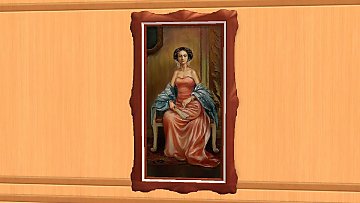

How Eloquent ( A default replacement and Color enabled )
by AdonisPluto updated 9th Dec 2014 at 10:54pm
A recolorable and default replacement of the Maxi Object more...
+1 packs
4 22.6k 10 Apartment Life
-
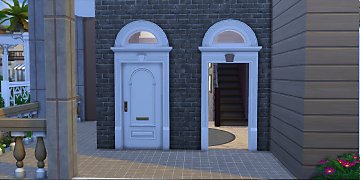
Great Traditions Doorway and Arch
by AdonisPluto 15th Nov 2015 at 6:54am
A door way and arch that goes with Victorian Builds more...
11
38.3k
108
-
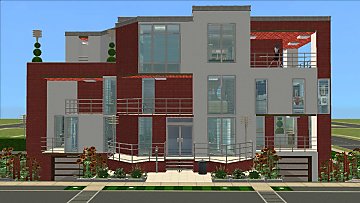
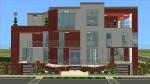
by AdonisPluto 31st Jul 2013 at 7:01pm
A combined modern contemporary house made for a Sim family of 5 with enough rooms that can be converted to other use. more...
+17 packs
6 12.1k 21 Happy Holiday
 Family Fun
 University
 Glamour Life
 Nightlife
 Celebration
 Open for Business
 Pets
Pets
 H&M Fashion
 Teen Style
 Seasons
 Kitchen & Bath
 Bon Voyage
 Free Time
 Ikea Home
Apartment Life
Ikea Home
Apartment Life
 Mansion and Garden


