
 Sign in to Mod The Sims
 ROCK ON! Set of 4 Band Logo Tattoos (Kiss, Queen, AC/DC, Aerosmith)
 ROCK ON! Set of 4 Band Logo Tattoos (Kiss, Queen, AC/DC, Aerosmith)


3.jpg?cb=1344995761)
ACDC2.jpg - width=800 height=600
Aerosmith.jpg - width=800 height=600
Kiss.jpg - width=800 height=600
Queen.jpg - width=800 height=600
Screenshot-129 (2)3.jpg - width=554 height=768
You will need Ambitions, or at least Game Patch 1.22 to use them.
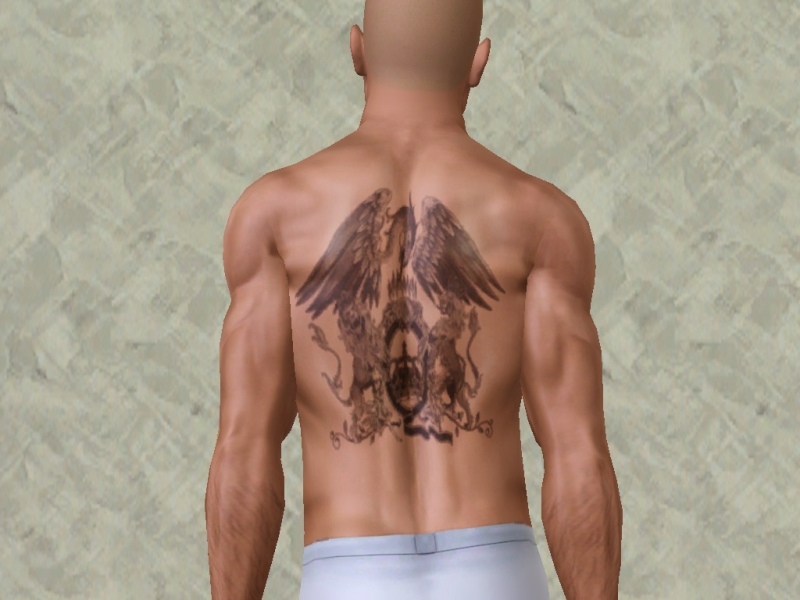
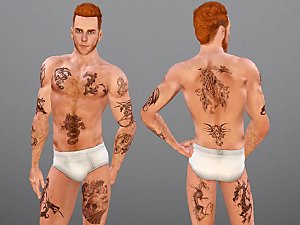
The First one is the logo from Queen's "Night At The Opera" album. This image was used by the band frequently for the rest of their career.
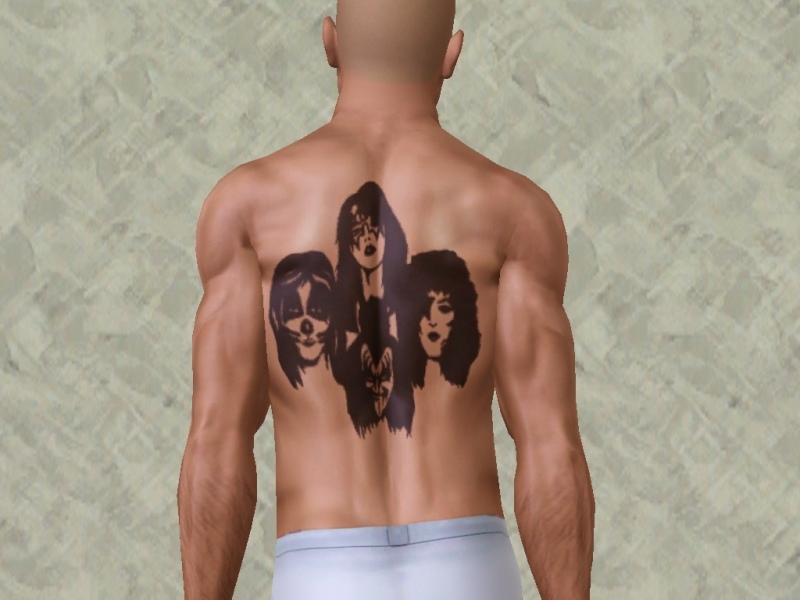
The Second is all four members of Kiss, Paul Stanley, Gene Simmons, Ace Frehley, and Peter Criss.
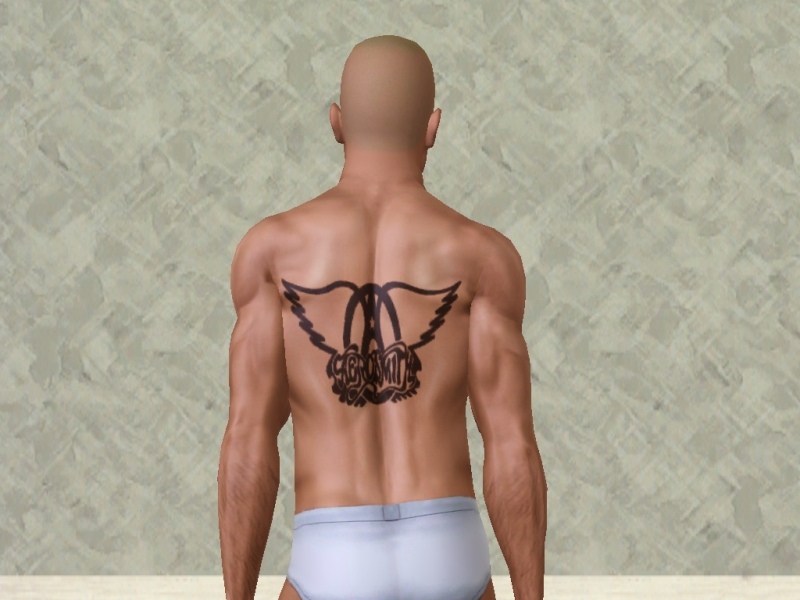
The Third is Aerosmith "wings" logo, featured on many of their albums.
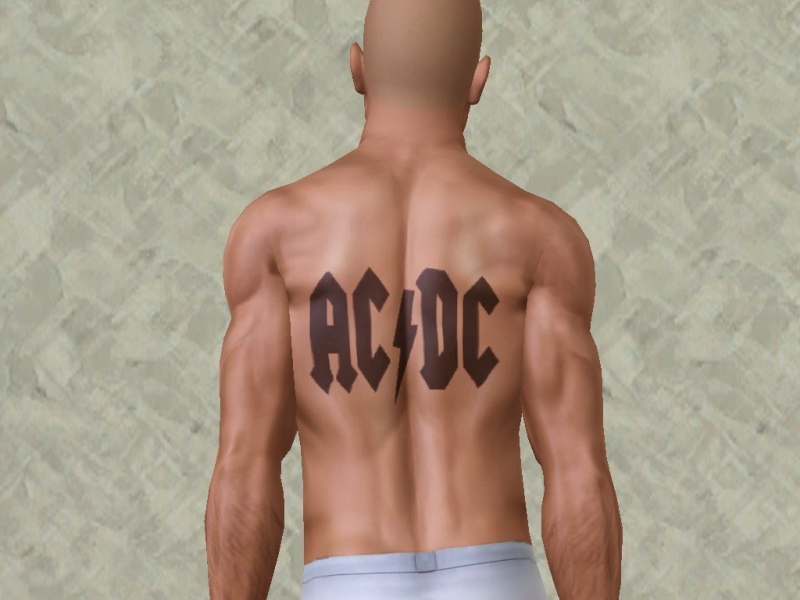
And finally, the Fourth is none other than AC/DC.
All are separate package files, so you can install them all, or pick just the ones you want.
Special Thanks to CmarNYC and her Tattooinator program.
|
ButchSimsRockBandTatPack.zip
Download
Uploaded: 15th Aug 2012, 292.3 KB.
5,801 downloads.
|
||||||||
| For a detailed look at individual files, see the Information tab. | ||||||||
Install Instructions
1. Click the download button, or the filename, to download the file to your computer.
2. Extract the zip, rar, or 7z file. Now you will have either a .package or a .sims3pack file.
For Package files:
1. Cut and paste the file into your Documents\Electronic Arts\The Sims 3\Mods\Packages folder. If you do not already have this folder, you should read the full guide to Package files first: Sims 3:Installing Package Fileswiki, so you can make sure your game is fully patched and you have the correct Resource.cfg file.
2. Run the game, and find your content where the creator said it would be (build mode, buy mode, Create-a-Sim, etc.).
For Sims3Pack files:
1. Cut and paste it into your Documents\Electronic Arts\The Sims 3\Downloads folder. If you do not have this folder yet, it is recommended that you open the game and then close it again so that this folder will be automatically created. Then you can place the .sims3pack into your Downloads folder.
2. Load the game's Launcher, and click on the Downloads tab. Find the item in the list and tick the box beside it. Then press the Install button below the list.
3. Wait for the installer to load, and it will install the content to the game. You will get a message letting you know when it's done.
4. Run the game, and find your content where the creator said it would be (build mode, buy mode, Create-a-Sim, etc.).
Extracting from RAR, ZIP, or 7z: You will need a special program for this. For Windows, we recommend 7-Zip and for Mac OSX, we recommend Keka. Both are free and safe to use.
Need more help?
If you need more info, see:
- For package files: Sims 3:Installing Package Fileswiki
- For Sims3pack files: Game Help:Installing TS3 Packswiki
Loading comments, please wait...
 View with Names
Uploaded: 15th Aug 2012 at 7:00 AM
-
-
by des-demmonia 27th Jul 2010 at 12:35am
-
-
-
-
-
-
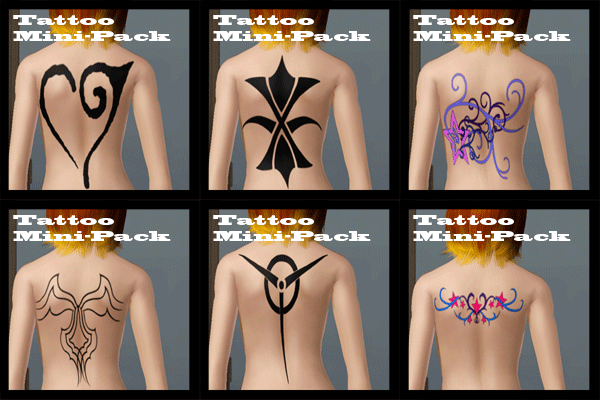
Tattoo Mini-Pack (6 Tattoos, 1 Variation)
by CrimsonRaeden 30th Jul 2012 at 2:12pm
-

-


-

Scott Pilgrim Project - Lucas Lee, Evil Ex #2 *includes bonus Tattoo*
by ButchSims 25th Jul 2013 at 11:49pm
Lucas Lee was a pretty good skater who became a pretty good actor. more...
 12
19.3k
23
12
19.3k
23
-
-

-
-
-
-
-

.jpg)
-


Packs Needed
| Expansion Pack | |
|---|---|
| Ambitions |