
 Sign in to Mod The Sims
 Custom CAS Pet Patterns *6 Year Creator Anniversary*
 Custom CAS Pet Patterns *6 Year Creator Anniversary*


BootsieCat_SquareRug.jpg - width=800 height=600
BootsieCat_GoodKitty.jpg - width=800 height=600
BootsieCat_PaintingHug.jpg - width=800 height=600
BoostieCat_CatTeaser.jpg - width=800 height=600
BootsieCat_RoundRug.jpg - width=800 height=600
BootsieCat_LitterLicking.jpg - width=800 height=600
BootsieCat_ReadingSleeping.jpg - width=800 height=600
BootsieCat_CASpatterns.jpg - width=800 height=600
BootsieCat_Real.jpg - width=800 height=601
BootsieCat_RealStanding.jpg - width=800 height=601
BootsieCat_SideView.jpg - width=800 height=600
BootsieCat_Eyeliner.jpg - width=800 height=600


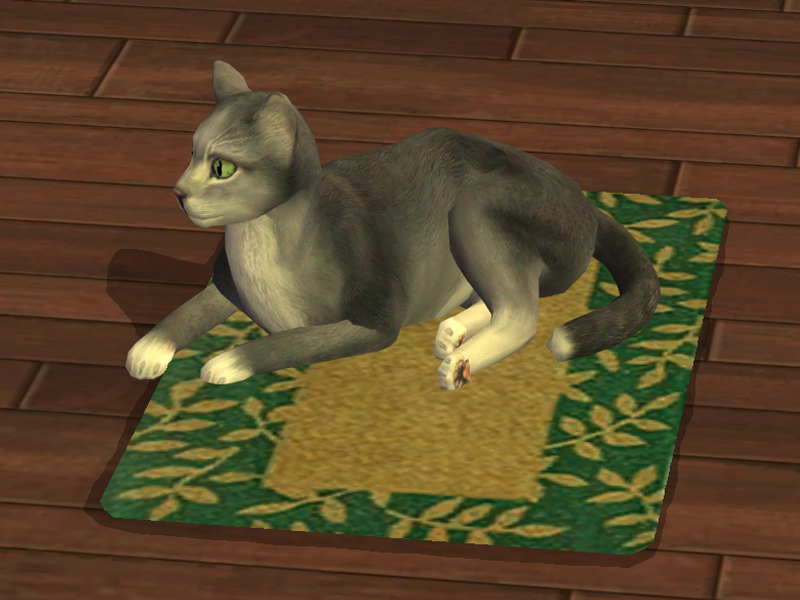
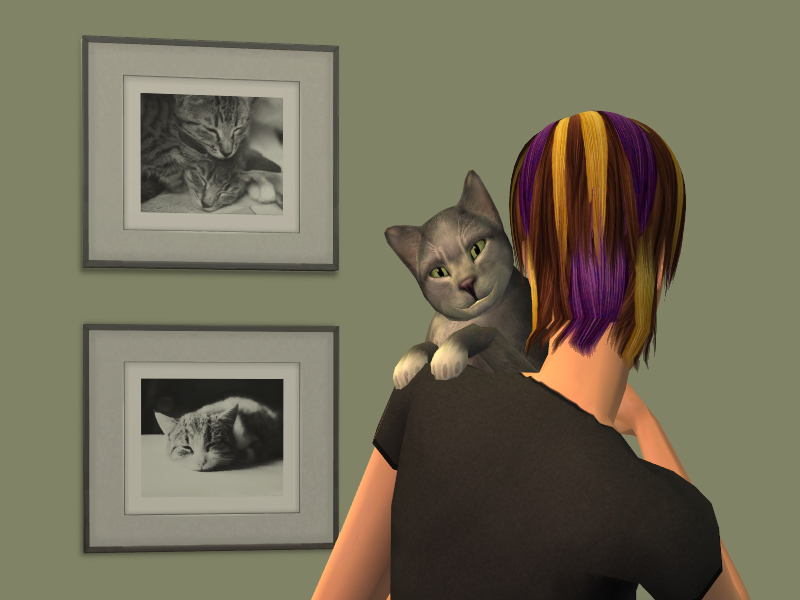
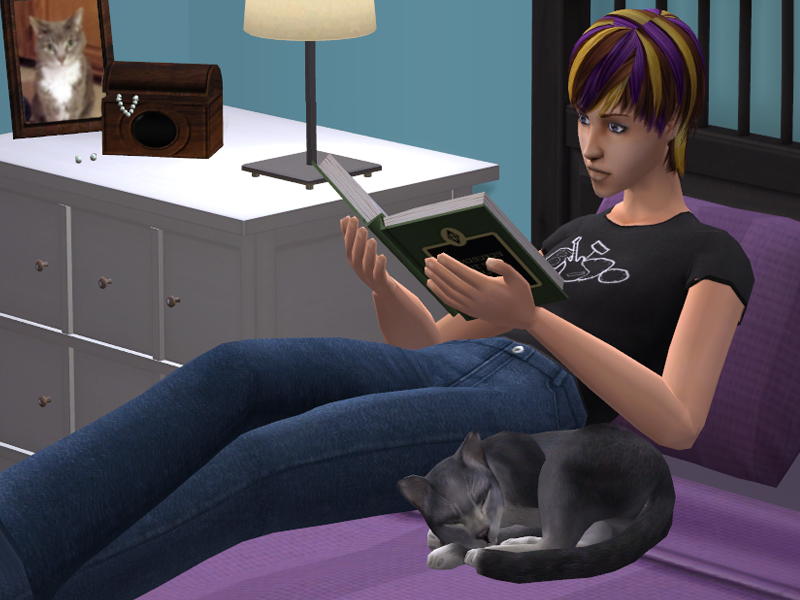
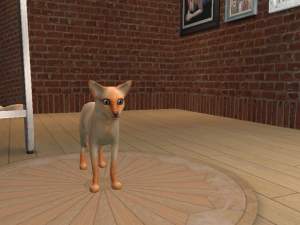
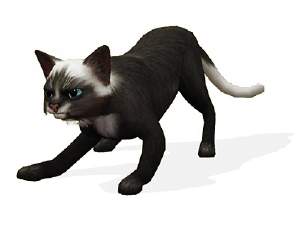
To help deal with the loss of her, I've spent the last few weeks gathering photos of her and creating as faithful a sim cat version of her as I can. Early on I ran into a stumbling block. She has a very unique 'eyeliner' marking on her face and just the very tip of her tail is white. Neither one of these has anything even close to it in game, so I had to figure out how to make custom coat patterns. I'd figured this should be relatively easy, Pets has been out for around 5 years, surely we know how to do that by now. However, I found that this was not the case! Apparently there is an issue with the custom group preventing patterns from working correctly and it was never solved (and still is not). There were some other issues as well but those I was able to work out relying on my bodyshop modding knowledge. I'm *very* close to making custom pet eyes, but it is also entirely possibly that while close, the rest of the way is impossible, so who knows.

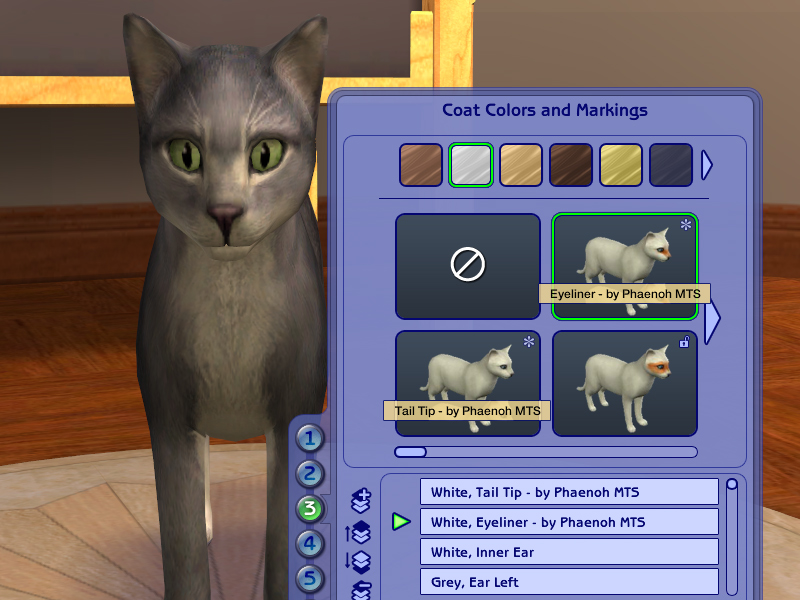
These two coat patterns will appear in front of all the other patterns, just as every other custom CAS bit does. They also have the CC star, custom tooltip, and display it in the coat layers panel. (All of those things were not working when this project was abandoned.)
I'll be posting a tutorial on how to make your own coat patterns soon, but it's super late now so look for it over the weekend.
If you are interested, I have a photobucket album of some of her pictures up (only from when she was healthy, nothing depressing!) :lovestruc
To install, place all three packages in your downloads folder. Pretty simple!

If you want her personality to be 'accurate' as well, give her these traits: genius, mid-active, mid-independent, aggressive, and finicky.
I hope no one finds this terribly morbid, but it's really been helpful dealing with the grief. I was fortunately to visit home the weekend before she died and my mom was with her when she passed. She went quickly and was not in pain. The funeral was hard, but it was very lovely. She has a pretty grave up near the shade trees and we planted her favorite yellow flowers for her there. I miss my kitty so much.

- Phae, and sim Bootsie Cat
Custom Content by Me:
- Boostie Cat as Custom Breed
- Custom Eyeliner Pet Pattern
- Custom Tail Tip Pet Pattern
Additional Credits:
Echo and WesHowe for laying most of the groundwork for me.
Huge thanks to my bf, pointycollars, for rescuing me when I needed a few extra pictures taken but would have had to wait until after work to take them myself, thereby missing my deadline. He's never played the game before, but was able to get me the last two images and saving my butt! Thank you so much hunny!
 :lovestruc
|
Phaenoh_BootsieCat.rar
Download
Uploaded: 19th Jul 2013, 21.9 KB.
2,306 downloads.
|
||||||||
| For a detailed look at individual files, see the Information tab. | ||||||||
Install Instructions
1. Download: Click the download link to save the .rar or .zip file(s) to your computer.
2. Extract the zip, rar, or 7z file.
3. Install: Double-click on the .sims2pack file to install its contents to your game. The files will automatically be installed to the proper location(s).
- You may want to use the Sims2Pack Clean Installer instead of the game's installer, which will let you install sims and pets which may otherwise give errors about needing expansion packs. It also lets you choose what included content to install. Do NOT use Clean Installer to get around this error with lots and houses as that can cause your game to crash when attempting to use that lot. Get S2PCI here: Clean Installer Official Site.
- For a full, complete guide to downloading complete with pictures and more information, see: Game Help: Downloading for Fracking Idiots.
- Custom content not showing up in the game? See: Game Help: Getting Custom Content to Show Up.
Loading comments, please wait...


-
-
-
-
-
by KneazlePuff 20th Aug 2007 at 5:31pm
-
by KneazlePuff 20th Aug 2007 at 5:41pm
-
by <Demon_Baka> 5th Oct 2007 at 7:42am
-
-
-


-
-
-
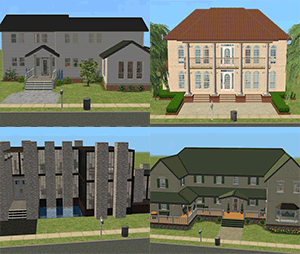
-Foundation Challenge- Four Very Different Homes, No CC!
by Phaenoh 17th Mar 2009 at 7:35pm
So I was bored one day and asked people in #create if they were interested in doing a build challenge more...
 +17 packs
15 13.9k 22
+17 packs
15 13.9k 22 Happy Holiday
 Family Fun
 University
 Glamour Life
 Nightlife
 Celebration
 Open for Business
 Pets
Pets
 H&M Fashion
 Teen Style
 Seasons
 Kitchen & Bath
 Bon Voyage
 Free Time
 Ikea Home
 Apartment Life
 Mansion and Garden
-

-
-'Trick-or-Treat' Time!- Teen and Child Halloween Costumes and Face Paint
by Phaenoh 30th Oct 2007 at 3:43pm
Trick or Treat! Are your sims tired of dressing as lackluster fairies and pirates? Well, fear not! more...
13
35.6k
48
-
-Mix and Match Defaults!- 15 'Keen Eye' Binned and Townie Friendly Eyes! Set#3
by Phaenoh updated 17th Nov 2007 at 9:22pm
It took a bit longer than expected to get 15 requests, but the last one finally came in Friday morning. more...
-
'Patio Villa' Fully Furnished Starter -Nana Series-
by Phaenoh updated 10th Apr 2008 at 2:45am
Note: I've added a BaseGame version of this house. Many (decorative) things have changed but the floor plan has not. more...
+6 packs
7 12.3k 6 University
Nightlife
Open for Business
Pets
Seasons
Bon Voyage
-
'Canoe-dle Lake Cabins' Mountain Beach Hotel
by Phaenoh updated 17th Jul 2008 at 12:03pm
I had a bit too much fun with the name of my last hotel 'Basking Inn Sun' that I more...
+7 packs
10 18.1k 16 University
Nightlife
Open for Business
Pets
Seasons
Bon Voyage
Free Time
-
'Craftsman Bungalow' Mid-Priced Home, Versatile Floorplan
by Phaenoh 17th Sep 2007 at 8:42pm
Simspirations Studios Presents: "Craftsman Bungalow" This was my second attempt at making a decent starter home, once again, its more...
+6 packs
5 10.1k 6 University
Nightlife
Open for Business
Pets
Seasons
Bon Voyage
-
Hillside Cemetery -Terraced Graveyard- No-CC
by Phaenoh 9th Jun 2017 at 5:41pm
Really good sim cemeteries are few and far between, and yeah, they are boring to build and boring to play more...
+8 packs
9 26.8k 77 Nightlife
Open for Business
Pets
Seasons
Bon Voyage
Free Time
Apartment Life
Mansion and Garden


Packs Needed
| Expansion Pack | |
|---|---|
 | Pets |
About Me
- Please don't reupload my work anywhere else. Just point them back here, I'm not going anywhere! :)
- Please ask permission before using my work as a base for your project. I almost always say 'yes' and often times I will help you with your project! :bunny:
- If you make something (like a story or a video) and it has something of mine in it, send me the link, I love to see my stuff 'in action'!
- Sadly, but honestly, I can't take on requests. You can ask if it's something already related to one of my current projects, but I'm not likely to take on your project for you. MTS has lots of wonderful tutorials ;)