
 Sign in to Mod The Sims
 Dark Luxury Professional Bar
 Dark Luxury Professional Bar


Channels.jpg - width=787 height=869
Preset1.jpg - width=932 height=626
Preset2.jpg - width=932 height=626
Preset3.jpg - width=932 height=626
Screenshot-7.jpg - width=593 height=422
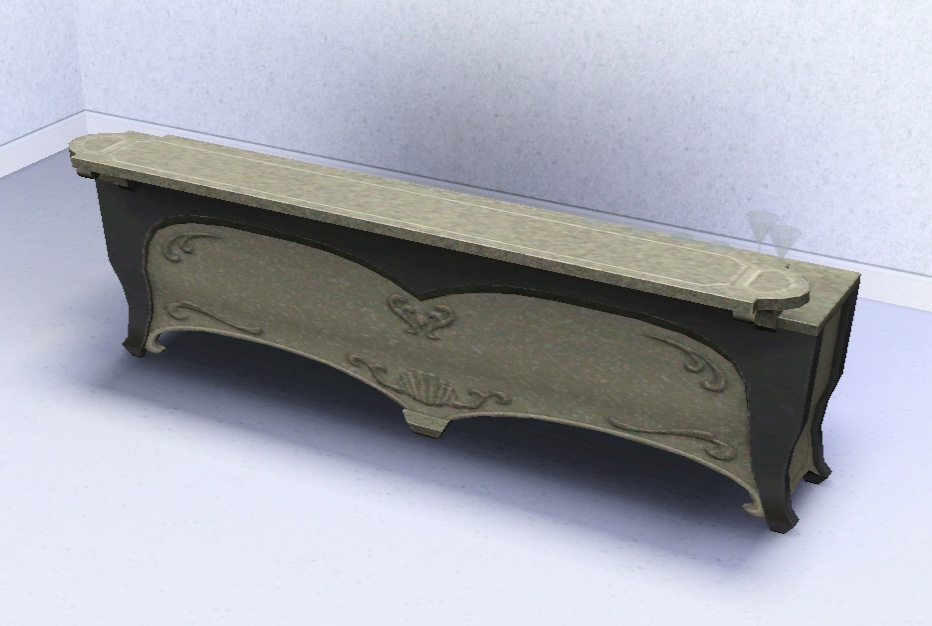
This professional bar is based on the regular juice bar that came with Supernatural.
Supernatural is NOT required but you must have Late Night installed.
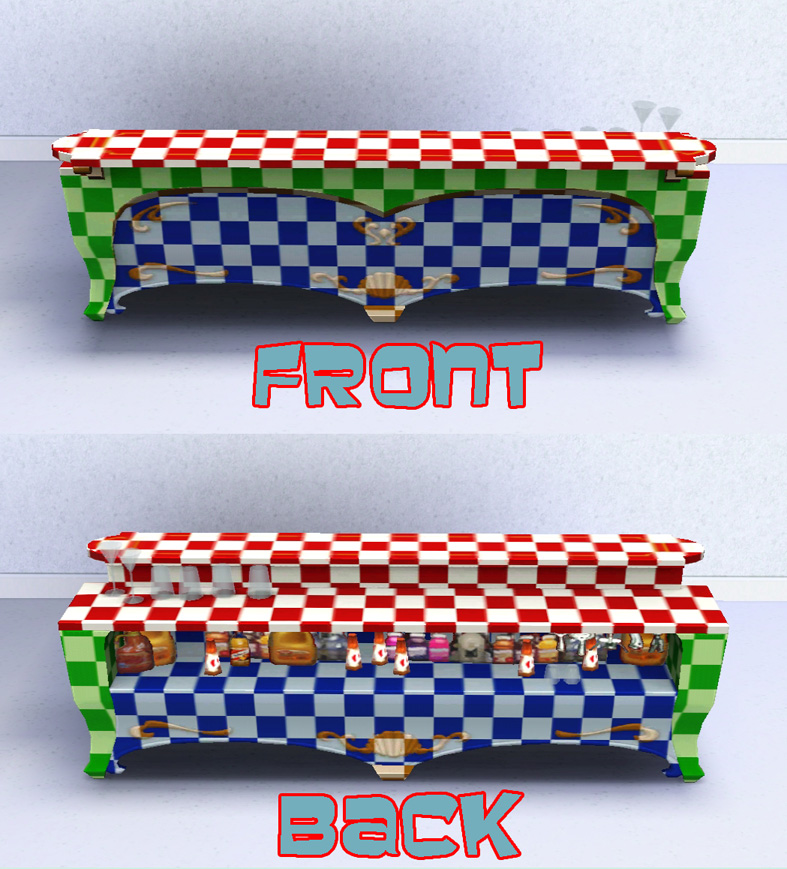
There are four available channels to recolour.
The bar comes in the same three default presets as the original juice bar it is based on. These can be seen in the attached images.
The bar costs 1,500 simoleans and can be found under;
Entertainment > Parties
Surfaces > Misc.
Dining Room > Bars
Built with game version 1.57 and functions fine up to 1.63.5. Should work on previous patch levels provided LN is installed although this has not been confirmed.
Polygon Counts:
High Detail = 1836
Low Detail = 826
Additional Credits:
s3oc,
s3pe,
Milkshape,
TSR Workshop,
Photoshop.
This is a new mesh, and means that it's a brand new self contained object that usually does not require a specific Pack (although this is possible depending on the type). It may have Recolours hosted on MTS - check below for more information.
|
MM_DarkLuxBar.zip
Download
Uploaded: 6th Jan 2014, 482.9 KB.
7,523 downloads.
|
||||||||
| For a detailed look at individual files, see the Information tab. | ||||||||
Install Instructions
1. Click the download button, or the filename, to download the file to your computer.
2. Extract the zip, rar, or 7z file. Now you will have either a .package or a .sims3pack file.
For Package files:
1. Cut and paste the file into your Documents\Electronic Arts\The Sims 3\Mods\Packages folder. If you do not already have this folder, you should read the full guide to Package files first: Sims 3:Installing Package Fileswiki, so you can make sure your game is fully patched and you have the correct Resource.cfg file.
2. Run the game, and find your content where the creator said it would be (build mode, buy mode, Create-a-Sim, etc.).
For Sims3Pack files:
1. Cut and paste it into your Documents\Electronic Arts\The Sims 3\Downloads folder. If you do not have this folder yet, it is recommended that you open the game and then close it again so that this folder will be automatically created. Then you can place the .sims3pack into your Downloads folder.
2. Load the game's Launcher, and click on the Downloads tab. Find the item in the list and tick the box beside it. Then press the Install button below the list.
3. Wait for the installer to load, and it will install the content to the game. You will get a message letting you know when it's done.
4. Run the game, and find your content where the creator said it would be (build mode, buy mode, Create-a-Sim, etc.).
Extracting from RAR, ZIP, or 7z: You will need a special program for this. For Windows, we recommend 7-Zip and for Mac OSX, we recommend Keka. Both are free and safe to use.
Need more help?
If you need more info, see:
- For package files: Sims 3:Installing Package Fileswiki
- For Sims3pack files: Game Help:Installing TS3 Packswiki
Loading comments, please wait...


 View with Names
Uploaded: 6th Jan 2014 at 10:58 PM
#pro, #professional, #bar, #supernatural, #spooky, #dark, #luxury, #vampire
-
The Vampire BAR *UPDATED for Supernatural
by -Shady- updated 10th Sep 2012 at 8:32pm
 +7 packs
51 99k 189
+7 packs
51 99k 189 World Adventures
 Ambitions
 Late Night
 Generations
 Pets
Pets
 Showtime
 Supernatural
-
-
by blackwaterkelpy 29th Aug 2012 at 8:29am
-
The Deep Freeze Professional Ice Bar
by Menaceman44 7th Dec 2013 at 10:50am
+1 packs
39 35.7k 163 Late Night
-
by TheJim07 28th Mar 2015 at 8:07pm
12
21.5k
109
-
Customizing Custom Drinks is Customizable
by Arsil updated 24th Jul 2015 at 9:22am
+1 packs
41 42.8k 185 Late Night
-
-
TS4 Luminous Bar, Pro Bar & Cube Conversion
by enable_llamas 7th Oct 2019 at 1:06am
+1 packs
10 11.2k 37 Late Night
-
Curve Kitchen Island Counter, Pro Bar & Shelves
by enable_llamas 29th Dec 2020 at 6:29pm
+1 packs
7 10.4k 33 Late Night
-
by enable_llamas 8th Jan 2021 at 7:09pm
+1 packs
8 7k 21 Late Night


-
TS3>TS4 Mad Llama Foosball Table
by Menaceman44 10th Aug 2023 at 10:01pm
 +1 packs
2 11.5k 15
+1 packs
2 11.5k 15 Get Together
-
by Menaceman44 15th Feb 2019 at 9:39pm
An override file to remove reference to a missing texture image for the spiked dog collar. more...
-
Decorative Corbel Placement Modification
by Menaceman44 5th Jan 2009 at 7:53pm
Hello. I'm still alive. This mod alters the placement of the decorative corbel that came with Apartment Life. more...
 +1 packs
10 22.6k 37
+1 packs
10 22.6k 37 Apartment Life
-
Wrestling Singlet for YA/A males
by Menaceman44 8th Aug 2013 at 10:04pm
A new wrestling outfit for young adult and adult males in the athletic catagory. more...
-
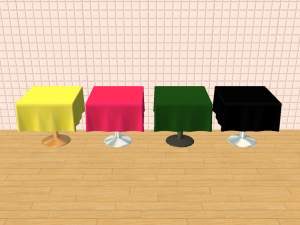
Nightlife Dining Table Cloth Recolours
by Menaceman44 1st May 2007 at 1:25pm
Hello. more...
+1 packs
6 11.2k 13 Nightlife
-
TS3 > TS4 Functional Sectional ChocoSofa *Plus Table*
by Menaceman44 updated 17th Jul 2019 at 8:59pm
A functional conversion of the sectional ChocoSofa from TS3 to TS4. more...
22
38.2k
101
-
by Menaceman44 updated 2nd Mar 2026 at 9:11pm
A file to correct how Sims hold and read certain thin books. more...
28
36.8k
169
-
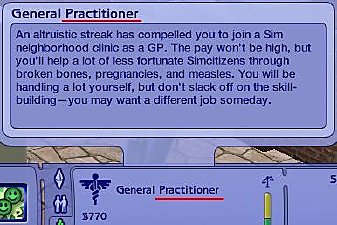
General Practioner? Job Title Fix
by Menaceman44 24th Sep 2008 at 7:49pm
How many General Practioners do you know? I certainly don't know any seeing as the correct title should be 'General more...
22
39.4k
58
-
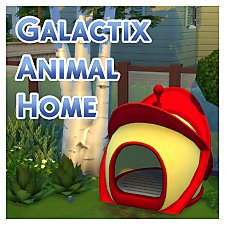
TS2 > TS4 Galactix Animal Home Conversion
by Menaceman44 updated 27th May 2025 at 3:46pm
Conversion of the Galactix Animal Home from TS2 to function in TS4. more...
+1 packs
6 20.5k 71 Cats and Dogs
-
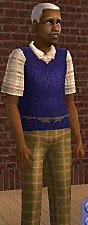
by Menaceman44 11th Apr 2008 at 9:37pm
This package is a mesh replacement for the "emtopsweatervestcollarshirt" in its fat state. more...


Packs Needed
| Expansion Pack | |
|---|---|
| Late Night |