
 Sign in to Mod The Sims
 New Bonsai Tree for your game!
 New Bonsai Tree for your game!


#Bonsai Breadfruit- Display.jpg - width=1000 height=750
#Bonsai Breadfruit- Named.jpg - width=1000 height=750
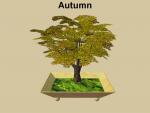
Autumn.jpg - width=1000 height=750
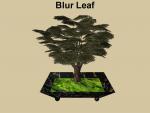
BlurLeaf.jpg - width=1000 height=750
Brassica.jpg - width=1000 height=750
BroadLeaf.jpg - width=1000 height=750
BrownLeaf.jpg - width=1000 height=750
Cornus.jpg - width=1000 height=750
Fall.jpg - width=1000 height=750
Fir.jpg - width=1000 height=750
FloweringPlum.jpg - width=1000 height=750
Hemloack.jpg - width=1000 height=750
Jacaranda.jpg - width=1000 height=750
Juniper.jpg - width=1000 height=750
Leafless.jpg - width=1000 height=750
Lime.jpg - width=1000 height=750
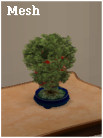
mesh.jpg - width=1000 height=750
NarrowLeaf.jpg - width=1000 height=750
Rosehip.jpg - width=1000 height=750
SmallLeaf.jpg - width=1000 height=750
Viburnum.jpg - width=1000 height=750
WhiteLeaf.jpg - width=1000 height=750
Willow.jpg - width=1000 height=750
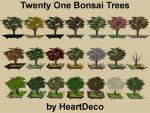
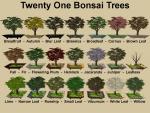
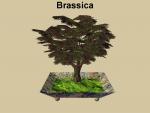
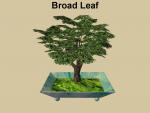
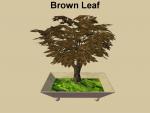
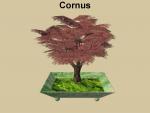
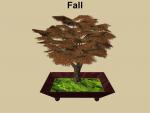
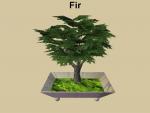
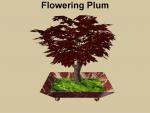
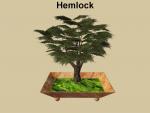
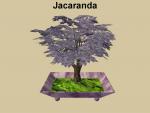
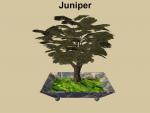
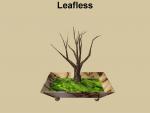
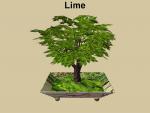

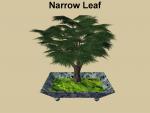
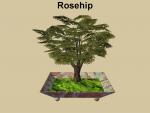
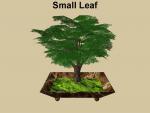
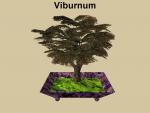
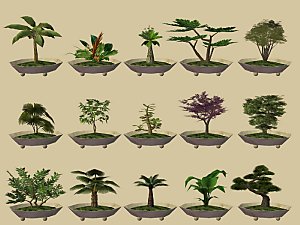
I have not uploaded in quite a while, but I got into the creative mood and now I have something new for you. I love Bonsai and this little tree is a clone from the original Bonsai, using Maxis' Breadfruit Tree from Bon Voyage, but made base game compatible and recolorable for your creative pleasure. However, with 21 trees to choose from you may not need to have anymore. The tray it sits in is from the Maxis "Anytime Candles" and textured with images of real marble - also in 21 colors.
In case you are interested, here is a link to my original, recolorable Breadfruit tree made especially for my dear friend, Michelle:
Recolourable Breadfruit Tree by HeartDeco & Michelle
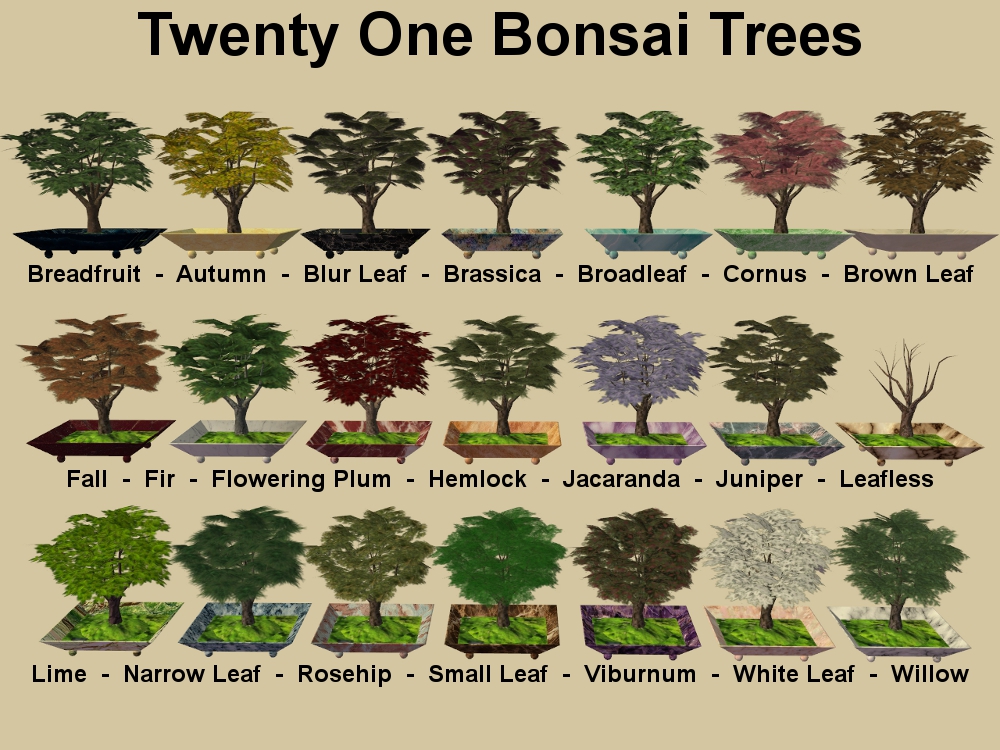
This is a Base Game object - No EP's or SP's needed
Bonsai Tree: 2 subsets = Lots of recolor combinations
Found: Buy Mode > Decorative > Plants
Price: §120
Environment/Room Rating: 1
Michelle's Invisible shelf used in the screenshots is not available.
Polygon Counts:
Poly Count: A bit high = 2152
Polys were reduced where they could be without ruining Maxis' beautiful mesh.
Additional Credits: SimPE - CEP - GIMP - EA Games and MTS.
IgnorantBliss - Thank you - for her tutorial on adding recolorable subsets to objects
Google Images and Michelle for the Textures.
Files have not been compressed, but have been tested in game by more than one person
This is a new mesh, and means that it's a brand new self contained object that usually does not require a specific Pack (although this is possible depending on the type). It may have Recolours hosted on MTS - check below for more information.
|
Bonsai.rar
Download
Uploaded: 5th Mar 2014, 2.78 MB.
2,786 downloads.
|
||||||||
| For a detailed look at individual files, see the Information tab. | ||||||||
Install Instructions
1. Download: Click the download link to save the .rar or .zip file(s) to your computer.
2. Extract the zip, rar, or 7z file.
3. Place in Downloads Folder: Cut and paste the .package file(s) into your Downloads folder:
- Origin (Ultimate Collection): Users\(Current User Account)\Documents\EA Games\The Sims™ 2 Ultimate Collection\Downloads\
- Non-Origin, Windows Vista/7/8/10: Users\(Current User Account)\Documents\EA Games\The Sims 2\Downloads\
- Non-Origin, Windows XP: Documents and Settings\(Current User Account)\My Documents\EA Games\The Sims 2\Downloads\
- Mac: Users\(Current User Account)\Documents\EA Games\The Sims 2\Downloads
- Mac x64: /Library/Containers/com.aspyr.sims2.appstore/Data/Library/Application Support/Aspyr/The Sims 2/Downloads
- For a full, complete guide to downloading complete with pictures and more information, see: Game Help: Downloading for Fracking Idiots.
- Custom content not showing up in the game? See: Game Help: Getting Custom Content to Show Up.
- If you don't have a Downloads folder, just make one. See instructions at: Game Help: No Downloads Folder.
Loading comments, please wait...

Uploaded: 5th Mar 2014 at 1:31 PM
Updated: 8th Mar 2014 at 7:12 PM
#Bonsai, #Breadfruit, #Autumn, #Blur Leaf, #Brassica, #Broadleaf, #Brown Leaf, #Cornus, #Fall, #Fir, #Flowering Plum, #Hemlock, #Jacaranda, #Juniper, #Leafless, #Lime, #Narrow Leaf, #Rosehip, #Small Leaf, #Viburnum, #White Leaf, #Willow
-
by darylmarkloc 28th Jan 2006 at 3:54pm
 14
15.3k
12
14
15.3k
12
-
by simscorner 5th Jun 2006 at 5:06pm
13
17k
8
-
by stguy 1st Jan 2007 at 4:45am
3
13.5k
4
-
-
-
-
by SimFused 27th Mar 2014 at 12:49am
12
28k
93
-
-
-



-
Numenor's MLF Loft Window from CAS - New Object - UPDATED 08March2014
by HeartDeco 10th Jun 2006 at 12:50am
08March2014 - Updated and made recolorable This window had no diagonal originally, but you can get Michelle's set more...
17
47.6k
14
-
-
-
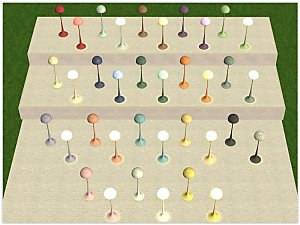
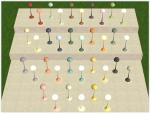
~ Circle of Light Friendship Floor Lamp from University ~ Now in YETI Recolours
by SimFused 22nd Mar 2017 at 2:37am
~ Circle of Light Friendship Floor Lamp (aka Groovy Floor Lamp) from University ~ Now in YETI Recolours more...
+1 packs
6.8k 18 University
-
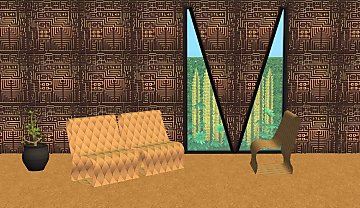
Sci-Fi Walls Inspired by MTS February Theme 'Into the Future'
by SimFused 27th Feb 2016 at 10:22pm
28 Sci-Fi Walls Inspired by MTS February Theme 'Into the Future' more...
5
5.3k
15
-
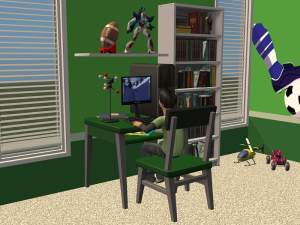
by SimFused 24th Dec 2018 at 9:35am
Made to match and slaved to the Ambitious Chair by LeeFish. more...
10
11.8k
34
By Function » Surfaces » Desks
-
-
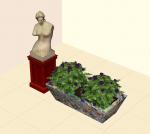
A Simple, but Stylish Planter Box > Updated
by SimFused updated 31st Mar 2014 at 6:53pm
Updated: 10Apr 2014 > made a small modification and replaced shrub file > Please redownload just the shrub file Updated: more...
12
11.5k
32
-
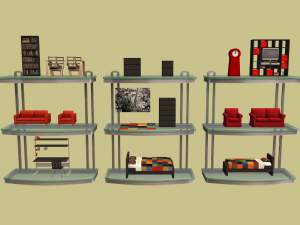
-
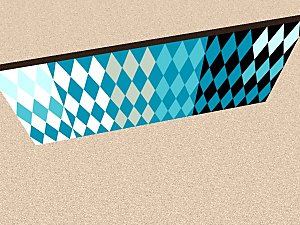
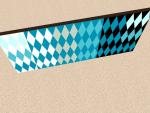
Everyday Diamonds Wall Paint Collection - Maxis matched Paints
by HeartDeco 7th Oct 2005 at 2:36am
Here are some Wall recolors that I created with the in-game Diamond Pattern by color matching the original Maxis paint more...
5
7.7k
6


About Me
I hope you enjoy my creations; please use them for your own personal gaming pleasure.
1. You may recolor any of my creations - provided that:
a) You include a link to the item's mesh here at MTS.
b) You contact me and let me know you are going to do this.
2. You may include any of my creations with your lots uploaded to any free site - provided that:
a) You include a link to the item's mesh here at MTS.
b) You contact me and let me know you are going to do this.
3. You may not claim or imply that any of my creations are your own work.
4. You may not upload any alterations of my meshes unless you have my permission.
5. If you use my creations in your screenshots, credit would be appreciated.
Thank you all for the opportunity to contribute back to the community. If you have any questions, please PM me and I will try and take care of your needs.
HeartDeco / Debra