
 Sign in to Mod The Sims
 Gronkh beard
 Gronkh beard


Gronkh.jpg - width=957 height=957
gronkh-ages.jpg - width=1231 height=1024
gronkh-fat-recolors.jpg - width=1231 height=1024
gronkh-main.jpg - width=656 height=656
gronkh-sides.jpg - width=1280 height=1024
This beard its perfect for your modern sims and its basegame compatible.
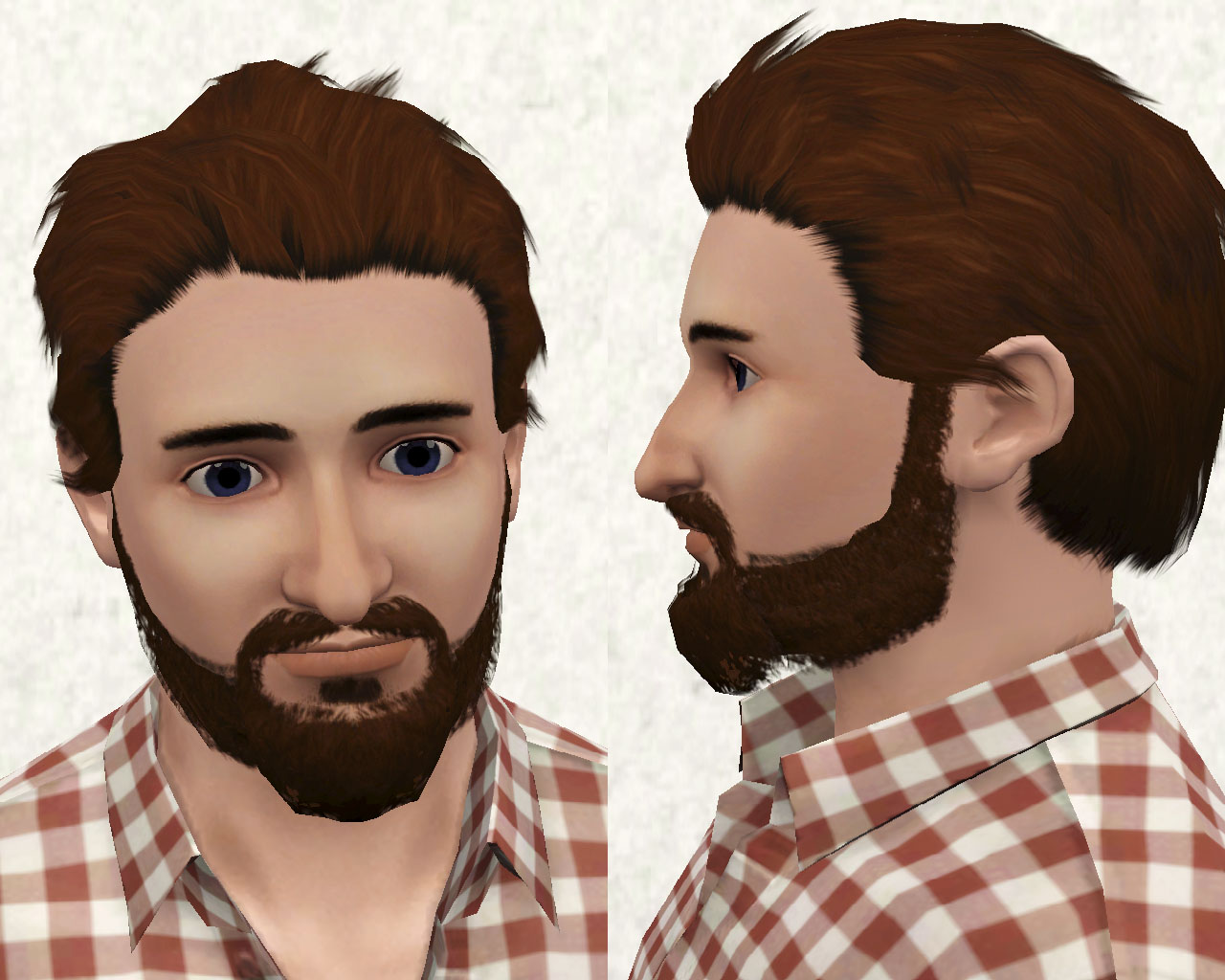
Here they are some angles of the beard
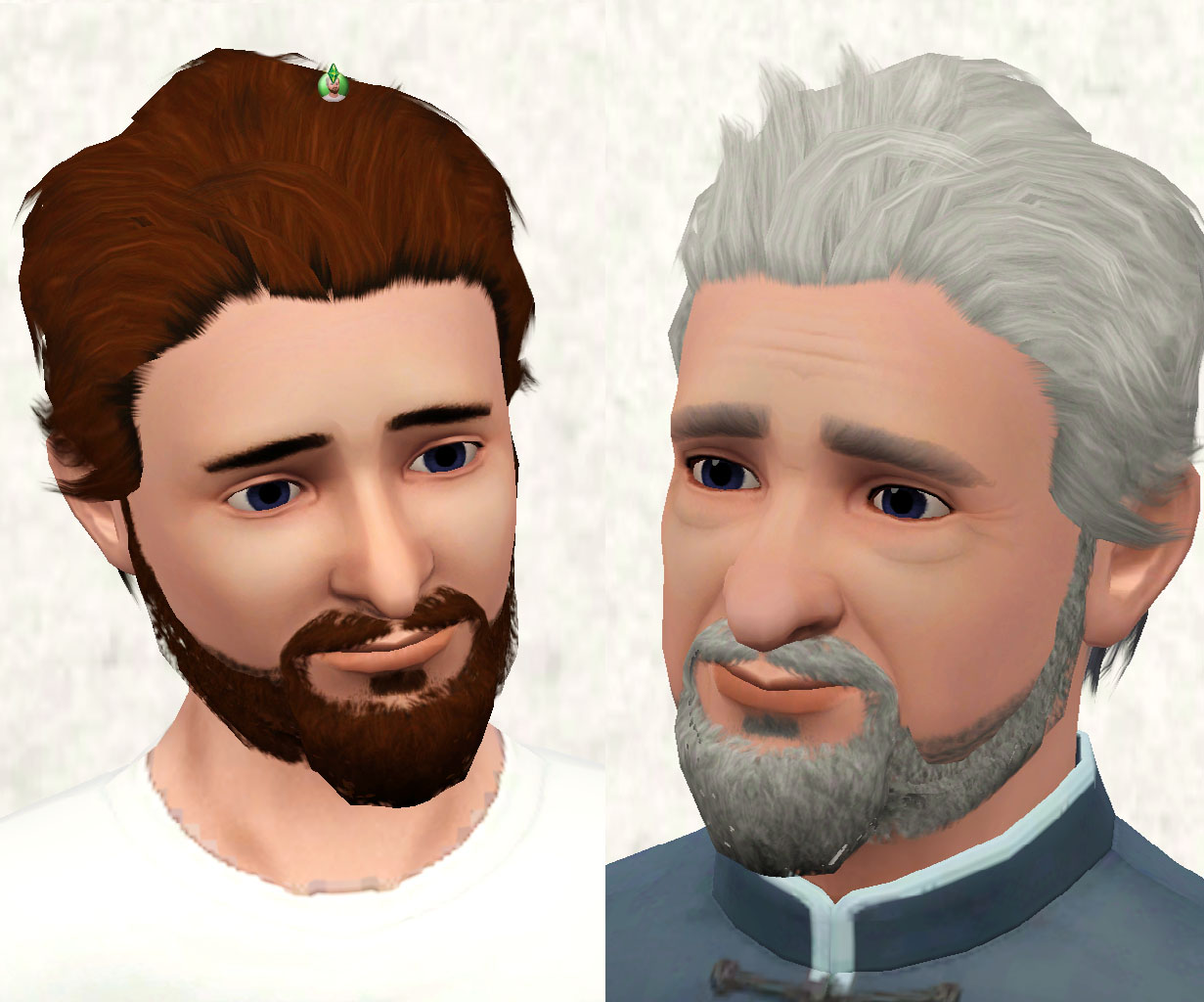
I made it from teen to elder sims
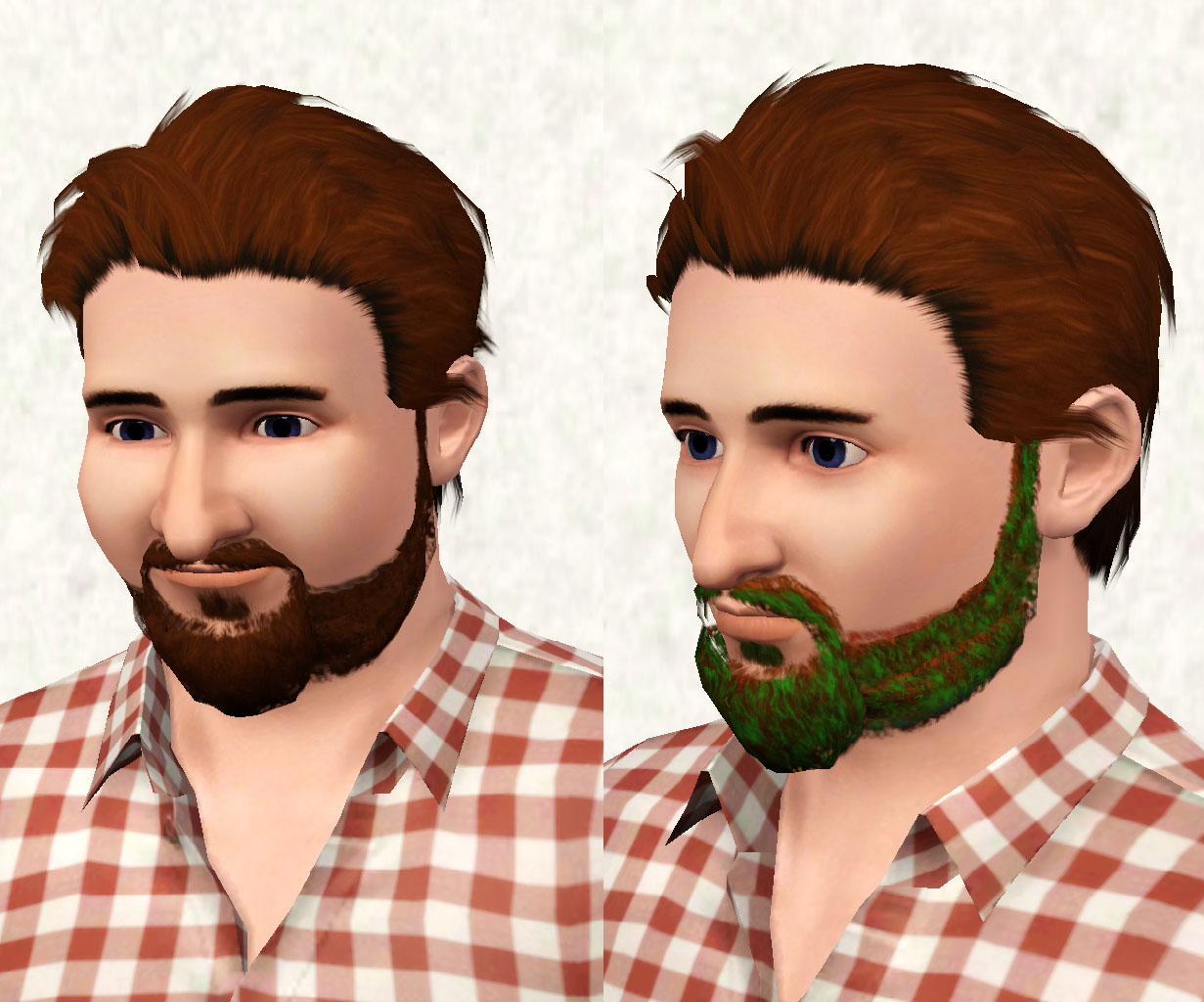
Fat sims can use it because I have used CmarNYC's meshtoolkit to bodymorph it and here they are the recolourable channels: red are the roots, green the highlights and blue the tips
Any comments would be highly appreciated
Polygon Counts:
Gronkh beard
LOD_0: 892 faces
LOD_1: 581 faces
LOD_2: 319 faces
LOD_3: Maxis full beard doesnt use this level of detail
Additional Credits:
MTS, TSR Workshop, Delphy's CASTexture Unitool, CmarNYC's Meshtoolkit
This is a new mesh, and means that it's a brand new self contained object that usually does not require a specific Pack (although this is possible depending on the type). It may have Recolours hosted on MTS - check below for more information.
|
Necrodog-Gronkh-beard-T-YA-A-E.rar
Download
Uploaded: 17th Jul 2014, 2.10 MB.
11,078 downloads.
|
||||||||
| For a detailed look at individual files, see the Information tab. | ||||||||
Install Instructions
1. Click the download button, or the filename, to download the file to your computer.
2. Extract the zip, rar, or 7z file. Now you will have either a .package or a .sims3pack file.
For Package files:
1. Cut and paste the file into your Documents\Electronic Arts\The Sims 3\Mods\Packages folder. If you do not already have this folder, you should read the full guide to Package files first: Sims 3:Installing Package Fileswiki, so you can make sure your game is fully patched and you have the correct Resource.cfg file.
2. Run the game, and find your content where the creator said it would be (build mode, buy mode, Create-a-Sim, etc.).
For Sims3Pack files:
1. Cut and paste it into your Documents\Electronic Arts\The Sims 3\Downloads folder. If you do not have this folder yet, it is recommended that you open the game and then close it again so that this folder will be automatically created. Then you can place the .sims3pack into your Downloads folder.
2. Load the game's Launcher, and click on the Downloads tab. Find the item in the list and tick the box beside it. Then press the Install button below the list.
3. Wait for the installer to load, and it will install the content to the game. You will get a message letting you know when it's done.
4. Run the game, and find your content where the creator said it would be (build mode, buy mode, Create-a-Sim, etc.).
Extracting from RAR, ZIP, or 7z: You will need a special program for this. For Windows, we recommend 7-Zip and for Mac OSX, we recommend Keka. Both are free and safe to use.
Need more help?
If you need more info, see:
- For package files: Sims 3:Installing Package Fileswiki
- For Sims3pack files: Game Help:Installing TS3 Packswiki
Loading comments, please wait...
Uploaded: 17th Jul 2014 at 12:09 AM
-
Don't fuzz with me - Versatile and Layerable beard!
by Arisuka 21st Sep 2010 at 1:39am
 17
100.9k
171
17
100.9k
171
-
by puddles4ya 29th Dec 2010 at 8:26am
35
78.8k
101
-
Medieval Beards - Ye Olde Kingdom of Pudding
by The Merrye Makers 9th Dec 2011 at 8:33pm
30
59.3k
146
-
by Jasumi 11th Aug 2012 at 11:04pm
28
60.3k
122
-
by necrodog 21st Jul 2013 at 4:01am
20
25.8k
85
-
by necrodog 15th Sep 2013 at 4:40am
9
18.2k
44
-
by necrodog 19th Sep 2013 at 4:02am
13
17.2k
27
-
-
by necrodog 11th Oct 2013 at 5:45pm
36
45k
145
-

-
Hollywoodian and Jack Sparrow beards
by necrodog 26th Jul 2014 at 6:00pm
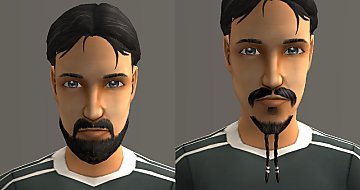
Jack Sparrow beard from Pirates of the Caribbean movie and Hollywoodian beard a full beard without sideburns for your sims. more...
 7
13.8k
30
7
13.8k
30
-
Motorbiker beard mustache and muttonchops.
by necrodog 22nd Oct 2014 at 3:58am
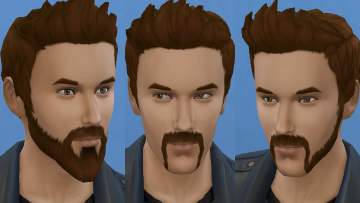
These beard are ideal for your biker sims. A full beard with a bushy van dyke, a mustache in a fu-manchu style and muttonchops more...
 15
48.1k
88
15
48.1k
88
-
HD feet v3 Update 25-09-2018 Season patch update
by necrodog updated 26th Sep 2018 at 4:37am
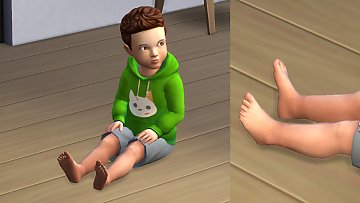
The version 3 of the HD feet with better shape and definitive no nails. For all ages and genders including new toddlers more...
-
S2 Viking hat conversion Unisex Child to elder.
by necrodog 26th Feb 2015 at 12:27am
The viking hat that was in Ts2 now for your S4 sims in two versions one equal at TS2 and aother hair compatible more...
12
20.2k
55
-
Toetag accesory unisex teen to elder
by necrodog 24th Jan 2017 at 10:27pm
A unisex toetag accesory for storytelling or just fun. more...
6
17.5k
24
-
S2 female dreadlocks unisex conversion.
by necrodog 29th Jan 2015 at 3:01am
A conversion of TS2 female dreadlocks for male and female sims teen to elder more...
15
12.7k
39
-
Portable EA easels with live drag mode enabled. Update. Lighter version to avoid conflicts
by necrodog updated 19th Jun 2015 at 11:56pm
our sims go on vacation and want to paint with portability ? These meshes override are for you. It will affect cloned easels and made them portable too. more...
37
37.6k
192
-

-
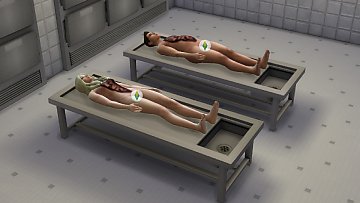
Morgue Corpse Pose and guts tattoo for your morgue.
by necrodog 31st Jul 2016 at 2:50am
A needed corpse pose for your sims for police storytelling. Morgue related. more...
13
47.6k
64
-
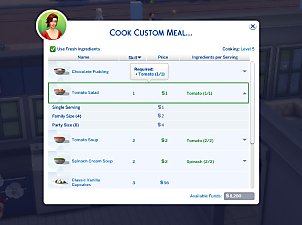

Custom Food Interactions (Update 25th Feb 2026)
by TheFoodGroup updated 25th Feb 2026 at 12:44am
These are custom interactions + some extras that are used to make custom foods, plus a script that adds the more...
1k
3.3m
2.4k


