
 Sign in to Mod The Sims
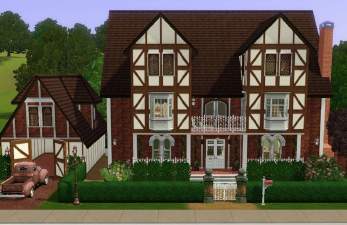
 Breckenridge Manor – 4BR, no CC
 Breckenridge Manor – 4BR, no CC


Breckenridge_Ext01.jpg - width=1210 height=791
Breckenridge_Ext02.jpg - width=1042 height=732
Breckenridge_Ext03.jpg - width=1037 height=696
Breckenridge_Ext04_LT.jpg - width=1158 height=760
Breckenridge_ExtNight.jpg - width=1170 height=771
Breckenridge_ExtOverview.jpg - width=1136 height=783
Breckenridge_Overview-1_LT.jpg - width=1240 height=800
Breckenridge_Overview-2_LT.jpg - width=1240 height=800
Breckenridge_Overview-3_LT.jpg - width=1120 height=800
Breckenridge_TopDown-0.jpg - width=1179 height=780
Breckenridge_TopDown-1_LT.jpg - width=1280 height=780
Breckenridge_TopDown-2_LT.jpg - width=1280 height=780
Breckenridge_TopDown-3_LT.jpg - width=1040 height=780


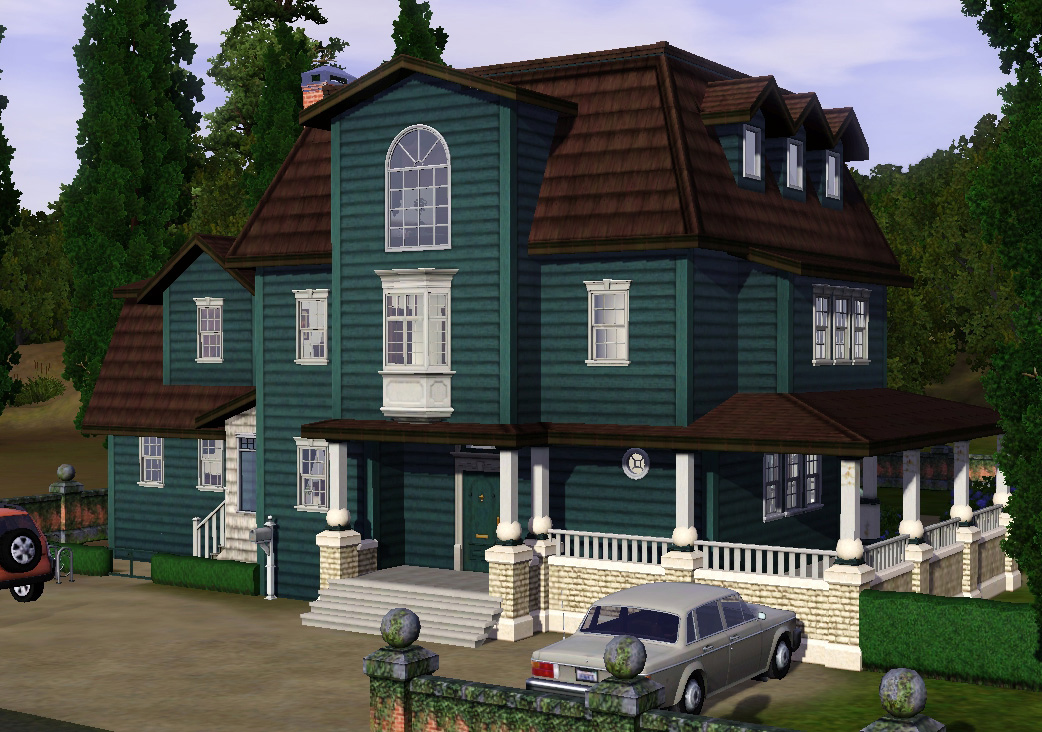
All stairs are working (this is extensively playtested, it’s a very old lot). Note that on some exterior shots the outdoor lights are still missing; I added them in while I was taking pictures. The exterior night shot and overview show the final version.
Base game content only.
I have a lighting mod installed (this one) so the shadows are much more pronounced on my screenshots than they’d be in an out-of-the-box game. All pictures that end in "_LT" are photoshopped (lightened) so that you can actually see something.
202.176 furnished
101.165 unfurnished
Lot Size: 30x40
Lot Price: 202.176 / 101.165
|
BreckenridgeManor.zip
Download
Uploaded: 5th Sep 2014, 3.51 MB.
3,319 downloads.
|
||||||||
| For a detailed look at individual files, see the Information tab. | ||||||||
Install Instructions
1. Click the filename or the download button to download the file to your computer.
2. Extract the zip, rar, or 7z file.
2. Select the .sims3pack file you got from extracting.
3. Cut and paste it into your Documents\Electronic Arts\The Sims 3\Downloads folder. If you do not have this folder yet, it is recommended that you open the game and then close it again so that this folder will be automatically created. Then you can place the .sims3pack into your Downloads folder.
5. Load the game's Launcher, and click on the Downloads tab. Select the house icon, find the lot in the list, and tick the box next to it. Then press the Install button below the list.
6. Wait for the installer to load, and it will install the lot to the game. You will get a message letting you know when it's done.
7. Run the game, and find your lot in Edit Town, in the premade lots bin.
Extracting from RAR, ZIP, or 7z: You will need a special program for this. For Windows, we recommend 7-Zip and for Mac OSX, we recommend Keka. Both are free and safe to use.
Need more help?
If you need more info, see Game Help:Installing TS3 Packswiki for a full, detailed step-by-step guide!
Loading comments, please wait...


Uploaded: 5th Sep 2014 at 1:22 AM
Updated: 5th Sep 2014 at 2:22 AM
-
-
-
-
-
by JadedSidhe 23rd Jan 2010 at 4:28pm
 9
10.5k
3
9
10.5k
3
-
-
by Jenner_Bom 19th May 2014 at 1:21pm
+10 packs
1 4.1k 7 World Adventures
 High-End Loft Stuff
 Late Night
 Outdoor Living Stuff
 Pets
Pets
 Diesel Stuff
 Supernatural
 Seasons
 Island Paradise
 Into the Future
-
by Asmodeuseswife 4th Sep 2014 at 5:28pm
+17 packs
3 6.7k 20 World Adventures
High-End Loft Stuff
 Ambitions
 Fast Lane Stuff
Late Night
Outdoor Living Stuff
Fast Lane Stuff
Late Night
Outdoor Living Stuff
 Generations
 Town Life Stuff
 Master Suite Stuff
Pets
Master Suite Stuff
Pets
 Showtime
Supernatural
Showtime
Supernatural
 70s, 80s and 90s Stuff
Seasons
70s, 80s and 90s Stuff
Seasons
 University Life
Island Paradise
Into the Future
University Life
Island Paradise
Into the Future
-
-
by emo_princess 18th Apr 2017 at 6:13pm
+5 packs
2 6.6k 10 World Adventures
High-End Loft Stuff
Late Night
Generations
Showtime


-

by plasticbox 9th Dec 2015 at 10:23pm
These are empty overrides for many of the Oasis Springs background props (buildings, signs, etc) to make the world appear more...
-
Wee Barnoid #22 – Budget starter (under 11.000§) – No CC
by plasticbox 8th Nov 2009 at 10:45pm
A minimalistic house for a single sim or two, with a covered porch on the side. more...
9
21.3k
23
-

Lazy Gardener’s Delight – 32 remixed Maxis plants * Update 2008-05-11: OfB users, please redownload!
by plasticbox 10th May 2009 at 10:53pm
I made this a "Happy Birthday" download even though it's not terribly apocalyptic – it has flowers after all, and more...
 84
157.3k
427
84
157.3k
427
-
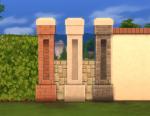
by plasticbox 27th Nov 2015 at 1:46am
This is a decorative fencepost to be combined with fences, such as the Maxis stone wall it's from -- so more...
 6
23.9k
85
6
23.9k
85
-
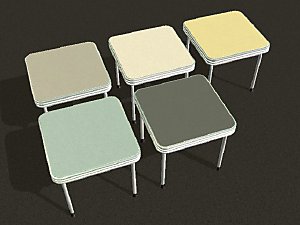
Retro Recolours - Table "NuMica"
by plasticbox 4th May 2008 at 6:34pm
This post made me realise that that dresser is actually quite a nice piece of furniture once it has more...
6
23.3k
43
-
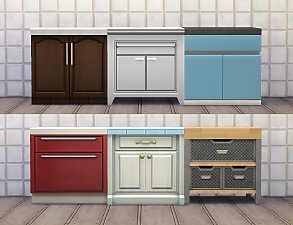
by plasticbox 13th Nov 2015 at 4:25pm
These are OBJD overrides for all of the Maxis base game counters that make them always use the no-backsplash version more...
-
Wee Barnoid #20 – Small country house (under 23.000§) – No CC
by plasticbox 4th Oct 2009 at 8:53pm
A romantic little country house, furnished for 2–3 sims, with a covered wrap-around porch and a basement. more...
18
31.4k
57
-
Newbie Road 167 -- Base Game Mini Starter, no CC
by plasticbox 28th Oct 2008 at 6:19pm
No EPs required. more...
7
20.8k
26
-
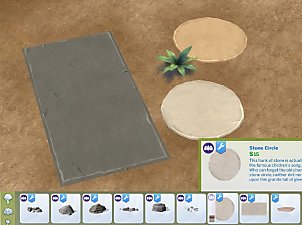
Catalogue Edit: GT Pavers as Rocks
by plasticbox 7th Feb 2016 at 4:13pm
This moves the two GT stone .. rugs? .. :wtf: to Build > Rocks. more...
+1 packs
2 18.6k 38 Get Together
-

Conversion Clothes "light" -- A bunch of texture-referencing edits [Base/OfB/Ssn]
by plasticbox 22nd May 2008 at 11:42am
There have been a lot of great conversion meshes recently that come with the original Maxis textures as recolours -- more...
15
25.8k
43


About Me
– Feel free to recycle, you don’t need to ask.
– For the attribution, please link to the upload you’re using wherever possible (instead of my profile). This is particularly important with edits made for/with different games or game versions.
– If you use my stuff in something you make, please upload the result to a free, accessible, noncommercial site with no more restrictions than these. Code must remain open source; meshes and other material must remain re-usable.
Please do not redistribute any unmodified files – link to the upload post instead.