Sign in to Mod The Sims
 Project: Nineteenth-century Mansion (Part VI)
 Project: Nineteenth-century Mansion (Part VI)


1.jpg - width=1270 height=979
2.jpg - width=1270 height=979
3.jpg - width=1270 height=979
4.jpg - width=1270 height=979
5.jpg - width=1175 height=848
6.jpg - width=1270 height=909
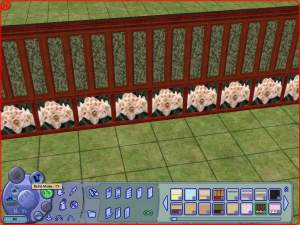
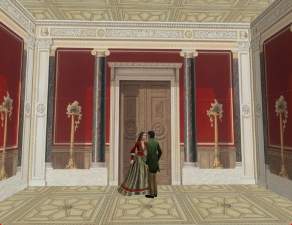
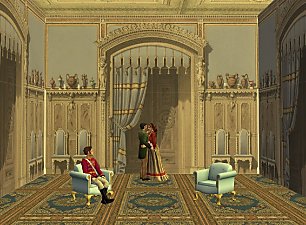
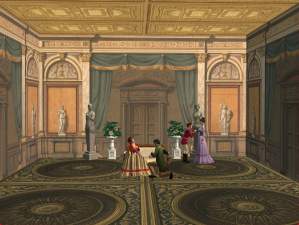
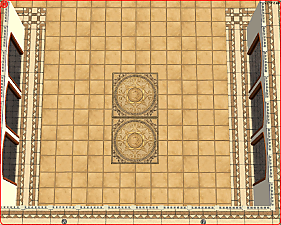
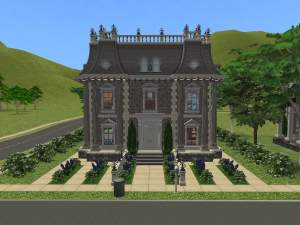
Today I present my new project: original wallpapers from nineteenth-century Mansion.
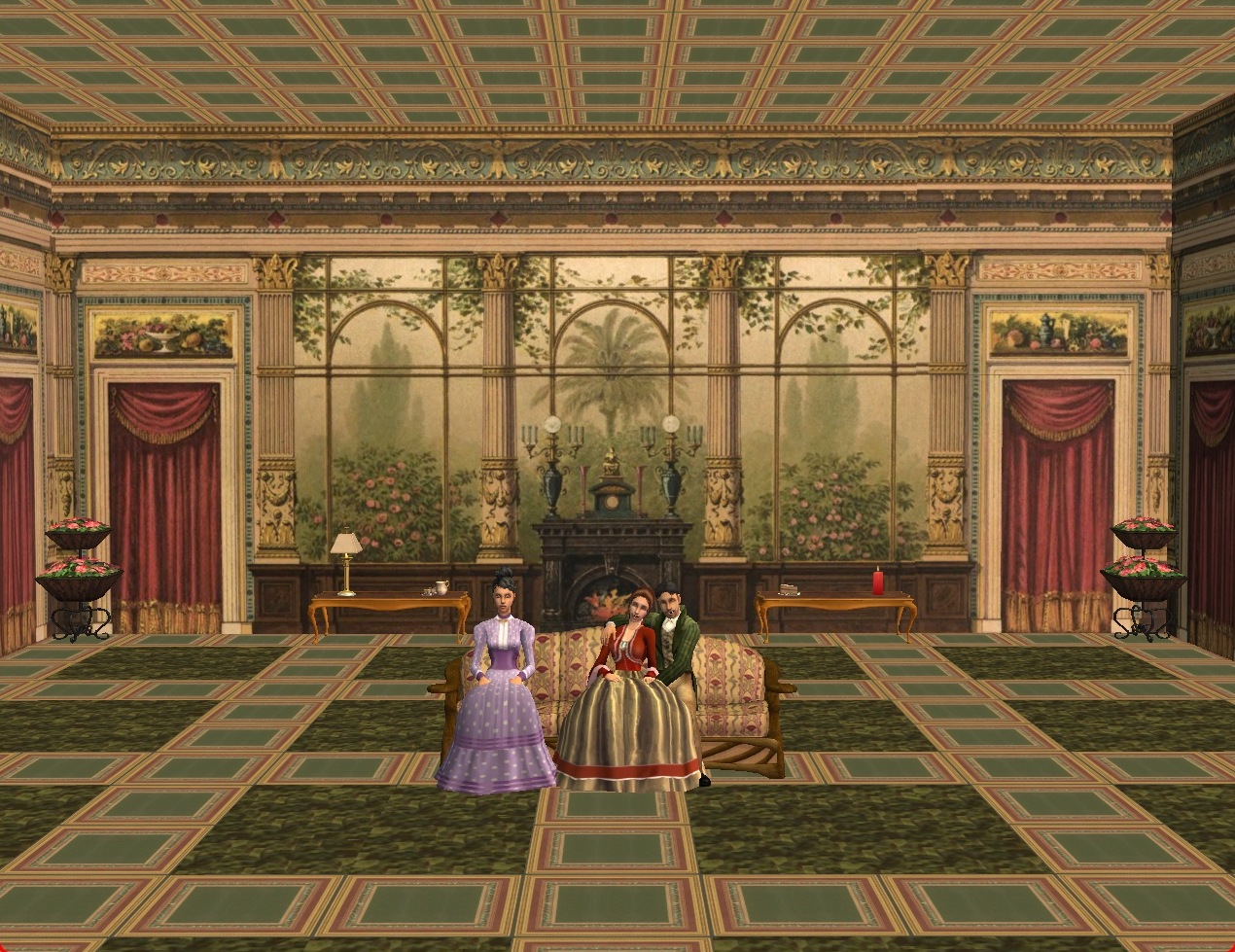
Wallpapers cost 1 Simoleon and can be found in Build Mode in Wallpapers. Floor costs 1 Simoleon too, you can find it in Miscellaneous.
File with Collection you should unzip in folder EA Games\The Sims 2\Collections.
|
NCM F walls.rar
Download
Uploaded: 10th Jul 2015, 2.16 MB.
2,000 downloads.
|
||||||||
|
NCM F floors.rar
Download
Uploaded: 10th Jul 2015, 749.9 KB.
1,828 downloads.
|
||||||||
|
NCM F Collection.rar
Download
Uploaded: 10th Jul 2015, 2.4 KB.
2,065 downloads.
|
||||||||
| For a detailed look at individual files, see the Information tab. | ||||||||
Install Instructions
1. Download: Click the download link to save the .rar or .zip file(s) to your computer.
2. Extract the zip, rar, or 7z file.
3. Place in Downloads Folder: Cut and paste the .package file(s) into your Downloads folder:
- Origin (Ultimate Collection): Users\(Current User Account)\Documents\EA Games\The Sims™ 2 Ultimate Collection\Downloads\
- Non-Origin, Windows Vista/7/8/10: Users\(Current User Account)\Documents\EA Games\The Sims 2\Downloads\
- Non-Origin, Windows XP: Documents and Settings\(Current User Account)\My Documents\EA Games\The Sims 2\Downloads\
- Mac: Users\(Current User Account)\Documents\EA Games\The Sims 2\Downloads
- Mac x64: /Library/Containers/com.aspyr.sims2.appstore/Data/Library/Application Support/Aspyr/The Sims 2/Downloads
- For a full, complete guide to downloading complete with pictures and more information, see: Game Help: Downloading for Fracking Idiots.
- Custom content not showing up in the game? See: Game Help: Getting Custom Content to Show Up.
- If you don't have a Downloads folder, just make one. See instructions at: Game Help: No Downloads Folder.
Loading comments, please wait...

Uploaded: 10th Jul 2015 at 11:26 AM
-
by Starla 23rd Dec 2004 at 12:23pm
 5
9k
4
5
9k
4
-
by angeleyetr 17th Nov 2005 at 12:32am
3.4k
-
by Ani81 29th Mar 2006 at 3:47pm
3
4.4k
-
-
-
-
-
-
by Red Sonja 16th Jul 2016 at 6:13pm
7
8.5k
15
-
by Mrselimcan 28th Jun 2024 at 5:59pm
951
3

-
-
Project: Nineteenth-century Mansion (Part I)
by Tomanek 26th Dec 2014 at 12:16am
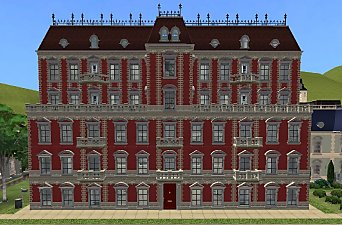
Hi everyone, Today I present my new project: original wallpapers and floors from nineteenth-century Mansion. more...
1
4.1k
5
-
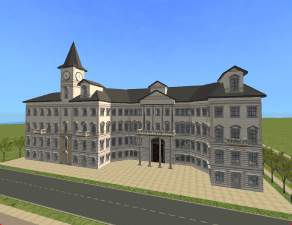
Jablonowski's Palace in Warsaw
by Tomanek 29th Dec 2014 at 3:29pm
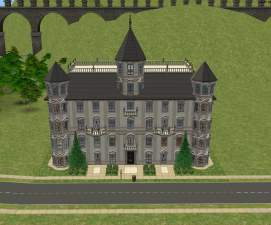
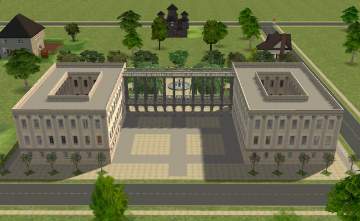
Hi, Today I preset a lot modelled after Jablonowski's Palace in Warsaw. It's nineteenth-century mansion, old City Hall. more...
+10 packs
3 6.6k 11 University
 Glamour Life
 Nightlife
 Open for Business
 Pets
Pets
 Seasons
 Bon Voyage
 Free Time
 Apartment Life
 Mansion and Garden
-
-
-
-
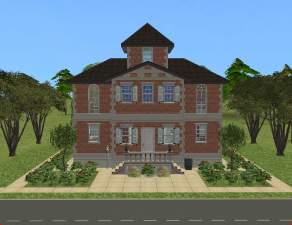
Dollhouse, 705 Marszalkowska Street
by Tomanek 23rd Sep 2014 at 8:24pm
Hi everyone, I present my new work - small, but useful mansion with small garden. more...
+10 packs
4 6.1k 17 University
Glamour Life
Nightlife
Open for Business
Pets
Seasons
Bon Voyage
Free Time
Apartment Life
Mansion and Garden
-
-
-