Sign in to Mod The Sims
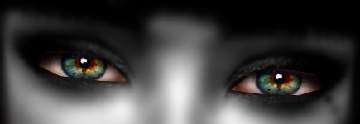
 3 Realistic Sparkling Eyes Sets
 3 Realistic Sparkling Eyes Sets


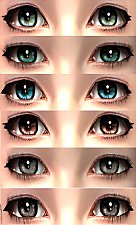
3 Realistic Sparkling Eye Sets Thumbnail.jpg - width=175 height=300
Thumbnail
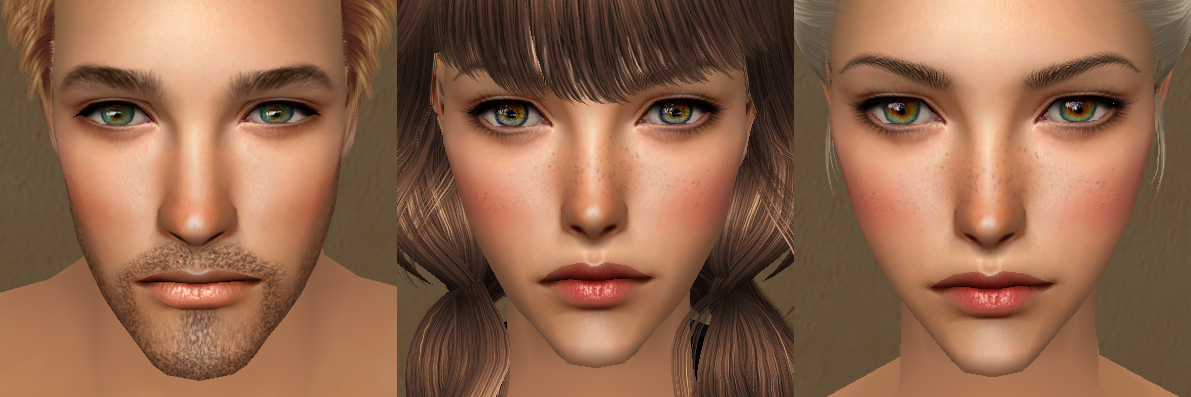
3 Realistic Sparkling Eye Sets.jpg - width=1191 height=397
In-Game Preview
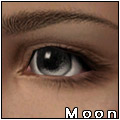
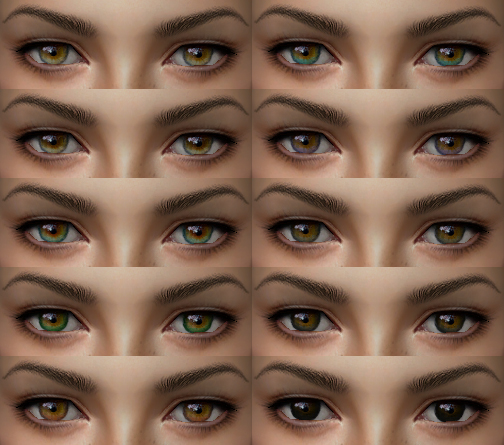
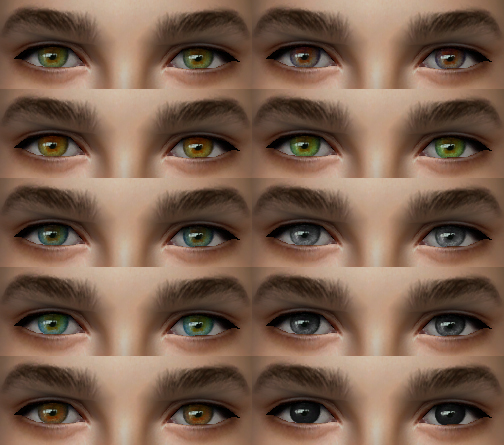
Amber Eyes In-Game Preview.jpg - width=504 height=445
Amber Eye Set All Colors
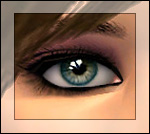
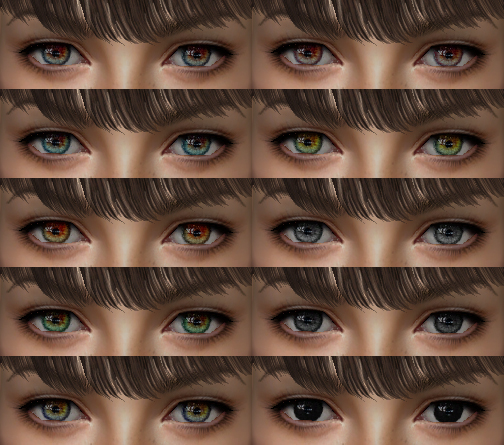
Crystal Eyes In-Game Preview.jpg - width=504 height=445
Crystal Eye Set All Colors
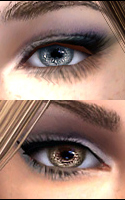
Tourmaline Eyes In-Game Preview.jpg - width=504 height=445
Tourmaline Eye Set All Colors
And I'd like to present you my very first custom content upload. well actually i was thinking to upload them one by one, but I changed my mind since their color variety not much as I can say.
So yeah, enjoy it & i hope you like it.
In Game
1. Amber, All Colors
2. Crystal, All Colors
3. Tourmaline, All Colors
Additional Credits:
Female eyebrow by Anva
Male eyebrow by mouseyblue
Skin & Make-Up by Ephemera.
|
Tourmaline.rar
| 3rd Set
Download
Uploaded: 19th Jan 2018, 131.1 KB.
4,436 downloads.
|
||||||||
|
Crystal Eyeset.rar
| 2nd Set
Download
Uploaded: 19th Jan 2018, 135.8 KB.
4,336 downloads.
|
||||||||
|
Amber Eyeset.rar
| 1st Set
Download
Uploaded: 19th Jan 2018, 131.3 KB.
4,477 downloads.
|
||||||||
|
All Eyeset.rar
| Included All 3 Sets
Download
Uploaded: 19th Jan 2018, 398.1 KB.
16,710 downloads.
|
||||||||
| For a detailed look at individual files, see the Information tab. | ||||||||
Install Instructions
1. Download: Click the download link to save the .rar or .zip file(s) to your computer.
2. Extract the zip, rar, or 7z file.
3. Place in Downloads Folder: Cut and paste the .package file(s) into your Downloads folder:
- Origin (Ultimate Collection): Users\(Current User Account)\Documents\EA Games\The Sims™ 2 Ultimate Collection\Downloads\
- Non-Origin, Windows Vista/7/8/10: Users\(Current User Account)\Documents\EA Games\The Sims 2\Downloads\
- Non-Origin, Windows XP: Documents and Settings\(Current User Account)\My Documents\EA Games\The Sims 2\Downloads\
- Mac: Users\(Current User Account)\Documents\EA Games\The Sims 2\Downloads
- Mac x64: /Library/Containers/com.aspyr.sims2.appstore/Data/Library/Application Support/Aspyr/The Sims 2/Downloads
- For a full, complete guide to downloading complete with pictures and more information, see: Game Help: Downloading for Fracking Idiots.
- Custom content not showing up in the game? See: Game Help: Getting Custom Content to Show Up.
- If you don't have a Downloads folder, just make one. See instructions at: Game Help: No Downloads Folder.
Loading comments, please wait...
Uploaded: 19th Jan 2018 at 11:53 PM
Updated: 27th May 2021 at 10:38 AM
-
-
-
-
Jaded eyes (20 colors) custom, defaults
by -Shady- updated 13th Apr 2009 at 12:48am
-
10 more colors of my Sparkling eyes
by -Shady- 16th May 2009 at 8:01pm
-
-
-
-
-