
 Sign in to Mod The Sims
 Ephemera More Colorful (SimpleSkin Recolors) - Custom & DEFAULTS!
 Ephemera More Colorful (SimpleSkin Recolors) - Custom & DEFAULTS!


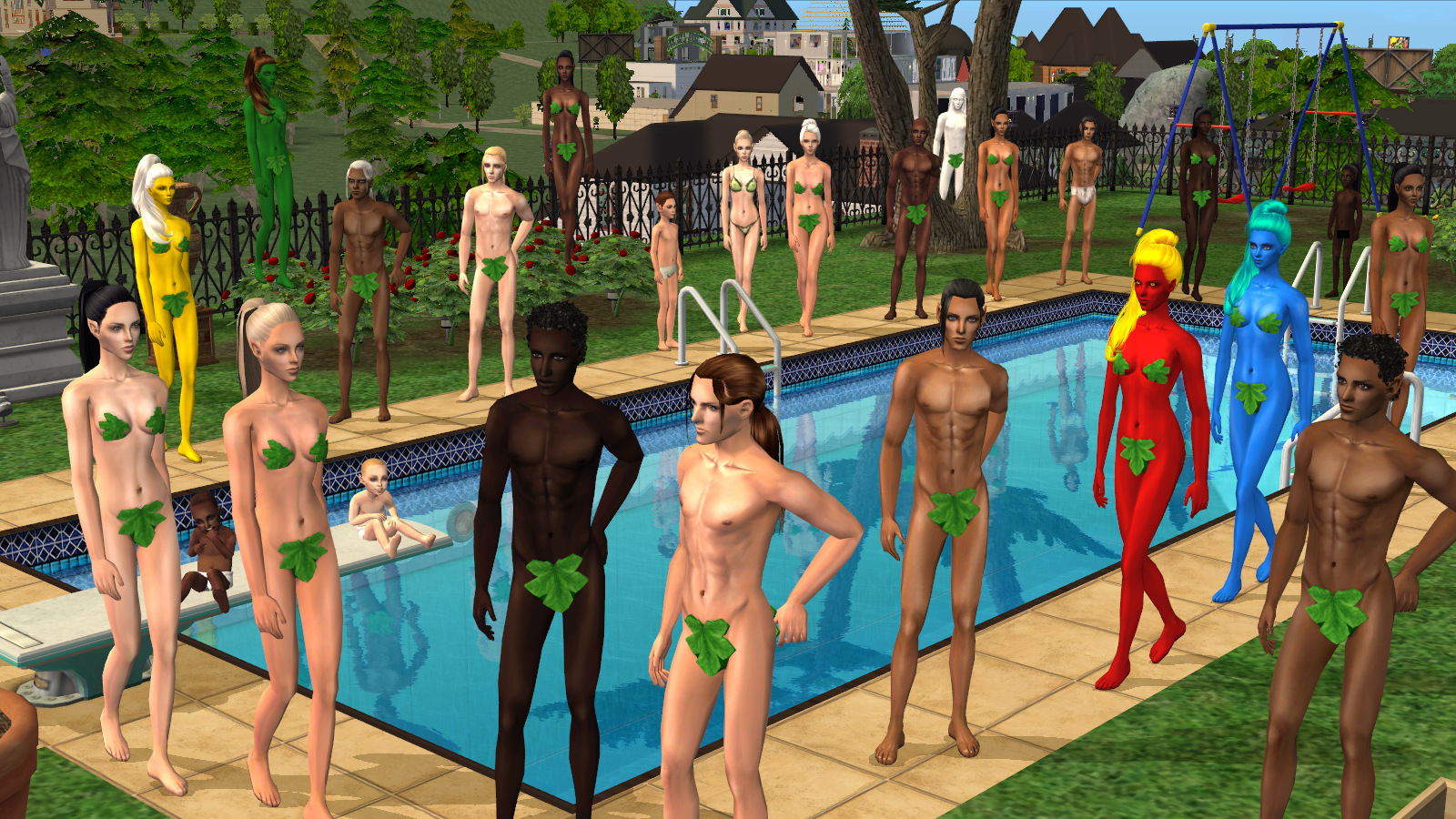
Cover.jpg - width=1600 height=900
Naturals Female.jpg - width=1600 height=900
Naturals Female - Light, Medium, Tan, Dark, Darker, Darkest
Naturals Female Face.jpg - width=1800 height=900
Naturals Female Face - Light, Medium, Tan, Dark, Darker, Darkest
Naturals Male.jpg - width=1600 height=900
Naturals Male - Light, Medium, Tan, Dark, Darker, Darkest
Naturals Male Face.jpg - width=1800 height=900
Naturals Male Face - Light, Medium, Tan, Dark, Darker, Darkest
All Ages.jpg - width=1800 height=900
This is for all ages and sexes.
Elder Faces.jpg - width=900 height=900
Elder Faces
Fitness Levels.jpg - width=1600 height=900
Different fitness levels - Fit, Average, Phat
Unnaturals.jpg - width=1200 height=900
Unnaturals (for all ages and sexes as well)
Unnaturals Faces.jpg - width=1800 height=900
Unnaturals Faces
Outside picture.jpg - width=1600 height=900
Outside picture
Skin with makeup.jpg - width=1600 height=900
What it can look like with makeup
Naturals Female Side.jpg - width=1800 height=900
Naturals Female Back.jpg - width=1600 height=900
Naturals Male Side.jpg - width=1800 height=900
Naturals Male Back.jpg - width=1600 height=900
Unnaturals Back.jpg - width=1600 height=900
There are 2 red ones, one more and one less saturated version.
Unnaturals Side.jpg - width=1800 height=900
Reds Comparison.jpg - width=1600 height=900
Reds Comparison Outside.jpg - width=1400 height=900
Reds Face Comparison Outside.jpg - width=1100 height=900


These are less pink- and grayish than the originals.
There are 6 naturals:
Light, Medium, Tan, Dark, Darker, Darkest.
(If you want more light options, I recommend downloading teru_k's originals ; the lighter skins are perfect imo.)
I made defaults of Light to Dark.
(If you want to make another skin a default, check this great tutorial! )
I'm sure you know this, but just in case: You can only have one set of skin defaults in your downloads folder at once.
I also made 5* unnatural colors! Perfect for your gods and goddesses! Because everyone has them, right? RIGHT?

Red, Yellow, Green, Blue, White.
(For your Fire, Air, Earth, Water and Energy goddesses/witches
 Or why not for Avatar sims or other aliens?)
* Or really 6. There are 2 red skins. MTS thought the first version was too saturated, as some of the contours disappeared, so I made a less saturated version. However, I still prefer the more saturated one. I use them for gods so I think it's a benefit that they're strong and glowing. Or maybe it's because I'm used to it. In any case, it's up to you which one you prefer, so I included them both! Just delete the one you don't like.
 There are lots of comparison pictures in the gallery.
All recolors are for all ages and sexes.
I recommend shady's alluring eyes with these skins, they go together very well imo.
I use them as defaults . But I made a dark brown recolor. I may upload it by request. Lastly, enjoy!
Additional Credits:
Original textures:
teru_k
|
Ephemera MoreColorful Unnaturals by Pideli.zip
| Red, Yellow, Green, Blue, White (Custom)
Download
Uploaded: 26th Mar 2019, 11.68 MB.
8,088 downloads.
|
||||||||
|
Ephemera MoreColorful DEFAULTS by Pideli.zip
| Light, Medium, Tan, Dark (DEFAULT REPLACEMENTS)
Download
Uploaded: 26th Mar 2019, 27.94 MB.
9,292 downloads.
|
||||||||
|
Ephemera MoreColorful Naturals by Pideli.zip
| Light, Medium, Tan, Dark, Darker, Darkest (Custom)
Download
Uploaded: 26th Mar 2019, 10.82 MB.
13,415 downloads.
|
||||||||
| For a detailed look at individual files, see the Information tab. | ||||||||
Install Instructions
1. Download: Click the download link to save the .rar or .zip file(s) to your computer.
2. Extract the zip, rar, or 7z file.
3. Place in Downloads Folder: Cut and paste the .package file(s) into your Downloads folder:
- Origin (Ultimate Collection): Users\(Current User Account)\Documents\EA Games\The Sims™ 2 Ultimate Collection\Downloads\
- Non-Origin, Windows Vista/7/8/10: Users\(Current User Account)\Documents\EA Games\The Sims 2\Downloads\
- Non-Origin, Windows XP: Documents and Settings\(Current User Account)\My Documents\EA Games\The Sims 2\Downloads\
- Mac: Users\(Current User Account)\Documents\EA Games\The Sims 2\Downloads
- Mac x64: /Library/Containers/com.aspyr.sims2.appstore/Data/Library/Application Support/Aspyr/The Sims 2/Downloads
- For a full, complete guide to downloading complete with pictures and more information, see: Game Help: Downloading for Fracking Idiots.
- Custom content not showing up in the game? See: Game Help: Getting Custom Content to Show Up.
- If you don't have a Downloads folder, just make one. See instructions at: Game Help: No Downloads Folder.
Loading comments, please wait...

Uploaded: 26th Mar 2019 at 3:29 PM
Updated: 27th Mar 2019 at 2:23 PM
-
Very Dark Skin **Infant face fix**
by ldms510 29th Sep 2005 at 5:36am
-
by Enayla 5th Feb 2006 at 2:10am
-
Enayla Pixie Skins as Defaults
by poodle_love 28th Apr 2007 at 10:20am
-
-
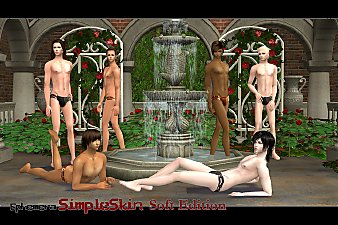
[Ephemera]SimpleSkin Soft Edition (with Default replacement)
by teru_k 5th Dec 2007 at 4:31pm
-
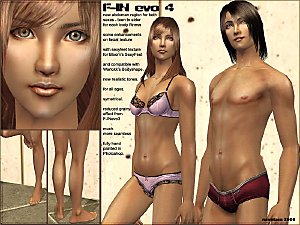
F-INevolution4 default replacement for human, alien, zombie, vampire, lycan, plant
by Navetsea updated 13th Mar 2008 at 5:34am
-
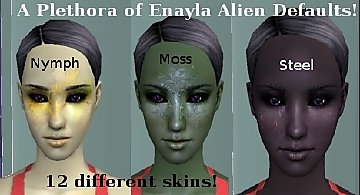
Enayla Fantasy Skins as Alien Defaults
by swampcandy 16th Aug 2008 at 12:58am
-
||Naturally Idealized Skins|| DEFAULTS!
by astiees updated 10th Apr 2010 at 8:03pm
-
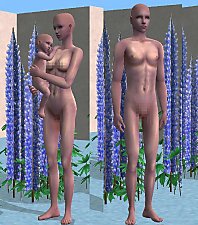
Lavender Dusk - New Semi Fantasy Skintone
by Sims99Fanatic 14th Oct 2012 at 8:32pm
-
MoonFruit Skinblend Defaults + Customs
by SixFootBlue updated 21st Jun 2021 at 8:36pm


-

Shady Jaded Eyes Recolors (custom and defaults)
by Pideli 9th Sep 2015 at 10:50am
Shady's amazing jaded eyes with recolors by me. Including Very Light Blue, Very Light Gray, Dark Brown and Light Blue. more...
-

