
 Sign in to Mod The Sims
Replies: 22 (Who?), Viewed: 12282 times.

#1
 31st Mar 2026 at 7:33 PM
31st Mar 2026 at 7:33 PM
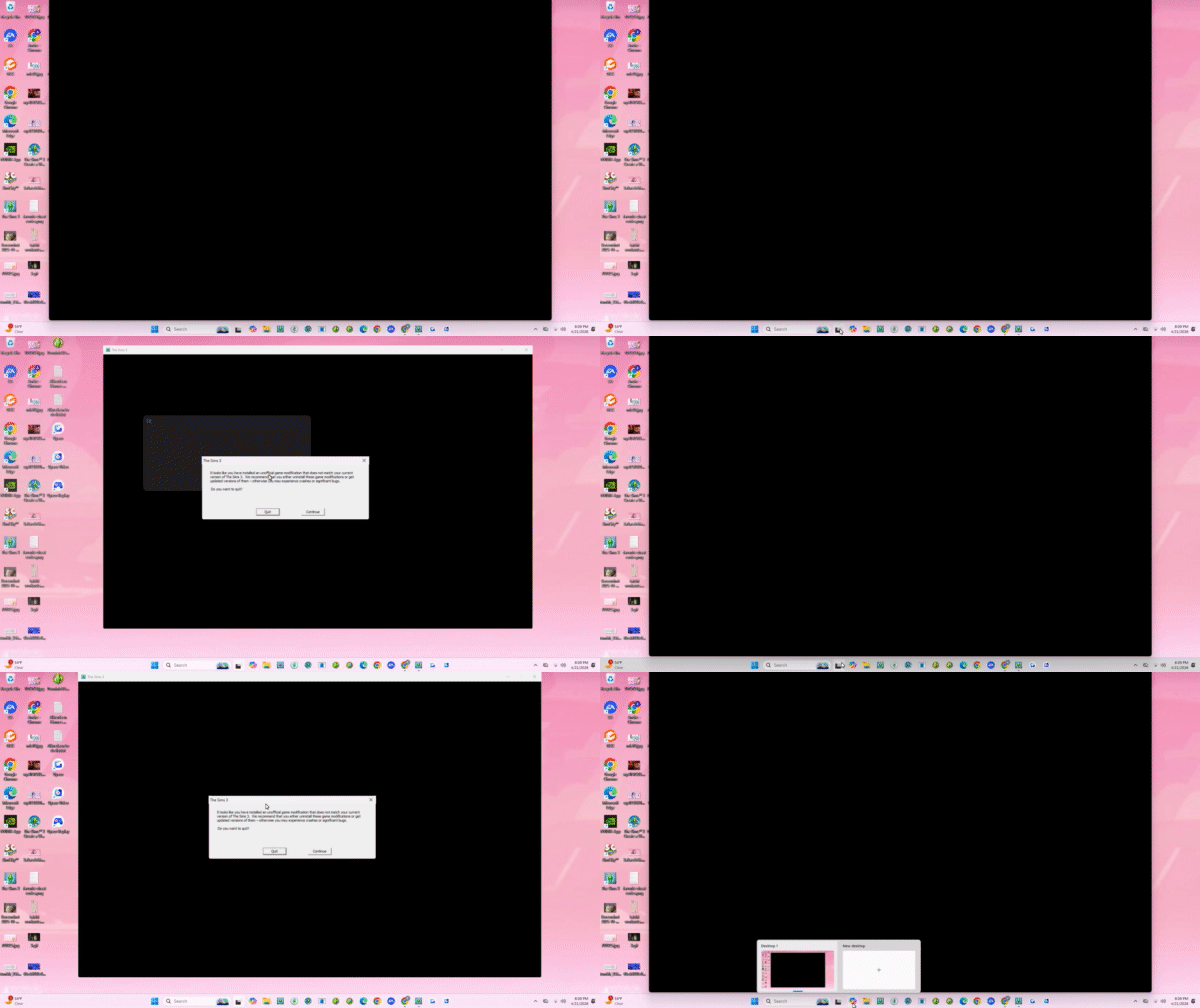
 Did Windows Update break my Game?


#2
1st Apr 2026 at 6:11 PM
1st Apr 2026 at 6:11 PM
#3
2nd Apr 2026 at 9:46 PM
2nd Apr 2026 at 9:46 PM
#4
3rd Apr 2026 at 7:53 AM
Last edited by vesko_sims3 : 3rd Apr 2026 at 8:25 PM.
3rd Apr 2026 at 7:53 AM
Last edited by vesko_sims3 : 3rd Apr 2026 at 8:25 PM.
#5
5th Apr 2026 at 10:02 PM
5th Apr 2026 at 10:02 PM
#6
5th Apr 2026 at 10:04 PM
5th Apr 2026 at 10:04 PM

#7
6th Apr 2026 at 6:11 AM
Last edited by vesko_sims3 : 6th Apr 2026 at 8:34 AM.
6th Apr 2026 at 6:11 AM
Last edited by vesko_sims3 : 6th Apr 2026 at 8:34 AM.
#8
6th Apr 2026 at 6:15 AM
Last edited by vesko_sims3 : 6th Apr 2026 at 8:52 AM.
6th Apr 2026 at 6:15 AM
Last edited by vesko_sims3 : 6th Apr 2026 at 8:52 AM.
#9
9th Apr 2026 at 5:48 AM
9th Apr 2026 at 5:48 AM
#10
9th Apr 2026 at 7:21 AM
9th Apr 2026 at 7:21 AM
#11
22nd Apr 2026 at 1:14 AM
22nd Apr 2026 at 1:14 AM
#12
22nd Apr 2026 at 1:19 AM
22nd Apr 2026 at 1:19 AM

#13
22nd Apr 2026 at 8:24 AM
Last edited by vesko_sims3 : 22nd Apr 2026 at 1:14 PM.
22nd Apr 2026 at 8:24 AM
Last edited by vesko_sims3 : 22nd Apr 2026 at 1:14 PM.
#14
28th Apr 2026 at 5:58 PM
28th Apr 2026 at 5:58 PM


#15
28th Apr 2026 at 10:55 PM
28th Apr 2026 at 10:55 PM
#16
3rd May 2026 at 5:47 PM
3rd May 2026 at 5:47 PM

#17
3rd May 2026 at 6:05 PM
3rd May 2026 at 6:05 PM
#18
3rd May 2026 at 6:21 PM
3rd May 2026 at 6:21 PM
#19
3rd May 2026 at 6:23 PM
3rd May 2026 at 6:23 PM
#20
3rd May 2026 at 6:24 PM
Last edited by Thanathan : 3rd May 2026 at 6:53 PM.
3rd May 2026 at 6:24 PM
Last edited by Thanathan : 3rd May 2026 at 6:53 PM.
#21
3rd May 2026 at 7:11 PM
3rd May 2026 at 7:11 PM
#22
3rd May 2026 at 7:19 PM
3rd May 2026 at 7:19 PM
#23
3rd May 2026 at 9:42 PM
3rd May 2026 at 9:42 PM

|
|