
 Sign in to Mod The Sims
 Hazelle
 Hazelle


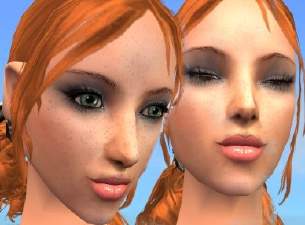
Hazelle10.JPG - width=400 height=300
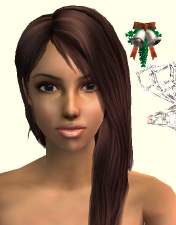
untitled55-1.jpg - width=400 height=223
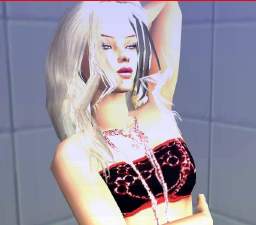
MTS2_201077_Rainncandy_Hazelle1511111.jpg - width=400 height=262
MTS2_Rainncandy_705303_untitled14-111111.jpg - width=400 height=199
MTS2_Rainncandy_705305_untitled85-1111111.jpg - width=400 height=236

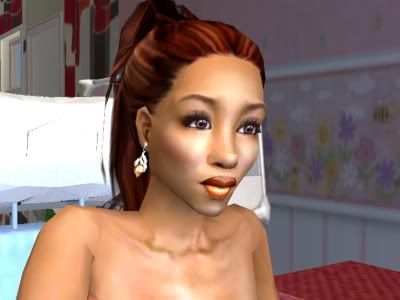
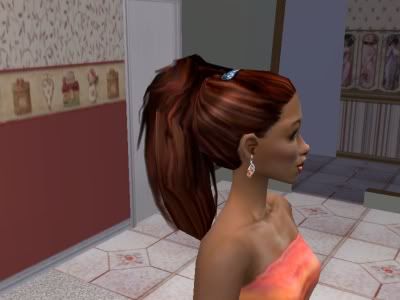
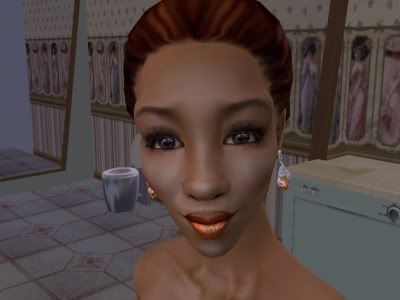
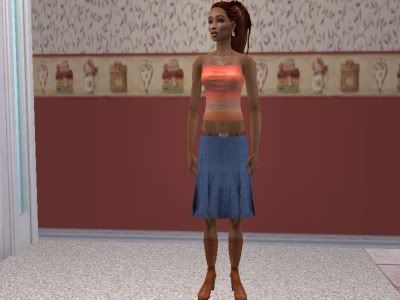
Content:
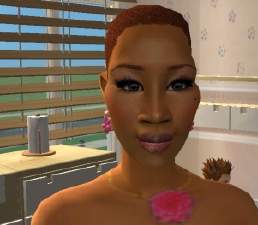
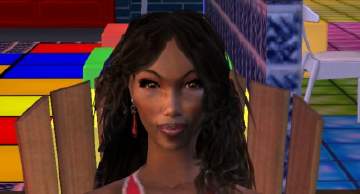
*Skin tone: Dark (Dark Tan) - PattyMcPat2666 http://www.modthesims2.com/member.php?u=101738 and SimCribbling http://louis016.com.ne.kr/sims/
*Eyes, Eyeliner, and Eyebrows: by Halaene http://www.helaene.com/
*Hair: by Besen http://www.modthesims2.com/showthread.php?t=113053
*Lipstick: Ebony, Wet Cinnamon ~ http://www.mercosims2.com
*Blush: Ebony Earth ~ http://www.mercosims2.com
*Earrings: by Rose http://www.rosesim2.net
*Top: top #17 http://eyecandy.tuuliaproductions.net/index.php
*Skirt: http://www.serasims.de/
|
Hazelle.rar
Download
Uploaded: 2nd Jan 2006, 933.8 KB.
1,067 downloads.
|
||||||||
| For a detailed look at individual files, see the Information tab. | ||||||||
Install Instructions
1. Download: Click the download link to save the .rar or .zip file(s) to your computer.
2. Extract the zip, rar, or 7z file.
3. Install: Double-click on the .sims2pack file to install its contents to your game. The files will automatically be installed to the proper location(s).
- You may want to use the Sims2Pack Clean Installer instead of the game's installer, which will let you install sims and pets which may otherwise give errors about needing expansion packs. It also lets you choose what included content to install. Do NOT use Clean Installer to get around this error with lots and houses as that can cause your game to crash when attempting to use that lot. Get S2PCI here: Clean Installer Official Site.
- For a full, complete guide to downloading complete with pictures and more information, see: Game Help: Downloading for Fracking Idiots.
- Custom content not showing up in the game? See: Game Help: Getting Custom Content to Show Up.
- If you get an error that says "This content requires expansion pack data that is not installed", please use Clean Installer to install this sim.
Loading comments, please wait...


Uploaded: 2nd Jan 2006 at 7:31 AM
Updated: 1st Feb 2008 at 3:05 AM




-
by Rainncandy 4th Nov 2005 at 6:13am
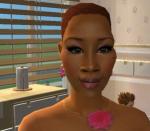
Here is Tiombe. I think she looks very different, but attractive. She is my second African creation. more...
-
by Rainncandy 28th May 2007 at 9:06am
Here is my lastest creation, Aramis Fournier, my handsome French sim, also another of my male models. more...
-
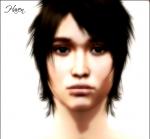
HAVEN: Male Model by RainNCandy
by Rainncandy 22nd Jan 2007 at 8:37am
Here is Haven, the latest in the creation of male sims. more...
-
-
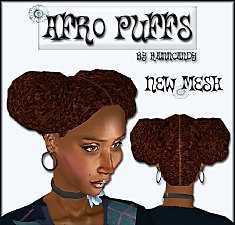
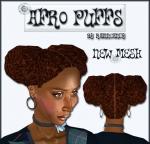
"Afro Puffs" (All Ages) by RainNCandy
by Rainncandy 19th Nov 2006 at 11:24am
I present my 1st hair mesh - "Afro Puffs". more...
-
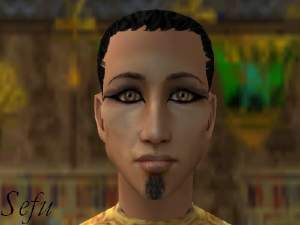
by Rainncandy 9th Dec 2005 at 6:54am
Here is my next-in-line creation "Sefu" (means "sword"). more...
-

-
-
-
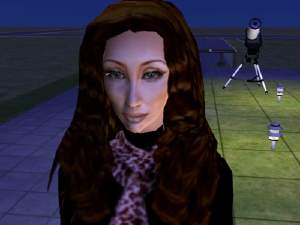

Corinna, a Mature Lady (Can also be Cher)
by Rainncandy 19th Nov 2005 at 9:48am
Here is another of my creations. I think she looks like an older woman instead of in her 20's. more...
