Sign in to Mod The Sims
 SpongeBob T-Shirts
 SpongeBob T-Shirts


SpongeBob_main.png - width=177 height=209
SpongeBob__unisex.jpg - width=444 height=292
SpongeBob_1.jpg - width=900 height=375
SpongeBob_2.jpg - width=900 height=375
SpongeBob_more.jpg - width=900 height=375
07/23/2011 It seems these t-shirts are not working anymore. I'm busy with other projects at the moment, I'll update these once I have some free time

Sorry for the inconveniences! ^-^
_________________________________________
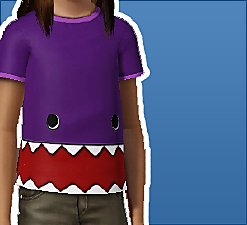
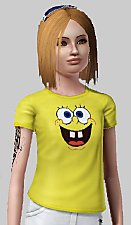
Hi there! I love SpongeBob, so I made these lovely T-Shirts.
SpongeBob faces:
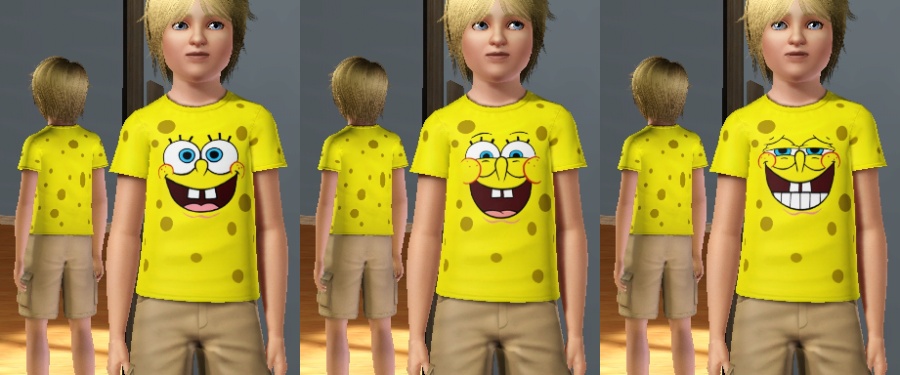
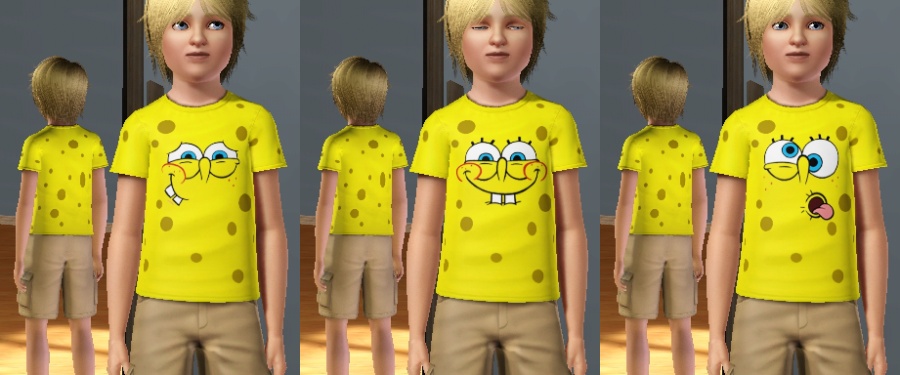
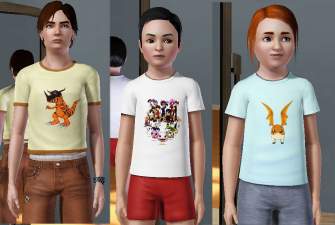
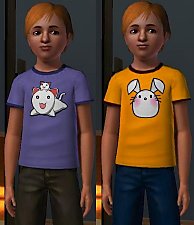
You are able to change t-shirts color and pattern:
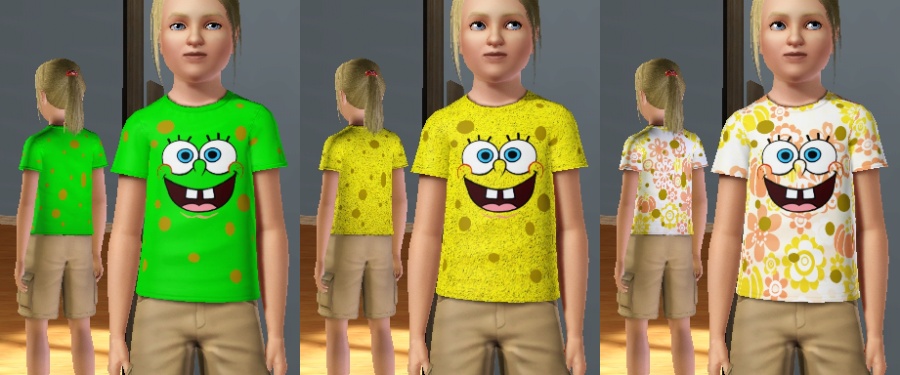
Unisex:
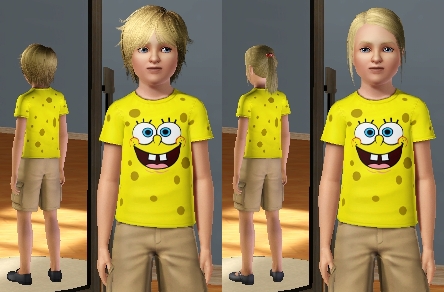
Enjoy!

|
SpongeBobTShirts.rar
Download
Uploaded: 14th Aug 2009, 534.7 KB.
13,168 downloads.
|
||||||||
| For a detailed look at individual files, see the Information tab. | ||||||||
Install Instructions
1. Click the download button, or the filename, to download the file to your computer.
2. Extract the zip, rar, or 7z file. Now you will have either a .package or a .sims3pack file.
For Package files:
1. Cut and paste the file into your Documents\Electronic Arts\The Sims 3\Mods\Packages folder. If you do not already have this folder, you should read the full guide to Package files first: Sims 3:Installing Package Fileswiki, so you can make sure your game is fully patched and you have the correct Resource.cfg file.
2. Run the game, and find your content where the creator said it would be (build mode, buy mode, Create-a-Sim, etc.).
For Sims3Pack files:
1. Cut and paste it into your Documents\Electronic Arts\The Sims 3\Downloads folder. If you do not have this folder yet, it is recommended that you open the game and then close it again so that this folder will be automatically created. Then you can place the .sims3pack into your Downloads folder.
2. Load the game's Launcher, and click on the Downloads tab. Find the item in the list and tick the box beside it. Then press the Install button below the list.
3. Wait for the installer to load, and it will install the content to the game. You will get a message letting you know when it's done.
4. Run the game, and find your content where the creator said it would be (build mode, buy mode, Create-a-Sim, etc.).
Extracting from RAR, ZIP, or 7z: You will need a special program for this. For Windows, we recommend 7-Zip and for Mac OSX, we recommend Keka. Both are free and safe to use.
Need more help?
If you need more info, see:
- For package files: Sims 3:Installing Package Fileswiki
- For Sims3pack files: Game Help:Installing TS3 Packswiki
Loading comments, please wait...


Uploaded: 14th Aug 2009 at 10:33 AM
Updated: 1st Feb 2015 at 2:43 PM by Nysha
-
-
-
-
by niakori 10th Sep 2009 at 2:17am
 8
24.6k
34
8
24.6k
34
-
by Kiara24 10th Oct 2009 at 10:51pm
14
16.6k
34
-
-
-
by monca533 29th Dec 2010 at 8:30am
10
20.2k
24
-
by HystericalParoxysm 16th Sep 2012 at 8:43pm
27
54.1k
170
-
by AvatarAleks 14th Aug 2016 at 10:04pm
7
16.9k
47

-
-
-
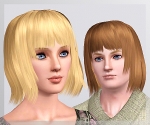
Agustin Exclusive Hair ~ All ages, both genders!
by Anubis360 12th Feb 2010 at 11:37am
Hi there! more...
40
90.9k
183
-
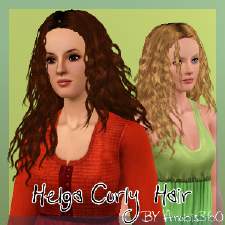
Latin Passion ~Helga's Curly Hair Conversion
by Anubis360 16th Nov 2009 at 4:30pm
Hi there! I am so dissapointed, the are just a few curly hairs around the web now! more...
95
269.1k
337
Hair » Female » Young Adult
-
-
Dancing Queen ~ Generations formal outfits as everyday
by Anubis360 7th Jun 2011 at 8:55pm
Hi there! more...
+1 packs
21 59.4k 124 Generations
-
Agustin Kate Hudson's Ponytail ~ All ages!
by Anubis360 13th Mar 2010 at 12:18am
Hi there! more...
82
327.1k
839
Hair » Female » Young Adult
-
-
-
Southern Beauty ~ Myos Female Hair 15 Conversion
by Anubis360 updated 12th Jul 2010 at 5:30pm
:here: This hair has been updated to work with the patch 1.14/2.9/3.5/4.2. more...
119
414.1k
753
Hair » Female » Young Adult