
 Sign in to Mod The Sims
 3 Grungy Patterns!
 3 Grungy Patterns!


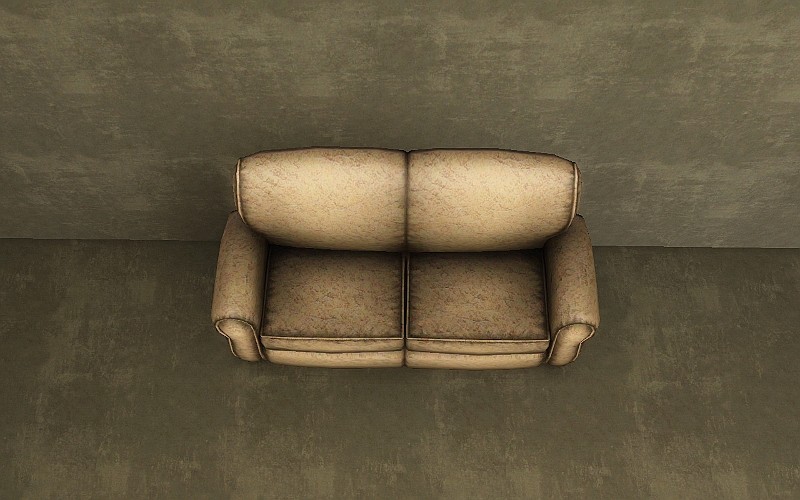
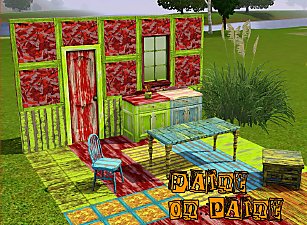
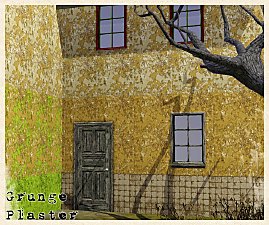
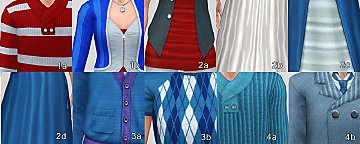
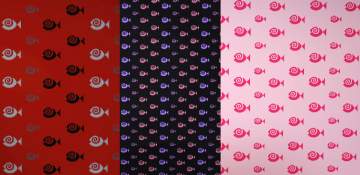
DefaultColorsAbstract.jpg - width=800 height=500
DefaultColorsFabric.jpg - width=800 height=500
DefaultColorsPaint.jpg - width=800 height=500
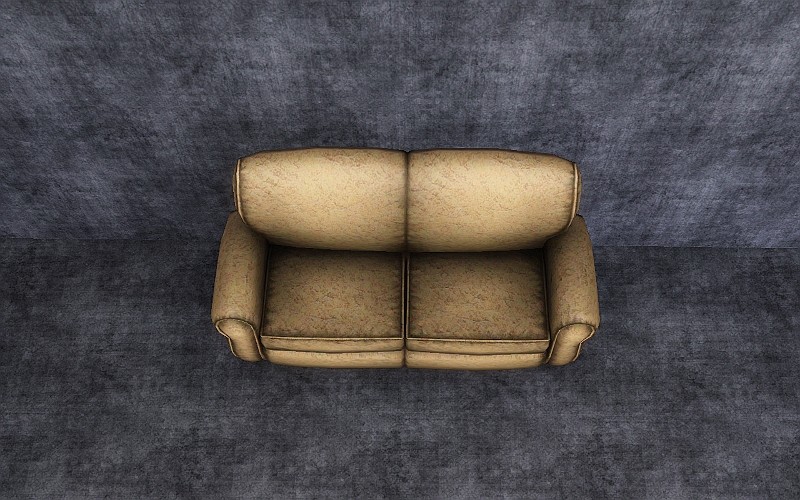
VariousColorsAbstract.jpg - width=800 height=500
VariousColorsFabric.jpg - width=800 height=500
VariousColorsPaint.jpg - width=800 height=500
Abstract:

Paint:
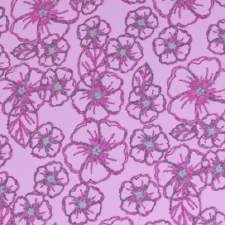
Fabric:
|
3_Grungy_Patterns_jimTNW.zip
Download
Uploaded: 6th Aug 2010, 306.5 KB.
4,749 downloads.
|
||||||||
| For a detailed look at individual files, see the Information tab. | ||||||||
Install Instructions
1. Click the download button, or the filename, to download the file to your computer.
2. Extract the zip, rar, or 7z file. Now you will have either a .package or a .sims3pack file.
For Package files:
1. Cut and paste the file into your Documents\Electronic Arts\The Sims 3\Mods\Packages folder. If you do not already have this folder, you should read the full guide to Package files first: Sims 3:Installing Package Fileswiki, so you can make sure your game is fully patched and you have the correct Resource.cfg file.
2. Run the game, and find your content where the creator said it would be (build mode, buy mode, Create-a-Sim, etc.).
For Sims3Pack files:
1. Cut and paste it into your Documents\Electronic Arts\The Sims 3\Downloads folder. If you do not have this folder yet, it is recommended that you open the game and then close it again so that this folder will be automatically created. Then you can place the .sims3pack into your Downloads folder.
2. Load the game's Launcher, and click on the Downloads tab. Find the item in the list and tick the box beside it. Then press the Install button below the list.
3. Wait for the installer to load, and it will install the content to the game. You will get a message letting you know when it's done.
4. Run the game, and find your content where the creator said it would be (build mode, buy mode, Create-a-Sim, etc.).
Extracting from RAR, ZIP, or 7z: You will need a special program for this. For Windows, we recommend 7-Zip and for Mac OSX, we recommend Keka. Both are free and safe to use.
Need more help?
If you need more info, see:
- For package files: Sims 3:Installing Package Fileswiki
- For Sims3pack files: Game Help:Installing TS3 Packswiki
Loading comments, please wait...

Uploaded: 6th Aug 2010 at 1:32 AM



-

Longer Dates, or for a challenge shorter dates Only Download One File
by joninmobile 15th Jun 2009 at 8:55am
With this mod, your sims will either have longer dates, or shorter dates depending on which one more...
 +1 packs
29 37.8k 98
+1 packs
29 37.8k 98 Nightlife
-
Workin at the carwash! Clean Replacement for Entry Level Career Cars
by joninmobile 26th Nov 2009 at 6:29am
Are your sims tired of going to work in a hunk of junk when they first start off their new more...
19
35.4k
41
-
by joninmobile 18th Mar 2010 at 9:29pm
I've made a new conversion mesh of The Fourth Element from the Sims 2 Base Game for you to enjoy. more...
 7
37.4k
87
7
37.4k
87
-
Simlish Candy Snacks for Vending Machine or Fridge
by joninmobile 6th Jul 2010 at 4:38pm
So sweet it will make your sim's teeth hurt. more...
13
28.8k
39
-

Original Art by me: Circular Light Enhancement
by joninmobile 7th Feb 2008 at 5:44pm
Here is an original painting created by me using the gimp.It's called "Circular Light Enhancement".This is a recolor of the more...
+1 packs
3 6k 5 Nightlife
-
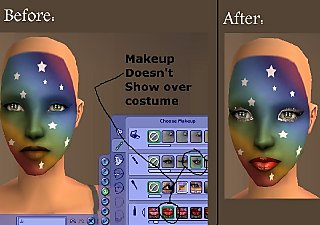
Maxis Costume Makeup Fixes (Default Replacements)
by joninmobile 26th Sep 2009 at 5:21pm
Ever since I made some sims with Maxis costume makeup, I noticed how for some reason it covered up her more...
24
42.7k
73
-
Tired of Maxis Mystery Juice? Try This! (As Snack, Vending, or Group Meal!)
by joninmobile 29th Jul 2010 at 9:22pm
Yum! More fruit juices! In Simlish Too! more...
18
38.4k
63
-
Longer Pendant Earrings for Females
by joninmobile 19th Sep 2009 at 1:59am
I've taken the pendant earrings and made them longer for you to enjoy! more...
7
13.5k
27
-
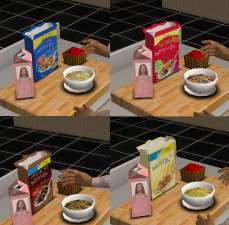
The New Cheerios Flavors in Simlish and English
by joninmobile 7th Jun 2010 at 7:52pm
One thing that kind of irked me about people that create cereal is they don't include a simlish version! more...
15
36.5k
50
-
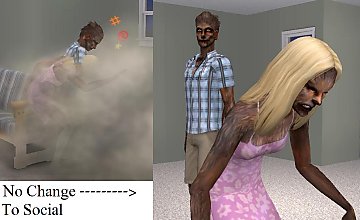
Turning a sim into a werewolf is not a negative social
by joninmobile 30th Aug 2009 at 9:15pm
Ever since I started playing werewolves a few days ago, it really bugged me that when you turn your sim more...
+1 packs
24 43.6k 104 Pets
Pets


About Me
I hope you enjoy all the downloads I've brought to you over the years. It's been fun. Being a part of The Sims community has had it's ups and downs for me, but I keep on truckin' nonetheless. Lots and lots of drama, lots of pain and sorrow, but lots of laughs, and good times too. Made so many new friends over the years, and it all started by uploading to MTS way back in 2006. Have fun with my creations, that's what they're here for!
~ Jon