
 Sign in to Mod The Sims
 Utterly Random Clutter Stuff Conversion Pack
 Utterly Random Clutter Stuff Conversion Pack


All-together.jpg - width=1248 height=718
Closeup.jpg - width=1183 height=768
In-a-room-3.jpg - width=1124 height=765
The-Clutter-Pack-2.jpg - width=1249 height=705
Ultracloseup.jpg - width=1248 height=693
Ultracloseup2.jpg - width=1248 height=737
Untitled-1.jpg - width=1226 height=765
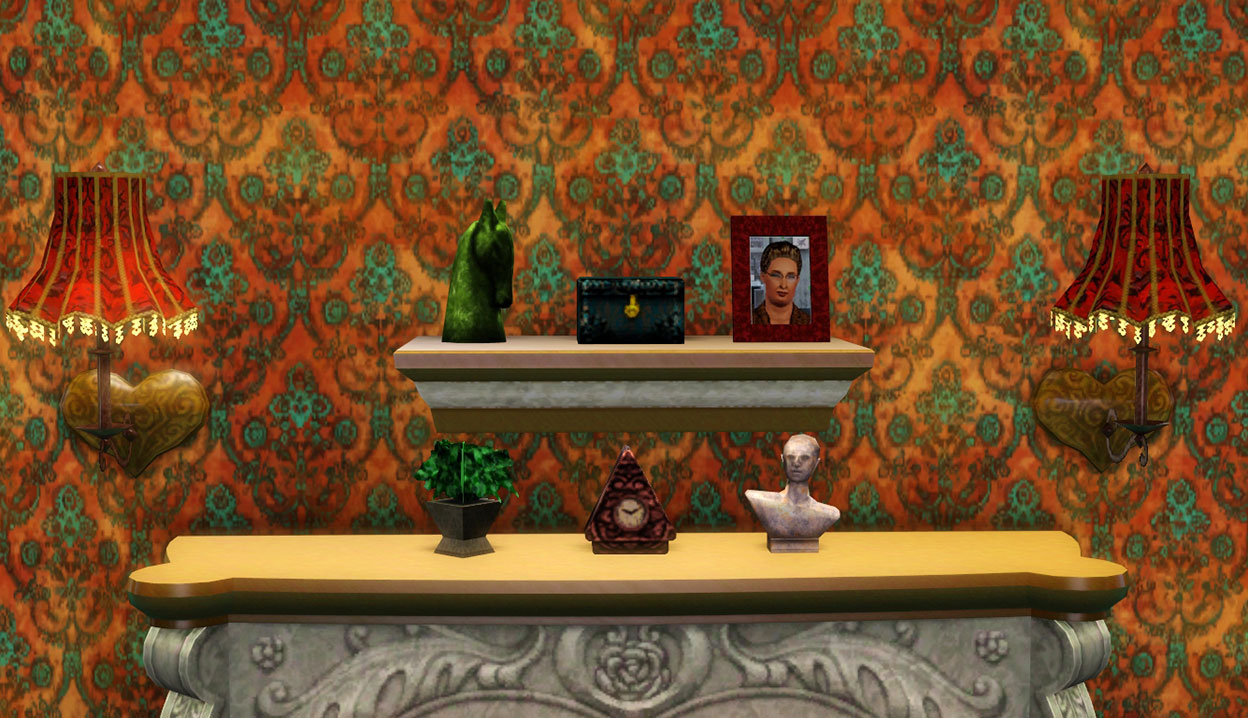
So I ransacked the Sims 2 bookshelves for new random clutter items. Zooming in for the closeup, hold onto your hats and glasses!
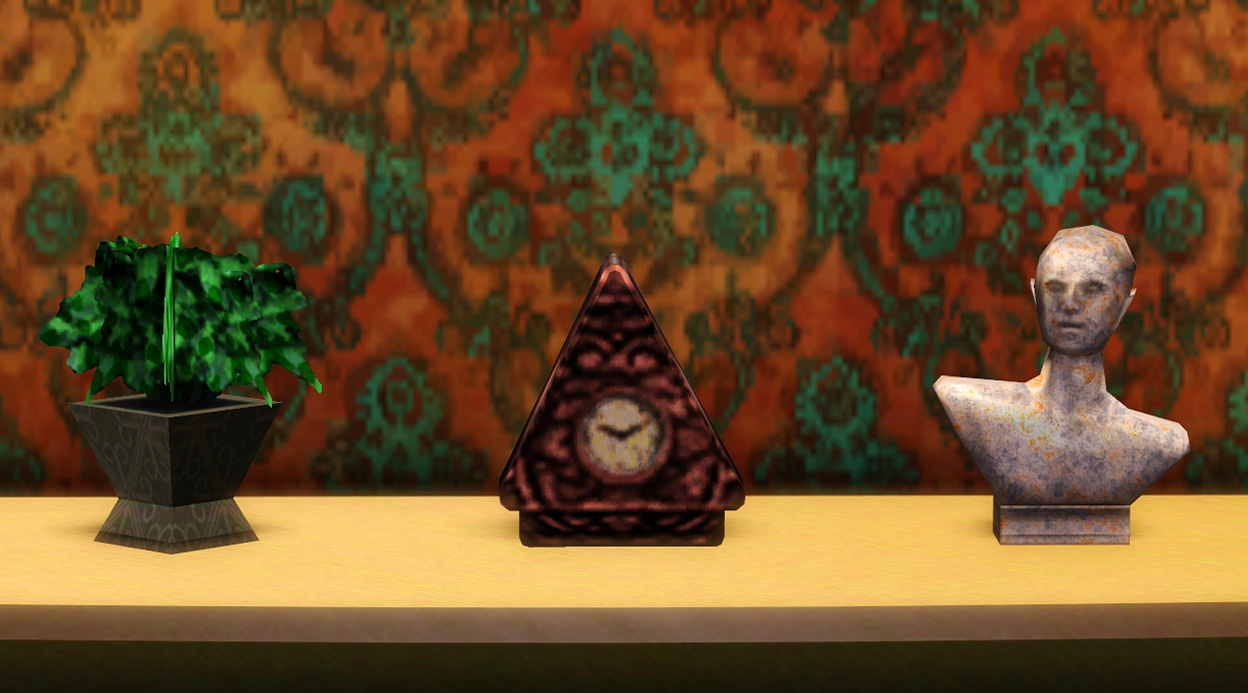
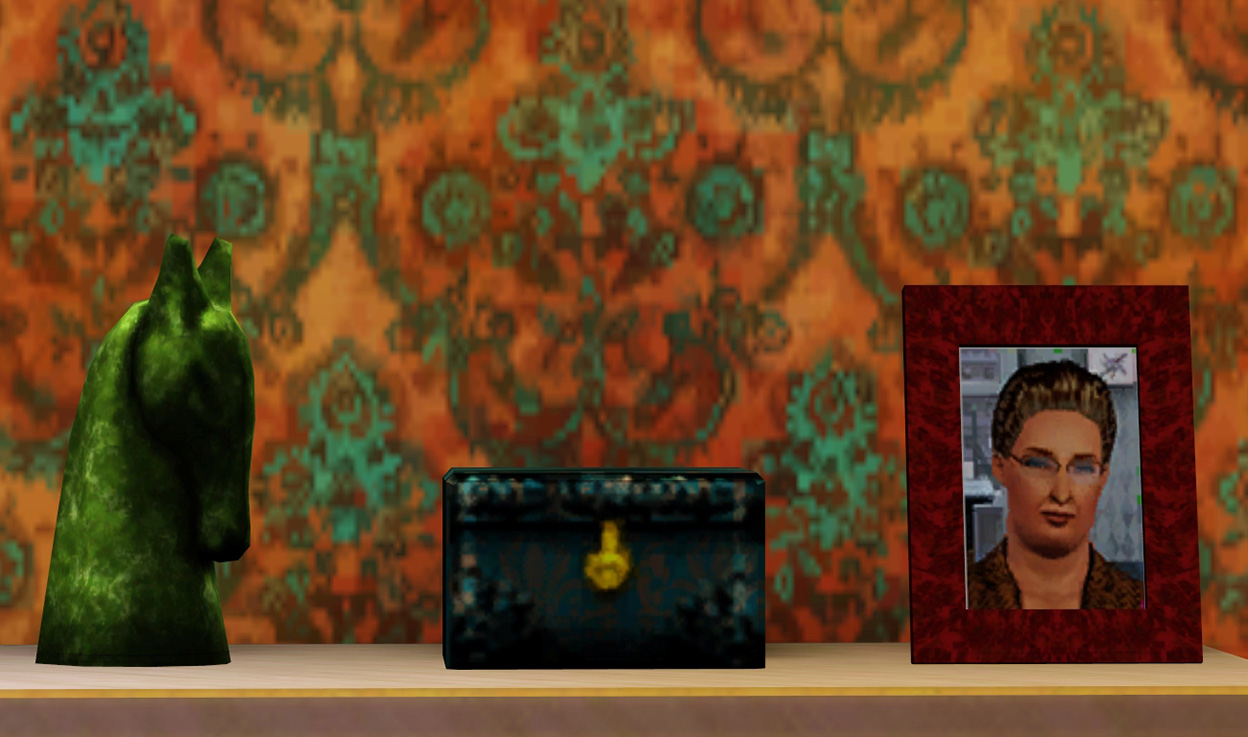
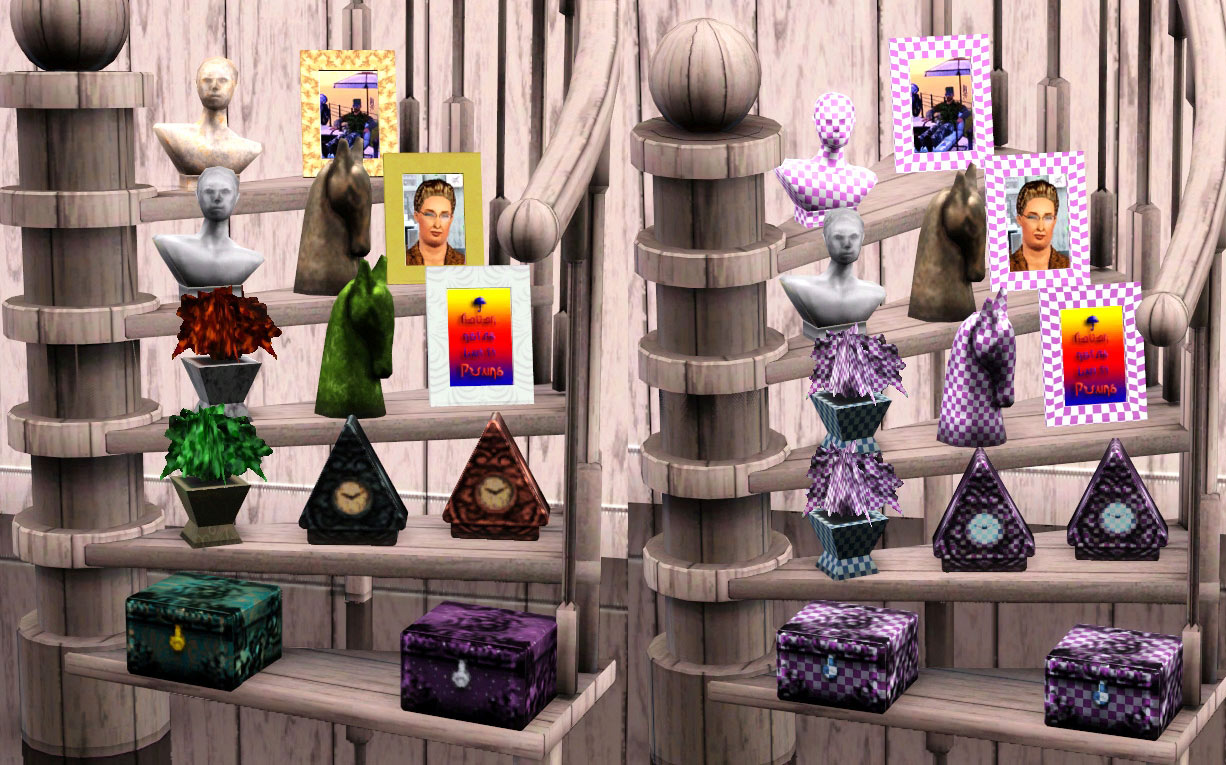
I’ve made them all recolorable, although the severed horse’s head and the anonymous random Roman bust dude each have a preset that isn’t recolorable and uses an overlay, to give them a bit more detail.
This pic shows all the variations/presets and the mapping and color channels:
No expansion or stuff packs are needed. All meshes were play tested on a base game fully patched to 1.36, and on a game full of expansions and stuff packs using 1.36. They might work on other levels, but there are no guarantees.
They all cost just 5 simoleans (cheap!), provide an environment boost of +1, and can be found in the Function -> Décor -> Sculpture sections of the Buy Catalog. Except for the plant, which is in the Function -> Decor -> Plants section. Just because. They all probably ought to be filed haphazardly under Miscellaneous

I love thanks and welcome comments, and of course, please report any problems you have here in this thread. Once I dig through all the clutter, I’ll fix things up right nice.
Tools used: Milkshape, SimPE, S3PE, TSRW, Sims3Pack Multi Installer, Photoshop CS6
CC Credits: Mirror Rugs by Morphead, http://www.modthesims.info/download.php?t=431661 and Grungy Victorian pattern is by Robokitty, http://www.modthesims.info/download.php?t=349364, both at MTS. The Stairway to Cleveland Plant Stand is also featured, by me, and available here: http://www.modthesims.info/download.php?t=482750
Caution: To prevent nightmares, severed horse’s heads and anonymous random Roman bust dudes should not be placed on your nightstand!
Polygon Counts:
Pointy Illuminati Goth Clock, Jr.
High Polys: 102
Low Polys: 34
Bizarre Antique Treasure Box
High Polys: 44
Low Polys: 44
Anonymous Random Roman Bust Dude
High Polys: 214
Low Polys: 94
Severed Horse’s Head
High Polys: 316
Low Polys: 66
Picture Frame with Arbitrary, Peculiar Pictures
High Polys: 48
Low Polys: 32
Generic Unrecognizable Plant
High Polys: 30
Low Polys: 24
Additional Credits:
Thanks to Delphy, Inge & Peter Jones, Wes Howe for MS plugins, Numenor
This is a new mesh, and means that it's a brand new self contained object that usually does not require a specific Pack (although this is possible depending on the type). It may have Recolours hosted on MTS - check below for more information.
|
Kithri_S2toS3ClutterPack_8_12.zip
Download
Uploaded: 16th Aug 2012, 1.38 MB.
8,165 downloads.
|
||||||||
| For a detailed look at individual files, see the Information tab. | ||||||||
Install Instructions
1. Click the download button, or the filename, to download the file to your computer.
2. Extract the zip, rar, or 7z file. Now you will have either a .package or a .sims3pack file.
For Package files:
1. Cut and paste the file into your Documents\Electronic Arts\The Sims 3\Mods\Packages folder. If you do not already have this folder, you should read the full guide to Package files first: Sims 3:Installing Package Fileswiki, so you can make sure your game is fully patched and you have the correct Resource.cfg file.
2. Run the game, and find your content where the creator said it would be (build mode, buy mode, Create-a-Sim, etc.).
For Sims3Pack files:
1. Cut and paste it into your Documents\Electronic Arts\The Sims 3\Downloads folder. If you do not have this folder yet, it is recommended that you open the game and then close it again so that this folder will be automatically created. Then you can place the .sims3pack into your Downloads folder.
2. Load the game's Launcher, and click on the Downloads tab. Find the item in the list and tick the box beside it. Then press the Install button below the list.
3. Wait for the installer to load, and it will install the content to the game. You will get a message letting you know when it's done.
4. Run the game, and find your content where the creator said it would be (build mode, buy mode, Create-a-Sim, etc.).
Extracting from RAR, ZIP, or 7z: You will need a special program for this. For Windows, we recommend 7-Zip and for Mac OSX, we recommend Keka. Both are free and safe to use.
Need more help?
If you need more info, see:
- For package files: Sims 3:Installing Package Fileswiki
- For Sims3pack files: Game Help:Installing TS3 Packswiki
Loading comments, please wait...

Uploaded: 16th Aug 2012 at 7:21 PM
-
by lemoncandy 25th Sep 2009 at 6:26pm
 34
68.4k
116
34
68.4k
116
-
by lemoncandy 8th Oct 2009 at 1:12pm
81
171.2k
336
-
by cmomoney 20th Jan 2010 at 6:49pm
30
46.5k
109
-
by cmomoney 1st Feb 2010 at 5:20pm
19
66.5k
164
-
by AdonisPluto 8th Jun 2011 at 6:29pm
13
40.8k
79
-
by kithri 7th Jul 2012 at 3:27pm
22
23.6k
109
-
-
by TheJim07 21st Sep 2015 at 1:16pm
3
8.4k
30
-
by TheJim07 13th Jun 2017 at 3:09pm
15
40.1k
146
-
by TheJim07 1st Jul 2017 at 1:23pm
7
14.5k
37


-
-
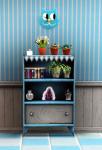
Genuine 50's Florida Alligator Bookshelf
by kithri 12th Jul 2012 at 3:30pm
Fully functioning bookshelf with 14 slots for clutter items! more...
10
36.9k
113
-
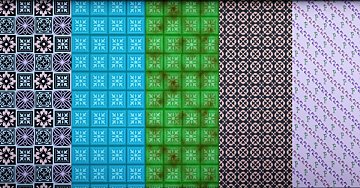
Island Paradise Pattern Potpourri
by kithri 1st Aug 2013 at 7:32pm
Five fully recolorable patterns in 2-4 palettes, created especially for Island Paradise (but you can use them elsewhere too!) more...
7
13.6k
42
-
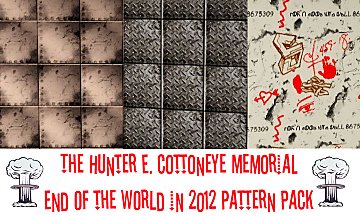
The Hunter E. Cottoneye Memorial End of the World in 2012 Pattern Pack
by kithri 14th Jul 2012 at 6:06pm
Three new patterns to properly ensure your Sims are ready for Armageddon! more...
5
17.6k
32
-
Welcome to the Future...Two New Patterns!
by kithri 26th Oct 2013 at 12:58pm
The Borked Have Arrived! Two new patterns for your Cubes, in anticipation of the new Into the Future expansion pack! more...
12
13k
27
-

-
-

-

The Chameleon Flowers: Fully CASTable Art
by kithri 17th Sep 2012 at 11:37pm
Nine completely CASTable flower paintings plus one random CASTable seahorse painting, all with three recolorable channels! more...
18
19k
76
-
Light Fantastic Treehouse **No CC, Starter, Less Than 18K**
by kithri 5th Aug 2013 at 10:31am
Starter home for two, with pond, suitable for supernatural or otherwordly sims.... more...
+6 packs
10 21.8k 87 Ambitions
 Late Night
 Generations
 Pets
Pets
 Supernatural
 Seasons


About Me
Sims 2 Meshes--May be recolored, please give credit, no permission needed. Do not bundle mesh with recolors, link to mesh here at MTS. Meshes may not be altered without permission.
Sims 3 Meshes--Meshes may not be altered without permission. May use in uploads, but never to pay sites or to the Exchange; do not bundle with upload, link to mesh here at MTS. And please give me credit. :)
Patterns--Do not upload to pay sites or to the Exchange; otherwise, you may use in other uploads. Okay to bundle them into your package, no permission need. Just credit me, please.
This work is licensed under a Creative Commons Attribution-NonCommercial-NoDerivs 3.0 Unported License. See http://creativecommons.org/licenses/by-nc-nd/3.0/ for legal information.