
 Sign in to Mod The Sims
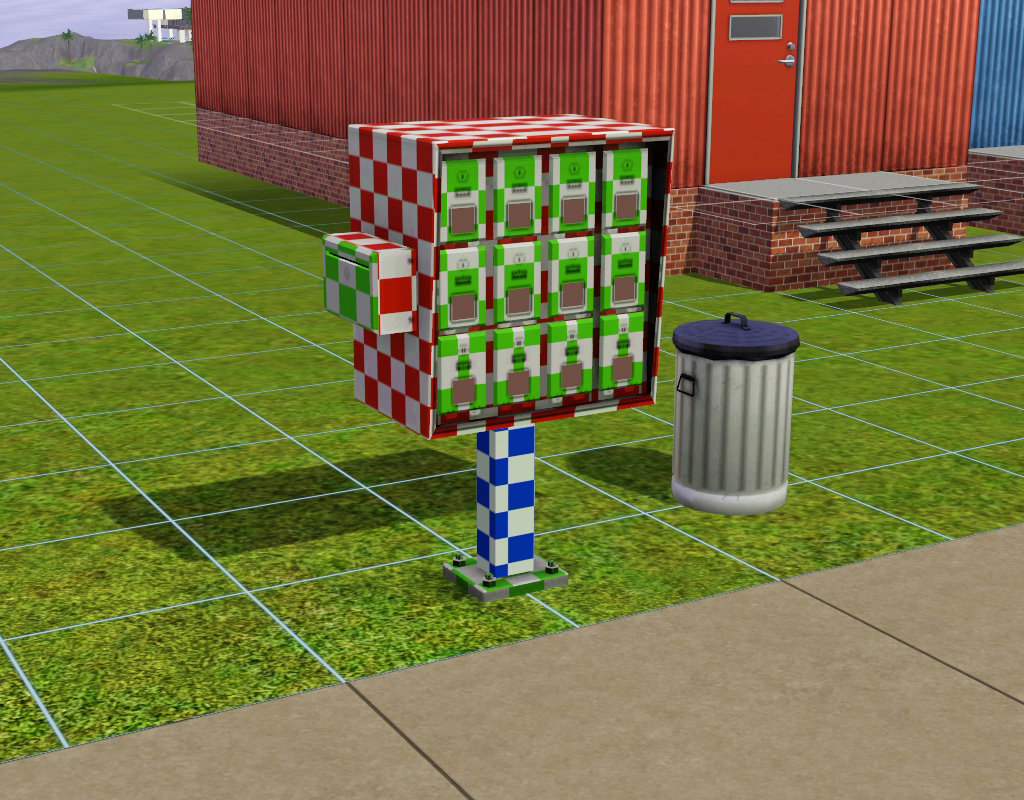
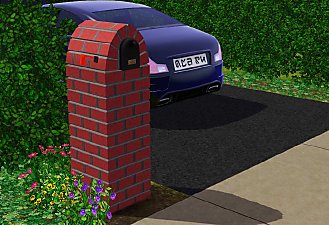
 Apartment Mailbox
 Apartment Mailbox


mailbox1.jpg - width=1024 height=800
mailbox2.jpg - width=1024 height=800
mailbox3.jpg - width=1024 height=800
mailbox4.jpg - width=1024 height=800

 Information
This item is in the buydebug menu near the other mailbox.
Credits
heaven for wanting it
EA for the mesh and base texture used to make multiplier and specular
Myself for tutorials I wrote eons ago so that I could relearn how to TS3.

Polygon Counts:
1104
This is a new mesh, and means that it's a brand new self contained object that usually does not require a specific Pack (although this is possible depending on the type). It may have Recolours hosted on MTS - check below for more information.
|
HL_ts3-apt-mailbox.7z
Download
Uploaded: 10th Nov 2016, 55.7 KB.
3,872 downloads.
|
||||||||
| For a detailed look at individual files, see the Information tab. | ||||||||
Install Instructions
1. Click the download button, or the filename, to download the file to your computer.
2. Extract the zip, rar, or 7z file. Now you will have either a .package or a .sims3pack file.
For Package files:
1. Cut and paste the file into your Documents\Electronic Arts\The Sims 3\Mods\Packages folder. If you do not already have this folder, you should read the full guide to Package files first: Sims 3:Installing Package Fileswiki, so you can make sure your game is fully patched and you have the correct Resource.cfg file.
2. Run the game, and find your content where the creator said it would be (build mode, buy mode, Create-a-Sim, etc.).
For Sims3Pack files:
1. Cut and paste it into your Documents\Electronic Arts\The Sims 3\Downloads folder. If you do not have this folder yet, it is recommended that you open the game and then close it again so that this folder will be automatically created. Then you can place the .sims3pack into your Downloads folder.
2. Load the game's Launcher, and click on the Downloads tab. Find the item in the list and tick the box beside it. Then press the Install button below the list.
3. Wait for the installer to load, and it will install the content to the game. You will get a message letting you know when it's done.
4. Run the game, and find your content where the creator said it would be (build mode, buy mode, Create-a-Sim, etc.).
Extracting from RAR, ZIP, or 7z: You will need a special program for this. For Windows, we recommend 7-Zip and for Mac OSX, we recommend Keka. Both are free and safe to use.
Need more help?
If you need more info, see:
- For package files: Sims 3:Installing Package Fileswiki
- For Sims3pack files: Game Help:Installing TS3 Packswiki
Loading comments, please wait...


 View with Names
Uploaded: 10th Nov 2016 at 4:52 PM
#mailbox, #apartment, #apartment mailbox, #3to2, #conversion
-
Magic Items conversion from Apartment Life *Updated for Pets*
by Nukael 27th Nov 2009 at 6:59pm
 50
139.2k
241
50
139.2k
241
-
Request: British Phone Booth and British Mailbox
by Hekate999 updated 14th Apr 2011 at 11:49am
-
Late Night - Buyable Mailbox and Trash Chute
by HugeLunatic 3rd Nov 2010 at 7:05pm
+1 packs
97 172.9k 276 Late Night
-
by catalina_45 10th Mar 2011 at 1:46am
+5 packs
9 16.2k 19 World Adventures
 High-End Loft Stuff
 Ambitions
 Fast Lane Stuff
Late Night
Fast Lane Stuff
Late Night
-
Bucharest Apartment + Bucharest Apartment v.1
by catalina_45 27th Mar 2011 at 9:07pm
+5 packs
11 19.5k 14 World Adventures
High-End Loft Stuff
Ambitions
Fast Lane Stuff
Late Night
-
WA French Mailbox Buyable plus FIX
by HugeLunatic 28th Mar 2011 at 4:42pm
-
Butterfly Apartment + Butterfly Big Apartment
by catalina_45 8th Apr 2011 at 3:01am
+5 packs
2 18.3k 13 High-End Loft Stuff
Ambitions
Fast Lane Stuff
Late Night
 Outdoor Living Stuff
-
-
Bridgeport Brick Apartment 19791 17th Ave
by Thranduil Oropherion 3rd Jan 2015 at 8:11am
+6 packs
10 16.8k 26 World Adventures
Ambitions
Late Night
 Supernatural
 Seasons
 Island Paradise
-
by TheJim07 10th Nov 2016 at 5:20pm
5
10.8k
37


-
by HugeLunatic updated 30th Mar 2025 at 5:03pm
The small mammal containment now with two subsets! more...
 +1 packs
4 7.2k 22
+1 packs
4 7.2k 22 Pets
Pets
-
by HugeLunatic 18th Nov 2016 at 9:40pm
I prefer a small plot of dirt for my gardens, rather than a whole tile. more...
+1 packs
15 20.4k 67 Seasons
-
Mesa Flats (aka Midnight Masquerade): Neighborhood Recreation - No CC *Update! (V3)* (10/26/2025)
by Hood Building Group updated 26th Oct 2025 at 5:25pm
Mesa Flats (aka Midnight Masquerade), a Sims Pets Stories neighborhood recreated for TS2. more...
75
77.1k
161
Miscellaneous » Neighborhoods & CAS Screens » Neighbourhoods and Worlds
-
by HugeLunatic 21st Nov 2010 at 12:13am
Late Night brought a towel wrap for Adults and Young Adults. more...
+1 packs
25 80.5k 150 Late Night
-
by HugeLunatic updated 20th Aug 2012 at 3:36pm
Crib and Changing Table to match Caress of Teak bed. more...
32
79.4k
179
-
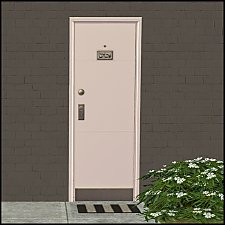
"Unique Separator" [LACK-Recolors]
by HugeLunatic 3rd Dec 2013 at 4:33pm
Recolors of the AL "Unique Separator" Apartment door in 7 IKEA LACK colors (black, white, yellow, red, green, blue, pink). more...
+1 packs
15 28.6k 76 Apartment Life
-
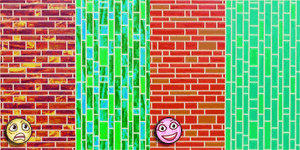
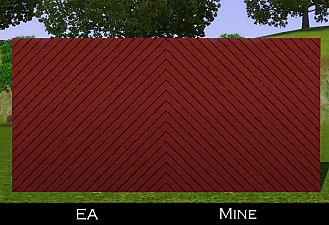
Default Replacement: RecBarsTile Pattern
by HugeLunatic 29th May 2010 at 5:20am
EA gave a really nice tile pattern - except they put all this crazy shading on it and made the more...
16
21.5k
47
-
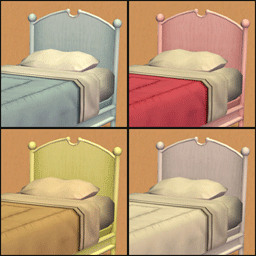
by HugeLunatic 4th Sep 2013 at 2:30am
The bed from the Elite Collection from Teen Style Stuff is nice; of course, only if you remove the funky more...
+1 packs
20 17.9k 49 Teen Style
-
-
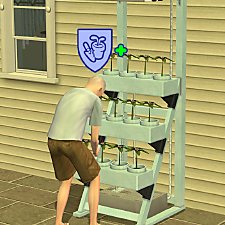
Gardening Badge from Hydroponics
by HugeLunatic updated 21st May 2022 at 1:08pm
I wanted my sims to earn gardening badges from using the Hydroponic career reward. more...
+2 packs
18 10.8k 70 Open for Business
Seasons
Open for Business
Seasons




Packs Needed
| Expansion Pack | |
|---|---|
| Late Night |
About Me
Pet Stories || Dog Agility Items? || Castaway Stories || Holy Simoly Extras
4esf Archive || Holy Simoly Archive || CEP-Extras List || Buyable Game Objects
lunie content from GoS/s2a
Installation of CEP Extras-the package with pfiles appended to the name will go into your cep extras folder where your game is installed (typically c drive, you do you)
-the other goes in CEP extra folder in documents.
The following locations are what I am aware of, beyond that you'll have to do some searching.
Downloads Folder:
C:\Users\<user>\Documents\EA Games\The Sims 2 Legacy
C:\Users\<user>\Documents\EA Games\The Sims 2 Ultimate Collection
With multiple launchers, the location for your game install will vary.
C:\Program Files\EA GAMES\The Sims 2 Legacy\TSData\Res\Catalog\zCEP-EXTRA
C:\Program Files\EA GAMES\The Sims 2\TSData\Res\Catalog\zCEP-EXTRA
C:\Program Files (x86)\EA GAMES\The Sims 2\TSData\Res\Catalog\zCEP-EXTRA