Sign in to Mod The Sims
 Tuning Description Browser for macOS
 Tuning Description Browser for macOS


splash.png - width=1280 height=720
Screenshot 2020-11-01 at 19.37.50.png - width=2462 height=1586
Screenshot 2020-11-01 at 19.37.21.png - width=1238 height=972
 This is not a mod, but a tool for modders to hopefully make their life a little bit easier and their day a little bit brighter
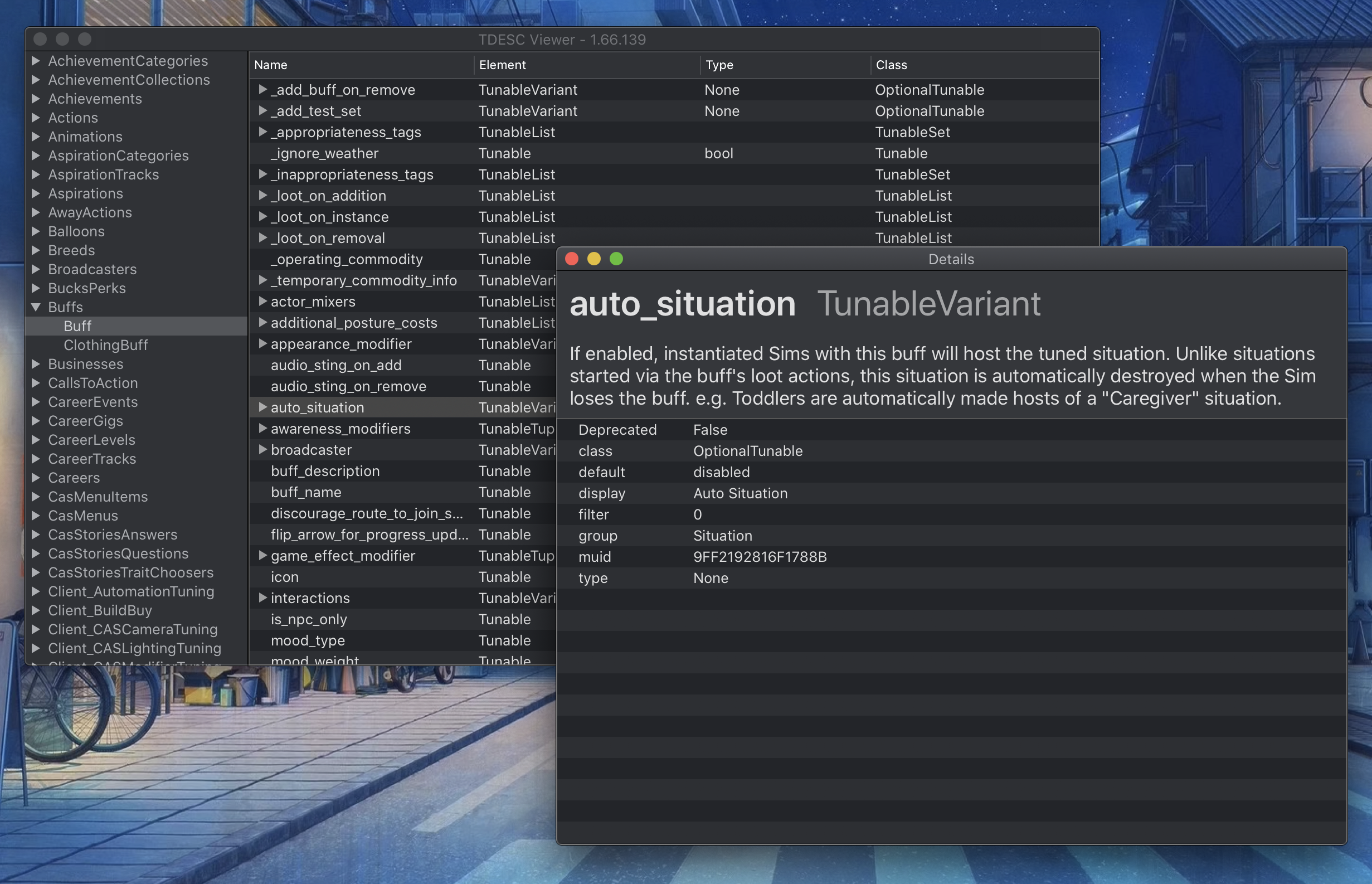
 Inspired by the legendary scumbumbo's Tuning Description Browser , I've made a version of it for computers running macOS. While heavily inspired by it, it still has some differences in the user interface, to better match the rest of the system.
Installation:
- Download the .zip attachment
- Unzip it
- (Optional) Drop the app into your "Applications" folder
Quickstart Guide:
- Go to the official Sims 4 forum and open the "Mods & CC Technical Discussions" category in the "Sims 4 Modding & Custom Content" subforum.
- Find the TDESCS topic for the version of the game you're developing tunings for (usually you want the latest available) and download the attached archive. DO NOT RENAME OR UNZIP IT!
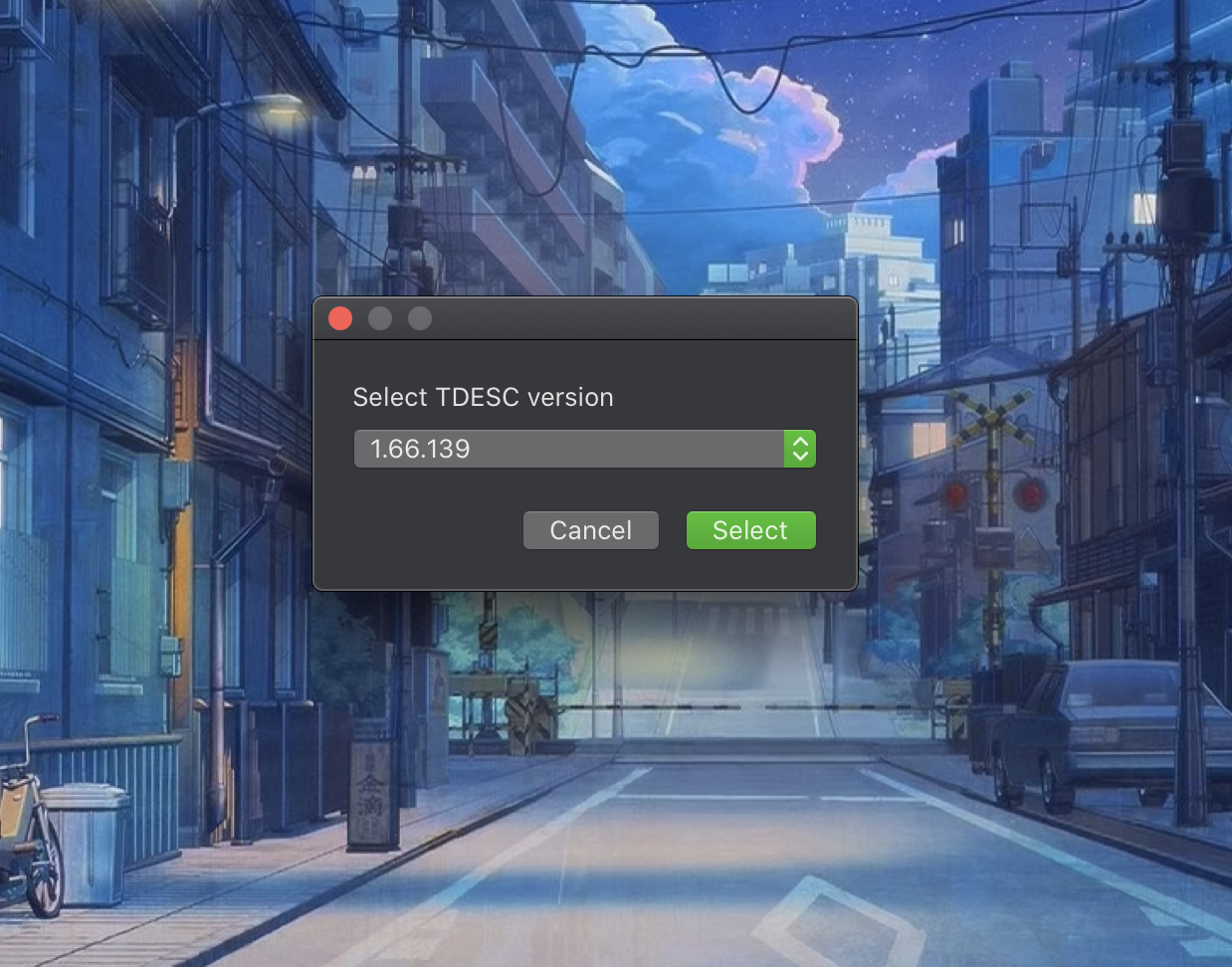
- Open the TDESC Browser app and select "Register new TDESC archive..." from the dropdown menu, then press the "Select" button. In the dialog that appears, select the .zip archive you've downloaded during the previous step.
- The dropdown menu now includes the new version of the archive that you just registered. Choose it and press "Select" again.
The setup is complete! You can now browse the list of available tunings in the sidebar, select it to view the tree of tunables and click on the tunables themselves to see their description (as provided by EA) and other properties (like names of Python classes the tunings are linked to).
You only have to setup the TDESC archive once for every new game version, the files are then safely stored within the app, you can remove the downloaded archive from your Downloads folder safely.
With time I plan to add even more cool features to the app, but I think it can already be quite useful to all of the Sims 4 modders out there. In these early stages your feedback and Patreon support are invaluable, so if you have any questions or suggestions, don't be shy, I'd be happy to chat with you!
Additional Credits:
Heavily inspired by scumbumbo's work
|
TDESC Browser.zip
Download
Uploaded: 2nd Nov 2020, 1.05 MB.
555 downloads.
|
||||||||
| For a detailed look at individual files, see the Information tab. | ||||||||
Install Instructions
1. Download: Click the File tab to see the download link. Click the link to save the .rar or .zip file(s) to your computer.
2. Extract: Use 7zip (Windows) to extract the file(s) from the .rar or .zip file(s).
3. Cut and paste the file(s) into your Mods folder
Need more information?
- My Documents\Electronic Arts\The Sims 4\Mods\
- Anyone can use both .rar and .zip files easily! On Windows, use 7zip!
- If you don't have a Mods folder, just make one.
Loading comments, please wait...

Uploaded: 2nd Nov 2020 at 11:08 AM
Updated: 2nd Nov 2020 at 11:19 AM - added the link to technical discussions forum
-
-
TS4 Tuning Description Browser (Windows Only)
by scumbumbo updated 20th Sep 2018 at 11:13am
 19
54.7k
53
19
54.7k
53
-
-
-
-

-

by SashaT1804 updated 9th Feb 2026 at 11:37am
65
83.3k
96
-
-
-


-
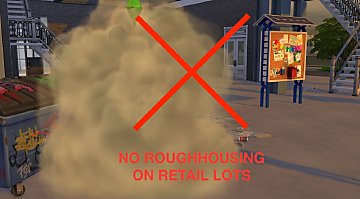
No Roughhousing on Retail Lots
by Lebbion 30th Oct 2020 at 10:11am
Disables autonomous fighting on retail and restaurant lots due to the "Roughhousing Encouraged" N.A.P. more...
+1 packs
7 5.8k 11 Eco Lifestyle
-