
 Sign in to Mod The Sims
 Maxis Match everyday clothing for women (6 outfits)
 Maxis Match everyday clothing for women (6 outfits)


af_1.jpg - width=300 height=400
af_2.jpg - width=300 height=400
af_3.jpg - width=300 height=400
af_4.jpg - width=300 height=400
af_5.jpg - width=300 height=400
af_6.jpg - width=300 height=400
I've combined different Maxis Textures to create the outfits. You don't need any expansion pack but you have to download the Maxis Mesh. It's an official Download. (Jenn.Sims2pack)


Here is all my stuff regarding to this project:
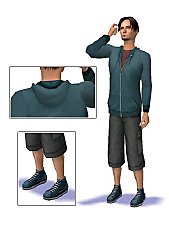
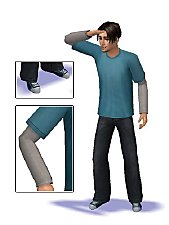
- Maxis Match everyday clothing for men (4 outfits)
- Maxis Match everyday clothing for men (3 outfits)
- Maxis Match everyday clothing for men (3 outfits)
- Maxis Match sport clothing for men (6 outfits)
- Maxis Match sport clothing for men (3 outfits)
- Maxis Match everyday clothing for men (2 outfits)
- Maxis Match everyday clothing for men (1 outfit)
- Maxis Match everyday clothing for women (6 outfits)
|
oepu_af_06.rar
Download
Uploaded: 11th Aug 2007, 362.5 KB.
2,312 downloads.
|
||||||||
|
oepu_af_05.rar
Download
Uploaded: 11th Aug 2007, 487.6 KB.
2,335 downloads.
|
||||||||
|
oepu_af_04.rar
Download
Uploaded: 11th Aug 2007, 325.7 KB.
2,310 downloads.
|
||||||||
|
oepu_af_03.rar
Download
Uploaded: 11th Aug 2007, 423.7 KB.
2,495 downloads.
|
||||||||
|
oepu_af_02.rar
Download
Uploaded: 11th Aug 2007, 272.3 KB.
2,398 downloads.
|
||||||||
|
oepu_af_01.rar
Download
Uploaded: 11th Aug 2007, 389.8 KB.
2,617 downloads.
|
||||||||
| For a detailed look at individual files, see the Information tab. | ||||||||
Install Instructions
1. Download: Click the download link to save the .rar or .zip file(s) to your computer.
2. Extract the zip, rar, or 7z file.
3. Place in Downloads Folder: Cut and paste the .package file(s) into your Downloads folder:
- Origin (Ultimate Collection): Users\(Current User Account)\Documents\EA Games\The Sims™ 2 Ultimate Collection\Downloads\
- Non-Origin, Windows Vista/7/8/10: Users\(Current User Account)\Documents\EA Games\The Sims 2\Downloads\
- Non-Origin, Windows XP: Documents and Settings\(Current User Account)\My Documents\EA Games\The Sims 2\Downloads\
- Mac: Users\(Current User Account)\Documents\EA Games\The Sims 2\Downloads
- Mac x64: /Library/Containers/com.aspyr.sims2.appstore/Data/Library/Application Support/Aspyr/The Sims 2/Downloads
- For a full, complete guide to downloading complete with pictures and more information, see: Game Help: Downloading for Fracking Idiots.
- Custom content not showing up in the game? See: Game Help: Getting Custom Content to Show Up.
- If you don't have a Downloads folder, just make one. See instructions at: Game Help: No Downloads Folder.
Meshes needed
This download requires one or more meshes to work properly. Please check the Description tab for information about the meshes needed, then download them below:| MTS cannot guarantee any off-site links will be available |
| thesims2.ea.com/exchange/sim_detail.php?asset_id=947806 (non-MTS link) |
Loading comments, please wait...


Uploaded: 11th Aug 2007 at 8:59 AM
Updated: 9th Oct 2008 at 6:06 AM by CatOfEvilGenius
-
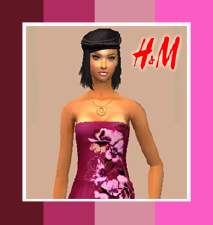
by lemonbutter 30th Jul 2007 at 4:19pm
-
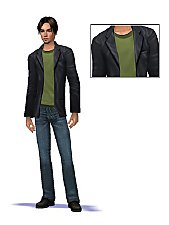
-
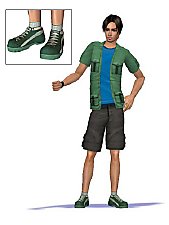
-
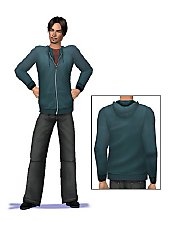
-
-
-
-
-
-


-
-
-
-
-
-
-
Sims Medieval to Sims 4 Conversion - Right Parted
by oepu 28th Apr 2015 at 10:33am
Short hair for male and female Sims more...
 5
17.6k
55
5
17.6k
55
-
-
-
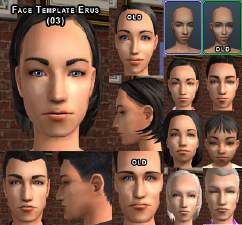
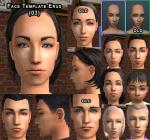
Face Template: Distinctive realistic face (03 - Erus)
by oepu 19th Jan 2006 at 11:10pm
I've tried to make some new face templates. My english is very bad. more...
 17
43.3k
11
17
43.3k
11


