
 Sign in to Mod The Sims
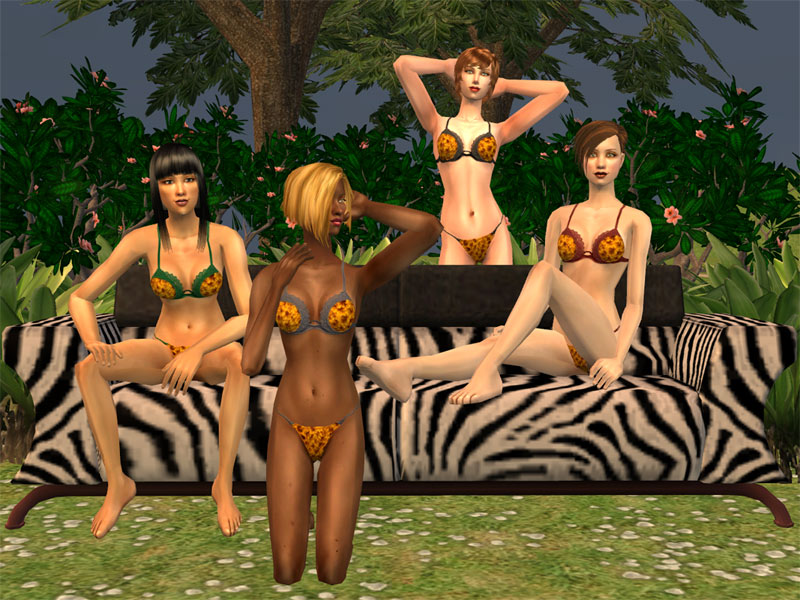
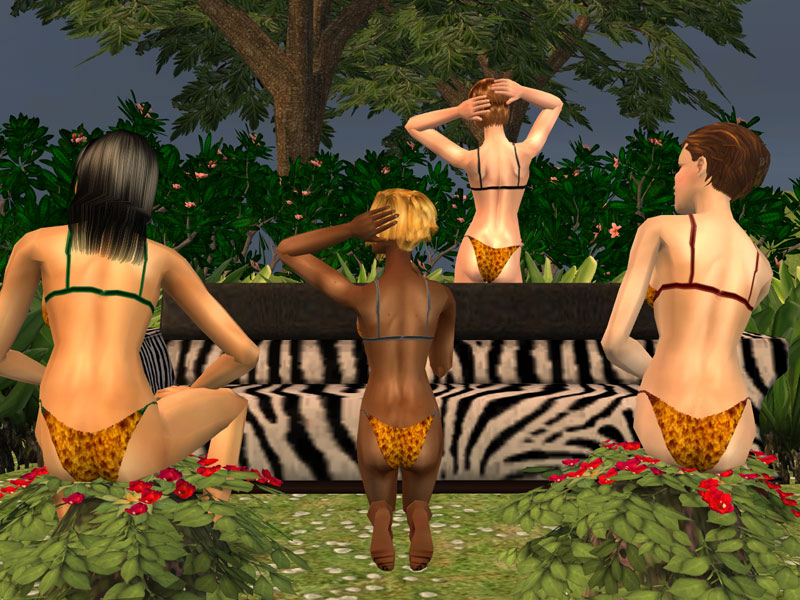
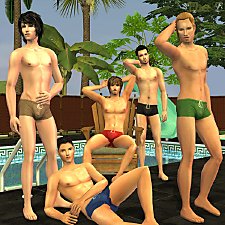
 Girls gone wild
 Girls gone wild


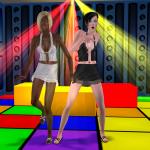
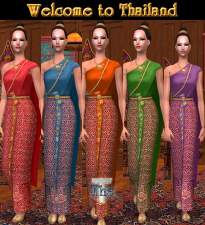
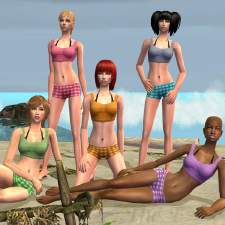
Girls-gone-wild-1.jpg - width=600 height=600
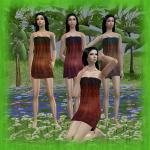
Girls-gone-wild-2.jpg - width=800 height=600
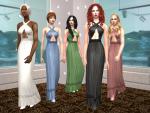
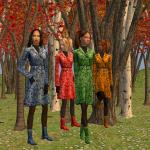
Girls-gone-wild-3.jpg - width=800 height=600
Additional Credits:
- Models by me from left to right : Manee, Sheera, Alexis, and Paula
- Hair on Manee
http://www.***/main/main.php
- Hair on Sheera
http://www.adele-sims.com
- Hair on Alexis
http://www.noukiesims2.net/
- Hair on Paula
http://www.insimenator.net/showthread.php?t=56002
- Makeup by
bruno
http://hideki.modthesims2.com/member.php?u=11431
La Pink
http://www.lapink.net
- Poses from Custom Modeling Poses Overlay Hack by decorgal21572
http://www.modthesims2.com/member/s...ad.php?t=244917
- Sky by chris997
http://www.modthesims2.com/creator/...ad.php?t=187229
- OMSP for couch
http://skuld.modthesims2.com/showthread.php?t=225215
|
Girls gone wild.rar
Download
Uploaded: 4th Jan 2008, 132.6 KB.
3,695 downloads.
|
||||||||
| For a detailed look at individual files, see the Information tab. | ||||||||
Install Instructions
1. Download: Click the download link to save the .rar or .zip file(s) to your computer.
2. Extract the zip, rar, or 7z file.
3. Place in Downloads Folder: Cut and paste the .package file(s) into your Downloads folder:
- Origin (Ultimate Collection): Users\(Current User Account)\Documents\EA Games\The Sims™ 2 Ultimate Collection\Downloads\
- Non-Origin, Windows Vista/7/8/10: Users\(Current User Account)\Documents\EA Games\The Sims 2\Downloads\
- Non-Origin, Windows XP: Documents and Settings\(Current User Account)\My Documents\EA Games\The Sims 2\Downloads\
- Mac: Users\(Current User Account)\Documents\EA Games\The Sims 2\Downloads
- Mac x64: /Library/Containers/com.aspyr.sims2.appstore/Data/Library/Application Support/Aspyr/The Sims 2/Downloads
- For a full, complete guide to downloading complete with pictures and more information, see: Game Help: Downloading for Fracking Idiots.
- Custom content not showing up in the game? See: Game Help: Getting Custom Content to Show Up.
- If you don't have a Downloads folder, just make one. See instructions at: Game Help: No Downloads Folder.
Loading comments, please wait...

Uploaded: 4th Jan 2008 at 5:17 PM
-
by cwirsing 12th Aug 2005 at 2:41am
 4
5k
1
4
5k
1
-
by Sabberhund 14th Dec 2005 at 8:23pm
-
by joebart622 15th Apr 2006 at 5:49am
-
-
BoutiqueEmilie - Lingerie Collection
by BoutiqueEmilie 24th Jan 2007 at 5:21am
-
-
-
-
-
Seductive Lingerie (4 colours)
by Beutelratti 11th Jan 2008 at 11:30pm









About Me
Thai word for 'Hello!' use by guy.
I am a Thai, but my grandma's forebear was from India so I looks like an Indian for Thai people.
By the way, I am 'The T',ex-FA at The Sims Resource.
But now I upload to at ModTheSims and other sites.
My policy
1. No request, please.
2. If you will use my creations, remember me or credit me.
3. Have fun with my creations.
Happy Simming!