
 Sign in to Mod The Sims
 Flower Vine
 Flower Vine


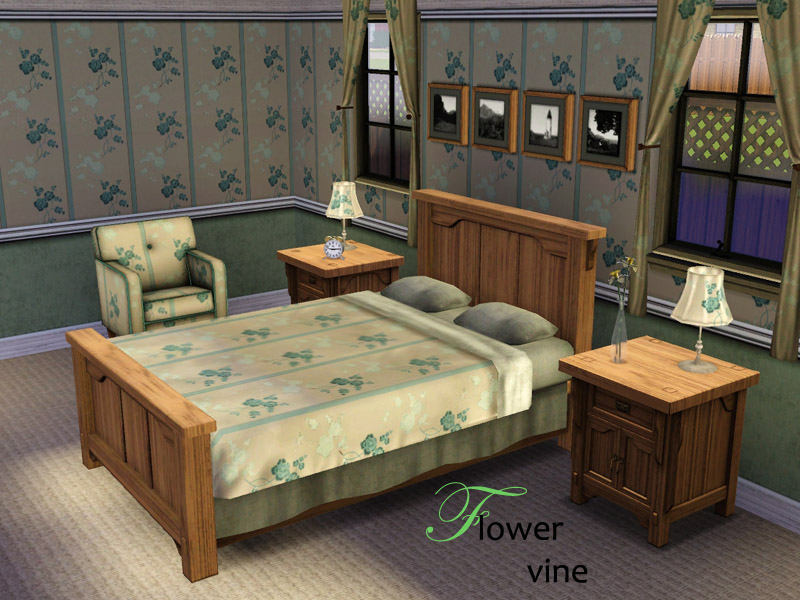
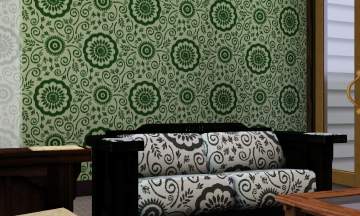
bedroomflower.jpg - width=800 height=600
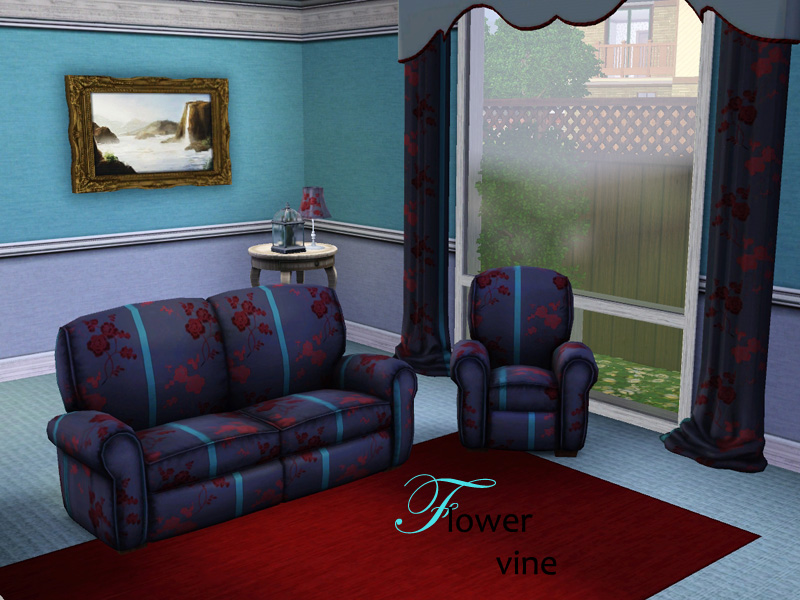
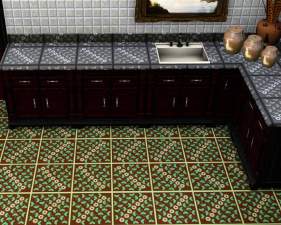
livingroomflower copy.jpg - width=800 height=600
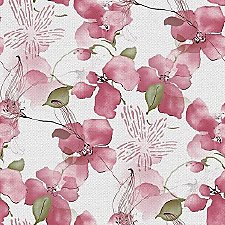
This comes under Fabric, and also works nicely on upholstery and bedding and has four recolourable channels.
Original colour:
Recolour example:
|
flowervine.rar
Download
Uploaded: 21st Jun 2009, 144.8 KB.
2,684 downloads.
|
||||||||
| For a detailed look at individual files, see the Information tab. | ||||||||
Install Instructions
1. Click the download button, or the filename, to download the file to your computer.
2. Extract the zip, rar, or 7z file. Now you will have either a .package or a .sims3pack file.
For Package files:
1. Cut and paste the file into your Documents\Electronic Arts\The Sims 3\Mods\Packages folder. If you do not already have this folder, you should read the full guide to Package files first: Sims 3:Installing Package Fileswiki, so you can make sure your game is fully patched and you have the correct Resource.cfg file.
2. Run the game, and find your content where the creator said it would be (build mode, buy mode, Create-a-Sim, etc.).
For Sims3Pack files:
1. Cut and paste it into your Documents\Electronic Arts\The Sims 3\Downloads folder. If you do not have this folder yet, it is recommended that you open the game and then close it again so that this folder will be automatically created. Then you can place the .sims3pack into your Downloads folder.
2. Load the game's Launcher, and click on the Downloads tab. Find the item in the list and tick the box beside it. Then press the Install button below the list.
3. Wait for the installer to load, and it will install the content to the game. You will get a message letting you know when it's done.
4. Run the game, and find your content where the creator said it would be (build mode, buy mode, Create-a-Sim, etc.).
Extracting from RAR, ZIP, or 7z: You will need a special program for this. For Windows, we recommend 7-Zip and for Mac OSX, we recommend Keka. Both are free and safe to use.
Need more help?
If you need more info, see:
- For package files: Sims 3:Installing Package Fileswiki
- For Sims3pack files: Game Help:Installing TS3 Packswiki
Loading comments, please wait...

Uploaded: 21st Jun 2009 at 5:06 PM
#flowervine, #flower, #cottage





-

Black and White Seasons Outerwear
by lemonbutter 26th Jun 2007 at 10:51pm
Here are two more Seasons trenchcoats to keep your sims warm. Available in contrasting black and white! more...
-
Seasons Outerwear in Three Recolours - Set Two
by lemonbutter 23rd Jun 2007 at 9:44pm
Another Seasons outerwear set: can a girl-sim ever have enough outerwear? This is set more...
-
by lemonbutter 25th Jun 2007 at 2:49pm
Is you sim teen having trouble deciding what to wear? Then how about wearing a different colour bottom, one for more...
-


by lemonbutter 1st Aug 2007 at 12:49am
I have a sim called Arma Bourton who is really fond of the stripy outfit. more...
-


by lemonbutter 17th Jun 2009 at 10:08pm
Named after the cherry tree growing in the front garden, Cherry House is small, but offers comfort and luxury for more...
 8
11.8k
1
8
11.8k
1
-
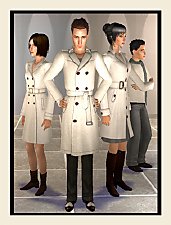

by lemonbutter 17th Aug 2007 at 2:02pm
How about matching outerwear for all the family in rich, luxurious cream? Let your male and female adults more...
 +1 packs
12 18.9k 19
+1 packs
12 18.9k 19 Seasons
-


by lemonbutter 13th Aug 2007 at 6:21pm
Not every sim wants to sacrifice comfort for fashion, especially when it comes to outerwear. more...
-
by lemonbutter 23rd Jun 2007 at 10:18am
Here is another favourite outfit of mine from the H&M stuff pack. more...
-
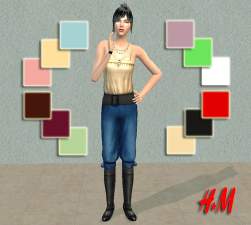
by lemonbutter 4th Jul 2007 at 1:02pm
Here are twelve recolours of another H&M outfit for women. more...
-
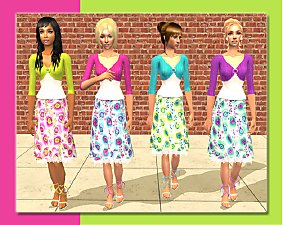
by lemonbutter 10th Aug 2007 at 5:07pm
Sometimes a teen girl can get tired of jeans and dark colours, especially when the sun is shining outside. more...


