
 Sign in to Mod The Sims
 Westside Dining Set
 Westside Dining Set


Screenshot-197.jpg - width=900 height=720
Screenshot-198.jpg - width=900 height=720
Screenshot-199.jpg - width=900 height=720
Screenshot-200.jpg - width=900 height=720
Screenshot-201.jpg - width=900 height=720
allpo33lys23.jpg - width=900 height=720


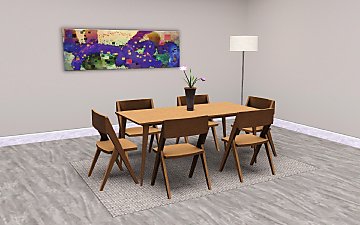
Ok, so I am just going to cut to the chase. It includes 14 new meshes, which are 6 chairs, 3 tables, a china cabinet, cabinet accessories, 2 table top dinnerwares and a mirror. You can create virtually any type of dining room you want with this set! Mix and match all colors and furniture of your choice!
The only concerns you will have to know are these: For the accessories on the cabinet, you have to place them using moveobjects on. To click and color them, click on the wine bottles. Also, this set was intended for indoors. 3 chairs and the cabinet have a sort of awkward shadow if placed outside.
Anyway, some pics!
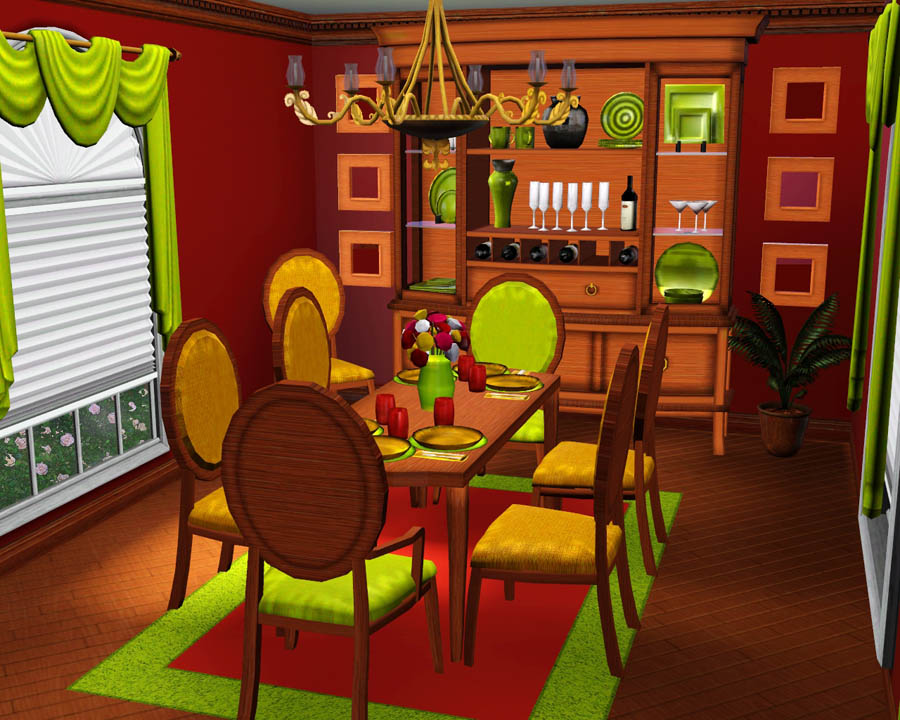
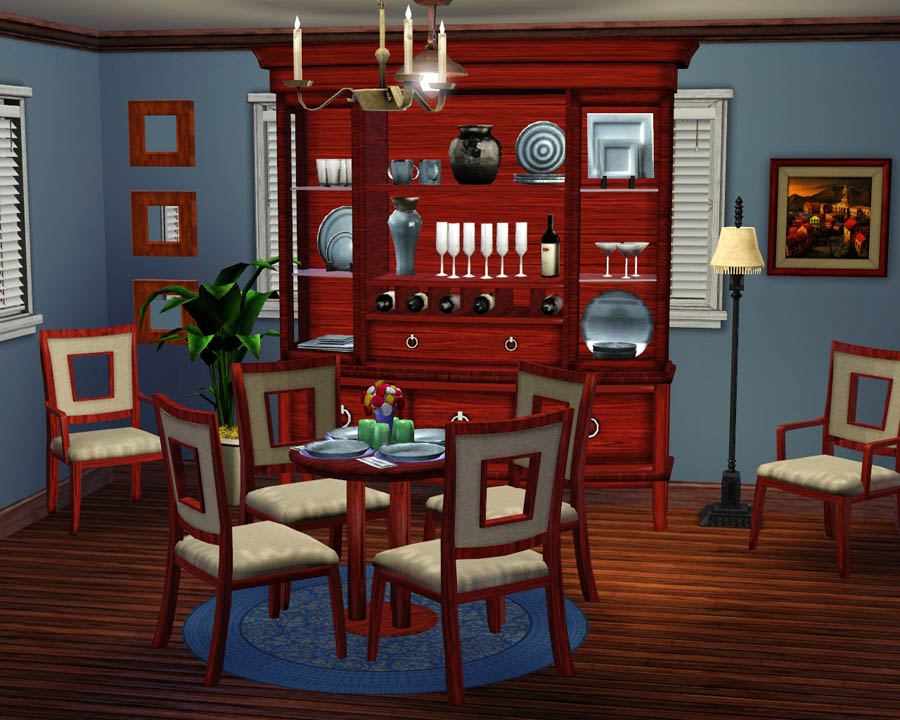
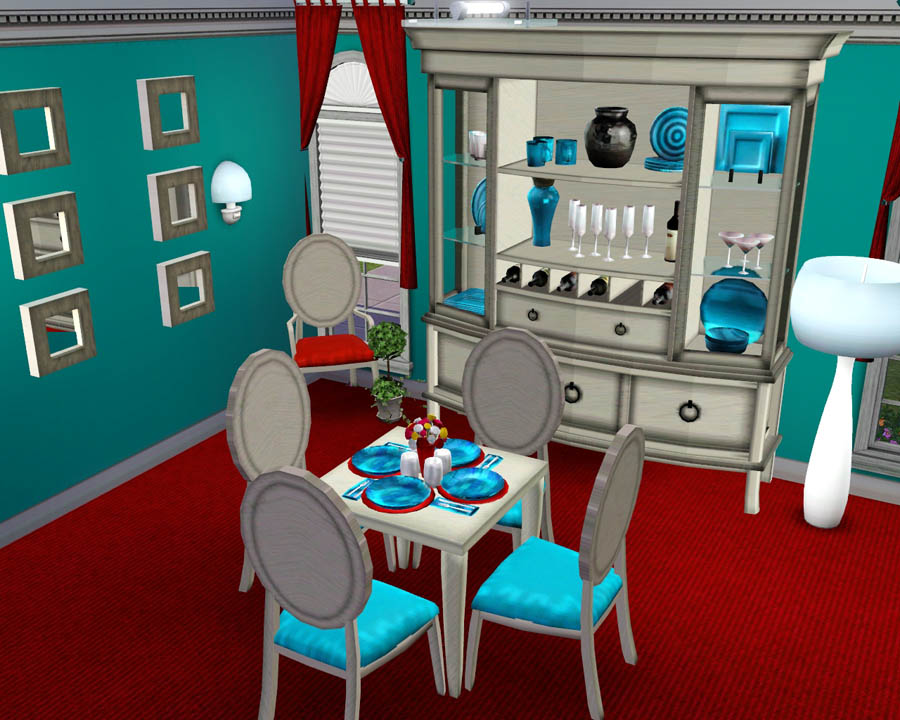
Hope you all enjoy it!
Poly counts, prices and location in catalog are all in this picture:
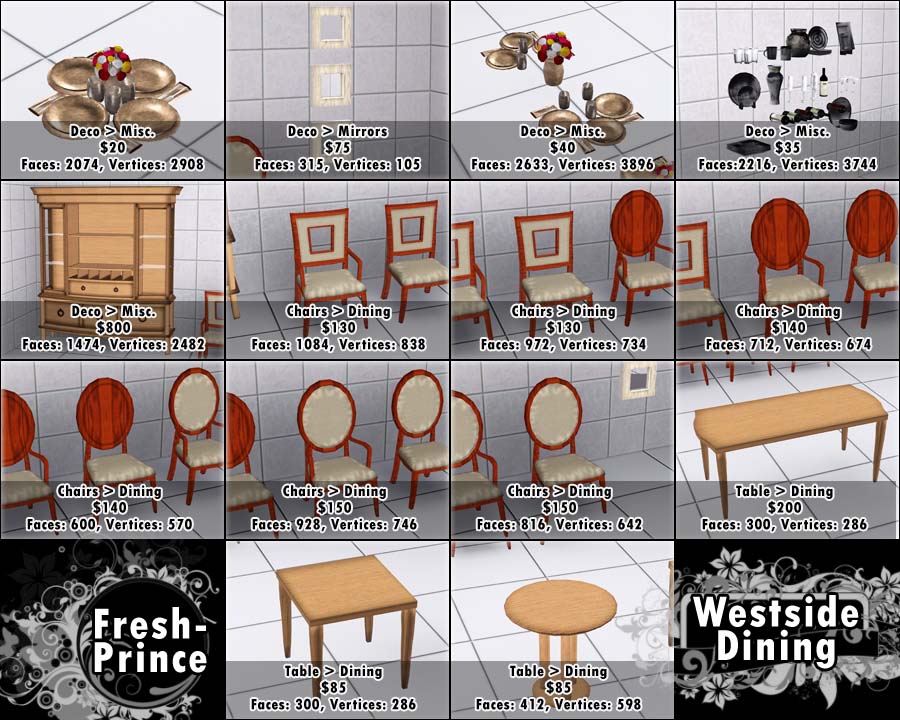
Polygon Counts:
Poly counts (also prices and catalog location) are located in the picture above.
Additional Credits:
Huge thanks to everyone in the creator feedback forum!
DD, I love you sooo much!
Wes, Inge and all others for their work with Sims 3 tools.
This is a new mesh, and means that it's a brand new self contained object that usually does not require a specific Pack (although this is possible depending on the type). It may have Recolours hosted on MTS - check below for more information.
|
F-P Westside Dining Set.zip
Download
Uploaded: 28th Aug 2009, 7.49 MB.
39,153 downloads.
|
||||||||
| For a detailed look at individual files, see the Information tab. | ||||||||
Install Instructions
1. Click the download button, or the filename, to download the file to your computer.
2. Extract the zip, rar, or 7z file. Now you will have either a .package or a .sims3pack file.
For Package files:
1. Cut and paste the file into your Documents\Electronic Arts\The Sims 3\Mods\Packages folder. If you do not already have this folder, you should read the full guide to Package files first: Sims 3:Installing Package Fileswiki, so you can make sure your game is fully patched and you have the correct Resource.cfg file.
2. Run the game, and find your content where the creator said it would be (build mode, buy mode, Create-a-Sim, etc.).
For Sims3Pack files:
1. Cut and paste it into your Documents\Electronic Arts\The Sims 3\Downloads folder. If you do not have this folder yet, it is recommended that you open the game and then close it again so that this folder will be automatically created. Then you can place the .sims3pack into your Downloads folder.
2. Load the game's Launcher, and click on the Downloads tab. Find the item in the list and tick the box beside it. Then press the Install button below the list.
3. Wait for the installer to load, and it will install the content to the game. You will get a message letting you know when it's done.
4. Run the game, and find your content where the creator said it would be (build mode, buy mode, Create-a-Sim, etc.).
Extracting from RAR, ZIP, or 7z: You will need a special program for this. For Windows, we recommend 7-Zip and for Mac OSX, we recommend Keka. Both are free and safe to use.
Need more help?
If you need more info, see:
- For package files: Sims 3:Installing Package Fileswiki
- For Sims3pack files: Game Help:Installing TS3 Packswiki
Loading comments, please wait...



Uploaded: 28th Aug 2009 at 6:54 PM
-
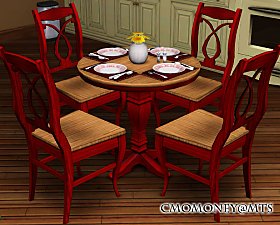
*UPDATED* Cozy Cottage Dining Set
by cmomoney 13th Nov 2009 at 9:59pm
-
-
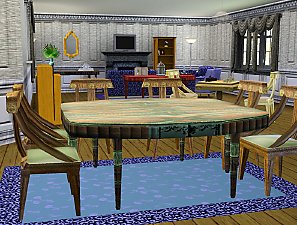
Antiques in auction: A Dining set
by nanisim 22nd Jan 2010 at 6:56pm
-
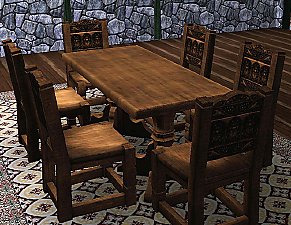
Medieval Dining Table and Chairs - Sims 2 Conversion
by Esmeralda updated 20th Oct 2011 at 6:09pm
-
Dining Room in Tank by PMA Housing Options
by Morphead 17th Sep 2010 at 9:02pm
-
-
-
-
-

Myshunosun's Sona Dining Set 4to3 Conversion
by zoe22 25th Feb 2026 at 2:25am


-
by Fresh-Prince 3rd Jun 2007 at 10:27pm
These are for plasticbox, I really apologize for not making them so quick, got caught up in a lot of more...
 11
13k
21
11
13k
21
-

-

by Fresh-Prince 14th Apr 2007 at 3:07am
This is my favorite and best car I've ever made! more...
+1 packs
46 69.9k 54 Nightlife
-

by Fresh-Prince 7th Mar 2008 at 12:53am
Awesome new BMW convertible for your sims to feel the cool summer breeze! All comments welcomed and appreciated. Enjoy! more...
+1 packs
63 301.8k 274 Nightlife
-

by Fresh-Prince 14th Jan 2010 at 9:01am
A fantastic sporty and luxurious car for your sims! more...
 56
159.6k
223
56
159.6k
223
-


20th Car Anniversary!VW New Beetle Convertibe&Lexus SC430
by Fresh-Prince 25th Aug 2006 at 12:19am
~Fresh-Prince's 20th Car Anniversary~ Hello Ladies and Gentlemen! more...
+1 packs
126 327.2k 204 Nightlife
-


-


by Fresh-Prince 14th Apr 2007 at 3:20pm
Here are 8 Recolors of my Infiniti FX45! more...
+1 packs
7 34.6k 34 Nightlife
-
by Fresh-Prince 11th Oct 2009 at 6:10pm
Due to many request, although for the newer one, I made a Mustang for the Sims 3. more...
90
156.4k
192
-
by Fresh-Prince 4th Nov 2008 at 1:33am
This is a great, and low poly, truck for your simmies! more...
+1 packs
69 171.9k 234 Nightlife


