
 Sign in to Mod The Sims
 **Outdated**: 8 Recolours of the "Panic Rouser CEILING Fire Alarm"
 **Outdated**: 8 Recolours of the "Panic Rouser CEILING Fire Alarm"


ceiling_thumbnail.jpg - width=624 height=425
7 Recolours of the "Panic Rouser CEILING Fire Alarm" PLUS a ceiling fire alarm clone with Maxis' greyish original colour
panic_rouser_ceiling_fire_alarm.jpg - width=850 height=476
Maxis' "Panic Rouser Fire Alarm" now also available for the ceiling (same recolours available).
buy_mode_ceiling_fire_alarm.jpg - width=709 height=310
Known Issue: there's no preview picture in buy mode, only the thumbnail picture shows up.
fire_alarm.jpg - width=850 height=562
.... the ceiling fire alarm during a fire.
fire_end.jpg - width=850 height=530
.... the ceiling fire alarm after the fire.

 *Edit (2012-06-17): CyberBob78 made a great CASTable (and shiftable) version of the Panic Rouser Fire Alarm so you could replace these recolours with a CASTable version. The CASTable version, however, is available for walls only and not for the ceiling, but since it is shiftable it can be moved to the desired place at the wall. Please download the CASTable version here , thank you!
 *Edit (2012-03-01): All files are still working fine in game - tested with game version 11.0.84.014017.
*Edit (2010-04-25): All files were checked with the newest update version (3.2.6.005001) - they still work fine in game and can be used both with the base game and also with the latest expansion pack "Luxury Accessoires", however, no expansion pack is required for these files.
 Attention: If you want to remove the ceiling fire alarm again, please go above the ceiling fire alarm and grab and/or delete it from a bird's eye view - it's not possible to grab it from the side - thanks to lukyzade for pointing this out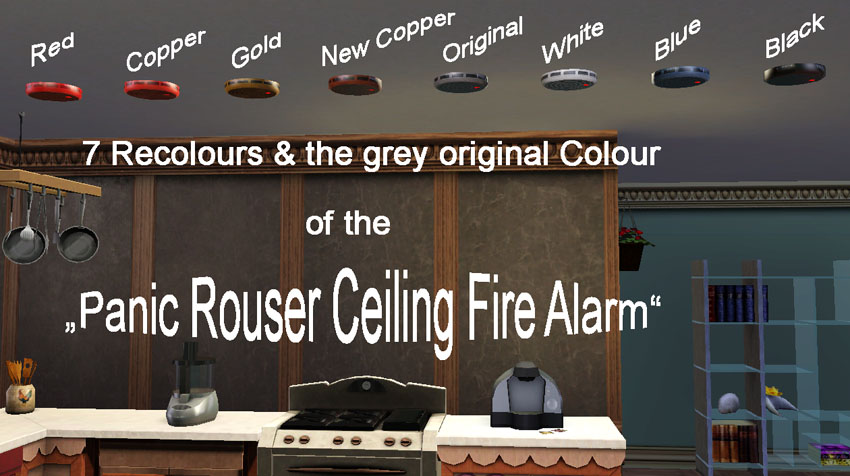
I rotated the clones and moved their position up to the ceiling (with MilkShape), recoloured them and tested every single one in game (and also all of them at the same time).
You'll find the recolours next to the original "Panic Rouser Fire Alarm" in game in the buy category > electronics > misc. electronics and the price for the ceiling fire alarm is 110 $imoleons, so all the "Panic Rouser Ceiling Fire Alarm" colours will appear right after the standard "Panic Rouser Fire Alarm" for the wall.
For the ceiling fire alarm I added a clone with the original greyish colour of the original standard fire alarm from Maxis - just in case you guys like that colour, too.
The recolours don't replace the original and they all show up with their own thumbnail pictures, however, there is a known issue regarding the preview pictures (see picture) - sorry for that.
Enjoy the new fire alarm and its recolours!
Additional Credits:
Peter and Inge Jones for S3PE and S3OC WesH for the Object Tool
Xanathon for writing the Tutorial: Clone A Painting and change the Texture [...]
lemoncandy for always being helpful and especially for pointing me to the right direction regarding moving the fire alarm to the right position.
|
PanicRouserCEILINGfireAlarm_8colours.rar
Download
Uploaded: 17th Oct 2009, 3.51 MB.
7,860 downloads.
|
||||||||
| For a detailed look at individual files, see the Information tab. | ||||||||
Install Instructions
1. Click the download button, or the filename, to download the file to your computer.
2. Extract the zip, rar, or 7z file. Now you will have either a .package or a .sims3pack file.
For Package files:
1. Cut and paste the file into your Documents\Electronic Arts\The Sims 3\Mods\Packages folder. If you do not already have this folder, you should read the full guide to Package files first: Sims 3:Installing Package Fileswiki, so you can make sure your game is fully patched and you have the correct Resource.cfg file.
2. Run the game, and find your content where the creator said it would be (build mode, buy mode, Create-a-Sim, etc.).
For Sims3Pack files:
1. Cut and paste it into your Documents\Electronic Arts\The Sims 3\Downloads folder. If you do not have this folder yet, it is recommended that you open the game and then close it again so that this folder will be automatically created. Then you can place the .sims3pack into your Downloads folder.
2. Load the game's Launcher, and click on the Downloads tab. Find the item in the list and tick the box beside it. Then press the Install button below the list.
3. Wait for the installer to load, and it will install the content to the game. You will get a message letting you know when it's done.
4. Run the game, and find your content where the creator said it would be (build mode, buy mode, Create-a-Sim, etc.).
Extracting from RAR, ZIP, or 7z: You will need a special program for this. For Windows, we recommend 7-Zip and for Mac OSX, we recommend Keka. Both are free and safe to use.
Need more help?
If you need more info, see:
- For package files: Sims 3:Installing Package Fileswiki
- For Sims3pack files: Game Help:Installing TS3 Packswiki
Loading comments, please wait...


Uploaded: 17th Oct 2009 at 2:04 PM
Updated: 17th Jun 2012 at 12:16 PM - Outdated due to availability of a CASTable version made by CyberBob78
-
Black Recolour of the Annoying Yellowish Alarm Clock
by damnedcitizen 18th Aug 2009 at 4:57pm
 7
11.5k
16
7
11.5k
16
-
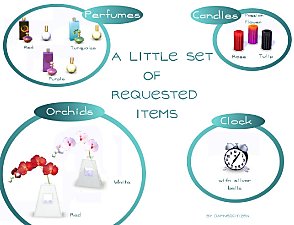
A Little Set of Requested Items (2 orchids, 3 candles, 3 perfumes, 1 alarm clock)
by damnedcitizen updated 9th Jan 2010 at 2:15pm
35
59.1k
98
-
'The Scream' by Edvard Munch (Painting and alarm)
by Goodison Goomba 2nd Sep 2009 at 12:22am
40
43.9k
45
-
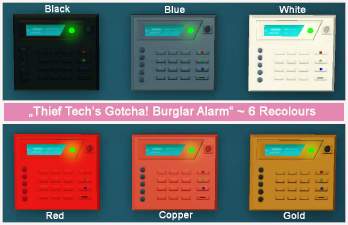
**Outdated**: 6 Recolours of the "Thief Tech's Gotcha! Burglar Alarm"
by Yogi-Tea 15th Oct 2009 at 7:37pm
16
28.2k
17
-
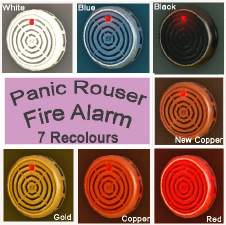
**Outdated**: Recolours of the "Panic Rouser Fire Alarm"
by Yogi-Tea updated 18th Oct 2009 at 8:27am
13
20.2k
13
-
-
by cmomoney 20th Jan 2010 at 6:49pm
30
46.5k
109
-
by cmomoney 1st Feb 2010 at 5:20pm
19
66.5k
164
-
by Eaglescout06 15th Sep 2011 at 11:57pm
+1 packs
38 85.2k 135 Ambitions
-
by RagdollVioletNeko 3rd Jun 2025 at 3:52am
+4 packs
879 1 Ambitions
 Late Night
 Generations
 Pets
Pets





-
Bridgeport General Hospital (No CC)
by Yogi-Tea 19th Jan 2012 at 3:28pm
Welcome to the Bridgeport General Hospital! more...
+3 packs
44 68.1k 90 World Adventures
Ambitions
Late Night
World Adventures
Ambitions
Late Night
-


3 Generations Family Home (No CC)
by Yogi-Tea 28th Jan 2012 at 4:17pm
This is a spacious two-storey family home with three bedrooms and three bathrooms for up to seven sims. more...
+3 packs
10 26.5k 23 World Adventures
Ambitions
Late Night
-
Modern Cosiness - A Family Home (No CC)
by Yogi-Tea 2nd Jun 2014 at 8:23pm
While the outside of the house looks modern, the interior is rather cosy. more...
1
7.9k
16
-

-
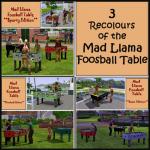
The Mad Llama Foosball Table - 3 New Recolours - Basic, Plumbob & Sporty Editions
by Yogi-Tea 27th Oct 2009 at 5:21pm
*Edit (2012-03-01): All files are still working fine in game - tested with game version 11.0.84.014017. more...
8
29.7k
10
-
-
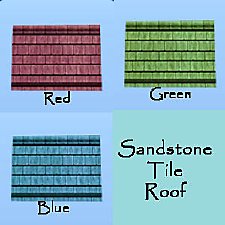
Add Colour to your Homes: 3 new Recolours ot the Sandstone Tiles Roof
by Yogi-Tea 15th Aug 2009 at 12:37am
*Edit (2012-03-01): All files are still working fine in game - tested with game version 11.0.84.014017. more...
22
28.5k
33
Build Mode » Roofing » Other
-
LotR: Hobbit Community Lot - "The Green Dragon" of Bywater
by Yogi-Tea 6th Aug 2009 at 1:32am
Your hobbit sims will be delighted to find out about their new community lot, where they can have a beer more...
18
28.4k
41
-
-
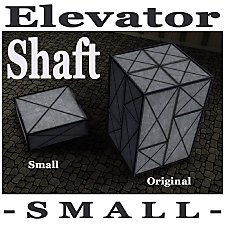
Elevator Shaft for Levels with lower Walls
by Yogi-Tea 7th Jan 2012 at 12:45pm
If the original elevator shaft is too big you can use this smaller version to connect two floors. more...
+1 packs
50 66.9k 164 Late Night


About Me
If you are seeking help, please ask in the Help Forum or elsewhere. I won't be able to respond to PMs. Sorry. :-(