
 Sign in to Mod The Sims
 **Outdated**: Recolours of the "Panic Rouser Fire Alarm"
 **Outdated**: Recolours of the "Panic Rouser Fire Alarm"


fire.jpg - width=709 height=427
FIRE!!!!! ..... all recolours of the "Panic Rouser Fire Alarm" were tested in game.
all_colours_fire_alarm.jpg - width=1216 height=750
6 Recolours: white, blue, gold, copper, new copper, black, red
buy_mode.jpg - width=830 height=642
This is how the "Panic Rouser Fire Alarm" Recolours show up in Buy Mode - Price is §100
thumbnail_7recoloursl.jpg - width=471 height=468
Panic Rouser Fire Alarm - 7 Recolours

 *Edit (2012-06-17): CyberBob78 made a great CASTable (and shiftable) version of the Panic Rouser Fire Alarm so these recolours are no longer needed. Please download the CASTable version here , thank you!
 *Edit (2012-03-01): All files are still working fine in game - tested with game version 11.0.84.014017.
*Edit (2010-04-25): All files were checked with the newest update version (3.2.6.005001) - they still work fine in game and can be used both with the base game and also with the latest expansion pack "Luxury Accessoires", however, no expansion pack is required for these files.
*Edit (2009-10-18): I fixed the titel name of the red package which didn't show the colour name in game. If you'd like to replace the old file, please download "PanicRouserFireAlarm_fixed_RED.rar" seperately (you don't need to re-download the whole rar package). My apologies for the inconvenience - please replace the old file with this new one. Also, I added a new copper recolour which looks more natural, I think. This is a new colour and NOT included in the big rar file with all other colours - please download the "PanicRouserFireAlarm_New_Copper.rar" file seperately.
With a fire alarm your Sims immediately know if their home is on fire, however, you no longer need to bother them with Maxis' greyish original of the "Panic Rouser Fire Alarm"....
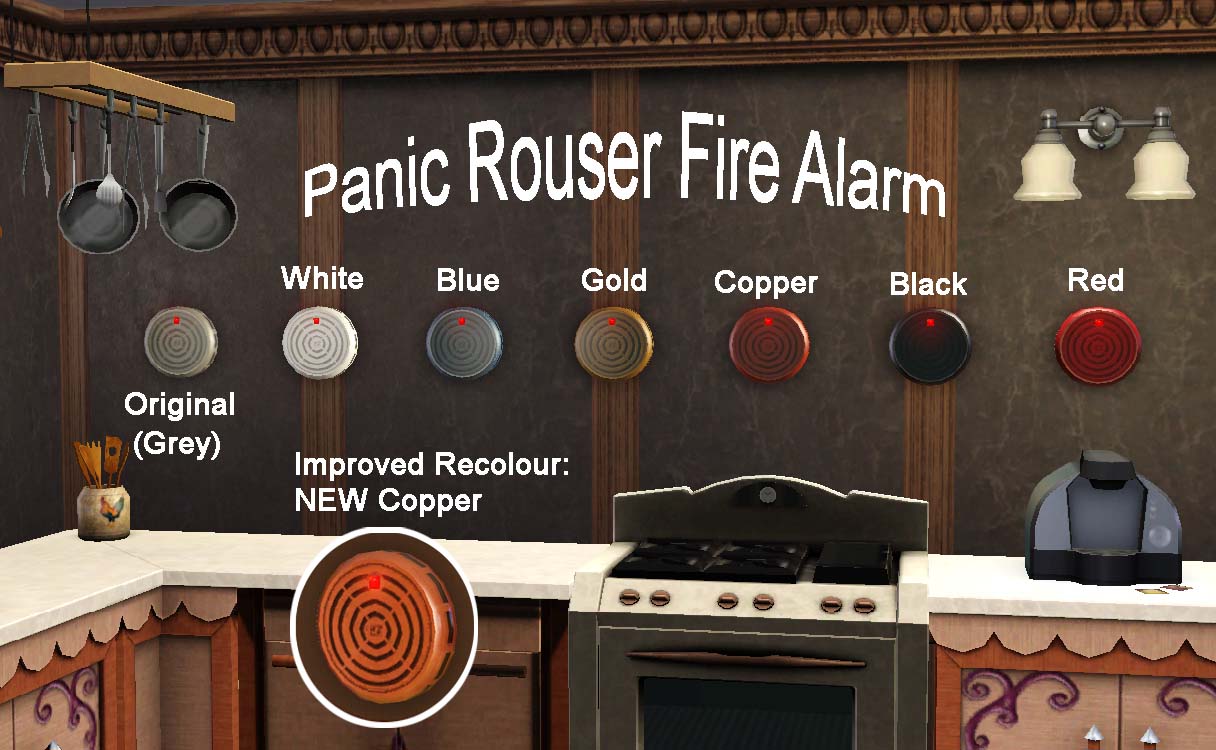
The recolours will fit perfectly to the interiour of your Sims' houses and they all have a shiny metallic look. My little counterpart Sim tested all the recolours of the fire alarm extensively in game (see last picture)...
The recolours don't replace the original and they all show up with their own thumbnail pictures.
You'll find the recolours next to the original "Panic Rouser Fire Alarm" in game in the buy category > electronics > misc. electronics and the price for the fire alarm is 100 $imoleons (same for original and all recolours).
Enjoy the new colours![/CENTER]
Additional Credits:
Peter and Inge Jones for S3PE and S3OC Xanathon for writing the Tutorial: Clone A Painting and change the Texture [...]
|
PanicRouserFireAlarm_fixed_RED.rar
| Fixed colour name of the red package. This package is also included in "PanicRouserFireAlarm_6recolours.rar" so please only download this file if you need the fixed red package. Thank you!
Download
Uploaded: 18th Oct 2009, 450.3 KB.
1,571 downloads.
|
||||||||
|
PanicRouserFireAlarm_New_Copper.rar
| Improved New Copper Recolour of the "Panic Rouser Fire Alarm" - NOT included in "PanicRouserFireAlarm_6recolurs.rar" !!!
Download
Uploaded: 18th Oct 2009, 450.1 KB.
2,072 downloads.
|
||||||||
|
PanicRouserFireAlarm_6recolours.rar
| This package includes 6 recolours: black, blue, white, gold, red (fixed), copper (old version) - please download the new copper package seperately!
Download
Uploaded: 18th Oct 2009, 2.63 MB.
3,515 downloads.
|
||||||||
| For a detailed look at individual files, see the Information tab. | ||||||||
Install Instructions
1. Click the download button, or the filename, to download the file to your computer.
2. Extract the zip, rar, or 7z file. Now you will have either a .package or a .sims3pack file.
For Package files:
1. Cut and paste the file into your Documents\Electronic Arts\The Sims 3\Mods\Packages folder. If you do not already have this folder, you should read the full guide to Package files first: Sims 3:Installing Package Fileswiki, so you can make sure your game is fully patched and you have the correct Resource.cfg file.
2. Run the game, and find your content where the creator said it would be (build mode, buy mode, Create-a-Sim, etc.).
For Sims3Pack files:
1. Cut and paste it into your Documents\Electronic Arts\The Sims 3\Downloads folder. If you do not have this folder yet, it is recommended that you open the game and then close it again so that this folder will be automatically created. Then you can place the .sims3pack into your Downloads folder.
2. Load the game's Launcher, and click on the Downloads tab. Find the item in the list and tick the box beside it. Then press the Install button below the list.
3. Wait for the installer to load, and it will install the content to the game. You will get a message letting you know when it's done.
4. Run the game, and find your content where the creator said it would be (build mode, buy mode, Create-a-Sim, etc.).
Extracting from RAR, ZIP, or 7z: You will need a special program for this. For Windows, we recommend 7-Zip and for Mac OSX, we recommend Keka. Both are free and safe to use.
Need more help?
If you need more info, see:
- For package files: Sims 3:Installing Package Fileswiki
- For Sims3pack files: Game Help:Installing TS3 Packswiki
Loading comments, please wait...



Uploaded: 15th Oct 2009 at 8:00 PM
Updated: 17th Jun 2012 at 12:05 PM - Outdated due to availability of a CASTable version made by CyberBob78
-

-
Black Recolour of the Annoying Yellowish Alarm Clock
by damnedcitizen 18th Aug 2009 at 4:57pm
 7
11.5k
16
7
11.5k
16
-
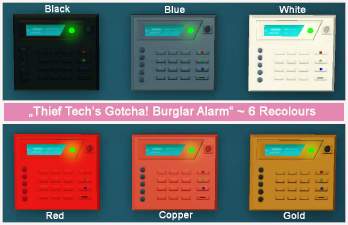
**Outdated**: 6 Recolours of the "Thief Tech's Gotcha! Burglar Alarm"
by Yogi-Tea 15th Oct 2009 at 7:37pm
16
28.2k
17
-
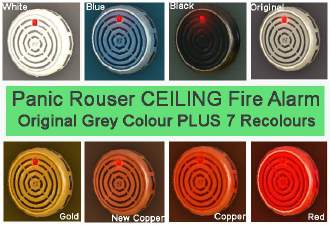
**Outdated**: 8 Recolours of the "Panic Rouser CEILING Fire Alarm"
by Yogi-Tea 17th Oct 2009 at 2:04pm
23
26.6k
18
-
-
by Eaglescout06 15th Sep 2011 at 11:57pm
+1 packs
38 85k 135 Ambitions
-
Light My Fire - Ye Olde Kingdom of Pudding
by The Merrye Makers 29th Feb 2012 at 11:50am
22
48.9k
115
-
by simsgal2227 9th Jan 2016 at 3:53am
+5 packs
1 11.4k 22 High-End Loft Stuff
Ambitions
High-End Loft Stuff
Ambitions
 Late Night
 Showtime
 Into the Future
-

-
by RagdollVioletNeko 3rd Jun 2025 at 3:52am
+4 packs
842 Ambitions
Late Night
 Generations
 Pets
Pets


-


The Country Fashion Boutique & Residential Home
by Yogi-Tea 20th Oct 2010 at 2:33pm
"Country Fashion Boutique & Residential Home" If your sim is lazy like a bone and doesn't want to go more...
+2 packs
9 19.2k 17 World Adventures
Ambitions
World Adventures
Ambitions
-
The Simpsons House - 742 Evergreen Terrace, Springfield
by Yogi-Tea 10th Jun 2010 at 3:15pm
Fully furnished with 30 pictures and linked Simpsons staircase included. more...
+1 packs
61 101.4k 61 World Adventures
-
The Extraterrestrial Villa Lunar (No CC)
by Yogi-Tea 28th Feb 2012 at 3:34pm
Got stranded on a strange alien planet? Don't panik! We have the appropriate house for you. more...
+2 packs
7 19k 23 World Adventures
Generations
-
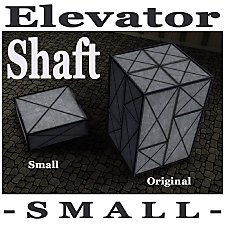
Elevator Shaft for Levels with lower Walls
by Yogi-Tea 7th Jan 2012 at 12:45pm
If the original elevator shaft is too big you can use this smaller version to connect two floors. more...
+1 packs
50 66.7k 163 Late Night
-
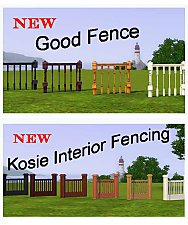

2 hidden fences for the fence category - "Good Fence" & "Kosie Interior Fencing"
by Yogi-Tea updated 25th Apr 2010 at 2:08pm
*Edit (2012-03-01): All Files are still working fine in game - tested with game version 11.0.84.014017 - please choose the more...
29
52.1k
65
-
Santa's Secret Village - Consignment Store Community Lot with Tomb
by Yogi-Tea 19th Dec 2011 at 3:31pm
Discover Santa's Secret Village, go there for your Christmas Shopping and find the hidden rooms where Santa's Little Helpers live. more...
+4 packs
13 32.6k 42 World Adventures
Ambitions
Late Night
Pets
-
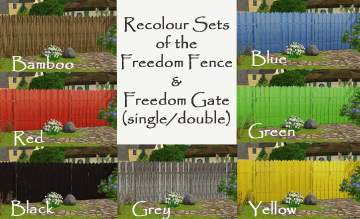
**Outdated**: 7 new Recolours of the "Freedom Fence" (with matching "Freedom Gates" included)
by Yogi-Tea 9th Sep 2009 at 5:14pm
*Edit (2012-03-01): Both the Freedom Fence and the Freedom Gates are now CASTable in Game, therefore you do no longer more...
13
22.6k
17
-
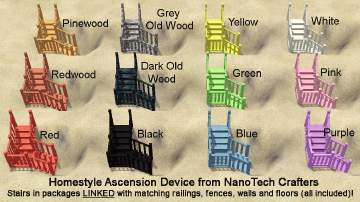
**Outdated**: Set of 12 Stair Recolours *linked* with matching Railings, Fences, Walls and Floors
by Yogi-Tea updated 21st Sep 2009 at 7:39pm
*Edit (2012-03-01): The Original Files of the Stairs, Railings and Fences are now CASTable in Game, therefore you do no more...
28
52.4k
39
-
-
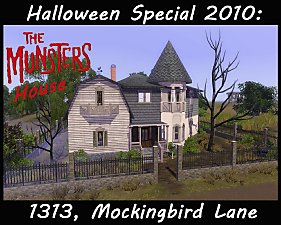
Halloween Special 2010: The Munsters House
by Yogi-Tea 29th Oct 2010 at 4:17pm
Sharpen your knives and get your pumpkins ready. more...
+2 packs
8 30.1k 35 World Adventures
Ambitions


About Me
If you are seeking help, please ask in the Help Forum or elsewhere. I won't be able to respond to PMs. Sorry. :-(