Sign in to Mod The Sims
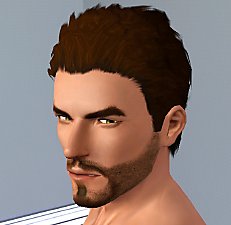
 Men's "Fierce Flow" Hair - Teen to Elder
 Men's "Fierce Flow" Hair - Teen to Elder


Screenshot-329.jpg - width=656 height=964
Screenshot-330.jpg - width=761 height=941
Screenshot-331.jpg - width=630 height=844
Screenshot-332.jpg - width=611 height=861
Screenshot-333.jpg - width=885 height=919
Screenshot-334.jpg - width=727 height=1024
Screenshot-335.jpg - width=761 height=903


First off, I want to thank HystericalParoxysm for her outstanding tutorial! I couldn't of done it without her!
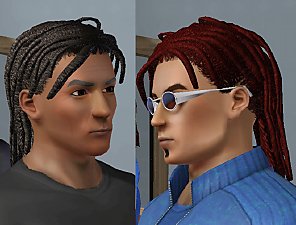
Now about the hair.It is actually originally from Sims 2 Bon Voyage, the big foot, but modified as you can see. Of course it's not as good as any of HP's hairs, but it is still a pretty good looking hair for men! It is recolorable for all parts, and is only available for ages Teen, Young Adult, Adult and Elder. I like this hair because it looks sharp yet smooth at the same time, creating a nice transition look for men. Hope you enjoy this as much as I do! Thanks!
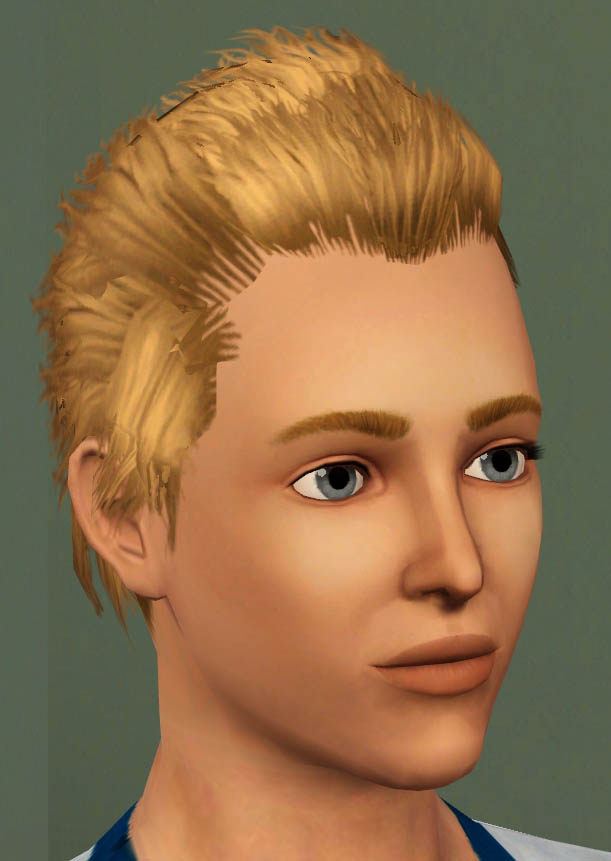
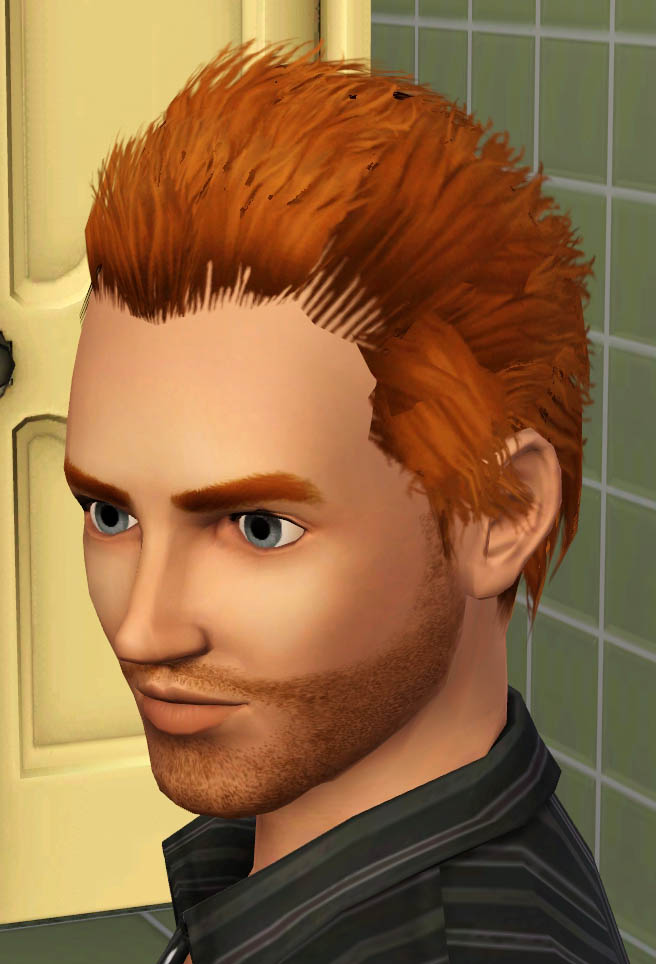
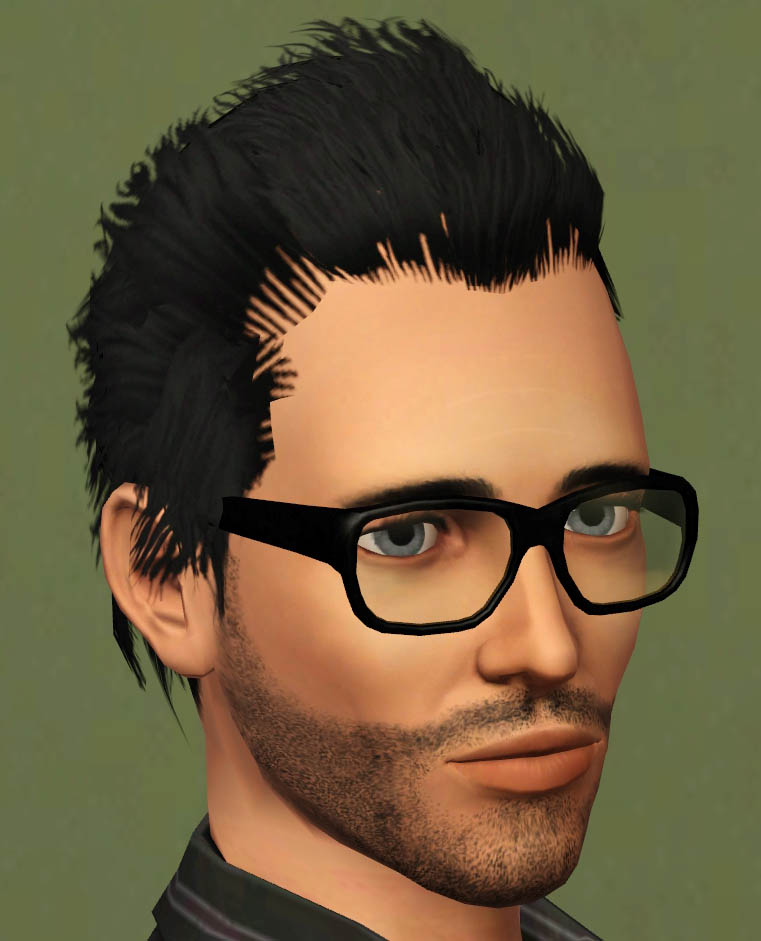
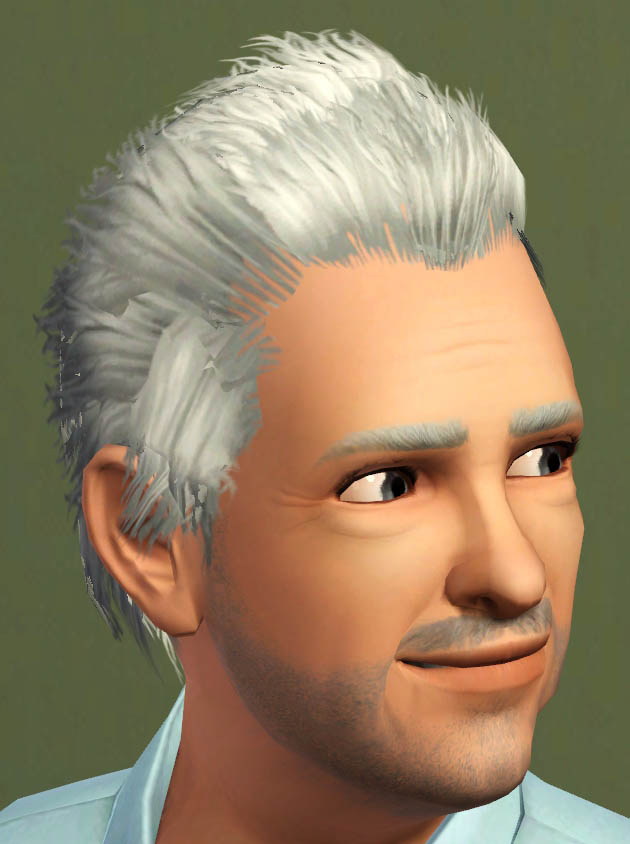
Polygon Counts:
Faces: 2,576, Vertices: 2,886
Additional Credits:
HystericalParoxysm, Delphy, WesHowe, demon432, Inge, PeterJones, and EA for base mesh.
This is a new mesh, and means that it's a brand new self contained object that usually does not require a specific Pack (although this is possible depending on the type). It may have Recolours hosted on MTS - check below for more information.
|
F-P Fierce Flow Male Hair.zip
Download
Uploaded: 19th Oct 2009, 1.32 MB.
51,929 downloads.
|
||||||||
| For a detailed look at individual files, see the Information tab. | ||||||||
Install Instructions
1. Click the download button, or the filename, to download the file to your computer.
2. Extract the zip, rar, or 7z file. Now you will have either a .package or a .sims3pack file.
For Package files:
1. Cut and paste the file into your Documents\Electronic Arts\The Sims 3\Mods\Packages folder. If you do not already have this folder, you should read the full guide to Package files first: Sims 3:Installing Package Fileswiki, so you can make sure your game is fully patched and you have the correct Resource.cfg file.
2. Run the game, and find your content where the creator said it would be (build mode, buy mode, Create-a-Sim, etc.).
For Sims3Pack files:
1. Cut and paste it into your Documents\Electronic Arts\The Sims 3\Downloads folder. If you do not have this folder yet, it is recommended that you open the game and then close it again so that this folder will be automatically created. Then you can place the .sims3pack into your Downloads folder.
2. Load the game's Launcher, and click on the Downloads tab. Find the item in the list and tick the box beside it. Then press the Install button below the list.
3. Wait for the installer to load, and it will install the content to the game. You will get a message letting you know when it's done.
4. Run the game, and find your content where the creator said it would be (build mode, buy mode, Create-a-Sim, etc.).
Extracting from RAR, ZIP, or 7z: You will need a special program for this. For Windows, we recommend 7-Zip and for Mac OSX, we recommend Keka. Both are free and safe to use.
Need more help?
If you need more info, see:
- For package files: Sims 3:Installing Package Fileswiki
- For Sims3pack files: Game Help:Installing TS3 Packswiki
Loading comments, please wait...



Uploaded: 19th Oct 2009 at 5:21 PM
Updated: 19th Oct 2009 at 7:54 PM
-
-
by skeletalscreams 17th Nov 2009 at 4:40pm
 22
164.9k
180
22
164.9k
180
Hair » Female » Young Adult
-
-
-
-
Sims 2 Plantsim Hair for Male and Female, Teen to Elder
by Esmeralda 6th May 2011 at 12:25pm
47
67.5k
184
-
-
CoolSims 74~ Re-retextured for Teen to Adult
by Eternila 26th Jul 2012 at 7:24pm
70
264.5k
896
Hair » Female » Young Adult
-
-
by Onebeld 14th Feb 2022 at 11:54am
5
8.3k
21
Hair » Female » Young Adult

-
-
by Fresh-Prince 17th Feb 2008 at 10:36pm
I absolutely love this car! more...
 +1 packs
37 65k 93
+1 packs
37 65k 93 Nightlife
-
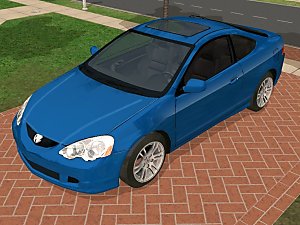
by Fresh-Prince 19th Jun 2008 at 11:30pm
This is a cool, sporty car for your young sims! Enjoy! more...
+1 packs
24 56.7k 77 Nightlife
-
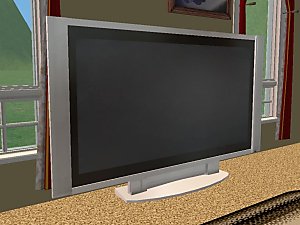
Hitachi UltraVision 55'' Plasma TV
by Fresh-Prince 13th Jul 2006 at 1:36pm
This is a brand new Hitachi UltraVision 55'' Plasma TV! more...
43
120.1k
99
-
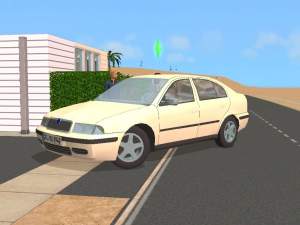
by Fresh-Prince 28th Jun 2006 at 12:48am
Note: Click on front lights to select the vehicle. All comments welcome and enjoy the skoda octavia. more...
+1 packs
8 29.5k 15 Nightlife
-
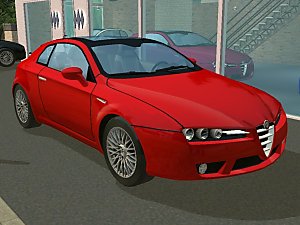
by Fresh-Prince 7th Jan 2008 at 12:50am
*Recolors in Seperate Package* Well, another new car, and I love this one! more...
+1 packs
56 94.3k 89 Nightlife
-
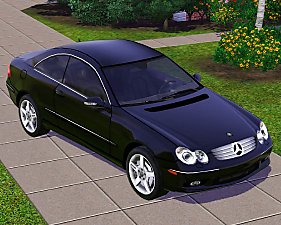
by Fresh-Prince 2nd Sep 2009 at 12:24am
Finally a classy Mercedes for your simmies! more...
64
165.4k
127
-
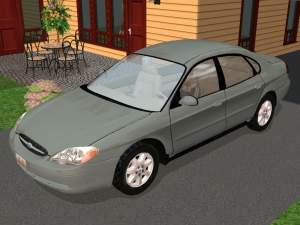
by Fresh-Prince 25th Aug 2007 at 2:30am
Sorry for not making a car in a while, been busy and out of the house. more...
+1 packs
38 33.9k 40 Nightlife
-
-