
 Sign in to Mod The Sims
 Half Walls, Seriously - Updated 24th Dec
 Half Walls, Seriously - Updated 24th Dec


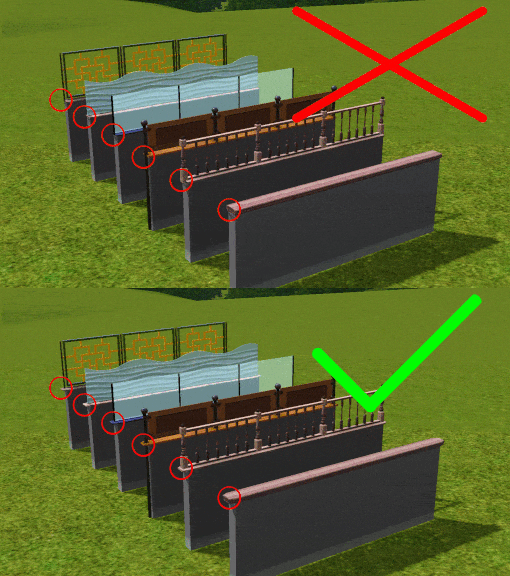
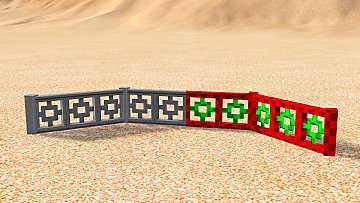
fences.jpg - width=800 height=473
size.jpg - width=800 height=454
Screenshot-57.jpg - width=800 height=499
Screenshot-58.jpg - width=800 height=499
Screenshot-59.jpg - width=800 height=499

animation.gif - width=425 height=265
display.jpg - width=640 height=640
location.png - width=245 height=71

Description
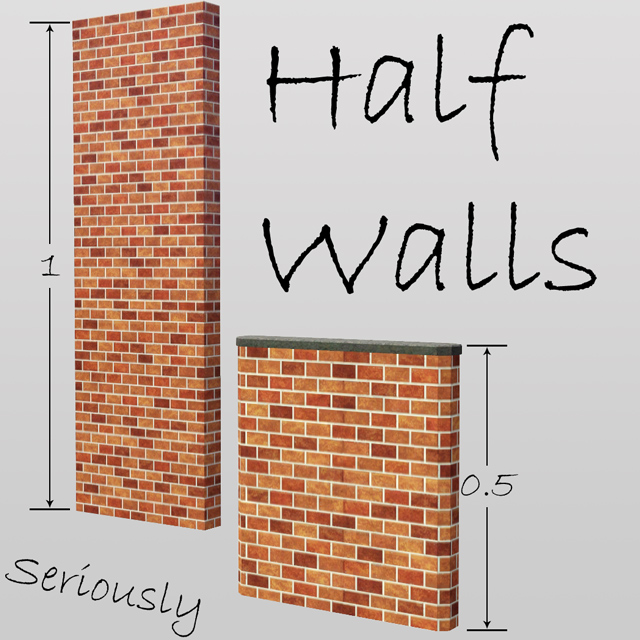
Why? WHY!? Why did EA leave this out of the game? This has frustrated me since day one of The Sims 3, if you want something done right, you have to do it yourself, so that's exactly what I did, and of course shared with you guys
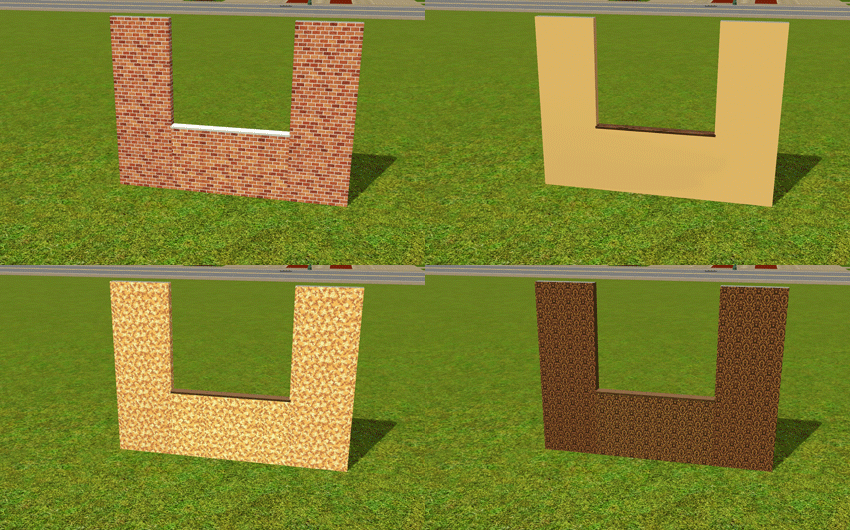
 . The half wall acts like an ordinary fence in The Sims 3, it is a fully Castable fence, so you will need to latest patches for your game if you don't own World Adventures (but please note: World Adventures is NOT required for this). The railing and wall itself are two seperate recolorable parts so you can make it match virtually any existing wall you have. It is also great with counters, it fits all the game ones perfectly so there is no chopping on anything of that nature . I guess that's all I need to tell you, enjoy!
 (6.12.09) PLUS I brightened and re-sized the texture to fit very well with all patterns! (24.12.09) PLUS I have run this package through Delphy's Blue Lot Fixer and patched up this package making sure it never causes any problems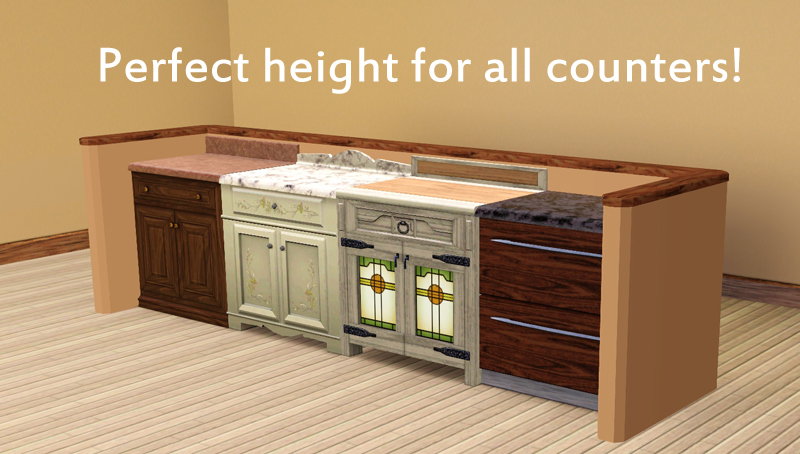
Object Info
Item Name: Half Wall
Price: $35
Recolorable Channels: 2
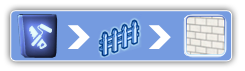
Location:
Polygon Counts:
Faces: 198
Vertices: 350
Required:
Patch 1.7.9 OR World Adventures 2.2.8
Update
Sorry to keep flip-flopping on you guys, but I'm back to using the .package file for this content, but please do note that a .sims3pack version of this is available at my website (thesimsupply.com).
Even though I'm back to .package it is the exact same content, just with a different in game thumbnail, it does the same thing and looks exactly the same, so don't be afraid
Created using TSR Workshop
This is a new mesh, and means that it's a brand new self contained object that usually does not require a specific Pack (although this is possible depending on the type). It may have Recolours hosted on MTS - check below for more information.
|
Half Wall.zip
Download
Uploaded: 3rd Dec 2009, 154.1 KB.
66,215 downloads.
|
||||||||
| For a detailed look at individual files, see the Information tab. | ||||||||
Install Instructions
1. Click the download button, or the filename, to download the file to your computer.
2. Extract the zip, rar, or 7z file. Now you will have either a .package or a .sims3pack file.
For Package files:
1. Cut and paste the file into your Documents\Electronic Arts\The Sims 3\Mods\Packages folder. If you do not already have this folder, you should read the full guide to Package files first: Sims 3:Installing Package Fileswiki, so you can make sure your game is fully patched and you have the correct Resource.cfg file.
2. Run the game, and find your content where the creator said it would be (build mode, buy mode, Create-a-Sim, etc.).
For Sims3Pack files:
1. Cut and paste it into your Documents\Electronic Arts\The Sims 3\Downloads folder. If you do not have this folder yet, it is recommended that you open the game and then close it again so that this folder will be automatically created. Then you can place the .sims3pack into your Downloads folder.
2. Load the game's Launcher, and click on the Downloads tab. Find the item in the list and tick the box beside it. Then press the Install button below the list.
3. Wait for the installer to load, and it will install the content to the game. You will get a message letting you know when it's done.
4. Run the game, and find your content where the creator said it would be (build mode, buy mode, Create-a-Sim, etc.).
Extracting from RAR, ZIP, or 7z: You will need a special program for this. For Windows, we recommend 7-Zip and for Mac OSX, we recommend Keka. Both are free and safe to use.
Need more help?
If you need more info, see:
- For package files: Sims 3:Installing Package Fileswiki
- For Sims3pack files: Game Help:Installing TS3 Packswiki
Loading comments, please wait...



Uploaded: 3rd Dec 2009 at 8:58 PM
Updated: 12th Apr 2010 at 4:16 AM
-
by Black0rchid 10th Oct 2009 at 12:55pm
 31
42.2k
67
31
42.2k
67
-
by Morphead 27th Sep 2010 at 7:15pm
21
53.4k
89
-
by Morphead 14th Sep 2011 at 10:42pm
31
108.9k
266
-
by Jezi Bomb 10th Mar 2014 at 11:49pm
51
38.8k
161
-
-
by simsi45 29th Oct 2020 at 5:56pm
20
15.7k
84
-
by CircusWolf 19th Aug 2021 at 8:10pm
5
9.3k
30
-
by CircusWolf 25th May 2022 at 5:29am
+1 packs
1 5.6k 16 Supernatural
-
by CircusWolf 28th May 2022 at 11:39pm
3
3.4k
18
-


-
Flabaliki Classics - Seaside Getaway
by Flabaliki 29th Jun 2006 at 8:45am
Take a family of four to this lovely seaside getaway and enjoy the summer breeze, i sugest you don't got more...
 +3 packs
1 3.9k
+3 packs
1 3.9k University
 Nightlife
 Open for Business
-
18 Rhondal Drive - Starter Home Series
by Flabaliki 13th Apr 2008 at 1:45pm
---------18 Rhondal Drive--------- Flabaliki, 13th April '08 Only Custom Content by Me & Only Requires Nightlife more...
+1 packs
10 14k 14 Nightlife
-
-
-


-
-


-
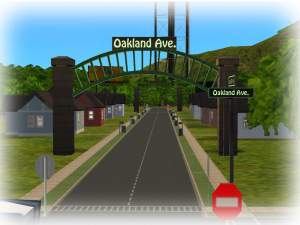
The Oakland Avenue Project - 10 Starters for Cheapskates
by Flabaliki 13th Jan 2008 at 4:18am
----------OAKLAND AVENUE PROJECT--------- Flabaliki, 13th January '08 No Custom Content & Nightlife Only more...
+1 packs
9 12.1k 15 Nightlife
-
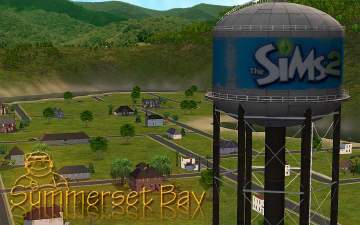
SC4 Neighborhood: Summerset Bay
by Flabaliki 4th Apr 2008 at 11:10am
---------SUMMERSET BAY--------- Flabaliki, 4th April '08 Image - Note click the image to enlarge it. more...
13
27.5k
18
-
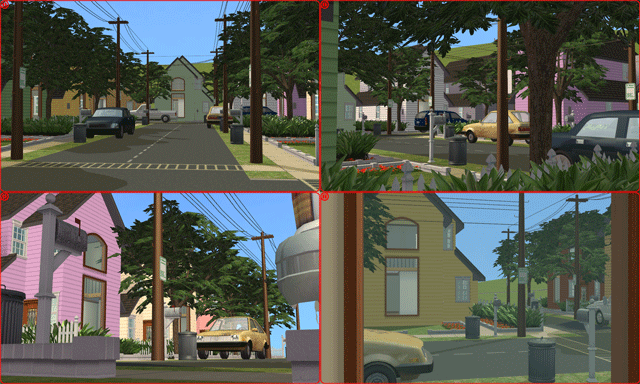

Movie Set Collection Part 1 - Suburban Street
by Flabaliki 4th Oct 2007 at 2:54pm
The idea of the collection of residential lots is for those who love to make movies but cannot create the more...
+10 packs
16 17.3k 38 Family Fun
University
Family Fun
University
 Glamour Life
Nightlife
Glamour Life
Nightlife
 Celebration
Open for Business
Celebration
Open for Business
 Pets
Pets
 H&M Fashion
 Seasons
 Bon Voyage


