
 Sign in to Mod The Sims
 Medieval Living Room Set - Sims 2 Conversion
 Medieval Living Room Set - Sims 2 Conversion


Household pic.jpg - width=753 height=526
Main pic.jpg - width=798 height=497
Relaxing.jpg - width=858 height=432
Loveseat.jpg - width=651 height=648
Loveseat CaST.jpg - width=965 height=396
cuddle_on_a_loveseat.jpg - width=679 height=562
loveseat_snooze.jpg - width=824 height=482
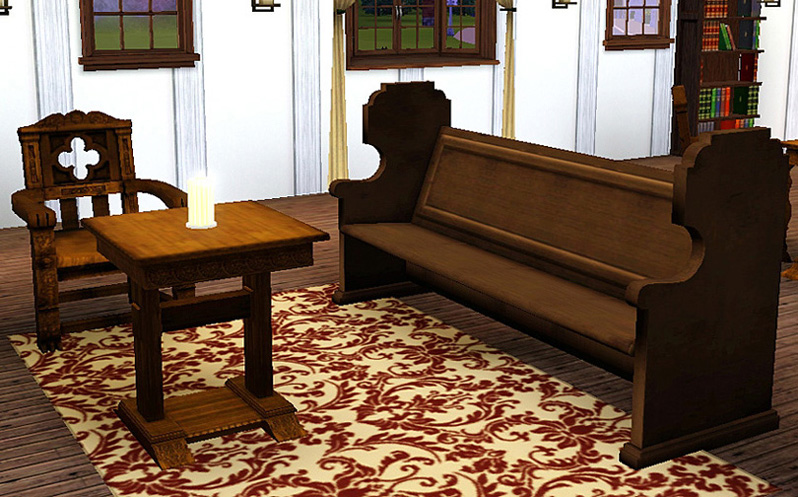
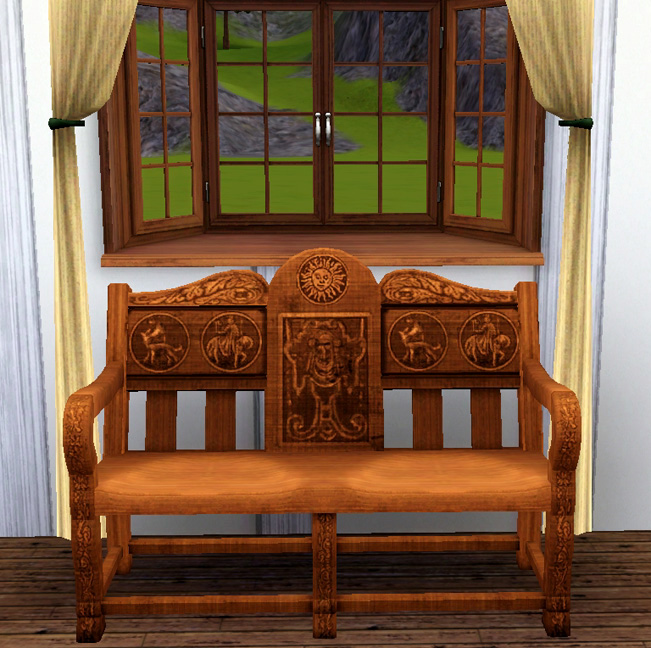
The items will be found as follows:
Sofa: Living Room, Sofas & Loveseats. Cost: 750 simoleons
Chair: Living Room, Living Chairs. Cost: 500 simoleons
End Table: Surfaces, End Tables. Cost: 245 simoleons
Loveseat:: Living Room, Sofas & Loveseats. Cost: 725 simoleons.
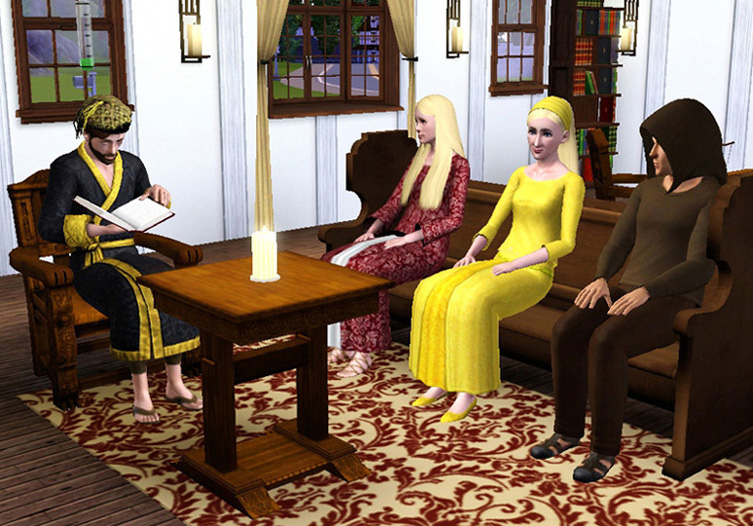
Very cozy for a relaxing medieval living room:
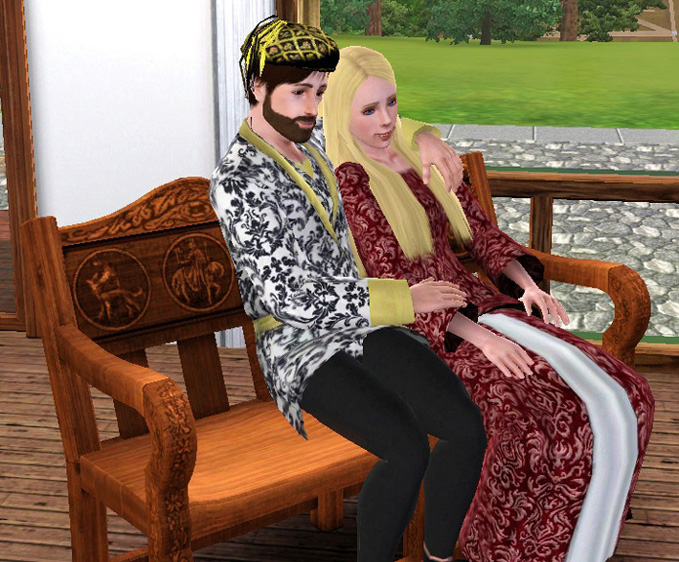
And for cuddling on the loveseat:
Note: For some reason, both of my sets of medieval furniture show two recolourable channels in CaST - there is actually just one channel, the top one. Please disregard the other 'phantom' one.
Thank you for looking and I hope ye olde medieval simmies will like these.
INSTALL INSTRUCTIONS:
Unzip the .zip files, and copy the .package files to your Mods\Packages folder. If you don't have a Mods\Packages folder and/or don't know how to install .package files, please see full instructions here: http://www.modthesims.info/wiki.php...g_Package_Files
Polygon Counts:
Chair: 1524
End Table: 1102
Sofa: 1390
Loveseat: 1522
Additional Credits:
Made with s3pe, S3OC and Sims 3 Object Tool.
This is a new mesh, and means that it's a brand new self contained object that usually does not require a specific Pack (although this is possible depending on the type). It may have Recolours hosted on MTS - check below for more information.
|
Esmeralda_LoveseatMedievalTS2.zip
| For Pets/patch 1.26 upwards, NOT backwards compatible. Contains the Loveseat.
Download
Uploaded: 30th May 2016, 1.05 MB.
4,566 downloads.
|
||||||||
|
EsmeraldaF_PETSMedievalSofaArmchair+EndTable.zip
| For Pets/patch 1.26 upwards, NOT backwards compatible. Contains Sofa, Armchair and End table.
Download
Uploaded: 19th Oct 2011, 2.02 MB.
10,521 downloads.
|
||||||||
| For a detailed look at individual files, see the Information tab. | ||||||||
Install Instructions
1. Click the download button, or the filename, to download the file to your computer.
2. Extract the zip, rar, or 7z file. Now you will have either a .package or a .sims3pack file.
For Package files:
1. Cut and paste the file into your Documents\Electronic Arts\The Sims 3\Mods\Packages folder. If you do not already have this folder, you should read the full guide to Package files first: Sims 3:Installing Package Fileswiki, so you can make sure your game is fully patched and you have the correct Resource.cfg file.
2. Run the game, and find your content where the creator said it would be (build mode, buy mode, Create-a-Sim, etc.).
For Sims3Pack files:
1. Cut and paste it into your Documents\Electronic Arts\The Sims 3\Downloads folder. If you do not have this folder yet, it is recommended that you open the game and then close it again so that this folder will be automatically created. Then you can place the .sims3pack into your Downloads folder.
2. Load the game's Launcher, and click on the Downloads tab. Find the item in the list and tick the box beside it. Then press the Install button below the list.
3. Wait for the installer to load, and it will install the content to the game. You will get a message letting you know when it's done.
4. Run the game, and find your content where the creator said it would be (build mode, buy mode, Create-a-Sim, etc.).
Extracting from RAR, ZIP, or 7z: You will need a special program for this. For Windows, we recommend 7-Zip and for Mac OSX, we recommend Keka. Both are free and safe to use.
Need more help?
If you need more info, see:
- For package files: Sims 3:Installing Package Fileswiki
- For Sims3pack files: Game Help:Installing TS3 Packswiki
Loading comments, please wait...

Uploaded: 26th Mar 2010 at 4:36 PM
Updated: 30th May 2016 at 7:15 PM - Added loveseat from separate upload
#medieval challenge, #chair, #sofa, #table
-
-
-
-
-
Medieval Dining Table and Chairs - Sims 2 Conversion
by Esmeralda updated 20th Oct 2011 at 6:09pm
-
-
Living Room in Exquisite by PMA Housing Options
by Morphead 1st Sep 2010 at 6:54pm
-
(TS2 to TS3-ish) Ikea EKTORP Living Room Set
by HystericalParoxysm 1st Jan 2011 at 10:33pm
-
-
Lord Milton Roundbottom’s Non-Polygonal Parlor Set, Part I
by kithri 28th Jul 2012 at 4:59am


-
Lots of Bots - 21 Colourful Servo Overrides
by Esmeralda updated 19th Jan 2020 at 2:10pm
3 sets of 7 outfit overrides for the 7 default recolour choices for the Discover University servos more...
 +1 packs
35 40.9k 66
+1 packs
35 40.9k 66 Discover University
-
-

Small Round Glasses and Shades
by Esmeralda updated 24th Jan 2015 at 10:55am
Small Round Glasses and Shades - TS4 Version more...
13
60.8k
157
-
Alternative Microphone + Stand (Mirror Functions)
by Esmeralda 14th Aug 2015 at 4:21pm
Alternative Microphone + Stand (Mirror Functions) more...
14
38.1k
63
-
-
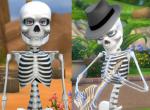
Mr Skeleto *BIG update: Body stays on when nude, can wear hats
by Esmeralda updated 22nd Jun 2018 at 4:35pm
Mr Skeleto (TS4 Version) more...
24
46k
95
Sims » Horror / Gothic » Male
-
Glowing Eyes for Men and Women, Teen to Elder
by Esmeralda 19th Mar 2010 at 12:12am
Here is a set of white glowing eyes for your cyborg or alien simmies. more...
-
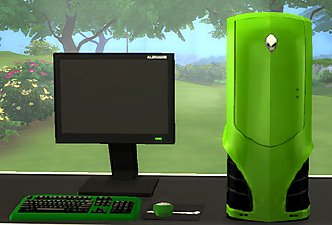
MaxoidMonkey's Alienware PC - TS4 Version
by Esmeralda updated 9th Mar 2015 at 2:07pm
MaxoidMonkey's Alienware PC - TS4 Version more...
37
46.9k
202
-
Small Round Glasses & Shades *UPDATE* Recolourable Lenses
by Esmeralda updated 10th Aug 2012 at 3:49pm
2 'Scholarly' Glasses: 7-Sided 'Beckett' Glasses and Small Round Glasses - Teen-Elder more...
 31
76.3k
136
31
76.3k
136
-
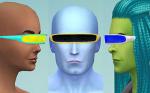
Cyborg Visor (TS4 Version) - Updated January 23 2015: Intel bugfix, 5 new colours
by Esmeralda updated 23rd Jan 2015 at 11:24am
Cyborg Visor (TS4 Version) more...
10
18.6k
52


About Me
MY POLICY: I'm easygoing, please just don't copy my creations or claim them to be your own work. You may include my creations with your sims or lots, just credit me with a link back to the item.