
 Sign in to Mod The Sims
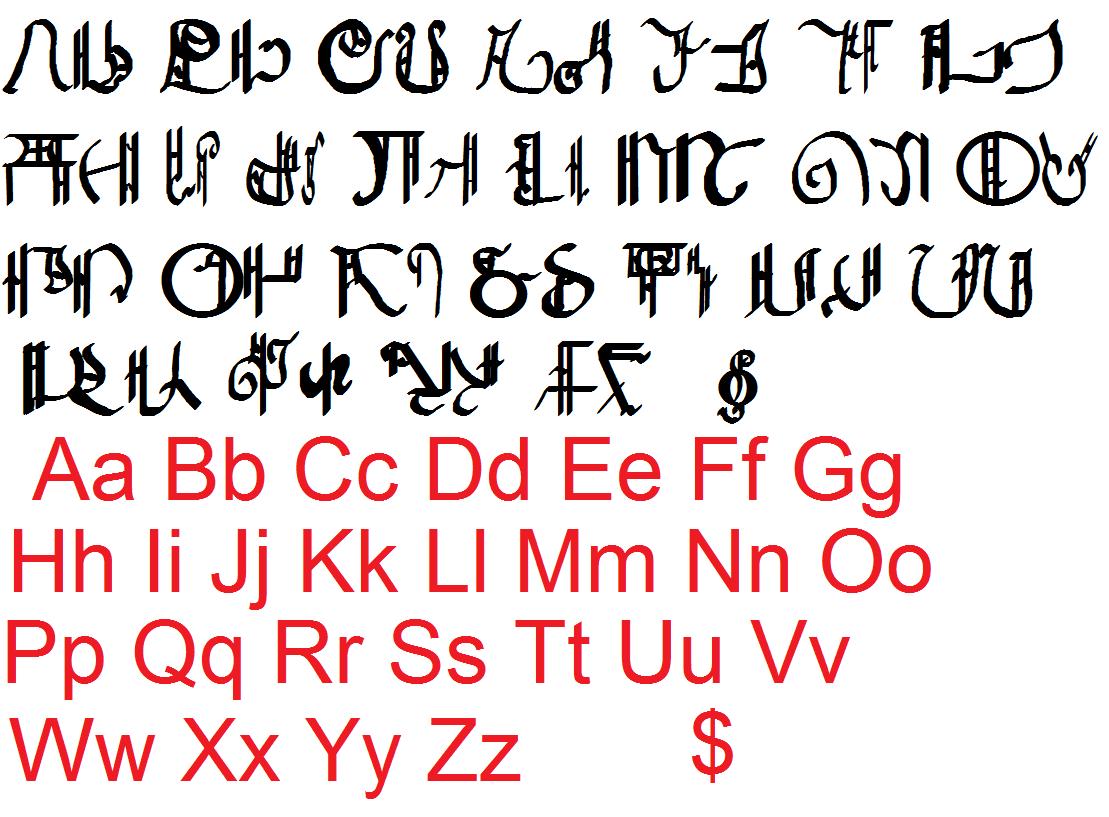
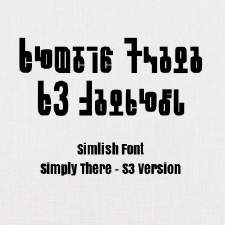
 Inkwell Calligraphy (Medieval) Simlish
 Inkwell Calligraphy (Medieval) Simlish


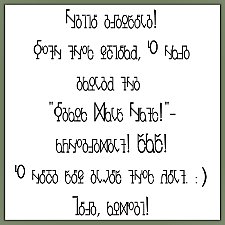
Font.jpg - width=1109 height=817
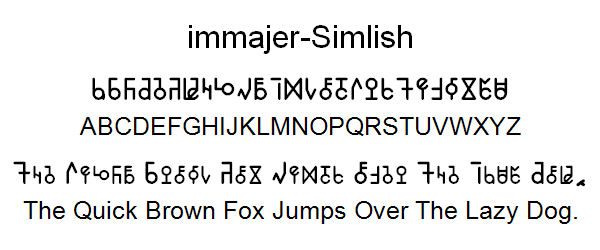
Example.jpg - width=1109 height=238
Custom Install:
Any font you will ever download goes in this directory in windows:
Computer:/C:/Windows:/Fonts
In Mac OS X the Installation is like this:
In Mac OS X, you can install fonts at any time without restarting your computer, but they may not be available in running applications until you restart those applications. To install fonts:
1. Expand any compressed fonts packages.
2. Double-click the icon of the font file you want to install. The Font Book will open and display the font so you can preview it.
3. By default, the application installs the font in the Library folder of your home directory, making it available only to you. To make it available to all users on the computer, from the Font Book menu, select Preferences... , and then change the "Default Install Location:" from User to Computer.
4. Click Install Font.

Additional Credits:
High Logic Font Creator
Gimp
SIMale at insimenator.org (for comparison)
|
SimlishMedieval.zip
Download
Uploaded: 5th Apr 2010, 28.1 KB.
2,945 downloads.
|
||||||||
| For a detailed look at individual files, see the Information tab. | ||||||||
Install Instructions
1. Click the download button, or the filename, to download the file to your computer.
2. Extract the zip, rar, or 7z file. Now you will have either a .package or a .sims3pack file.
For Package files:
1. Cut and paste the file into your Documents\Electronic Arts\The Sims 3\Mods\Packages folder. If you do not already have this folder, you should read the full guide to Package files first: Sims 3:Installing Package Fileswiki, so you can make sure your game is fully patched and you have the correct Resource.cfg file.
2. Run the game, and find your content where the creator said it would be (build mode, buy mode, Create-a-Sim, etc.).
For Sims3Pack files:
1. Cut and paste it into your Documents\Electronic Arts\The Sims 3\Downloads folder. If you do not have this folder yet, it is recommended that you open the game and then close it again so that this folder will be automatically created. Then you can place the .sims3pack into your Downloads folder.
2. Load the game's Launcher, and click on the Downloads tab. Find the item in the list and tick the box beside it. Then press the Install button below the list.
3. Wait for the installer to load, and it will install the content to the game. You will get a message letting you know when it's done.
4. Run the game, and find your content where the creator said it would be (build mode, buy mode, Create-a-Sim, etc.).
Extracting from RAR, ZIP, or 7z: You will need a special program for this. For Windows, we recommend 7-Zip and for Mac OSX, we recommend Keka. Both are free and safe to use.
Need more help?
If you need more info, see:
- For package files: Sims 3:Installing Package Fileswiki
- For Sims3pack files: Game Help:Installing TS3 Packswiki
Loading comments, please wait...

Uploaded: 5th Apr 2010 at 2:04 PM
-
-
-
Candle-Town Temple-District / Medieval Challenge
by candlelight82 14th Apr 2010 at 5:07pm
 +1 packs
36 79.5k 120
+1 packs
36 79.5k 120 World Adventures
-
-
-
-
by Franzilla 2nd Nov 2016 at 3:15pm
2
11.4k
16
-
-
by Just Harry updated 14th Mar 2026 at 11:56pm
258
156.2k
227
-

by LazyDuchess updated 4th Apr 2025 at 4:08am
71
159.2k
217


-
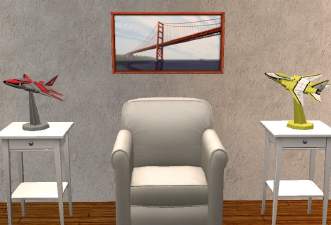

My EA Model Plane For Surfaces For Sims 2 With Recolors
by joninmobile 30th Jun 2010 at 7:06pm
Some time ago, when I was more interested in creating for Sims 3, I made an EA model plane for more...
 +1 packs
7 11.4k 11
+1 packs
7 11.4k 11 Nightlife
-
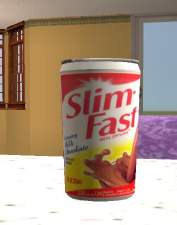
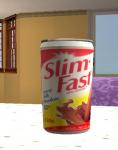
SimFast Instant Meal Default Replacements
by joninmobile 13th Aug 2009 at 7:41pm
I've made some default replacements of the Instant Meal. more...
10
20.3k
21
-
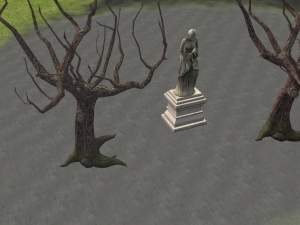
Ashes ground cover in black, grey, and white
by joninmobile 12th Feb 2008 at 9:29pm
Here is a set of ground covers of ashes for depressing,poor, or burned down lots.They come in Black,Grey,and White.I hope more...
5
7.4k
8
-
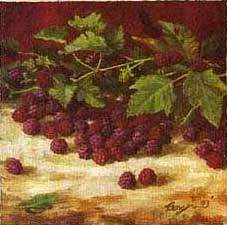
by joninmobile 19th Dec 2007 at 11:43pm
Here is a recolor of "A-Stroke" from the Nightlife expansion pack.It is a painting of a large cluster of blackberries more...
+1 packs
3 6.1k 6 Nightlife
-

"Practice" changed to "Play Chess" on all Maxis chessboards
by joninmobile 5th Mar 2010 at 12:02am
I always thought just plain ole "Practice" was kind of vague and impersonal for chess, I mean what is your more...
14
21.5k
38
-
by joninmobile 25th Oct 2007 at 5:35pm
Purple Hair with gold clasp recolor of the base game hair. more...
-
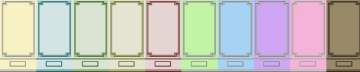

Elegance Defined Painted Walls in 10 colors
by joninmobile updated 21st Mar 2008 at 4:50am
I saw this almost perfect ad for paint in a magazine and the walls looked so beautiful, I couldnt wait more...
4
6.9k
8
-
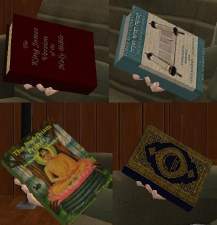
Religious Books for all major world religions, New Pie Menus
by joninmobile 22nd Jul 2010 at 5:55pm
You got to have faith! more...
+1 packs
34 35.1k 26 Free Time
-
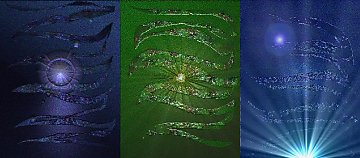

Original Art By Me Modern Art Inspired by Kate Bush Songs
by joninmobile 5th May 2009 at 6:38pm
I was there at the birth, out of the cloudburst, the head of the tempest.... more...
+1 packs
13 15.7k 16 Nightlife
-
Buyable Cool Shades Aspiration Reward
by joninmobile 3rd Feb 2009 at 12:17am
I've done a good look through of mts2.com to see if this has been done more...
2
16.9k
13


About Me
I hope you enjoy all the downloads I've brought to you over the years. It's been fun. Being a part of The Sims community has had it's ups and downs for me, but I keep on truckin' nonetheless. Lots and lots of drama, lots of pain and sorrow, but lots of laughs, and good times too. Made so many new friends over the years, and it all started by uploading to MTS way back in 2006. Have fun with my creations, that's what they're here for!
~ Jon