Sign in to Mod The Sims
 'Midnight Glow' Strapless Dress
 'Midnight Glow' Strapless Dress


StraplessDress_01.jpg - width=620 height=768
StraplessDress_02.jpg - width=620 height=768
StraplessDress_03.jpg - width=750 height=678
StraplessDress_04.jpg - width=750 height=678
StraplessDress_05.jpg - width=600 height=626

 This dress is for female YA's and adults, can be found under Everyday and Formal categories.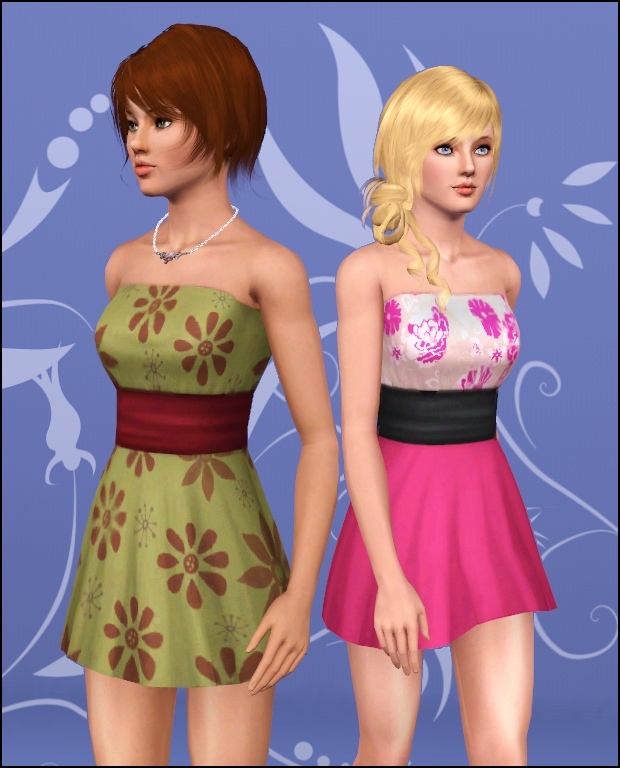
 Channels
1. Skirt
2. Top
3. Band/Belt
4. Back closure
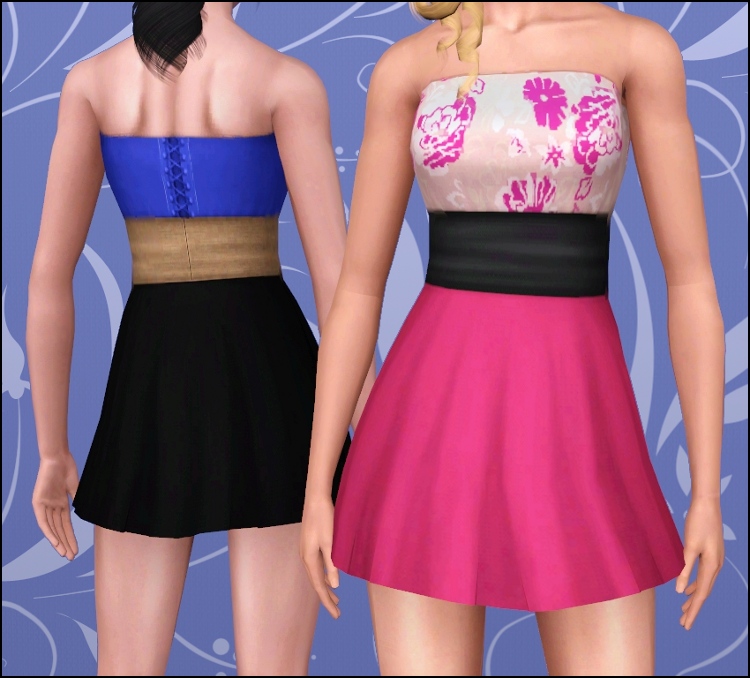
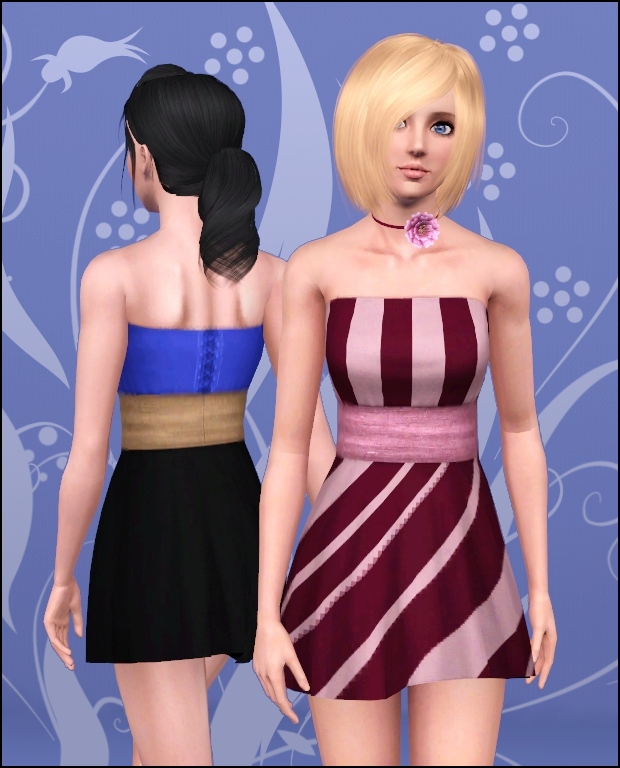
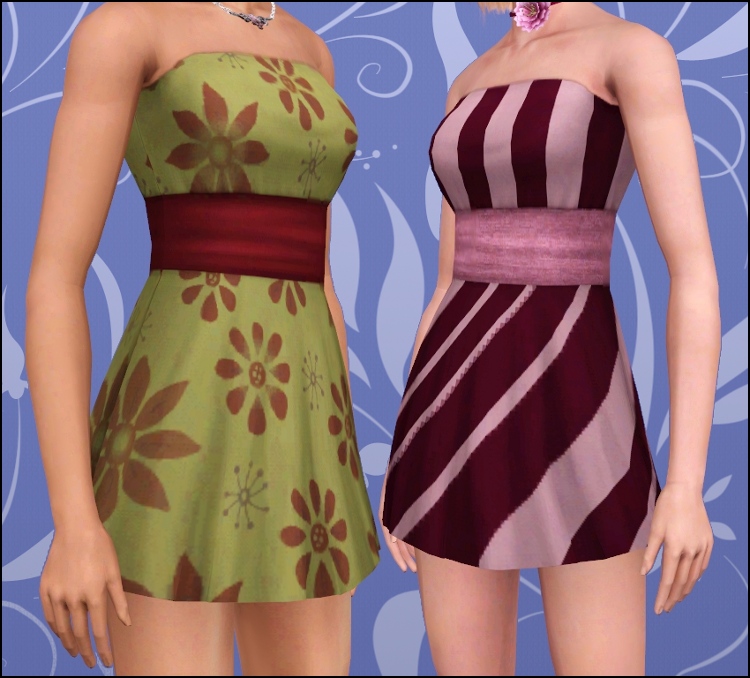
All shown desings included. Body morphs enabled (not for pregnancy) Flat example can be seen on the attached pics.
Enjoy! ^-^
Polygon Counts:
Same as original dress by EA (based on "cheerleader" dress)
Additional Credits:
Hairs by XM Sims and me.
Accessories by Lemon Leaf and Peggy
Eye replacement by Syera
Skin replacement from Club Crimsyn
Lipsticks by Lemon Leaf (model eyes also by Lemon Leaf), The Sims World and Subaxy
This is a new mesh, and means that it's a brand new self contained object that usually does not require a specific Pack (although this is possible depending on the type). It may have Recolours hosted on MTS - check below for more information.
|
MidnightGlowStraplessDress.rar
Download
Uploaded: 11th Jun 2010, 649.0 KB.
55,094 downloads.
|
||||||||
| For a detailed look at individual files, see the Information tab. | ||||||||
Install Instructions
1. Click the download button, or the filename, to download the file to your computer.
2. Extract the zip, rar, or 7z file. Now you will have either a .package or a .sims3pack file.
For Package files:
1. Cut and paste the file into your Documents\Electronic Arts\The Sims 3\Mods\Packages folder. If you do not already have this folder, you should read the full guide to Package files first: Sims 3:Installing Package Fileswiki, so you can make sure your game is fully patched and you have the correct Resource.cfg file.
2. Run the game, and find your content where the creator said it would be (build mode, buy mode, Create-a-Sim, etc.).
For Sims3Pack files:
1. Cut and paste it into your Documents\Electronic Arts\The Sims 3\Downloads folder. If you do not have this folder yet, it is recommended that you open the game and then close it again so that this folder will be automatically created. Then you can place the .sims3pack into your Downloads folder.
2. Load the game's Launcher, and click on the Downloads tab. Find the item in the list and tick the box beside it. Then press the Install button below the list.
3. Wait for the installer to load, and it will install the content to the game. You will get a message letting you know when it's done.
4. Run the game, and find your content where the creator said it would be (build mode, buy mode, Create-a-Sim, etc.).
Extracting from RAR, ZIP, or 7z: You will need a special program for this. For Windows, we recommend 7-Zip and for Mac OSX, we recommend Keka. Both are free and safe to use.
Need more help?
If you need more info, see:
- For package files: Sims 3:Installing Package Fileswiki
- For Sims3pack files: Game Help:Installing TS3 Packswiki
Loading comments, please wait...


Uploaded: 11th Jun 2010 at 11:45 PM
Updated: 12th Jun 2010 at 12:30 AM by whiterider - Fixing broken thumbnail. :)
-
-
by Anubis360 18th Aug 2009 at 2:12am
 52
181.5k
357
52
181.5k
357
-
by kuchikisan92 7th Sep 2009 at 11:59pm
33
162.5k
349
-
by Anubis360 13th Sep 2009 at 2:42pm
49
196.6k
233
-
by Anubis360 6th Nov 2009 at 4:33pm
30
108.8k
207
-
-
by Vampire_aninyosaloh 5th Sep 2010 at 7:08pm
14
65.6k
160
-
-
by Anubis360 31st May 2011 at 1:51pm
91
249.3k
872
-
by HystericalParoxysm 25th Jul 2014 at 11:13pm
32
60.6k
200



-
Straightening curls ~ Agustin's everyday hair with front pinned back
by Anubis360 8th Apr 2010 at 1:12pm
A beautiful long straight hair, perfect for your teen girls! more...
63
240.1k
471
Hair » Female » Young Adult
-

Sunflower Lane, 230 - Springlike House
by Anubis360 10th Apr 2009 at 2:56am
Hi there! more...
 +5 packs
4 10.2k 9
+5 packs
4 10.2k 9 Nightlife
 Open for Business
 Seasons
 Apartment Life
 Mansion and Garden
-
Nouk's Out of Fashion Ponytail ~ Converted for Teen-to-Elder
by Anubis360 25th Jan 2011 at 10:06pm
A comfy, styled ponytail for your sim girls! more...
74
336.5k
818
Hair » Female » Young Adult
-
-
Agustin Kate Hudson's Ponytail ~ All ages!
by Anubis360 13th Mar 2010 at 12:18am
Hi there! more...
82
327.3k
840
Hair » Female » Young Adult
-

-
-
lidiqnata's Short Curly Hair ~ Converted for all ages and both genders
by Anubis360 10th Mar 2012 at 3:05pm
Hi there! more...
62
250.1k
862
-
Stylish Bob Hair ~ Both Genders, All Ages
by Anubis360 27th Jul 2010 at 1:00am
A nice, elegant and simple bob haircut for your sims more...
51
95k
191
-