
 Sign in to Mod The Sims
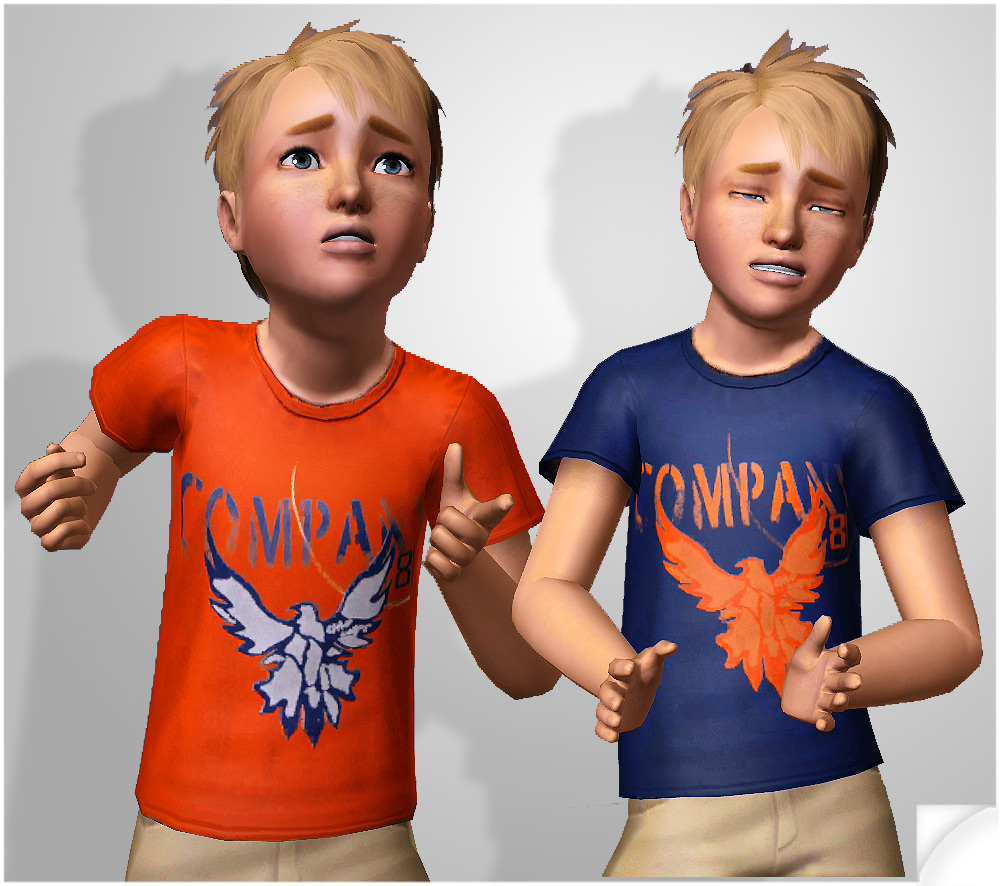
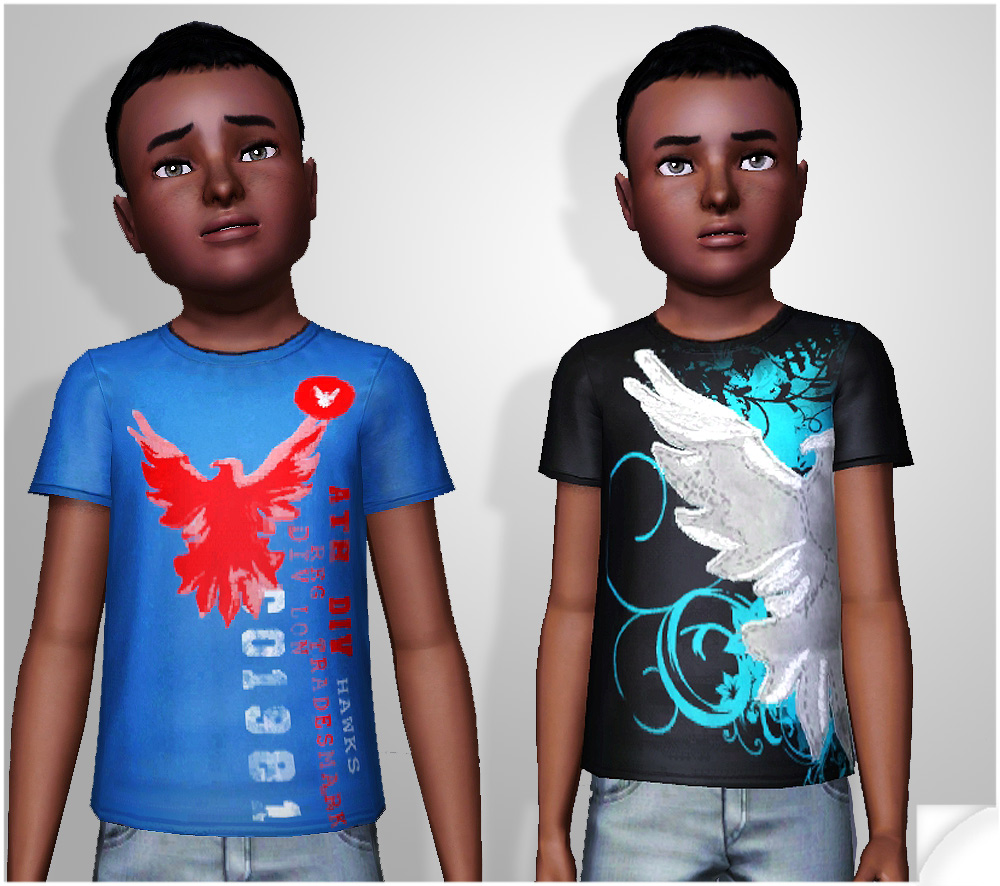
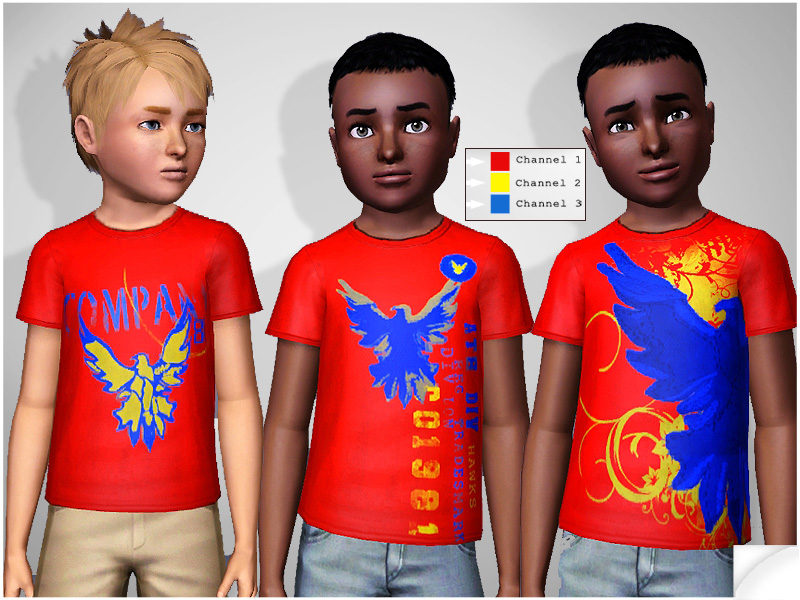
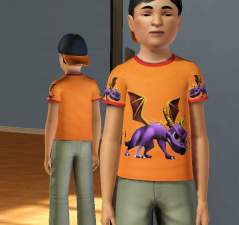
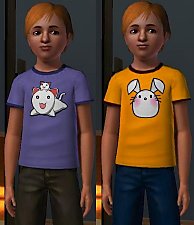
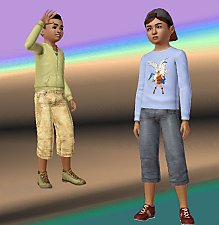
 Boy’s Company81 Graphic Ts
 Boy’s Company81 Graphic Ts


img003.jpg - width=800 height=600
img002.jpg - width=1000 height=886
img001.jpg - width=1000 height=886
Sharing Guidlines:
YES - you may upload it with your sims;(If uploading with a sim please give credit}.
NO - you may not recycle any part of my textures to use as your own.
No - you may not claim as your own or reupload this package anywhere.
NO - you may not upload recolors anywhere.
Additional Credits:
Thanks very much to Delphy and all the other developers for creating programs such as CTU.
Thank you to the tutorial writers w/o you most of us couldn’t begin to do such simple things as this.
Lastly, thank you to all of you who download and comment.
|
KiaraRawks_CmTop_Pack001_Company81T.rar
Download
Uploaded: 30th Apr 2011, 576.2 KB.
30,830 downloads.
|
||||||||
| For a detailed look at individual files, see the Information tab. | ||||||||
Install Instructions
1. Click the download button, or the filename, to download the file to your computer.
2. Extract the zip, rar, or 7z file. Now you will have either a .package or a .sims3pack file.
For Package files:
1. Cut and paste the file into your Documents\Electronic Arts\The Sims 3\Mods\Packages folder. If you do not already have this folder, you should read the full guide to Package files first: Sims 3:Installing Package Fileswiki, so you can make sure your game is fully patched and you have the correct Resource.cfg file.
2. Run the game, and find your content where the creator said it would be (build mode, buy mode, Create-a-Sim, etc.).
For Sims3Pack files:
1. Cut and paste it into your Documents\Electronic Arts\The Sims 3\Downloads folder. If you do not have this folder yet, it is recommended that you open the game and then close it again so that this folder will be automatically created. Then you can place the .sims3pack into your Downloads folder.
2. Load the game's Launcher, and click on the Downloads tab. Find the item in the list and tick the box beside it. Then press the Install button below the list.
3. Wait for the installer to load, and it will install the content to the game. You will get a message letting you know when it's done.
4. Run the game, and find your content where the creator said it would be (build mode, buy mode, Create-a-Sim, etc.).
Extracting from RAR, ZIP, or 7z: You will need a special program for this. For Windows, we recommend 7-Zip and for Mac OSX, we recommend Keka. Both are free and safe to use.
Need more help?
If you need more info, see:
- For package files: Sims 3:Installing Package Fileswiki
- For Sims3pack files: Game Help:Installing TS3 Packswiki
Loading comments, please wait...

Uploaded: 30th Apr 2011 at 8:09 AM
-
-
-
-
by Anubis360 14th Aug 2009 at 10:33am
 22
41.5k
44
22
41.5k
44
-
-
-
-
-

-

-
by KiaraRawks 17th Jan 2014 at 9:52am
A set of 3 1x1 dining tables for your small homes or poor sims. more...
14
23.3k
145
-
by KiaraRawks 21st Jul 2005 at 4:46pm
I think this is my best boy nursery yet! So I hope you enjoy it very much! more...
-
by KiaraRawks 23rd Sep 2005 at 5:29am
Made them a couple of days ago and I planned to put it on my site. more...
-
by KiaraRawks 19th Feb 2006 at 12:21am
Style your little baby's up in these cute little dresses made by meh. I hope you like them. more...
-
by KiaraRawks 11th Feb 2009 at 7:46pm
Hey there! more...
 +14 packs
8 17.6k 17
+14 packs
8 17.6k 17 Family Fun
 University
 Glamour Life
 Nightlife
 Open for Business
 Pets
Pets
 H&M Fashion
 Teen Style
 Seasons
 Kitchen & Bath
 Bon Voyage
 Free Time
 Apartment Life
 Mansion and Garden
-
by KiaraRawks 21st Dec 2005 at 10:01pm
Here is a room based on a girly pattern I found on a site. more...
-
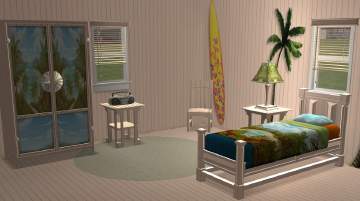
by KiaraRawks 10th Jun 2006 at 11:22pm
Feel like changing up your sim's bedroom to something different? Well so did I! more...
-
by KiaraRawks 22nd May 2006 at 10:34pm
Now a bathroom for your little boys in a soft sky blue. more...
-
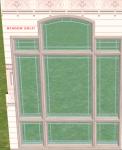
by KiaraRawks 5th Feb 2006 at 1:19am
Heres just some recolors in white of 2 windows and a door! I hope they are useful to you! more...
5
14.1k
3
-
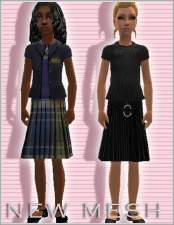
by KiaraRawks 5th Jan 2006 at 3:16am
Heres ANOTHER mesh for your little girls! more...



About Me
You may never upload my meshes to any other site. Meshes must be linked to where they can be downloaded; Meaning please do not package my meshes with your recolored objects.
Clothing:
Meshes must be linked back MTS2 for downloaders to download, if you decide to recolor. Never include my meshes in your zips or rars unless you have permission from me.
If you want include clothing made by me or yourself on my mesh, the mesh as stated above must be linked to download here at MTS2 but the clothing recolor itself may be uploaded with your sim.