
 Sign in to Mod The Sims
 Functional Microphone and Stand (Cloned from Mirror)
 Functional Microphone and Stand (Cloned from Mirror)


servo speech.jpg - width=502 height=648
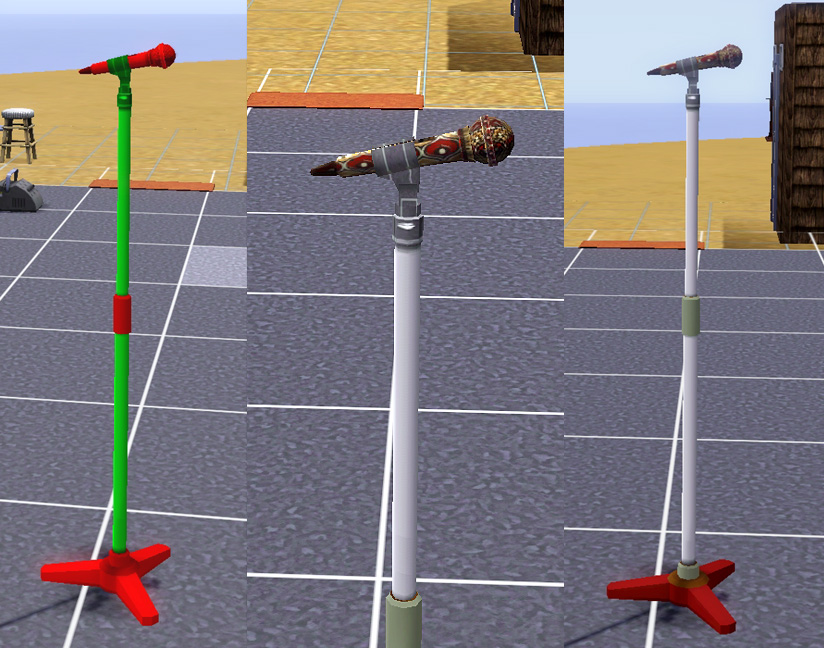
recolours.jpg - width=824 height=648
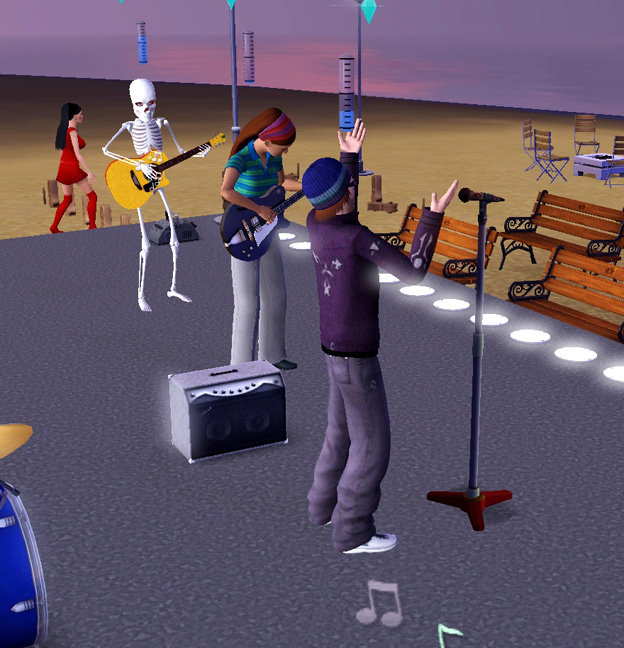
swordettes2.jpg - width=624 height=648
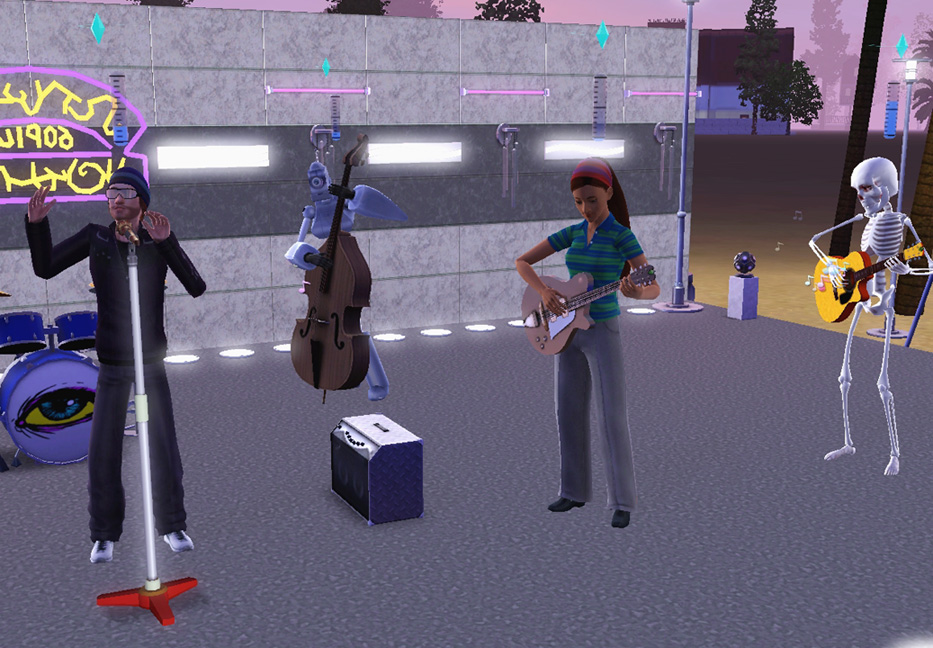
swordettes1.jpg - width=933 height=648
Update 18th October 2011: This item still works OK with Pets and the Pets-level patch (1.26 for PC, 1.27 for Mac) that broke many other cc Buy Mode items - it's a type of item that isn't affected by the patch (doesn't have slots) and doesn't need fixing.
Following a few suggestions after my DJ Booth upload, here is a microphone & stand cloned from a floor mirror which can be used for all mirror interactions including practising speeches. So, as well as making speeches, your sims can also look like they're singing, reciting poetry and so on.
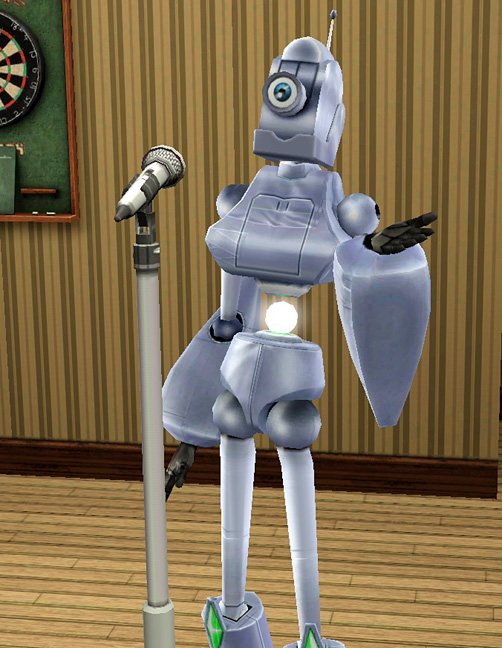
Although it looks like an electronics item, it's technically a 'mirror' and is found in the Decor section under Mirrors, at a cost of 350 simoleans.
It has two recolour channels, as below. If using patterns, it repatterns in an odd way - the mic itself will display the pattern you choose, but the central brace and the footstand will come out in two different random solid colours taken from the pattern, as seen in the second two below pics. I don't know why it does that, but I guess it's pretty good as you effectively get three 'recolours' on one channel!
You can now have bands that look like proper bands, with a singer (well, a rapper, at least), as demonstrated below by Cycl0n3 and the Sw0rdettes:
Thanks for looking, hope you'll find this useful!
INSTALL INSTRUCTIONS:
Unzip the .zip file and copy the .package file to your Mods\Packages folder. If you don't have a Mods\Packages folder and/or don't know how to install .package files, please see full instructions here: http://www.modthesims.info/wiki.php...g_Package_Files
The servo and skeleton sims in the above pics are by me:
Servo: http://www.modthesims.info/d/391993
Mr Skeleto: http://www.modthesims.info/d/395831
Polygon Counts:
793
Additional Credits:
A huge thank-you to orangemittens and Cloudburst for helpful advice that enabled me to figure out how to get rid of the preset default wooden pattern of the mirror I cloned this from, which insisted on overlaying the entire microphone and stand with a heavy dark brown wooden texture!
Made with s3oc, S3PE and Sims 3 Object Tool.
Tested OK with Delphy's Sims 3 Dashboard.
Thank you to Maxis for the Sims 2 microphone stand and freestyle microphone, which I cobbled together bits of meshes and textures from to make into this item.
This is a new mesh, and means that it's a brand new self contained object that usually does not require a specific Pack (although this is possible depending on the type). It may have Recolours hosted on MTS - check below for more information.
|
EsmeraldaF_Microphone+Stand.zip
Download
Uploaded: 20th May 2011, 169.2 KB.
39,906 downloads.
|
||||||||
| For a detailed look at individual files, see the Information tab. | ||||||||
Install Instructions
1. Click the download button, or the filename, to download the file to your computer.
2. Extract the zip, rar, or 7z file. Now you will have either a .package or a .sims3pack file.
For Package files:
1. Cut and paste the file into your Documents\Electronic Arts\The Sims 3\Mods\Packages folder. If you do not already have this folder, you should read the full guide to Package files first: Sims 3:Installing Package Fileswiki, so you can make sure your game is fully patched and you have the correct Resource.cfg file.
2. Run the game, and find your content where the creator said it would be (build mode, buy mode, Create-a-Sim, etc.).
For Sims3Pack files:
1. Cut and paste it into your Documents\Electronic Arts\The Sims 3\Downloads folder. If you do not have this folder yet, it is recommended that you open the game and then close it again so that this folder will be automatically created. Then you can place the .sims3pack into your Downloads folder.
2. Load the game's Launcher, and click on the Downloads tab. Find the item in the list and tick the box beside it. Then press the Install button below the list.
3. Wait for the installer to load, and it will install the content to the game. You will get a message letting you know when it's done.
4. Run the game, and find your content where the creator said it would be (build mode, buy mode, Create-a-Sim, etc.).
Extracting from RAR, ZIP, or 7z: You will need a special program for this. For Windows, we recommend 7-Zip and for Mac OSX, we recommend Keka. Both are free and safe to use.
Need more help?
If you need more info, see:
- For package files: Sims 3:Installing Package Fileswiki
- For Sims3pack files: Game Help:Installing TS3 Packswiki
Loading comments, please wait...

Uploaded: 20th May 2011 at 6:13 PM
Updated: 3rd Jul 2025 at 12:34 PM - French translation added
#microphone, #mic, #mike
-
by WesHowe 30th Aug 2009 at 1:50am
 12
24.4k
7
12
24.4k
7
-
-
by blakegriplingph updated 24th Oct 2011 at 2:25am
58
156.7k
373
-
-
by blakegriplingph 11th Oct 2012 at 3:31pm
80
159.4k
365
-
by blakegriplingph updated 3rd Mar 2014 at 12:12am
+1 packs
11 17.6k 39 University Life
-
by TheJim07 28th Mar 2015 at 10:14am
3
13.7k
76
-
by TheJim07 14th Jul 2016 at 9:11pm
7
13.3k
36
-
-


-
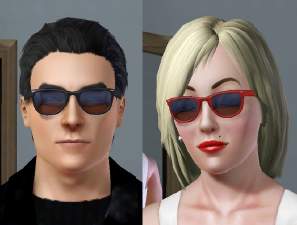
'Wayfarer'-style sunglasses for men and women, teen to elder
by Esmeralda 1st Dec 2009 at 3:32pm
Following a suggestion from a member, here is a set of shades for men and women in a style inspired more...
15
59.6k
66
-
MaxoidMonkey's Alienware PC - TS4 Version
by Esmeralda updated 9th Mar 2015 at 2:07pm
MaxoidMonkey's Alienware PC - TS4 Version more...
 37
46.8k
202
37
46.8k
202
-
Sims 2 Rave Goggles + Assorted Retextures
by Esmeralda updated 22nd Mar 2016 at 5:50pm
Sims 2 Rave Goggles + Assorted Retextures more...
18
45.3k
136
-
Lots More Bots - 21 New Servo Overrides
by Esmeralda updated 22nd Feb 2020 at 10:30am
21 new default replacement choices for your Servos more...
+1 packs
28 38.8k 62 Discover University
-

Sittable Motorcycle - TS3 conversion
by Esmeralda updated 22nd Sep 2015 at 11:50am
Sittable Motorcycle - TS3 conversion more...
48
158k
138
-
Guitar of Life and Death (TS3 Conversion)
by Esmeralda 27th Sep 2015 at 11:37am
Guitar of Life and Death (TS3 Conversion) more...
17
21.5k
96
-
-
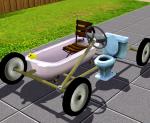
Cheap and Silly Transport for Eccentric/Inappropriate Sims: The Bathroomobile
by Esmeralda 27th Sep 2012 at 3:32pm
Cheap and Silly Transport for Eccentric/Inappropriate Sims: The Bathroomobile more...
147
92.7k
279
-

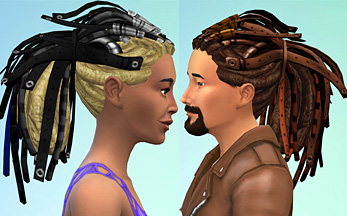
Electric Dreads for Men and Women (TS3 Conversion)
by Esmeralda 30th Jan 2015 at 6:14pm
Electric Dreads for Men and Women (TS3 Conversion) more...
33
75.6k
233
-
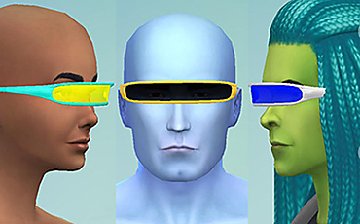
Cyborg Visor (TS4 Version) - Updated January 23 2015: Intel bugfix, 5 new colours
by Esmeralda updated 23rd Jan 2015 at 11:24am
Cyborg Visor (TS4 Version) more...
10
18.5k
52


About Me
MY POLICY: I'm easygoing, please just don't copy my creations or claim them to be your own work. You may include my creations with your sims or lots, just credit me with a link back to the item.