
 Sign in to Mod The Sims
 Devil in the detail
 Devil in the detail


Thumb.jpg - width=415 height=399
Detail.jpg - width=857 height=371
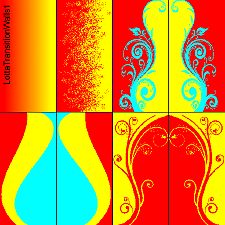
Channels.jpg - width=535 height=1024
In game tiling.jpg - width=628 height=892
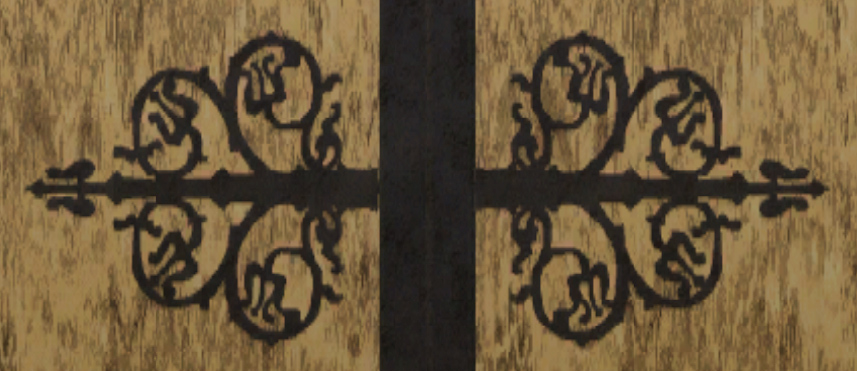
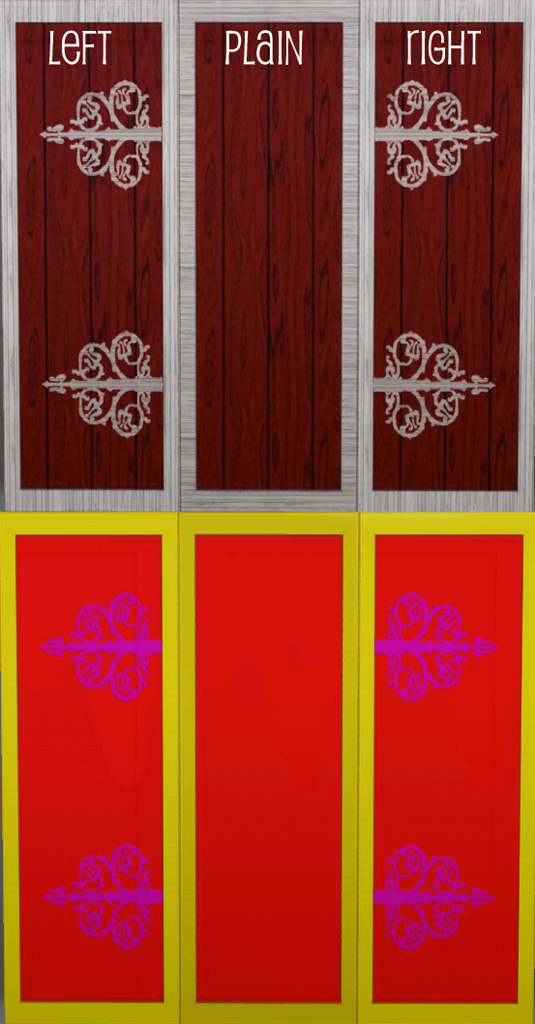
A decorative panel found under paneling and they costs 7 simoleons. They were cloned from the base game barn panel so they'll come with the same preset patterns, here they are as you'll first find them along with they're recolourable channels.
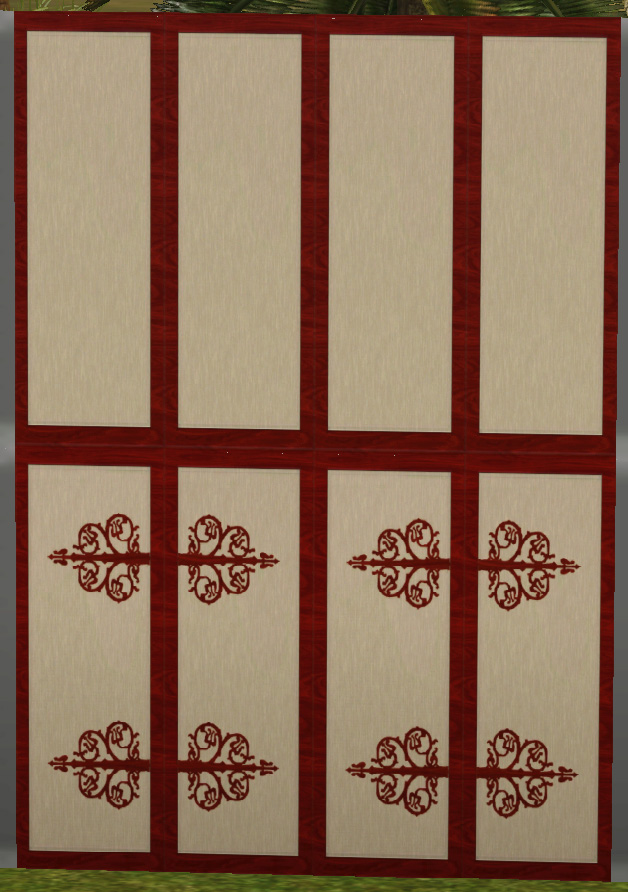
In game tiling recoloured.

|
missy harries-Devil in the detail.7z
Download
Uploaded: 26th Jul 2012, 167.3 KB.
5,610 downloads.
|
||||||||
| For a detailed look at individual files, see the Information tab. | ||||||||
Install Instructions
1. Click the download button, or the filename, to download the file to your computer.
2. Extract the zip, rar, or 7z file. Now you will have either a .package or a .sims3pack file.
For Package files:
1. Cut and paste the file into your Documents\Electronic Arts\The Sims 3\Mods\Packages folder. If you do not already have this folder, you should read the full guide to Package files first: Sims 3:Installing Package Fileswiki, so you can make sure your game is fully patched and you have the correct Resource.cfg file.
2. Run the game, and find your content where the creator said it would be (build mode, buy mode, Create-a-Sim, etc.).
For Sims3Pack files:
1. Cut and paste it into your Documents\Electronic Arts\The Sims 3\Downloads folder. If you do not have this folder yet, it is recommended that you open the game and then close it again so that this folder will be automatically created. Then you can place the .sims3pack into your Downloads folder.
2. Load the game's Launcher, and click on the Downloads tab. Find the item in the list and tick the box beside it. Then press the Install button below the list.
3. Wait for the installer to load, and it will install the content to the game. You will get a message letting you know when it's done.
4. Run the game, and find your content where the creator said it would be (build mode, buy mode, Create-a-Sim, etc.).
Extracting from RAR, ZIP, or 7z: You will need a special program for this. For Windows, we recommend 7-Zip and for Mac OSX, we recommend Keka. Both are free and safe to use.
Need more help?
If you need more info, see:
- For package files: Sims 3:Installing Package Fileswiki
- For Sims3pack files: Game Help:Installing TS3 Packswiki
Loading comments, please wait...
Uploaded: 26th Jul 2012 at 4:01 PM
-
by daluved1 updated 13th Jan 2011 at 6:20pm
 27
53.4k
107
27
53.4k
107
-
by armiel 27th Jan 2011 at 5:48pm
15
36.1k
96
-
by alexpilgrim 20th Jun 2011 at 7:55pm
61
102.1k
285
-
by AdonisPluto 17th Feb 2012 at 7:28pm
12
18.3k
36
-
-
by Lo2ta updated 25th Dec 2024 at 8:47am
14
2.5k
16
-
by Lo2ta 28th Oct 2025 at 5:33pm
1
1.1k
2
-
by Lo2ta 3rd Nov 2025 at 6:38pm
707
1
-

by Lo2ta 26th Feb 2026 at 6:07pm
1
814
4
-

by Lo2ta 11th May 2026 at 8:18pm
710



-
by missy harries 26th Mar 2010 at 3:37pm
This fixes the eye white problem as well as removing the poxy lip tinge. more...
-
by missy harries 21st Jul 2012 at 2:45pm
A collection of 12 Tudor/Medieval style walls. more...
8
33.6k
83
-
City of the Ancients (Advent Children collection)
by missy harries 9th Jun 2007 at 7:55pm
This Painting collection is made of screenshots taken from the Final Fantasy film ‘Advent Children’ and has been converted for more...
 6
17.3k
16
6
17.3k
16
-
by missy harries 31st Jul 2007 at 5:34pm
Here are a set of eyes for you. There are 10 colours in total. These are in game pictures. more...
-
UPDATED: Default Eye Replacement Now With Small Version
by missy harries updated 26th Mar 2010 at 6:29pm
I have updated this to include a small version so you now have a choice. more...
-
Final Fantasy Girls “Pee-a boo” Recolor.
by missy harries 1st Jun 2007 at 7:30pm
I came across these desktop wallpaper’s and couldn’t resist converting them to paintings so here they are. more...
+1 packs
6 24.1k 6 Nightlife
-
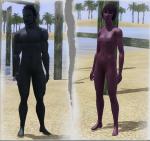
Duo Seperation - Blue Slate and Amethyst
by missy harries 30th Mar 2010 at 6:02pm
My Duo Tones now have seprate sliders, they come in Default and Non-Default. more...
-
Duo Tones, Blue Slate & Amethyst - Replacement Skin Tone Slider
by missy harries 17th Dec 2009 at 12:02am
In game shot, (extracted sims from background) This will replace the nasty blue skintone with what more...
-
Duo Tones, Olive & Umber - Replacement Skin Tone Slider
by missy harries 23rd Dec 2009 at 9:33pm
In game Shot (sim extracted from background) This will replace the strange green skintone with what I more...
-
Duo Seperation - Olive and Umber
by missy harries 8th Apr 2010 at 8:19pm
Duo Tone colours now have they're own seperate non default sliders. more...


