
 Sign in to Mod The Sims
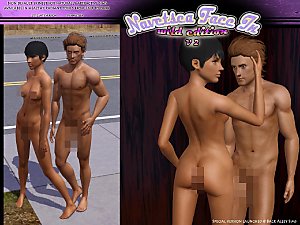
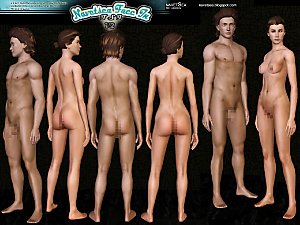
 Face- In TS3 revised Cute Edition default and non default
 Face- In TS3 revised Cute Edition default and non default


cute-clothed.jpg - width=640 height=640
cute-naked-censored.jpg - width=640 height=640
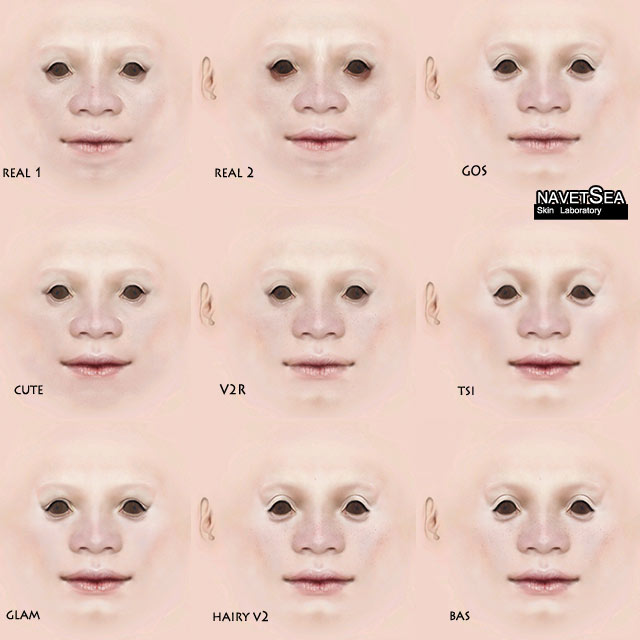
face-comparison.jpg - width=640 height=640

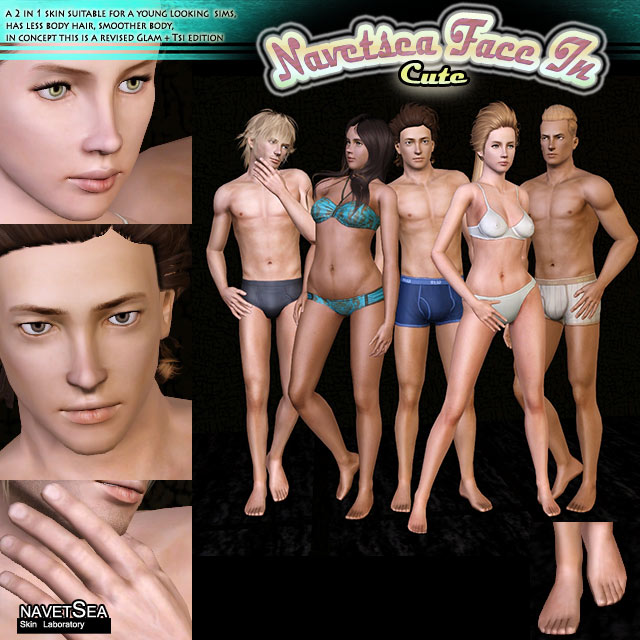
It has all the latest update of my skin including:
new eyelids, foot and hand details, revised toddler skin.
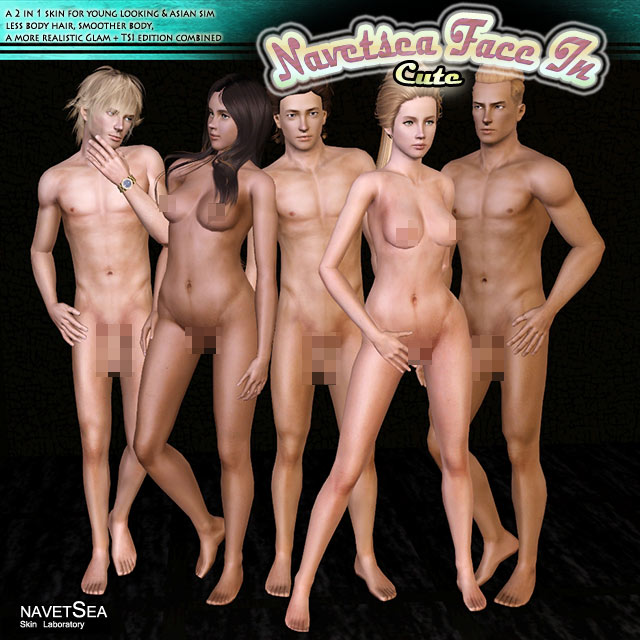
Tone wise, it has similar color ramp as GoS edition, pale to dark+ alien
Here is a comparison of different faces from different skin I have made so far
Thanks to mahamudo for the update, this skin is now fully compatible with this custom normal map, please check this out, it will add pleasant details to the skin.
http://mahamudosim3x18.blogspot.com...18a11b3dd231801
HOW to install:
follow the new way of installing mods,
1. download FrameworkSetup (http://chii.modthesims.info/FrameworkSetup.zip), and unzip in (Documents\Electronic Arts\The Sims 3\)
2. unzip my pack, then put the package file in (Documents\Electronic Arts\The Sims 3\Mods\Packages)
3. delete cache files in (Documents\Electronic Arts\The Sims 3\)
4. close all your explorer windows (any windows involve The sims 3 contents)
5. fire up your game
This skin is Barbie waist down, my full uncensored version is currently available at my blog:
http://navetsea.blogspot.com
cheers,
navetsea
Additional Credits:
-Peter& Inge Jones for S3PE -CmarNYC for skininator
-Peggy, Newsea, Rosesim, Sky, Anubis, Tumtum for hair I might use in the screenshot
-Puccamichi, Maximumsims, R2M, Traelia for poses I use
-Mahamudo for the awesome looking normal map
|
navetsea F-IN TS3 MTSv cute nondefault.7z
Download
Uploaded: 27th Aug 2012, 5.40 MB.
46,652 downloads.
|
||||||||
|
navetsea F-IN TS3 MTSv cute default.7z
Download
Uploaded: 27th Aug 2012, 5.40 MB.
35,532 downloads.
|
||||||||
| For a detailed look at individual files, see the Information tab. | ||||||||
Install Instructions
1. Click the download button, or the filename, to download the file to your computer.
2. Extract the zip, rar, or 7z file. Now you will have either a .package or a .sims3pack file.
For Package files:
1. Cut and paste the file into your Documents\Electronic Arts\The Sims 3\Mods\Packages folder. If you do not already have this folder, you should read the full guide to Package files first: Sims 3:Installing Package Fileswiki, so you can make sure your game is fully patched and you have the correct Resource.cfg file.
2. Run the game, and find your content where the creator said it would be (build mode, buy mode, Create-a-Sim, etc.).
For Sims3Pack files:
1. Cut and paste it into your Documents\Electronic Arts\The Sims 3\Downloads folder. If you do not have this folder yet, it is recommended that you open the game and then close it again so that this folder will be automatically created. Then you can place the .sims3pack into your Downloads folder.
2. Load the game's Launcher, and click on the Downloads tab. Find the item in the list and tick the box beside it. Then press the Install button below the list.
3. Wait for the installer to load, and it will install the content to the game. You will get a message letting you know when it's done.
4. Run the game, and find your content where the creator said it would be (build mode, buy mode, Create-a-Sim, etc.).
Extracting from RAR, ZIP, or 7z: You will need a special program for this. For Windows, we recommend 7-Zip and for Mac OSX, we recommend Keka. Both are free and safe to use.
Need more help?
If you need more info, see:
- For package files: Sims 3:Installing Package Fileswiki
- For Sims3pack files: Game Help:Installing TS3 Packswiki
Loading comments, please wait...


Uploaded: 27th Aug 2012 at 11:07 AM
-
Realism Skins - NON-DEFAULT and DEFAULT versions!
by traelia 3rd Mar 2010 at 7:24pm
-
Naughty & Nice Male Skins (Muscular)
by LadyFrontbum 11th Jun 2010 at 2:43am
-
234jiao TS3 Asian skin non-default&default(9.2)made by 234jiao
by 234jiao updated 16th Jul 2010 at 11:57am
-
Ultra-Plain Faces : Default + Non-Default
by tamo updated 28th Aug 2010 at 2:17pm
-
UPDATED--- FFDW-skintone (Non-Default+Default)
by -Mallow- updated 7th Oct 2011 at 5:03am
-
Face- In revised default & non default natural realistic style skin
by Navetsea updated 23rd Jun 2012 at 9:24am
-
Face- In TS3 revised non default Wild Edition V2
by Navetsea 30th Jul 2012 at 2:17pm
-
F-IN 01 TSI/ asian edition revised TS3 nondefault
by Navetsea 1st Oct 2012 at 3:00am
-
Face- In TS3 SEXY edition MTS version
by Navetsea 2nd Nov 2012 at 10:47pm
-
by Navetsea 29th Dec 2012 at 5:44am

-
-
-
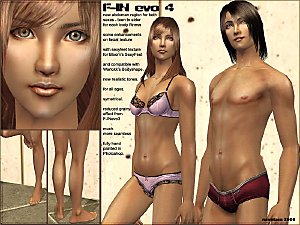
F-INevolution4 default replacement for human, alien, zombie, vampire, lycan, plant
by Navetsea updated 13th Mar 2008 at 5:34am
Hi all ^__^ it's been quite a long time since my last upload, Anyway This is the latest evolution more...
-
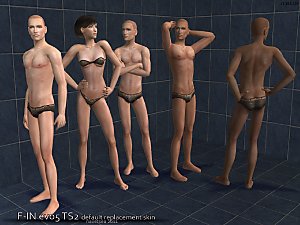
F-IN evo 5 Default Skin Replacement
by Navetsea 6th Mar 2011 at 5:35am
realistic style hand painted skin default replacement more...
-
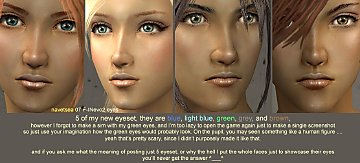
5 eyeset to be used with my F-INevo2 skinset
by Navetsea 14th Feb 2007 at 4:09pm
There, just a little present for the valentine day, the title already explains well ^_^ happy simming more...
-
-

-
-
-
Face- In TS3 SEXY edition MTS version
by Navetsea 2nd Nov 2012 at 10:47pm
Sexy new torso for male and female more...


About Me
My skin can be used/packed with sims anywhere on free sites
beyond that normal use, PM me first.